
- Posts: 640
- Thank you received: 16
How to remove statistics panel
- PeterChain
-
 Topic Author
- Offline
Less
More
13 years 5 months ago #98938
by PeterChain
How to remove statistics panel was created by PeterChain
I'm working on a project in catalog mode so I don't want those Sales statistics in my admin main panel.
I don't see where to remove them. Should I edit some php file?
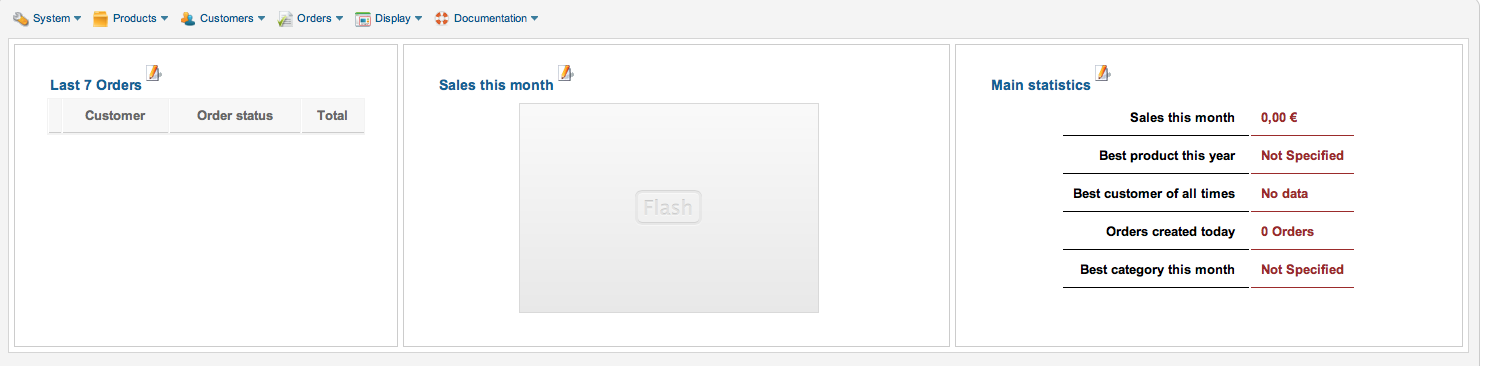
I don't see where to remove them. Should I edit some php file?
Please Log in or Create an account to join the conversation.

13 years 5 months ago #98990
by Jerome
Jerome - Obsidev.com
HikaMarket & HikaSerial developer / HikaShop core dev team.
Replied by Jerome on topic How to remove statistics panel
Hi,
With the menu "Orders > reports" you can configure your reports.
You can create, edit, delete reports and select which report you want to display on the dashboard.
So you can remove all reports from the dashboard or if you really don't want them, you can use the delete button.
Regards,
With the menu "Orders > reports" you can configure your reports.
You can create, edit, delete reports and select which report you want to display on the dashboard.
So you can remove all reports from the dashboard or if you really don't want them, you can use the delete button.
Regards,
Jerome - Obsidev.com
HikaMarket & HikaSerial developer / HikaShop core dev team.
The following user(s) said Thank You: PeterChain
Please Log in or Create an account to join the conversation.
Time to create page: 0.153 seconds