

- Posts: 1184
- Thank you received: 13
hikashop_product_price_with_options_main
13 years 3 months ago #107304
by verzevoul
hikashop_product_price_with_options_main was created by verzevoul
How can I change the class of hikashop_product_price_with_options_main in the default layout? It uses the same for the listing view. So when I change something in the css of this class it changes everywhere where this class is used. Can you give me a small guide to do this . I tried to rename it in my product view but price (from hikashop_product_price_with_options_main to hikashop_product_price_with_options_main_new) but price dissapears.
Please Log in or Create an account to join the conversation.

13 years 3 months ago #107311
by nicolas
Replied by nicolas on topic hikashop_product_price_with_options_main
You don't need to change the class name (it's the same code which is used for the price display anyway, so that would help).
You just need to add your CS like that:
.hikashop_product_page .hikashop_product_price_with_options_main{
color: yellow !important;
}
You just need to add your CS like that:
.hikashop_product_page .hikashop_product_price_with_options_main{
color: yellow !important;
}
Please Log in or Create an account to join the conversation.
13 years 3 months ago - 13 years 3 months ago #107325
by verzevoul
Replied by verzevoul on topic hikashop_product_price_with_options_main
Dear Nikolas. If I do that both printscreen images will get the same (yellow color in your case) isn t it. I need to change the view of these prices. Other style in the show_default and other in the listing I thing.
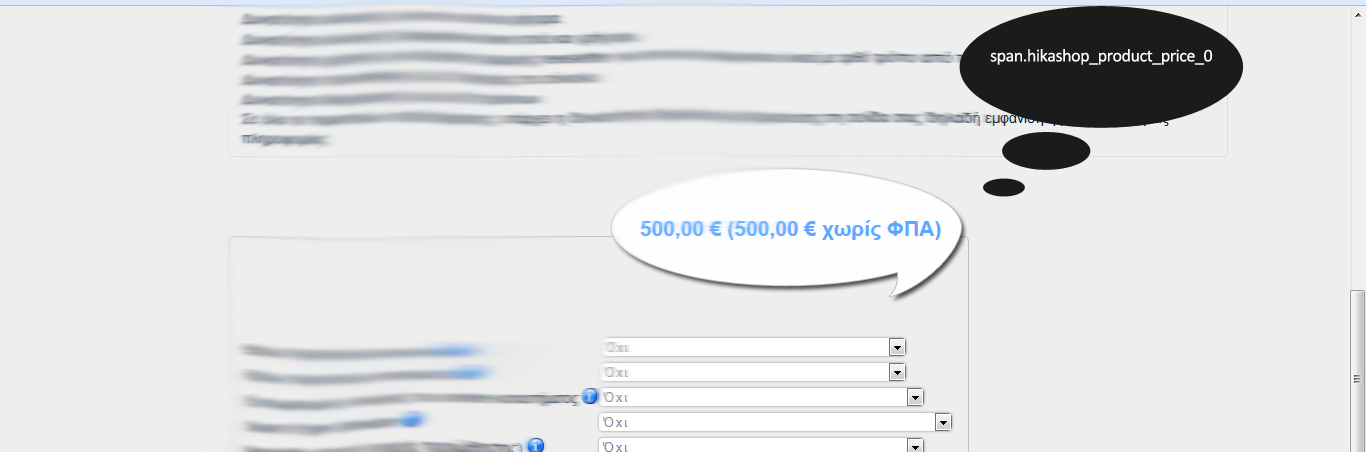

Thank you!
Thank you!
Last edit: 13 years 3 months ago by verzevoul.
Please Log in or Create an account to join the conversation.
13 years 3 months ago #107329
by verzevoul
Replied by verzevoul on topic hikashop_product_price_with_options_main
Sorry...!!! You were clear!
Please Log in or Create an account to join the conversation.
Time to create page: 0.193 seconds