

- Posts: 96
- Thank you received: 0
Image Size
15 years 11 months ago #292
by manamaga
Image Size was created by manamaga
Hi, in Global config>files i have set the pop up image max width and height to max 700, but images are still showing as being very big, check out these images for example:
star-furniture.co.uk/index.php?option=co..._pathway=1&Itemid=10
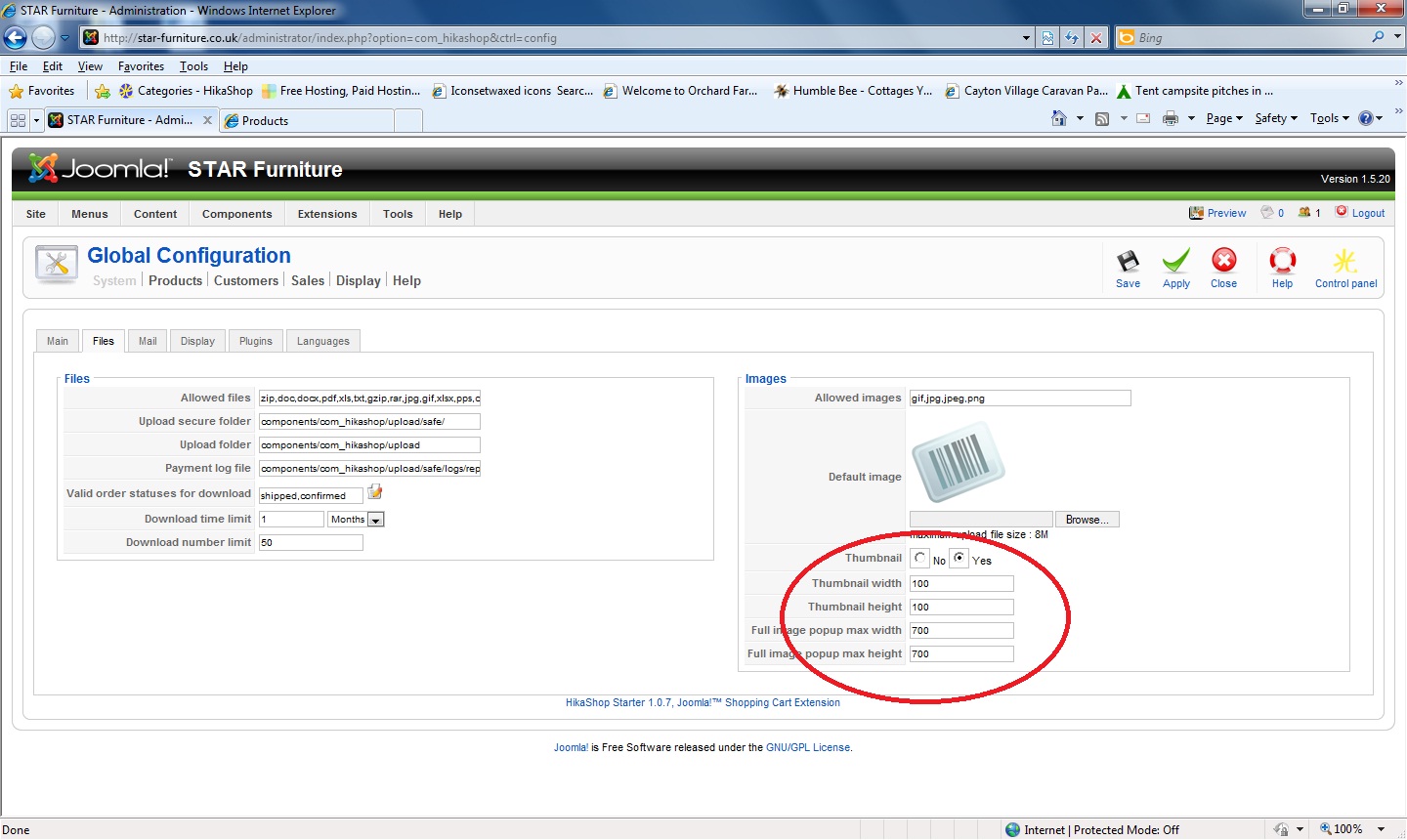
star-furniture.co.uk/index.php?option=co..._pathway=1&Itemid=10
Please Log in or Create an account to join the conversation.

15 years 11 months ago #293
by nicolas
Replied by nicolas on topic Re: Image Size
Hi,
When a thumbnail is already created for an image, if you change these options, the thumbnail won't be recreated unless you remove the thumbnail.
If you want to use a new size for all of your images you already put, you can go with FTP in your image folder and then in the thumbnail subfolder and delete all the images there.
The thumbnails will be recreated automatically.
When a thumbnail is already created for an image, if you change these options, the thumbnail won't be recreated unless you remove the thumbnail.
If you want to use a new size for all of your images you already put, you can go with FTP in your image folder and then in the thumbnail subfolder and delete all the images there.
The thumbnails will be recreated automatically.
Please Log in or Create an account to join the conversation.
15 years 11 months ago #294
by manamaga
Replied by manamaga on topic Re: Image Size
The thumbnail size is fine, its the pop-up image size i want to change. Where is the thumbnail folder?
Please Log in or Create an account to join the conversation.
15 years 11 months ago #296
by nicolas
Replied by nicolas on topic Re: Image Size
The images are in the upload folder and the thumbnails are in the folder thumbnails inside it.
The popup max size options limit the size of the popup itself. Not the image inside. The image inside is displayed in full size and the user is able to scroll to see all the image parts. We do not have an option to resize the full sized image.
The popup max size options limit the size of the popup itself. Not the image inside. The image inside is displayed in full size and the user is able to scroll to see all the image parts. We do not have an option to resize the full sized image.
Please Log in or Create an account to join the conversation.
15 years 11 months ago #299
by manamaga
Replied by manamaga on topic Re: Image Size
ahhh, no worries, i`ll resize the images in photoshop before uploading.
Please Log in or Create an account to join the conversation.
Time to create page: 0.181 seconds