

- Posts: 366
- Thank you received: 26
Edit invoice number
5 years 9 months ago #327226
by Thrane
Edit invoice number was created by Thrane
-- HikaShop version -- : 4.4.0
-- Joomla version -- : 3.9.23
-- PHP version -- : 7.4
Hi
Sorry for all my questions
Is there a way to edit the invoice number manually?
Because I have to use numbers from my other payment system.
Regards
Thomas
-- Joomla version -- : 3.9.23
-- PHP version -- : 7.4
Hi
Sorry for all my questions
Is there a way to edit the invoice number manually?
Because I have to use numbers from my other payment system.
Regards
Thomas
Please Log in or Create an account to join the conversation.

5 years 9 months ago #327239
by nicolas
Replied by nicolas on topic Edit invoice number
Hi,
So you mean you want to change the format of the invoice numbers that are generated ?
Yes, that's possible with the "invoice number format" setting in the HikaShop configuration:
www.hikashop.com/support/documentation/5...nfig.html#main_order
So you mean you want to change the format of the invoice numbers that are generated ?
Yes, that's possible with the "invoice number format" setting in the HikaShop configuration:
www.hikashop.com/support/documentation/5...nfig.html#main_order
Please Log in or Create an account to join the conversation.
5 years 9 months ago #327244
by Thrane
Replied by Thrane on topic Edit invoice number
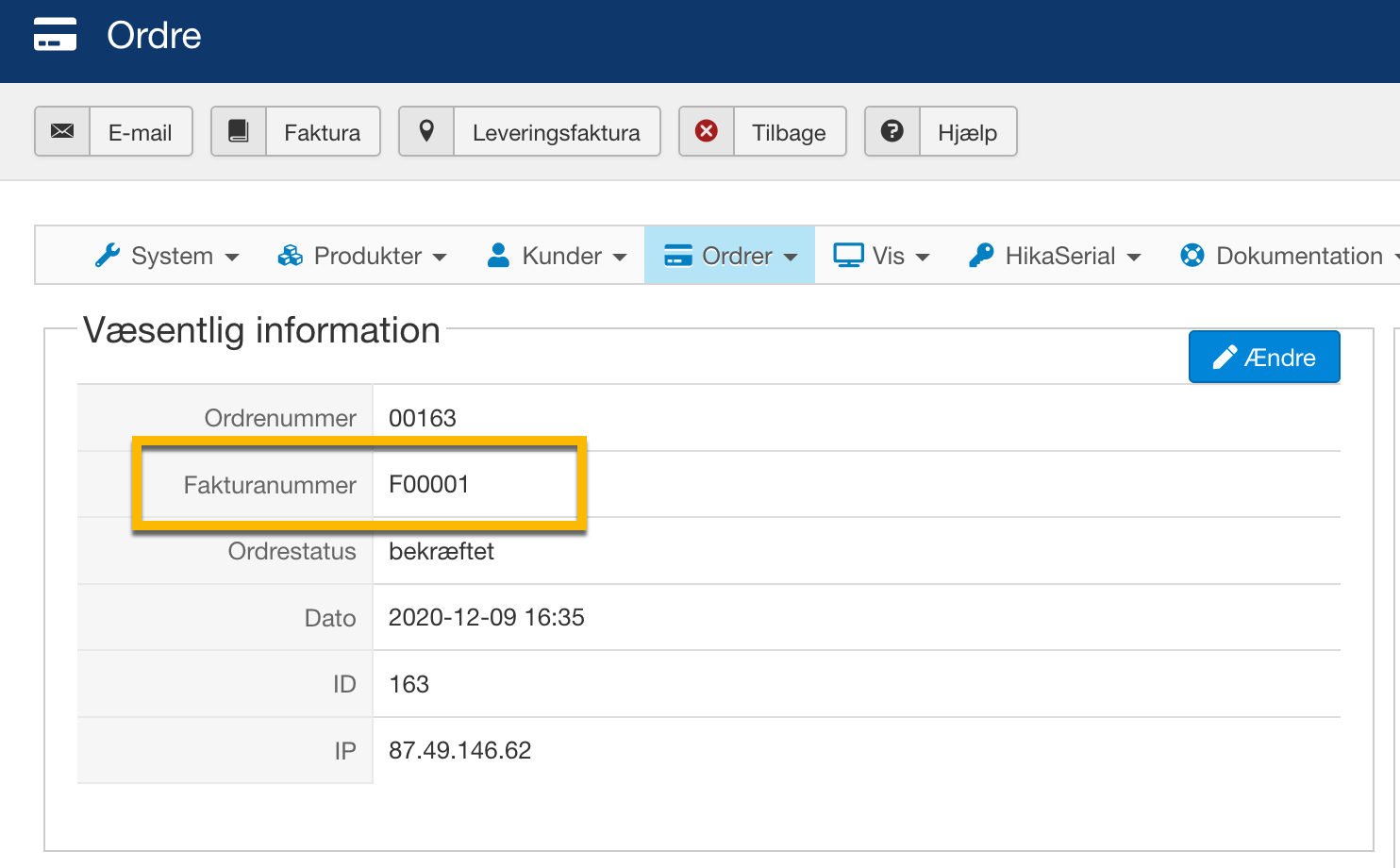
No, not the format, but the number itself on the order.
Please Log in or Create an account to join the conversation.
5 years 9 months ago #327269
by nicolas
Replied by nicolas on topic Edit invoice number
Hi,
In that case, you'll have to go through a mass action with an action "display the results":
monosnap.com/file/tJUEObSgumGdx9YKA1KL1myjRDloAd
When you process it, you'll be able to edit the values by clicking on them:
monosnap.com/file/Yz7RS9ki6xIDMQNMLGYj1fQKj8agFo
Note that the system generates the invoice number based on the invoice id. And the invoice id is automatically incremented based on the maximum value of the invoice id in the other orders. So potentially, if you want the next invoice numbers to after at a certain number, you could just modify the invoice id of a previous order (even a test order) so that the next order would directly have the correct invoice id and invoice number.
In that case, you'll have to go through a mass action with an action "display the results":
monosnap.com/file/tJUEObSgumGdx9YKA1KL1myjRDloAd
When you process it, you'll be able to edit the values by clicking on them:
monosnap.com/file/Yz7RS9ki6xIDMQNMLGYj1fQKj8agFo
Note that the system generates the invoice number based on the invoice id. And the invoice id is automatically incremented based on the maximum value of the invoice id in the other orders. So potentially, if you want the next invoice numbers to after at a certain number, you could just modify the invoice id of a previous order (even a test order) so that the next order would directly have the correct invoice id and invoice number.
Please Log in or Create an account to join the conversation.
5 years 9 months ago #327303
by Thrane
Replied by Thrane on topic Edit invoice number
Thank you, I'll give it a try!
Please Log in or Create an account to join the conversation.
5 years 9 months ago #327304
by Thrane
Replied by Thrane on topic Edit invoice number
Tried it and that's a great solution for me, thank you!
Please Log in or Create an account to join the conversation.
Less
More
- Posts: 58
- Thank you received: 8
5 years 7 months ago #330047
by Ans van Tongeren
Replied by Ans van Tongeren on topic Edit invoice number
Thank you very much from me too! This is exactly what I was searching for since the invoice and order numbers weren't the same. So thank you for the very clear explanation, even I could handle it...! 
Regards,
Ans
Regards,
Ans
Please Log in or Create an account to join the conversation.
Time to create page: 0.229 seconds