

- Posts: 490
- Thank you received: 2
how to use mass action for image upload
8 years 2 months ago - 8 years 2 months ago #295376
by ronron
how to use mass action for image upload was created by ronron
-- HikaShop version -- : hikashop 3.4
-- Joomla version -- : 3.6
-- PHP version -- : 5.5
-- Error-message(debug-mod must be tuned on) -- : none
hi
i created a custom field for products which is an image upload. The image to be uploaded is an admin task which is generic to all products. somthing like a logo of fresh product, best buy or something to that effect.
how can i do this to all products using mass action?
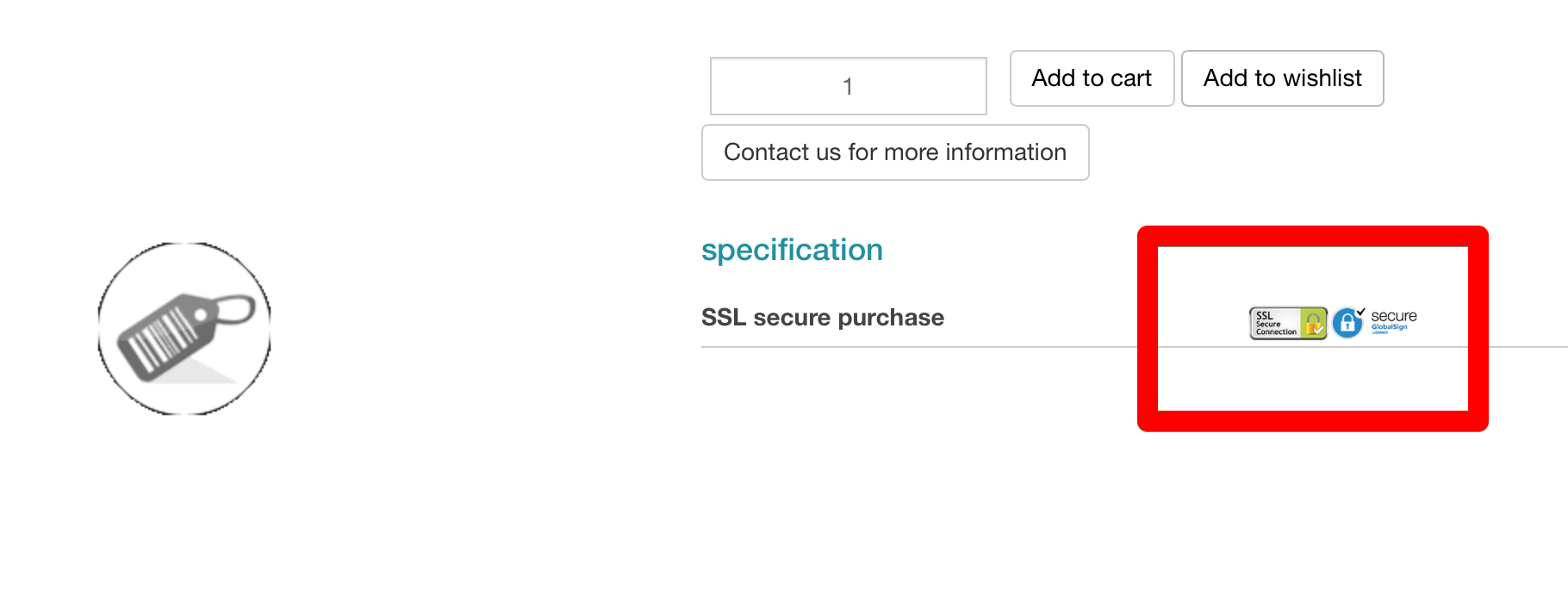
below is the sample of the SSL logo i added to the product page
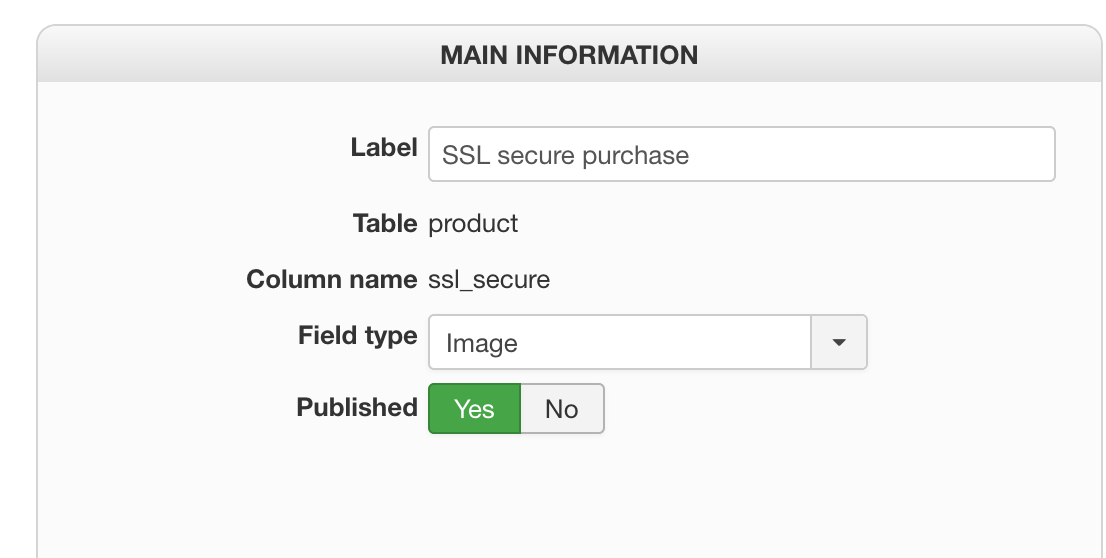
and here is the configuratioon
thank you
-- Joomla version -- : 3.6
-- PHP version -- : 5.5
-- Error-message(debug-mod must be tuned on) -- : none
hi
i created a custom field for products which is an image upload. The image to be uploaded is an admin task which is generic to all products. somthing like a logo of fresh product, best buy or something to that effect.
how can i do this to all products using mass action?
below is the sample of the SSL logo i added to the product page
and here is the configuratioon
thank you
Last edit: 8 years 2 months ago by ronron.
Please Log in or Create an account to join the conversation.

8 years 2 months ago #295400
by nicolas
Replied by nicolas on topic how to use mass action for image upload
Hi,
Do a CSV export of that product and check the column of your custom field for the value that is set there.
Then, in a mass action, you can use the action "update the values" on the column of your custom field with the type "string" and enter the value from the CSV in the input field.
When you run the mass action, all the products will get the value and thus the image.
Do a CSV export of that product and check the column of your custom field for the value that is set there.
Then, in a mass action, you can use the action "update the values" on the column of your custom field with the type "string" and enter the value from the CSV in the input field.
When you run the mass action, all the products will get the value and thus the image.
Please Log in or Create an account to join the conversation.
Time to create page: 0.175 seconds