
- Posts: 43
- Thank you received: 1
Updating Language File
- bruce@brucedill.com
-
 Topic Author
- Offline
Less
More
4 years 11 months ago #336267
by bruce@brucedill.com
Updating Language File was created by bruce@brucedill.com
-- url of the page with the problem -- :
2022sscanational.com/administrator/index...staller&view=install
-- HikaShop version -- : 4.4.4
-- Joomla version -- : 3x
-- PHP version -- : 7.4.24
-- Browser(s) name and version -- : Chrome
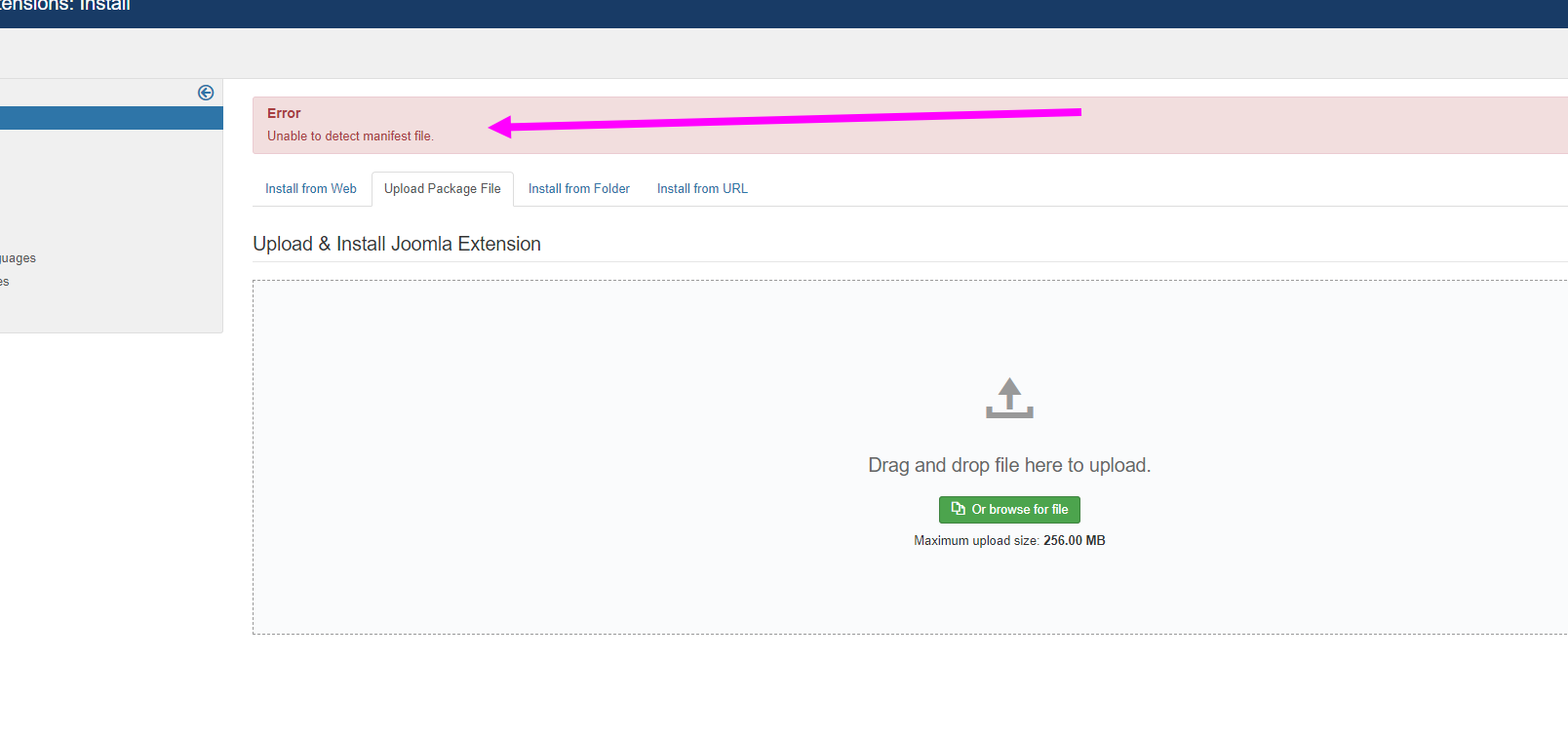
See attached.
-- HikaShop version -- : 4.4.4
-- Joomla version -- : 3x
-- PHP version -- : 7.4.24
-- Browser(s) name and version -- : Chrome
See attached.
Please Log in or Create an account to join the conversation.

4 years 11 months ago #336271
by nicolas
Replied by nicolas on topic Updating Language File
Hi,
That interface is to install extensions. You can't update language files from there.
If you use other languages that weren't installed during the wizard setup phase of the installation of HikaShop, you simply have to go on the HikaShop Configuration page ("Hikashop->System->Configuration"), click on the tab "Languages" and then create your own language. HikaShop will propose you to load the latest version of this language directly from our website. Finally, you simply have to save the language to have it on your website. If you don't see your language there, that's because you first need to install your language in Joomla before you can install it in HikaShop.
That interface is to install extensions. You can't update language files from there.
If you use other languages that weren't installed during the wizard setup phase of the installation of HikaShop, you simply have to go on the HikaShop Configuration page ("Hikashop->System->Configuration"), click on the tab "Languages" and then create your own language. HikaShop will propose you to load the latest version of this language directly from our website. Finally, you simply have to save the language to have it on your website. If you don't see your language there, that's because you first need to install your language in Joomla before you can install it in HikaShop.
Please Log in or Create an account to join the conversation.
- bruce@brucedill.com
-
Topic Author
- Offline
Less
More
- Posts: 43
- Thank you received: 1
4 years 11 months ago #336286
by bruce@brucedill.com
Replied by bruce@brucedill.com on topic Updating Language File
Thank you. I think I understand this now.
Please Log in or Create an account to join the conversation.
Time to create page: 0.264 seconds