[Skip to main content](#vessel-content)
# Integrations
## [ Icons on Joomla dashboard ](/support/documentation/96-hikashop-icons-on-joomla-dashboard)
Details Written by: Administrator Category: [Integrations](/support/documentation/hikashop/integrations) Published: 13 October 2010 Hits: 22351
- [Description](#description)
- [Enable the plugin](#install)
- [Result](#result)
### Description
This plugin, once enabled, displays a shortcut icon to HikaShop on the backend dashboard of your website.
### Enable the plugin
- The plugin is installed with HikaShop. Log in to your backend and open **System -> Plugins**, then search for "HikaShop Quick Icon" (plugin type "quickicon").
- Make sure that it is enabled. Its options are the following:
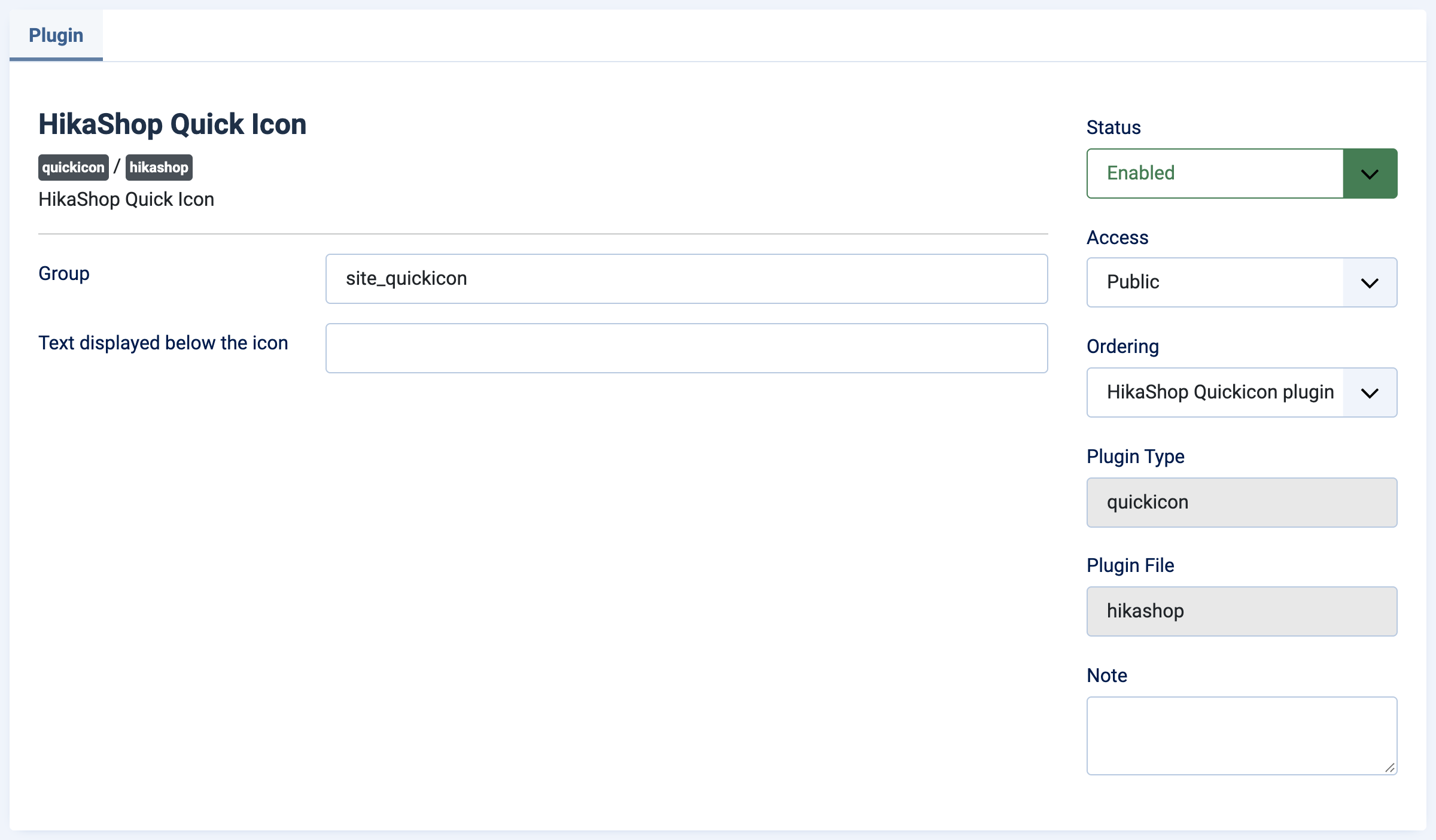
- **Group**: the group of icons of the Joomla dashboard in which the icon is displayed. The default value "site\_quickicon" displays it in the "Site" panel of the Home dashboard.
- **Text displayed below the icon**: the text of the icon. Leave it empty to use the name "HikaShop".
### Result
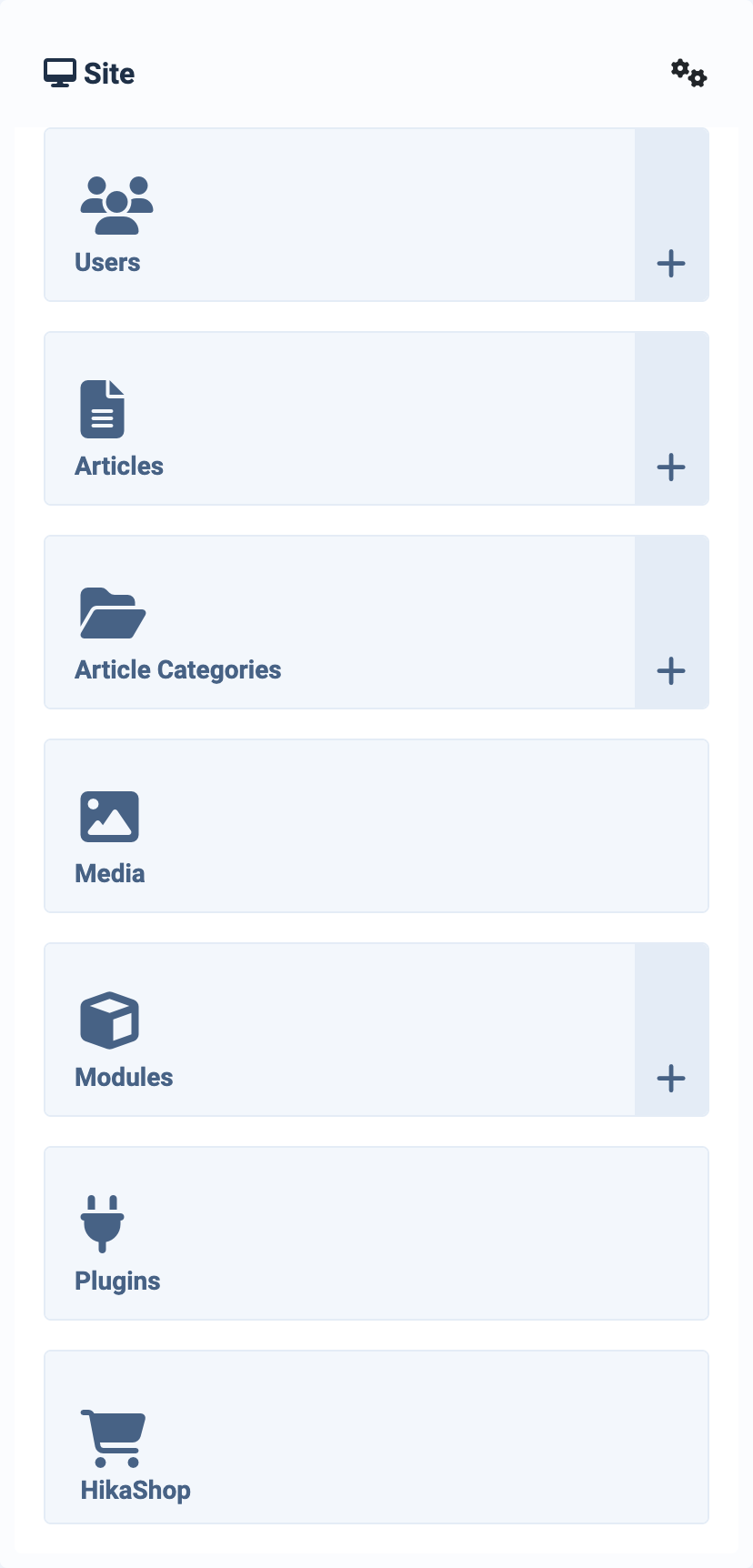
- You will see the icon in the "Site" panel of the dashboard of the backend, and a click on it opens HikaShop:
Page 3 of 3