

- Posts: 39
- Thank you received: 0
Upload image on checkout too big
12 years 11 months ago #129863
by Oslo
Upload image on checkout too big was created by Oslo
Hello,
I've tested putting a product in the cart and upload images (as my product can be personalized upto 15 photos and with text), it works perfect...
When I proceed to checkout it's great, as the text and photos uploaded by the client are shown before they pay... One small problem the photos showed (of what they've uploaded) are massive. I just want them to see a small thumbnail of what they've uploaded, but musn't change the size of their photo.
How can I do this??
I really do hope I've made myself clear (sorry).
Thank-you
I've tested putting a product in the cart and upload images (as my product can be personalized upto 15 photos and with text), it works perfect...
When I proceed to checkout it's great, as the text and photos uploaded by the client are shown before they pay... One small problem the photos showed (of what they've uploaded) are massive. I just want them to see a small thumbnail of what they've uploaded, but musn't change the size of their photo.
How can I do this??
I really do hope I've made myself clear (sorry).
Thank-you
Please Log in or Create an account to join the conversation.

Less
More
- Posts: 12953
- Thank you received: 1778
12 years 11 months ago #129884
by Mohamed Thelji
Replied by Mohamed Thelji on topic Upload image on checkout too big
Hi,
Using some CSS code like this will probably do the job :
Using some CSS code like this will probably do the job :
Code:
.hikashop_cart_product_image_thumb img {
width: 300px;
}
Please Log in or Create an account to join the conversation.
12 years 11 months ago #129906
by Oslo
Replied by Oslo on topic Upload image on checkout too big
No it doesn't work...
I even tried this code :
.hikashop_custom_file_upload_link{
display:block;
width: 150px;
height: 150px;
}
not working. It's really on the payment page where customers choose their payment, before confirming their checkout.
I even tried this code :
.hikashop_custom_file_upload_link{
display:block;
width: 150px;
height: 150px;
}
not working. It's really on the payment page where customers choose their payment, before confirming their checkout.
Please Log in or Create an account to join the conversation.

12 years 11 months ago #129916
by nicolas
Replied by nicolas on topic Upload image on checkout too big
Can you give a link ?
Please Log in or Create an account to join the conversation.
12 years 11 months ago #129919
by Oslo
Replied by Oslo on topic Upload image on checkout too big
Sorry I can't give you a link, I'm working on local...
But here is screen shot of what it gives me :
Clicked on "proceed to checkout", which takes you to the payment page, and gives the client the product he's chosen, his personnal text and photos uploaded. Which is perfect for me, just the photo's too big. !!!I don't want to change the file size!!!
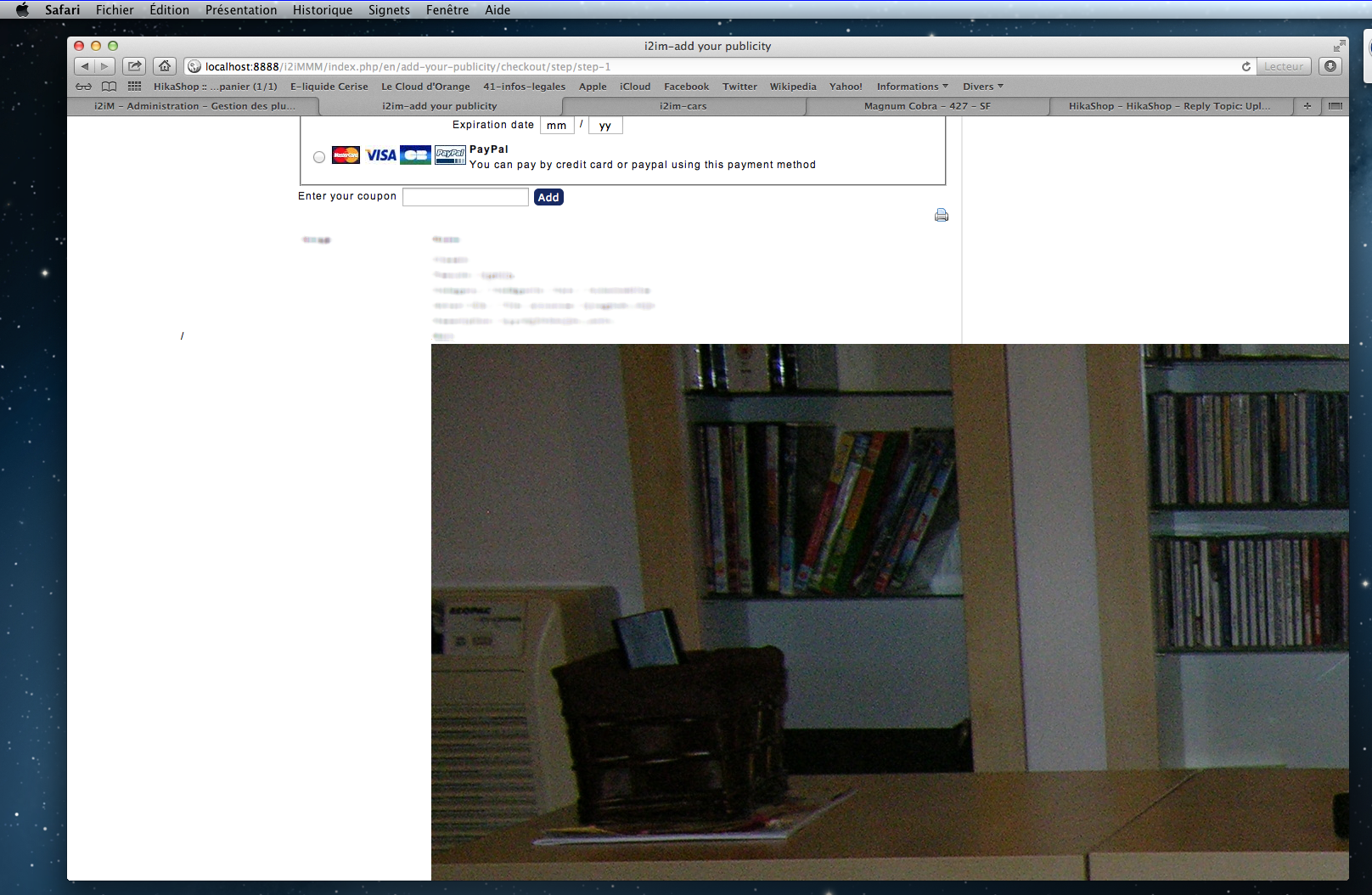
But here is screen shot of what it gives me :
Clicked on "proceed to checkout", which takes you to the payment page, and gives the client the product he's chosen, his personnal text and photos uploaded. Which is perfect for me, just the photo's too big. !!!I don't want to change the file size!!!
Please Log in or Create an account to join the conversation.
12 years 11 months ago #129936
by Oslo
Replied by Oslo on topic Upload image on checkout too big
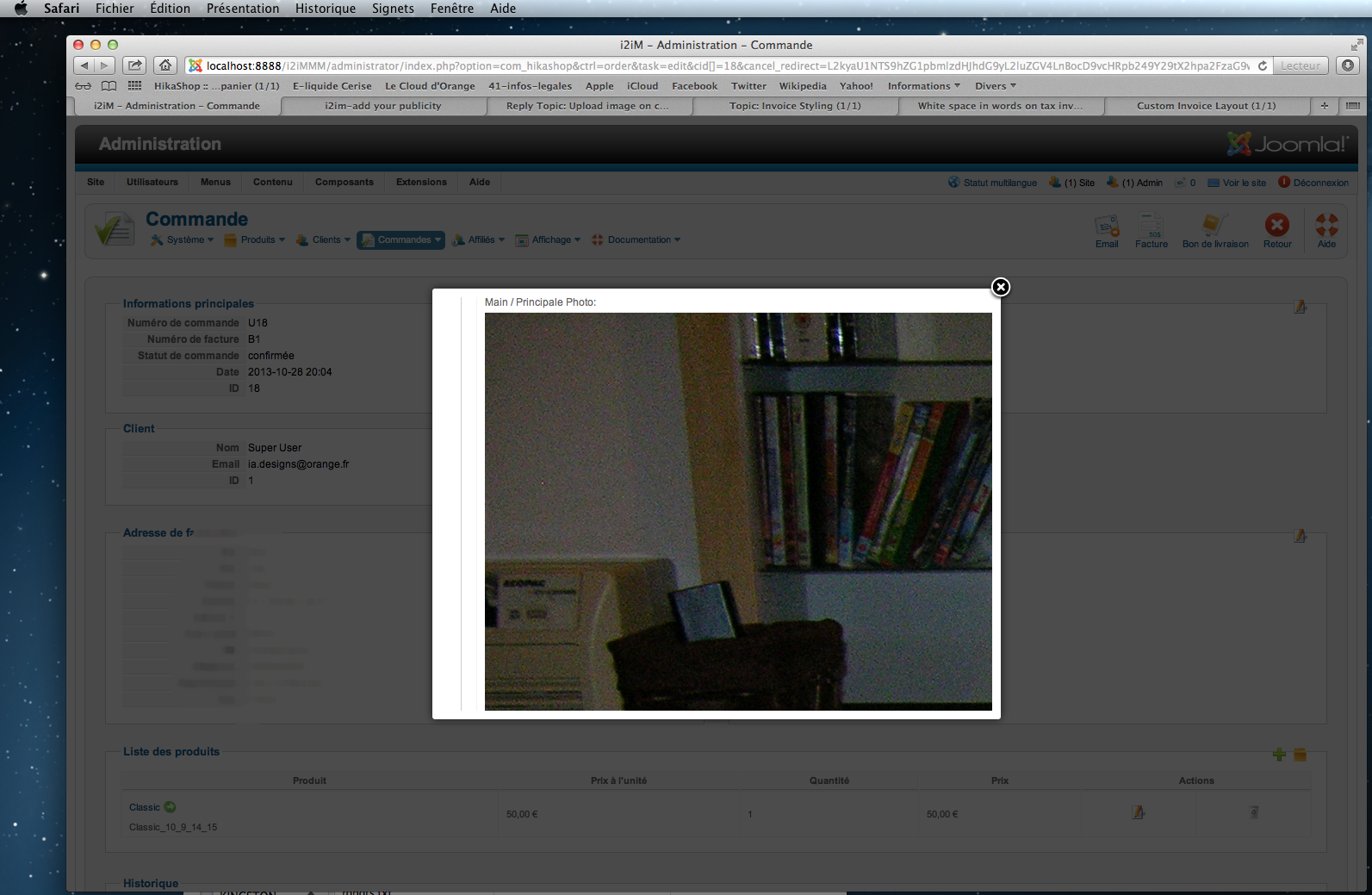
By the way, it's the same thing for the invoice.
Please Log in or Create an account to join the conversation.
12 years 11 months ago #129937
by Oslo
Replied by Oslo on topic Upload image on checkout too big
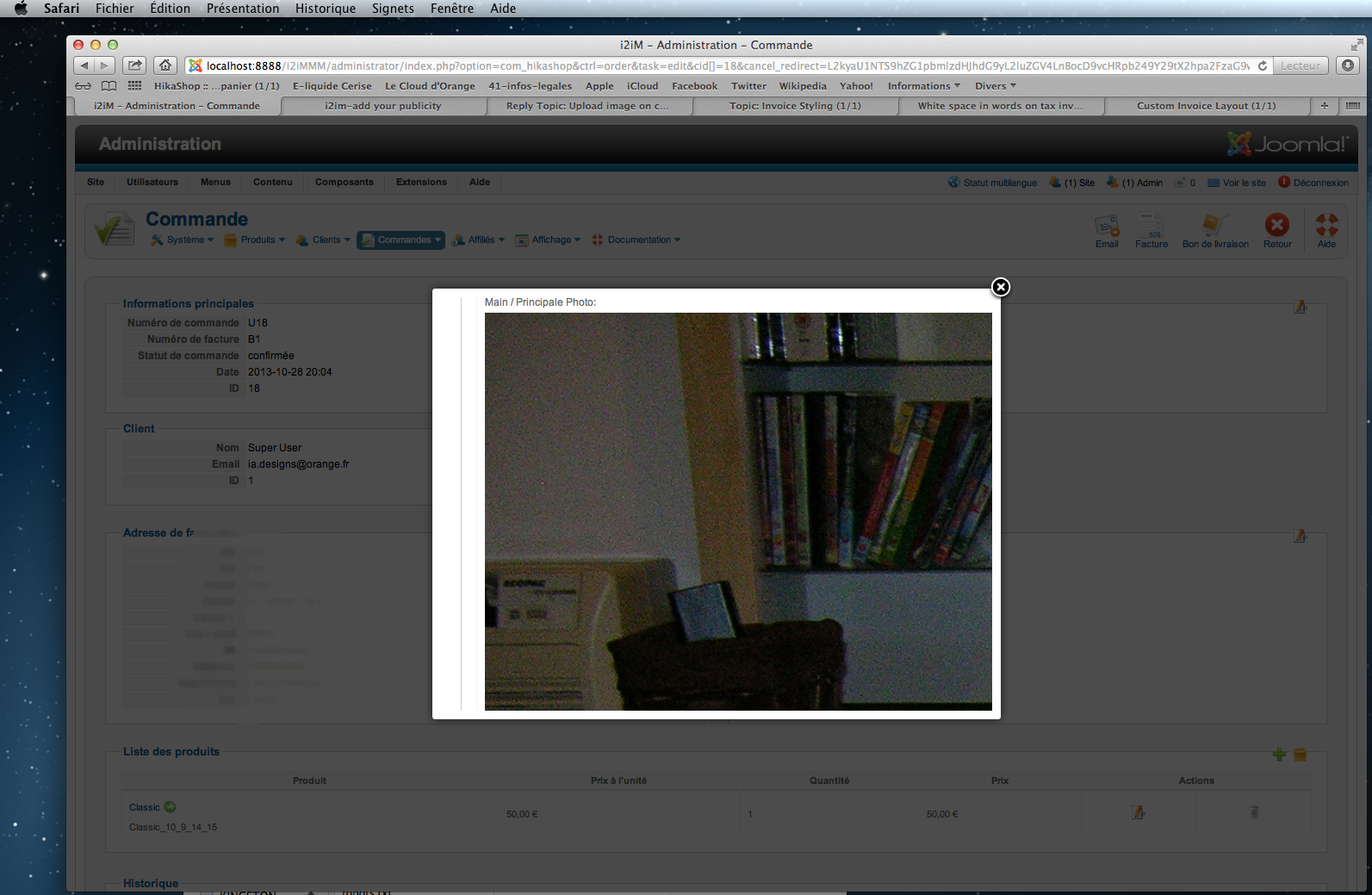
By the way, it's the same thing for the invoice.
Please Log in or Create an account to join the conversation.

12 years 11 months ago #130017
by Xavier
Replied by Xavier on topic Upload image on checkout too big
Hi,
Without the access to your website, we can't really help you.
You problem can be solved with some css properties, you will have to follow that tutorial to find on what apply the css.
www.hikashop.com/support/documentation/1...ize-the-display.html
Without the access to your website, we can't really help you.
You problem can be solved with some css properties, you will have to follow that tutorial to find on what apply the css.
www.hikashop.com/support/documentation/1...ize-the-display.html
Please Log in or Create an account to join the conversation.
12 years 11 months ago #130123
by Oslo
Replied by Oslo on topic Upload image on checkout too big
Ok this is the css code works fine :
.hikashop_custom_image_link{
width: 80px;
height: 80px;
}
Still no luck on the invoice part??? Any idea???
Regards
.hikashop_custom_image_link{
width: 80px;
height: 80px;
}
Still no luck on the invoice part??? Any idea???
Regards
Please Log in or Create an account to join the conversation.
12 years 11 months ago #130126
by Oslo
Replied by Oslo on topic Upload image on checkout too big
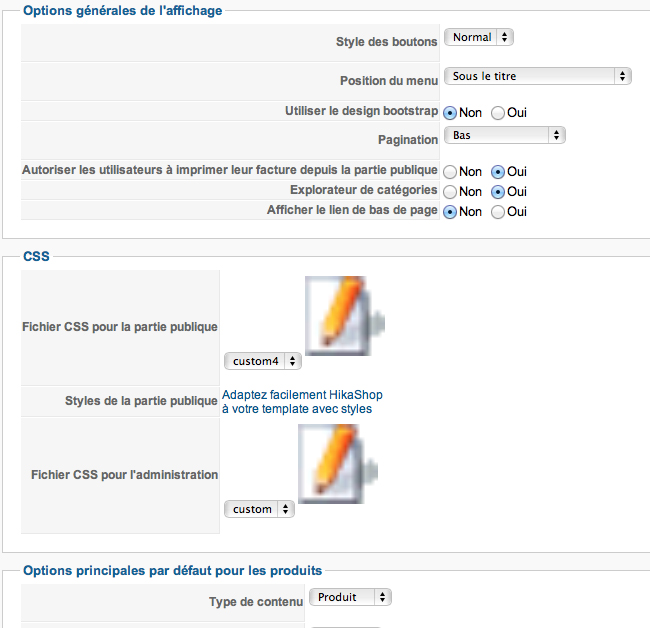
Ok just put this ccs code in the administrator part to make my upload images on invoice smaller :
#hikashop_main_content fieldset.adminform img {
width: 80px;
}
Works fine, but makes all images on administrator part 80px. Quite funny, doesn't bother me as the invoice is how I wan't it.
Just for long terms, is their anything I can do about it??? (different code?)
Thank-you
Regards
#hikashop_main_content fieldset.adminform img {
width: 80px;
}
Works fine, but makes all images on administrator part 80px. Quite funny, doesn't bother me as the invoice is how I wan't it.
Just for long terms, is their anything I can do about it??? (different code?)
Thank-you
Regards
Please Log in or Create an account to join the conversation.
12 years 11 months ago #130168
by Xavier
Replied by Xavier on topic Upload image on checkout too big
Hi,
You have to find a more specific class for these images. Something related to the product, by this way the css property will not be applied on all the hikashop backend images.
You have to find a more specific class for these images. Something related to the product, by this way the css property will not be applied on all the hikashop backend images.
The following user(s) said Thank You: Oslo
Please Log in or Create an account to join the conversation.
Time to create page: 0.253 seconds