
- Posts: 159
- Thank you received: 0
No Stock Issue
- Shafan Hameed
-
 Topic Author
- Offline
Less
More
12 years 6 months ago #149491
by Shafan Hameed
No Stock Issue was created by Shafan Hameed
-- url of the page with the problem -- :
mywebsite.com/mypage
-- HikaShop version -- : x.x.x
-- Joomla version -- : x.x
-- PHP version -- : x.x.x
-- Browser(s) name and version -- : XXXXX x.x.x
-- Error-message(debug-mod must be tuned on) -- : Error_message
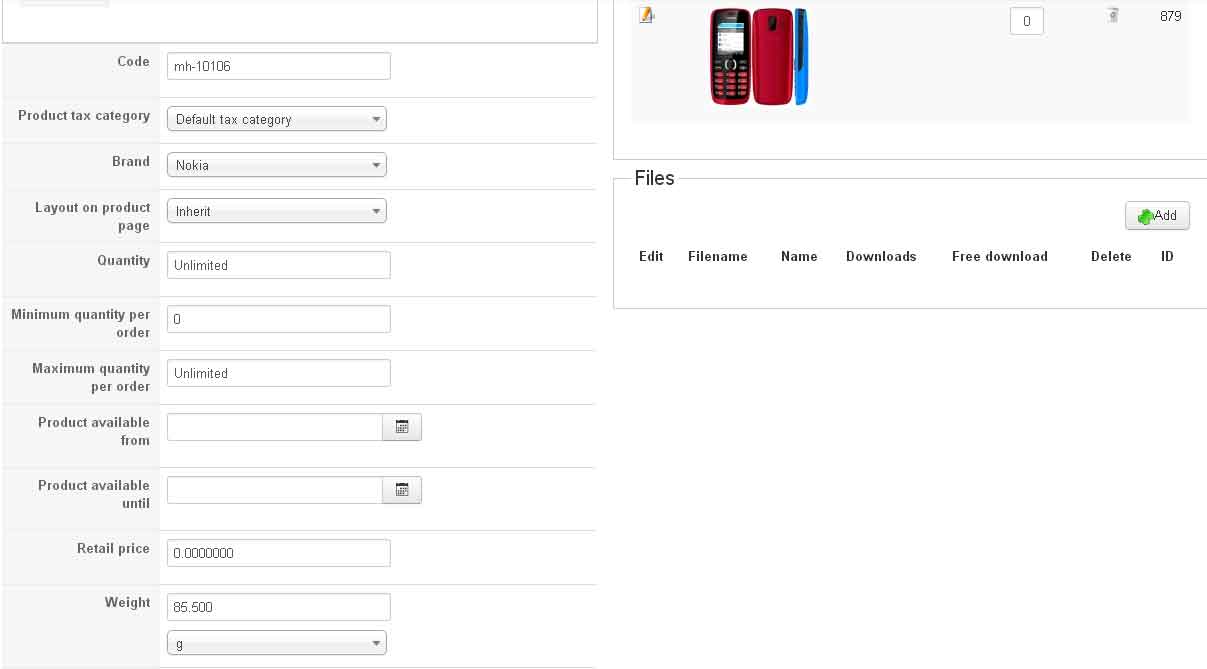
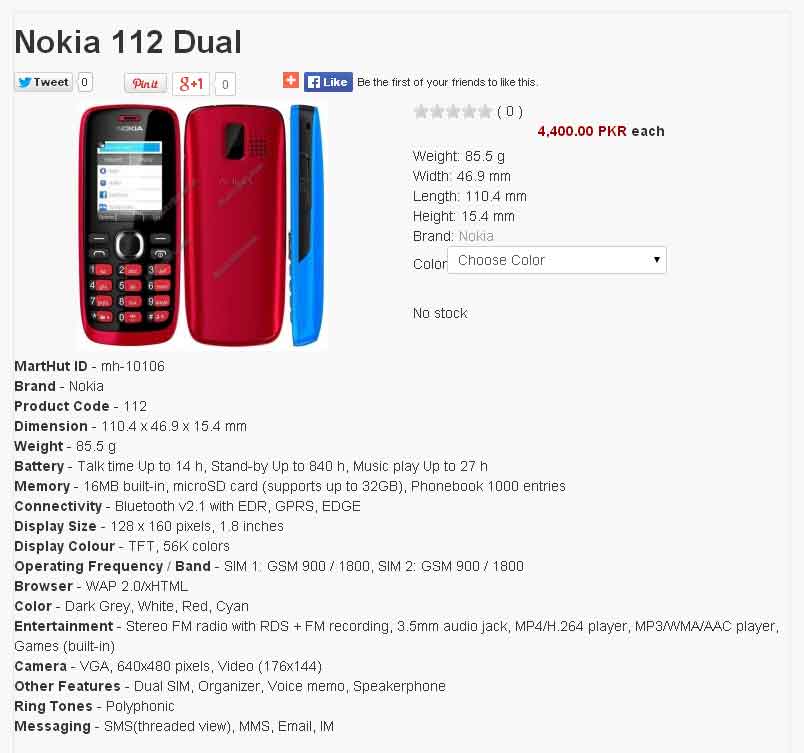
Hi when adding products in hikashop. some of the products shows "No Stock" on front page. These are the pictures of both frontend and backend
-- HikaShop version -- : x.x.x
-- Joomla version -- : x.x
-- PHP version -- : x.x.x
-- Browser(s) name and version -- : XXXXX x.x.x
-- Error-message(debug-mod must be tuned on) -- : Error_message
Hi when adding products in hikashop. some of the products shows "No Stock" on front page. These are the pictures of both frontend and backend
Please Log in or Create an account to join the conversation.

12 years 6 months ago #149501
by nicolas
Replied by nicolas on topic No Stock Issue
It simply means that you set a quantity of 0 in the "choose color" variant of your product.
So it's normal.
If you don't want that text to display but that you still want the choose color variant to show, you need to change the "no stock" message to something else with a translation override:
hikashop.com/download/languages.html#modify
So it's normal.
If you don't want that text to display but that you still want the choose color variant to show, you need to change the "no stock" message to something else with a translation override:
hikashop.com/download/languages.html#modify
Please Log in or Create an account to join the conversation.
Time to create page: 0.128 seconds