
- Posts: 47
- Thank you received: 0
Adding To Wishlist But PopUp Shows Added To Shopping Cart
- brendanlanza
-
 Topic Author
- Offline
Less
More
9 years 7 months ago #263640
by brendanlanza
-- url of the page with the problem -- : unicomms-emall.com
-- HikaShop version -- : 3
Hi guys,
On our website, if you click Add To Wishlist on any product lsting, you'll get an Added To Shopping Cart popup, not added to wishlist. How can this be rectified?
Also in the popup, the Proceed To Checkout button and the Continue Shopping button are stacked atop each other, not positioned side by side, no matter how wide I change the popup width.
-- HikaShop version -- : 3
Hi guys,
On our website, if you click Add To Wishlist on any product lsting, you'll get an Added To Shopping Cart popup, not added to wishlist. How can this be rectified?
Also in the popup, the Proceed To Checkout button and the Continue Shopping button are stacked atop each other, not positioned side by side, no matter how wide I change the popup width.
Please Log in or Create an account to join the conversation.
- brendanlanza
-
Topic Author
- Offline
Less
More
- Posts: 47
- Thank you received: 0
9 years 7 months ago #263655
by brendanlanza
Replied by brendanlanza on topic Wishlist Is A Disaster In Hikashop Business 3
Hi guys, I did some further testing and found lots of stuff that needs to be corrected before my boss lashes out at me for recommending Hikashop:
You can test these out at our site unicomms-emall.com
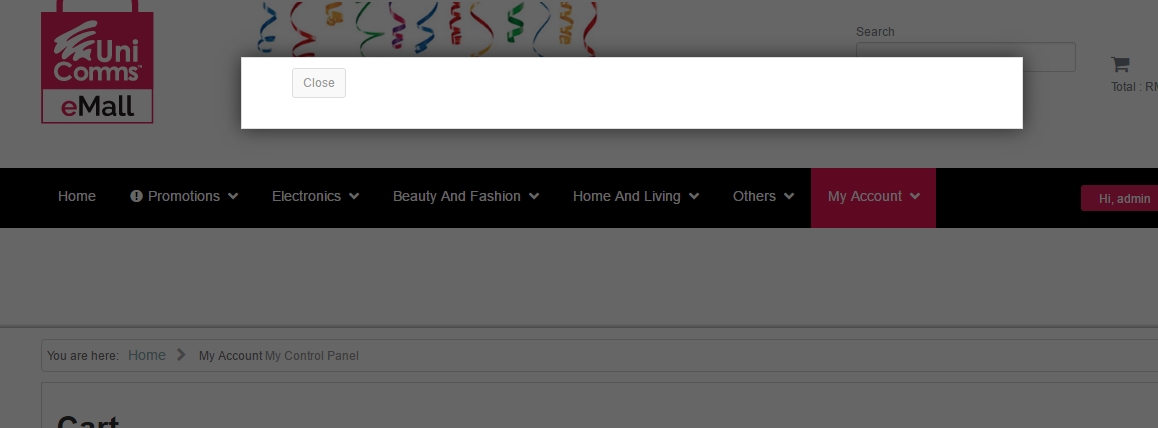
1. Delete an item from the wishlist and you get an empty popup (only 1 item was removed from wishlist and the wishlist is not empty)
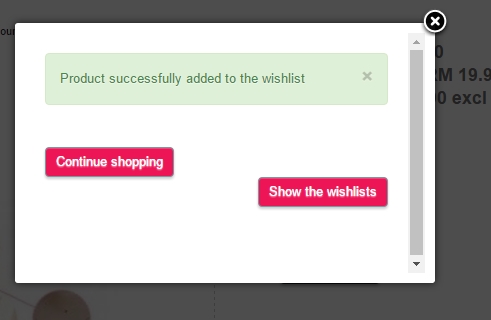
2. Go to any product page and click on Add To Wishlist. You get a popup with unaligned buttons
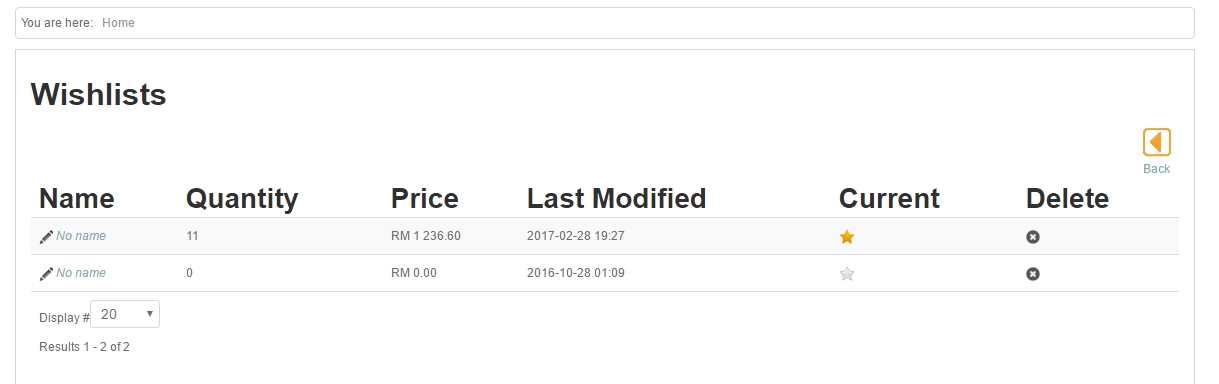
3. Click on the Add To Wishlist button. Two things may happen
3a - you get a reference to the wrong product, not the one you are looking at
3b - you get a WishList with "No Name" as the product item names, and that Wishlist difffers from your actual WishList which you can view by clicking on y Account > My Control Panel which allows access to the Hikashop Wishlist through Hikashop User Control Panel
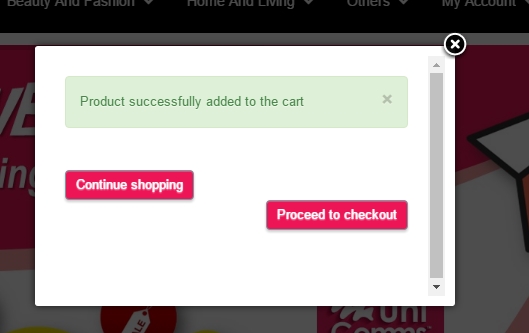
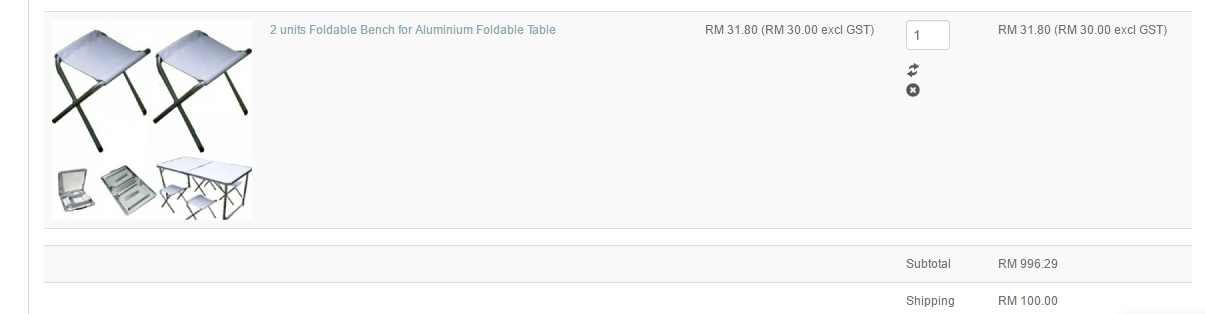
4. Go to any product listing and click Add To Wishlist on any product (register or login first). You get an Add To Shopping Cart popup instead on an Add To Wishlist popup. Click add to cart - yes, the product is added to cart instead of wishlist
I'm just speechless, there's no ranking for this kind of quality control. And people like me are having our jobs at stake for these.
You can test these out at our site unicomms-emall.com
1. Delete an item from the wishlist and you get an empty popup (only 1 item was removed from wishlist and the wishlist is not empty)
2. Go to any product page and click on Add To Wishlist. You get a popup with unaligned buttons
3. Click on the Add To Wishlist button. Two things may happen
3a - you get a reference to the wrong product, not the one you are looking at
3b - you get a WishList with "No Name" as the product item names, and that Wishlist difffers from your actual WishList which you can view by clicking on y Account > My Control Panel which allows access to the Hikashop Wishlist through Hikashop User Control Panel
4. Go to any product listing and click Add To Wishlist on any product (register or login first). You get an Add To Shopping Cart popup instead on an Add To Wishlist popup. Click add to cart - yes, the product is added to cart instead of wishlist
I'm just speechless, there's no ranking for this kind of quality control. And people like me are having our jobs at stake for these.
Please Log in or Create an account to join the conversation.

9 years 7 months ago #263657
by nicolas
Replied by nicolas on topic Wishlist Is A Disaster In Hikashop Business 3
Hi,
I think that most issues comes from some issues between HikaShop 3 and your template which might have overrides for some of your views as we don't have these problems on our end.
First thing I would recommend is to turn off the "add to cart legacy" setting of the HikaShop configuration.
You can also switch temporarily to the default template of Joomla to check which problems are bugs in HikaShop and which comes from custom views of your template.
I think that most issues comes from some issues between HikaShop 3 and your template which might have overrides for some of your views as we don't have these problems on our end.
First thing I would recommend is to turn off the "add to cart legacy" setting of the HikaShop configuration.
You can also switch temporarily to the default template of Joomla to check which problems are bugs in HikaShop and which comes from custom views of your template.
Please Log in or Create an account to join the conversation.
Time to create page: 0.158 seconds