

- Posts: 2
- Thank you received: 0
Filtering with custom fields doesn't work, only the base filters
8 years 11 months ago #280512
by SuriImre
Dear Support!
I have read about the Forum topics "HikaShop/ Specific Features/ Filters & Search/ Filtering function with custom fields", but i can't setup the Custom fields Filters what we need... :S
I have done with this steps:
"1. You create custom fields of the type "product".
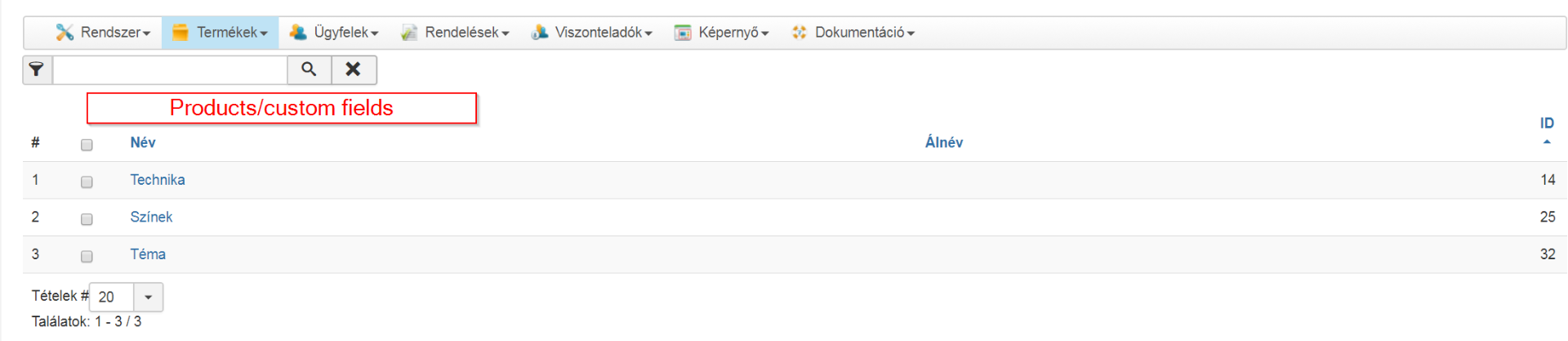
2. In each custom field, you enter all the possible values for each dropdown.
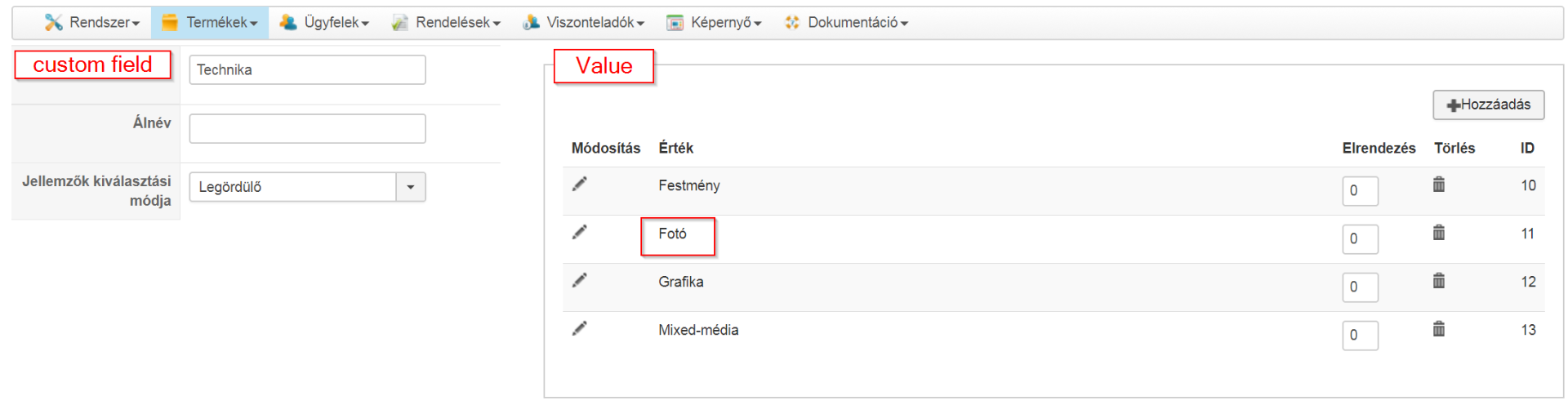
3. In each product, you select the value you want for each dropdown custom field.
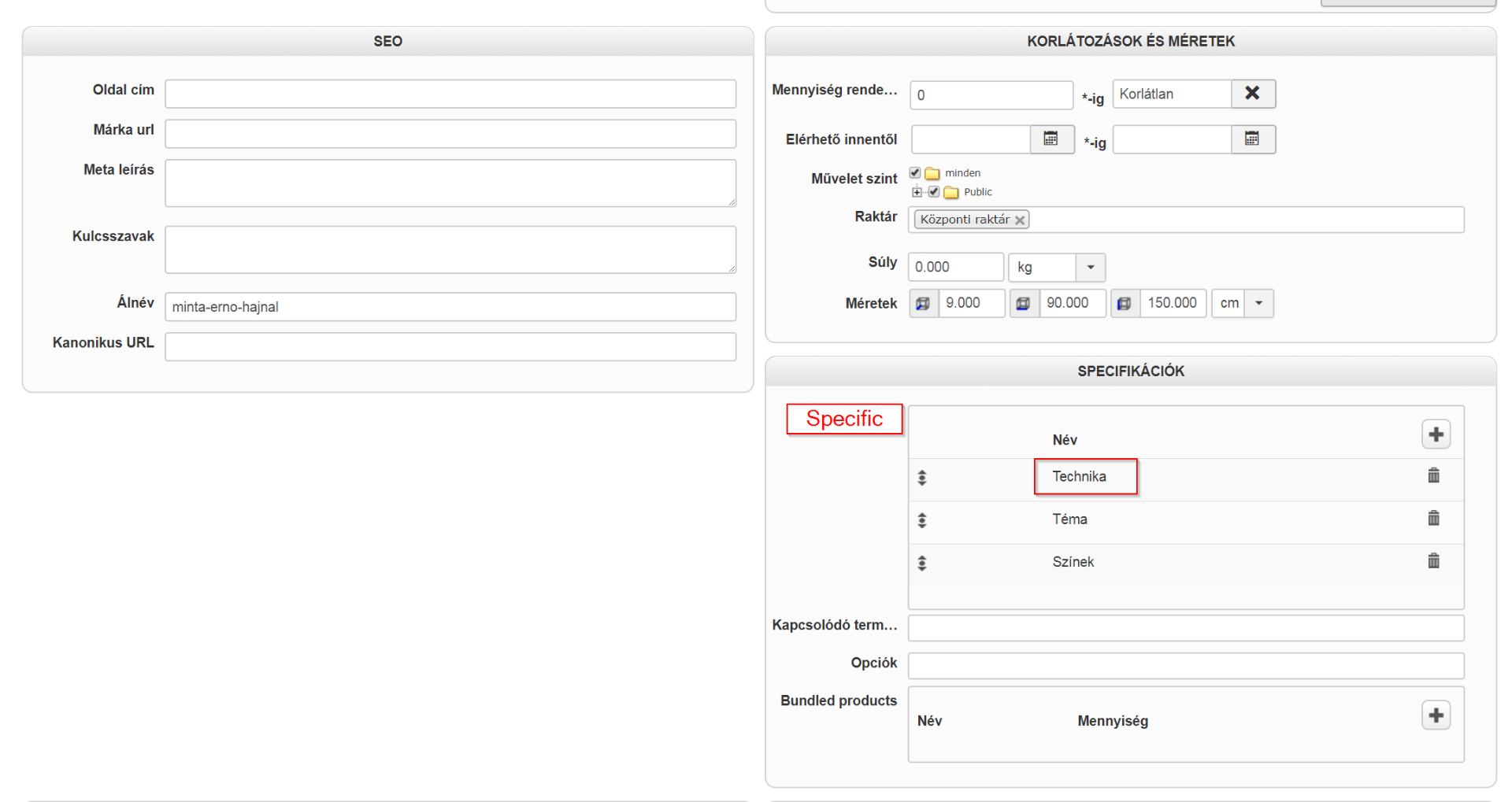
4. You create filters, one for each custom field, with the dynamic display setting activated."
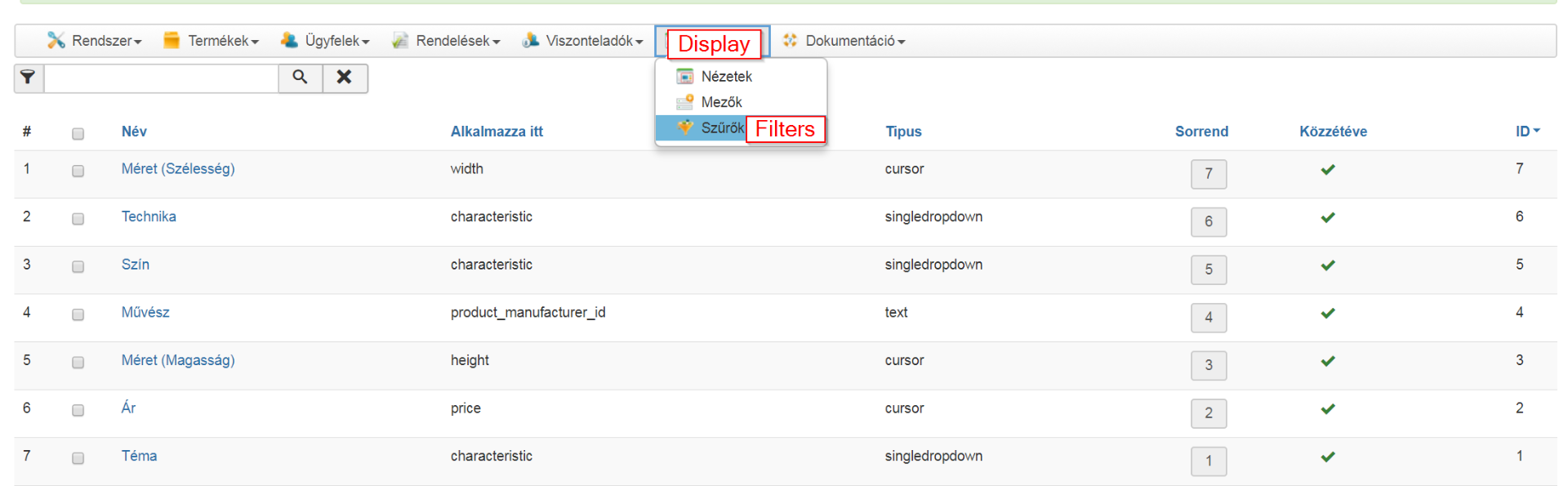
I have enabled all the HikaShop filter modules
Link:
suriart.hu/hu/hikashop-menu-for-products-listing/szuro
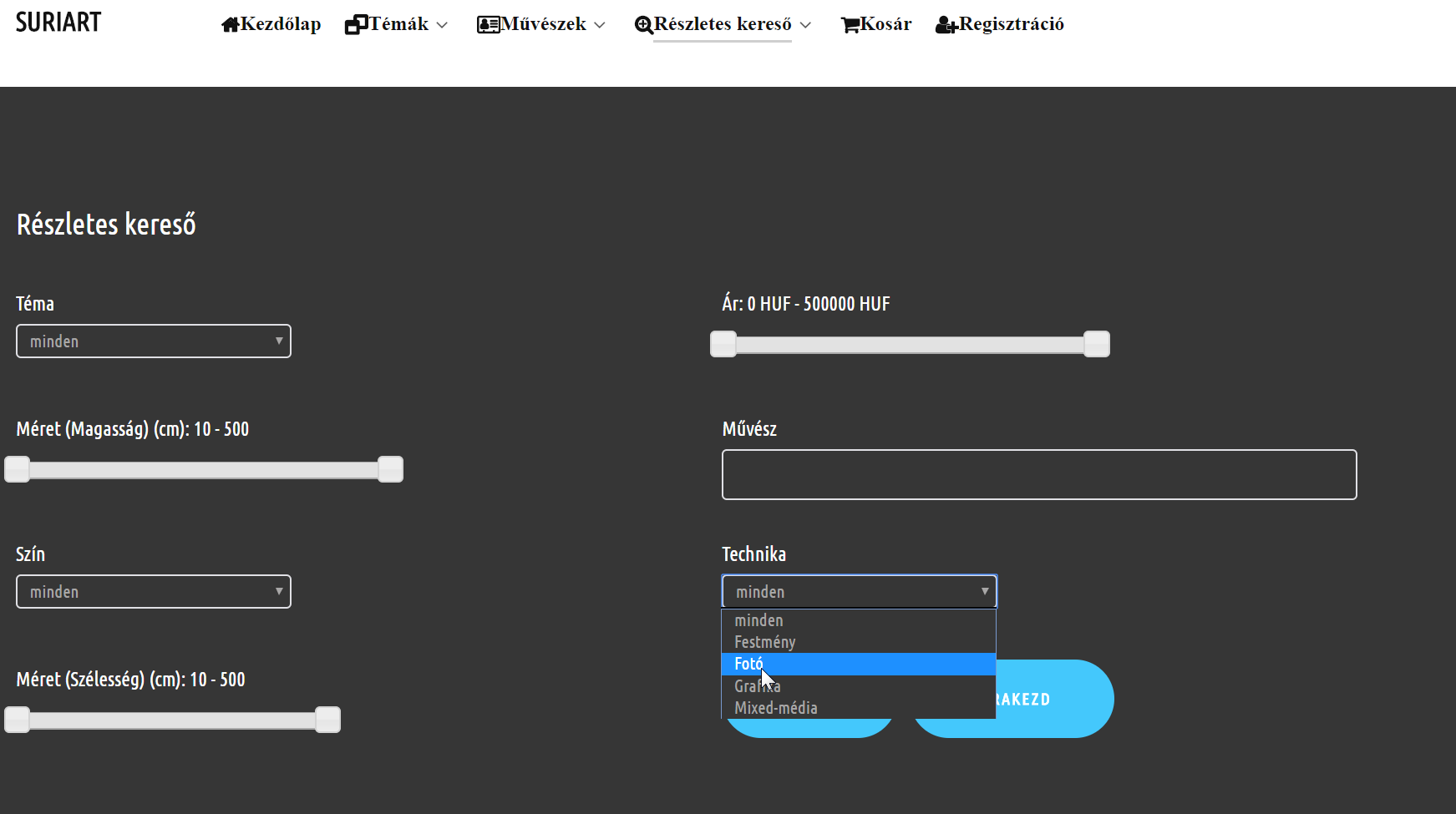
The result is nothing...
Thank you for yor help!
Regards,
Gabor
I have read about the Forum topics "HikaShop/ Specific Features/ Filters & Search/ Filtering function with custom fields", but i can't setup the Custom fields Filters what we need... :S
I have done with this steps:
"1. You create custom fields of the type "product".
2. In each custom field, you enter all the possible values for each dropdown.
3. In each product, you select the value you want for each dropdown custom field.
4. You create filters, one for each custom field, with the dynamic display setting activated."
I have enabled all the HikaShop filter modules
Link:
suriart.hu/hu/hikashop-menu-for-products-listing/szuro
The result is nothing...
Thank you for yor help!
Regards,
Gabor
Please Log in or Create an account to join the conversation.

8 years 11 months ago #280514
by nicolas
Replied by nicolas on topic Filtering with custom fields doesn't work, only the base filters
Hi,
These are not custom fields but characteristics. And for characteristics, you need to add the variant you want in each product under the "variants" tab of the product edition screen.
And for custom product fields, you can create them via the menu Display>Custom fields not in the menu Products>Characteristics
These are not custom fields but characteristics. And for characteristics, you need to add the variant you want in each product under the "variants" tab of the product edition screen.
And for custom product fields, you can create them via the menu Display>Custom fields not in the menu Products>Characteristics
The following user(s) said Thank You: SuriImre
Please Log in or Create an account to join the conversation.
8 years 11 months ago #280775
by SuriImre
Replied by SuriImre on topic Filtering with custom fields doesn't work, only the base filters
Hi,
thank you very much!
It's working!
It was a misunderstood from me custom fields vs. characteristics...
thank you very much!
It's working!
It was a misunderstood from me custom fields vs. characteristics...
Please Log in or Create an account to join the conversation.
Time to create page: 0.167 seconds