
- Posts: 162
- Thank you received: 0
Move message location
- info@vesica.org
-
 Topic Author
- Offline
Less
More
8 years 1 month ago #296734
by info@vesica.org
Move message location was created by info@vesica.org
Hi,
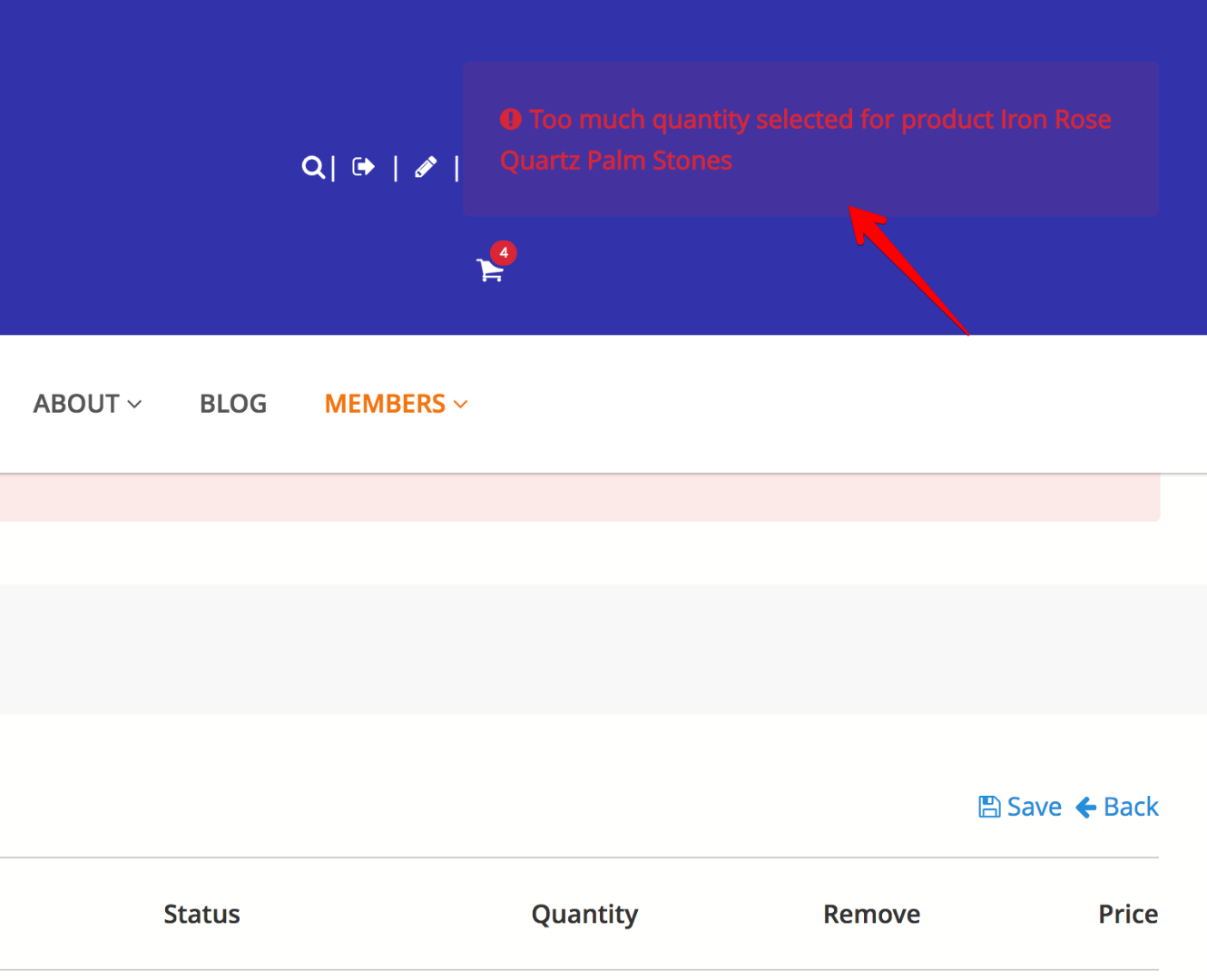
1. How can I move the error message location from minicart? As it is now it breaks the layout.
thanks!
1. How can I move the error message location from minicart? As it is now it breaks the layout.
thanks!
Please Log in or Create an account to join the conversation.

8 years 1 month ago #296736
by Jerome
Jerome - Obsidev.com
HikaMarket & HikaSerial developer / HikaShop core dev team.
Replied by Jerome on topic Move message location
Hello,
When you submit a ticket in our support forum ; please select an appropriate category which is in relation with your question.
Please also provide the basis requested details like your HikaShop version number and link to your website (that you can set private).
In the cart view, you will find few lines which are there to display the cart messages.
You can look for the variable :
You can remove the code which display these messages or add a condition to just not display them for your specific module ( $module_id ).
Regards,
When you submit a ticket in our support forum ; please select an appropriate category which is in relation with your question.
Please also provide the basis requested details like your HikaShop version number and link to your website (that you can set private).
In the cart view, you will find few lines which are there to display the cart messages.
You can look for the variable :
Code:
$this->element->messages
Regards,
Jerome - Obsidev.com
HikaMarket & HikaSerial developer / HikaShop core dev team.
Please Log in or Create an account to join the conversation.
Time to create page: 0.142 seconds