

- Posts: 220
- Thank you received: 10
Filter by additional field is not saved
6 years 4 months ago #319836
by ilyaminsk
Filter by additional field is not saved was created by ilyaminsk
-- HikaShop version -- : 4.3.0
-- Joomla version -- : 3.9.18
-- PHP version -- : 7.3.16
-- Browser(s) name and version -- : Opera
-- Error-message(debug-mod must be tuned on) -- : -
Hello. filter by an additional field is not saved. I enter the values of the additional field, click save and the values disappear.
Video:
-- Joomla version -- : 3.9.18
-- PHP version -- : 7.3.16
-- Browser(s) name and version -- : Opera
-- Error-message(debug-mod must be tuned on) -- : -
Hello. filter by an additional field is not saved. I enter the values of the additional field, click save and the values disappear.
Video:
This message contains confidential information
Please Log in or Create an account to join the conversation.

6 years 4 months ago #319843
by nicolas
Replied by nicolas on topic Filter by additional field is not saved
Hi,
That's normal. For a custom field of the type "single dropdown", "multiple dropdown", "radio", ou "checkbox", the values are automatically taken from the custom field. So you don't have to enter the values in the filter.
Note that I can see you have the "dynamic display" setting activated in your filter. In that case, the filter will only use the values of the custom field which have been selected in the custom field in your products. And if you haven't done that yet, then you'll see the filter empty, thinking that you have to enter the values in it, which isn't the case.
That's normal. For a custom field of the type "single dropdown", "multiple dropdown", "radio", ou "checkbox", the values are automatically taken from the custom field. So you don't have to enter the values in the filter.
Note that I can see you have the "dynamic display" setting activated in your filter. In that case, the filter will only use the values of the custom field which have been selected in the custom field in your products. And if you haven't done that yet, then you'll see the filter empty, thinking that you have to enter the values in it, which isn't the case.
Please Log in or Create an account to join the conversation.
6 years 4 months ago #319878
by ilyaminsk
Replied by ilyaminsk on topic Filter by additional field is not saved
Hello. What 's wrong with that? Why the filter is not displayed:
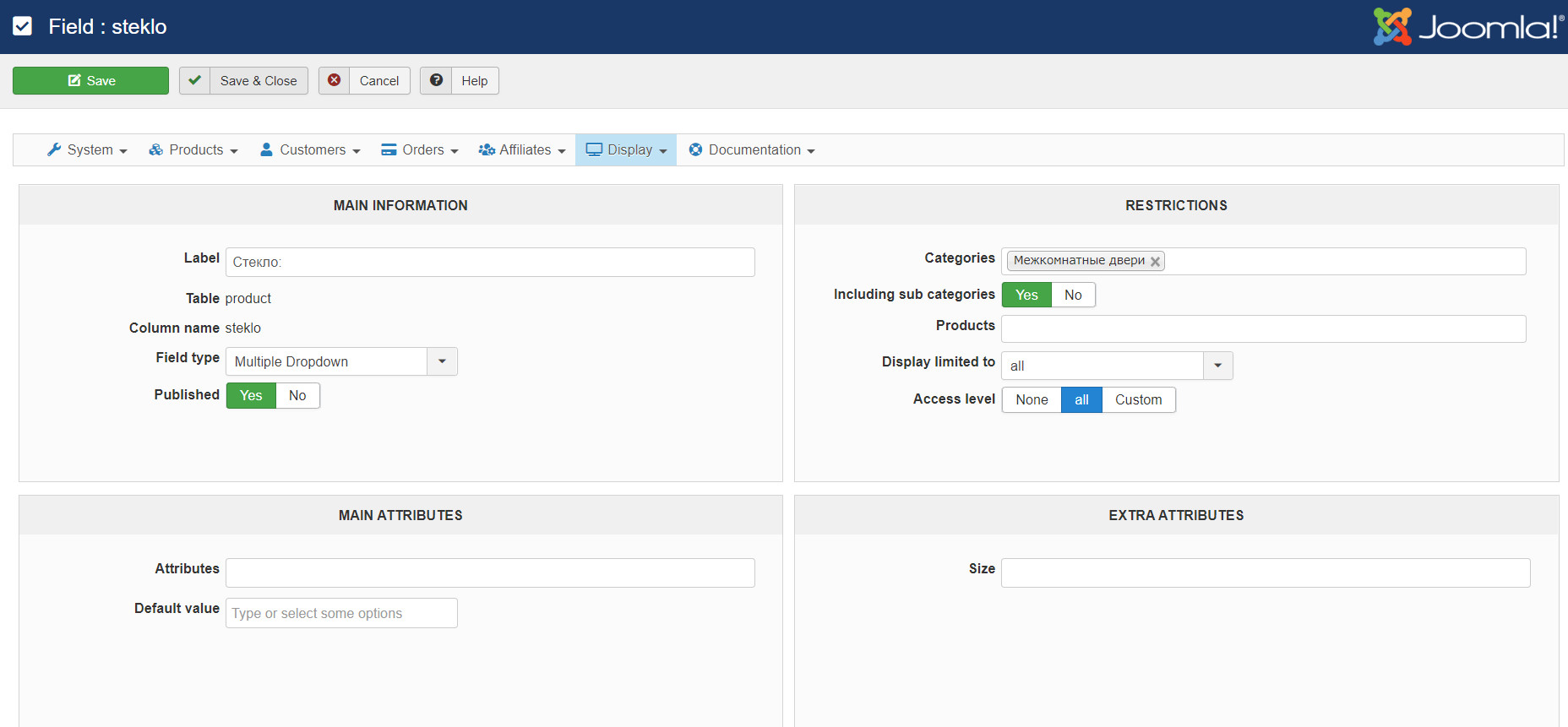
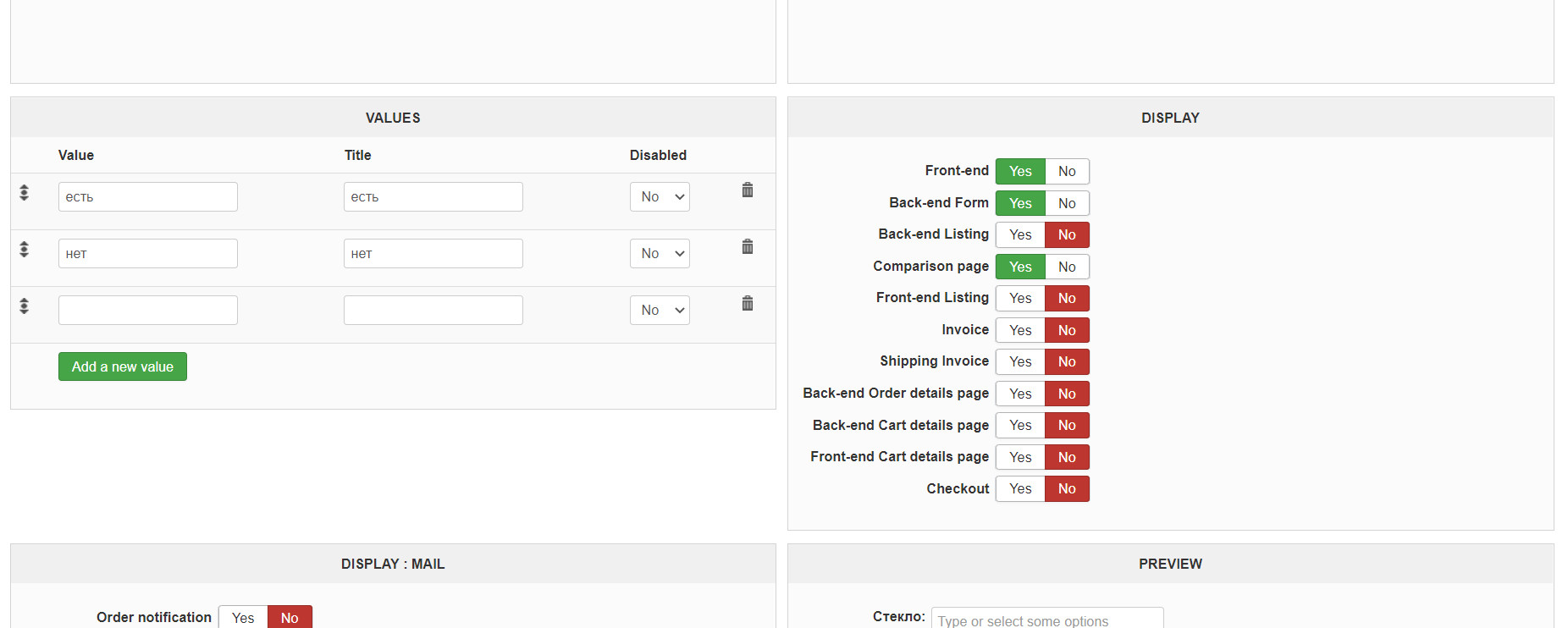
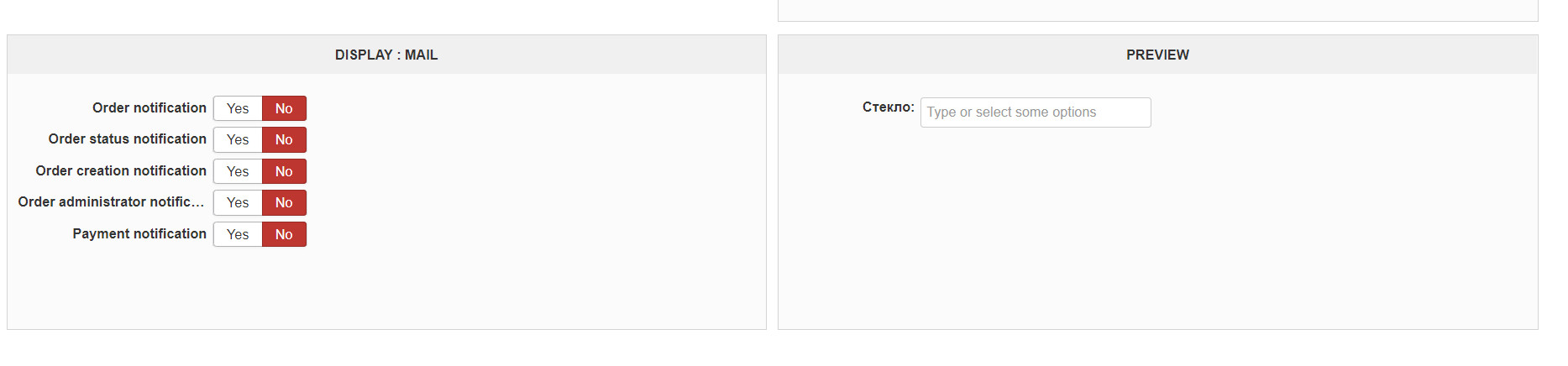
These are settings of the filter:
In my specified category on the site the filter does not appear
These are settings of the filter:
In my specified category on the site the filter does not appear
Please Log in or Create an account to join the conversation.
6 years 4 months ago #319881
by nicolas
Replied by nicolas on topic Filter by additional field is not saved
Hi,
Turn off the "dynamic display" setting of the filter and check again. I should hopefully display.
Turn off the "dynamic display" setting of the filter and check again. I should hopefully display.
Please Log in or Create an account to join the conversation.
6 years 4 months ago #319902
by ilyaminsk
Replied by ilyaminsk on topic Filter by additional field is not saved
Hi.
Filter did not appear:
Filter did not appear:
This message contains confidential information
Please Log in or Create an account to join the conversation.
6 years 4 months ago #319905
by nicolas
Replied by nicolas on topic Filter by additional field is not saved
Hi,
Edit your HikaShop filter module via the joomla modules manager and make sure that this filter is selected in the setting where you can choose the filters to display in your module.
Edit your HikaShop filter module via the joomla modules manager and make sure that this filter is selected in the setting where you can choose the filters to display in your module.
The following user(s) said Thank You: ilyaminsk
Please Log in or Create an account to join the conversation.
6 years 4 months ago #319934
by ilyaminsk
Replied by ilyaminsk on topic Filter by additional field is not saved
Everything is working. I am not attentive. Thank you very much!
The following user(s) said Thank You: Philip
Please Log in or Create an account to join the conversation.
6 years 4 months ago #319935
by ilyaminsk
Replied by ilyaminsk on topic Filter by additional field is not saved
Please tell me, brands are displayed on the main page of my site, how can I change so that for example products are displayed?
Please Log in or Create an account to join the conversation.
6 years 4 months ago #319936
by nicolas
Replied by nicolas on topic Filter by additional field is not saved
Hi,
Your website requires to be logged in to see it. And I don't know how you created that brand listing. It is the menu item set as default ? A module ? If it's a module, you can just disable that module, and configure another HikaShop content module via the Joomla modules manager to display are the same place and configure it to display products.
Your website requires to be logged in to see it. And I don't know how you created that brand listing. It is the menu item set as default ? A module ? If it's a module, you can just disable that module, and configure another HikaShop content module via the Joomla modules manager to display are the same place and configure it to display products.
The following user(s) said Thank You: ilyaminsk
Please Log in or Create an account to join the conversation.
6 years 4 months ago #319952
by ilyaminsk
Replied by ilyaminsk on topic Filter by additional field is not saved
Exactly, this is a module, I thought it was from the menu. thanks for the help
The following user(s) said Thank You: Philip
Please Log in or Create an account to join the conversation.
6 years 4 months ago #319960
by ilyaminsk
Replied by ilyaminsk on topic Filter by additional field is not saved
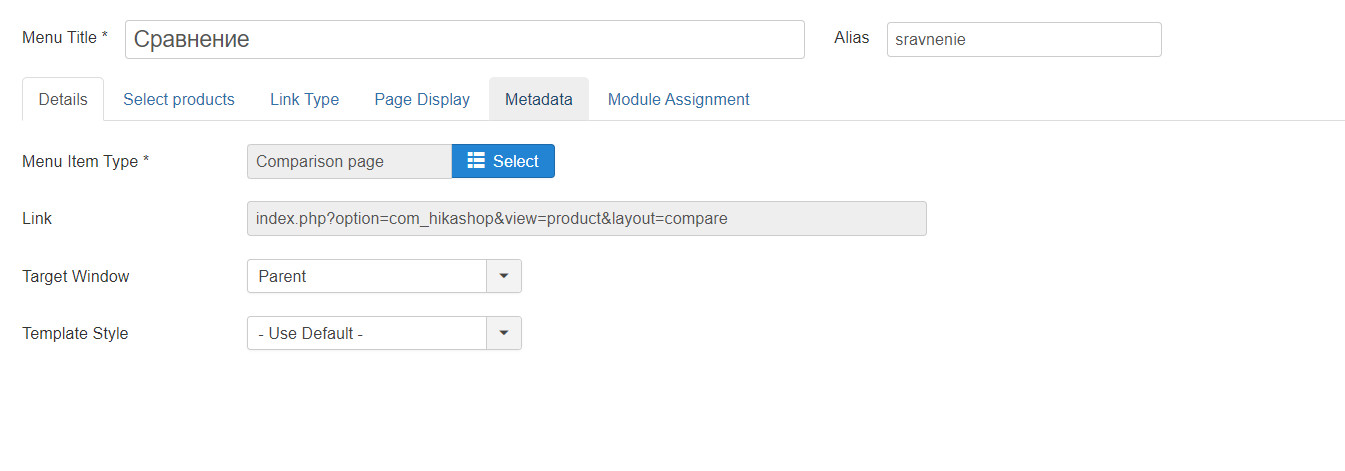
Hello. How does the comparison work? I added a comparison item to the menu
Please Log in or Create an account to join the conversation.
6 years 4 months ago - 6 years 4 months ago #319961
by ilyaminsk
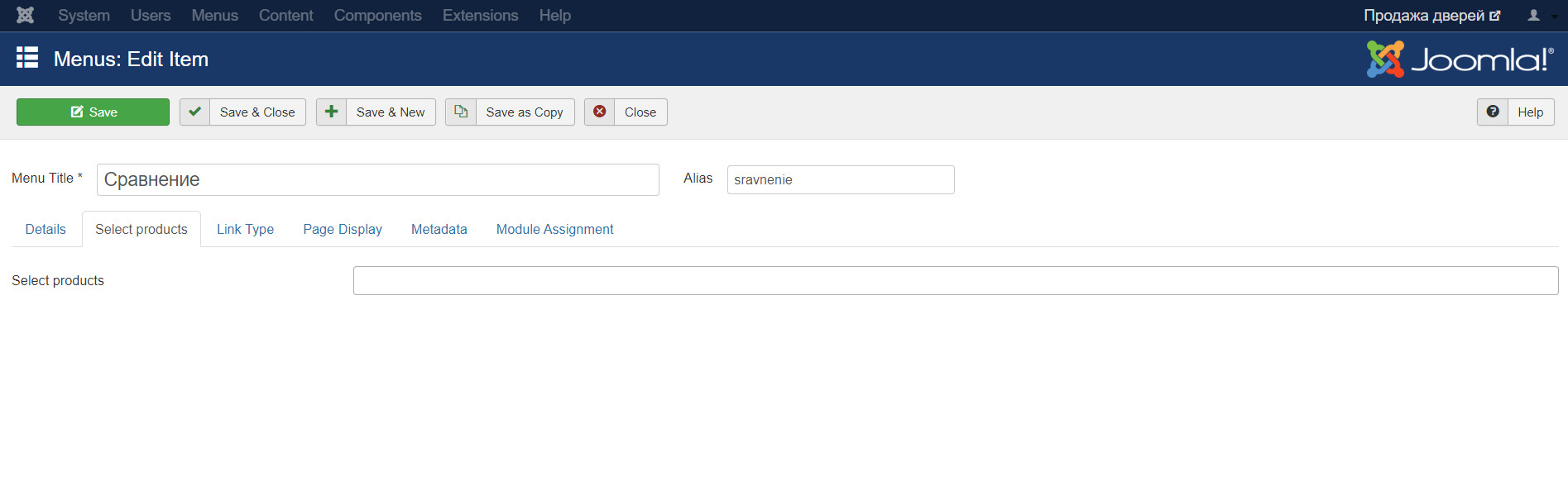
What do you need to specify here?
Replied by ilyaminsk on topic Filter by additional field is not saved
What do you need to specify here?
Last edit: 6 years 4 months ago by ilyaminsk.
Please Log in or Create an account to join the conversation.
6 years 4 months ago #319962
by ilyaminsk
Replied by ilyaminsk on topic Filter by additional field is not saved
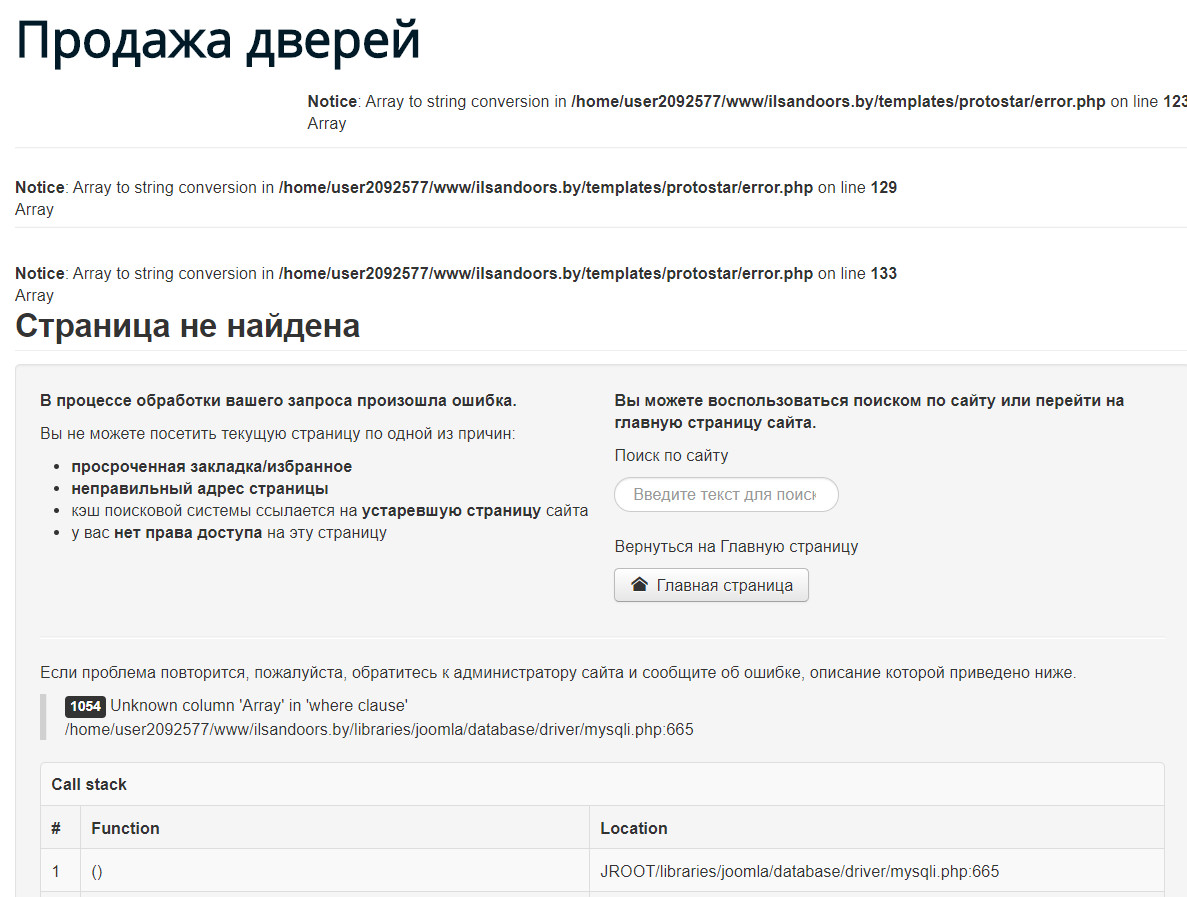
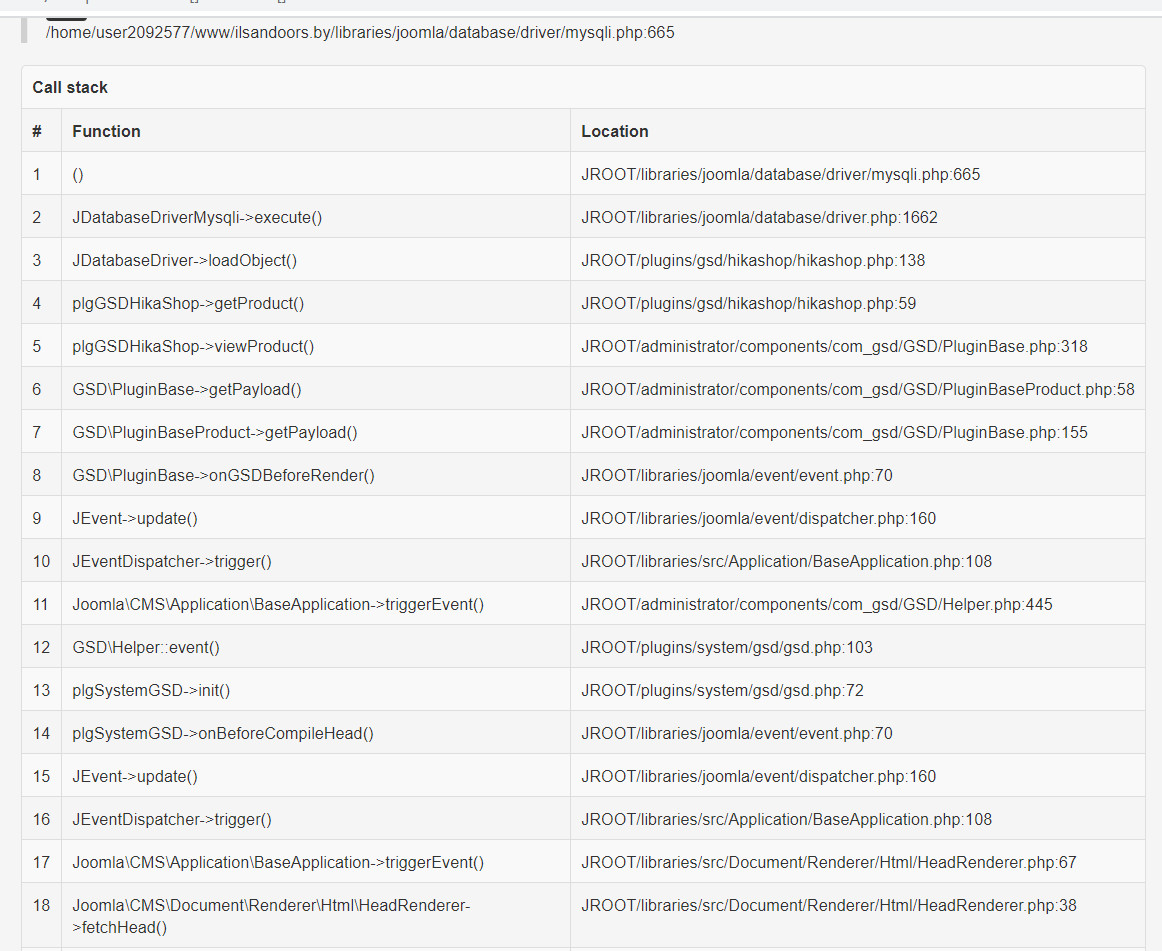
When comparing products, the error is: 1054
This message contains confidential information
Please Log in or Create an account to join the conversation.
6 years 4 months ago #319963
by ilyaminsk
Replied by ilyaminsk on topic Filter by additional field is not saved
It is possible to make the comparison button display like this:
This message contains confidential information
Please Log in or Create an account to join the conversation.

6 years 4 months ago - 6 years 4 months ago #319967
by Philip
Replied by Philip on topic Filter by additional field is not saved
Hello,
First, in order to have more information about your issue, process a test with a default template like ProtoStar, and tell us if that change something or not, please.
And in order to better understand what's going on with the compare page link, we will need to see your website by ourselves.
So, can you provide via our Contact us form a link and frontend/backend references with an Url link.
Note : Don't forget to add an Url link to this topic in your message in our Contact us form.
Second point, can you details what do you really need with your compare button, to be display on bottom right ? To display product number for comparison ? Or else ?
Please being more specific able us to answer you more clearly.
Awaiting news from you.
Regards
First, in order to have more information about your issue, process a test with a default template like ProtoStar, and tell us if that change something or not, please.
And in order to better understand what's going on with the compare page link, we will need to see your website by ourselves.
So, can you provide via our Contact us form a link and frontend/backend references with an Url link.
Note : Don't forget to add an Url link to this topic in your message in our Contact us form.
Second point, can you details what do you really need with your compare button, to be display on bottom right ? To display product number for comparison ? Or else ?
Please being more specific able us to answer you more clearly.
Awaiting news from you.
Regards
Last edit: 6 years 4 months ago by Philip.
Please Log in or Create an account to join the conversation.
6 years 4 months ago #320013
by ilyaminsk
Replied by ilyaminsk on topic Filter by additional field is not saved
Hello. Ok.
Please Log in or Create an account to join the conversation.
6 years 4 months ago - 6 years 4 months ago #320014
by ilyaminsk
Replied by ilyaminsk on topic Filter by additional field is not saved
Regarding what you need with the button, so that it also appears when I add products for comparison. As shown in the video, I selected the product and the button at the bottom right appeared. So that I click on it and go to the comparison page
Last edit: 6 years 4 months ago by ilyaminsk.
Please Log in or Create an account to join the conversation.
6 years 4 months ago #320062
by nicolas
Replied by nicolas on topic Filter by additional field is not saved
Hi,
Regarding that 1054 error, we would need more information on it to better understand what's going on.
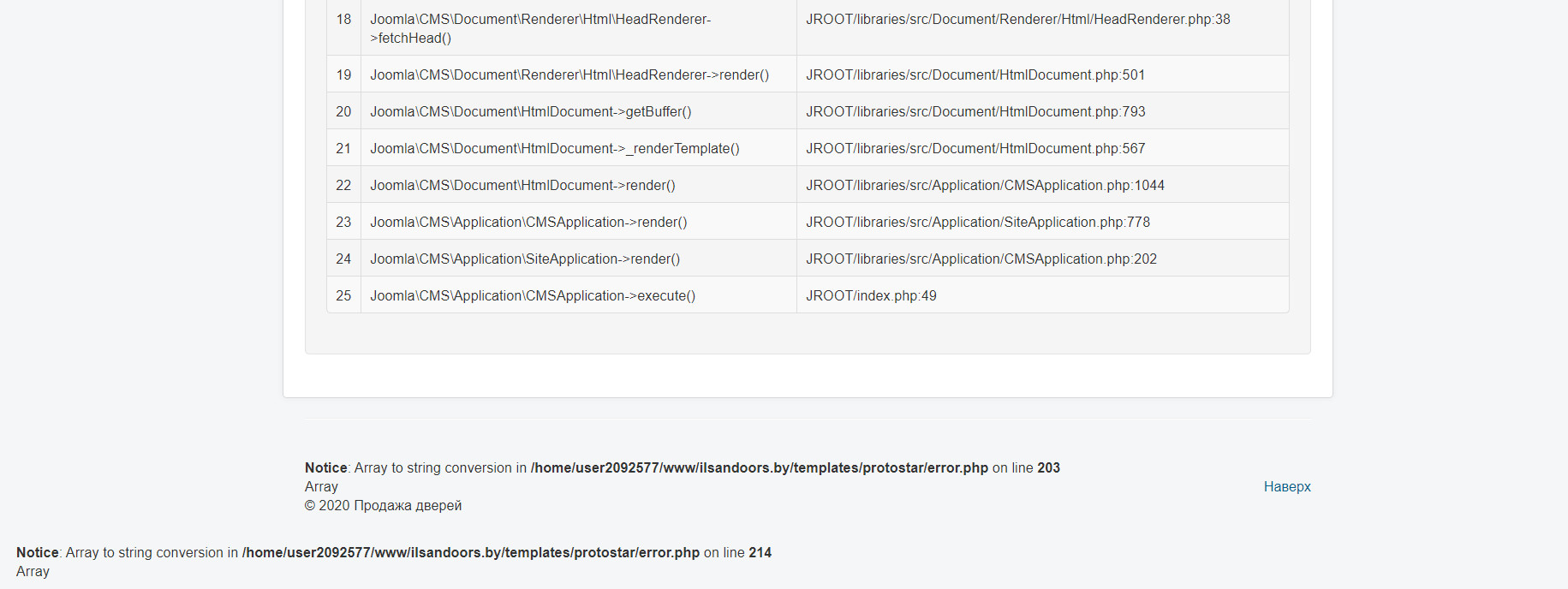
Please activate the "error reporting" and "debug mode" settings of the Joomla configuration and try again the comparison. It should now display an error page with more information and we would need you to provide a screenshot of that page so that we can better understand the situation.
Regarding that 1054 error, we would need more information on it to better understand what's going on.
Please activate the "error reporting" and "debug mode" settings of the Joomla configuration and try again the comparison. It should now display an error page with more information and we would need you to provide a screenshot of that page so that we can better understand the situation.
Please Log in or Create an account to join the conversation.
6 years 4 months ago #320072
by ilyaminsk
Replied by ilyaminsk on topic Filter by additional field is not saved
Hello
Please Log in or Create an account to join the conversation.
6 years 4 months ago #320075
by nicolas
Replied by nicolas on topic Filter by additional field is not saved
Hi,
This error comes from the Google Structured Data extension you have on your website. Check if they have an update available and if they do update and it might fix the problem. Otherwise, please report the problem to them so that they can help you.
This error comes from the Google Structured Data extension you have on your website. Check if they have an update available and if they do update and it might fix the problem. Otherwise, please report the problem to them so that they can help you.
Please Log in or Create an account to join the conversation.
Time to create page: 0.499 seconds