
- Posts: 2
- Thank you received: 0
Backend Buttons don't work
- naminnesota
-
 Topic Author
- Offline
Less
More
14 years 10 months ago #29886
by naminnesota
Backend Buttons don't work was created by naminnesota
This is my first installation and configuration of HikaShop. I can't seem to get the +OK and +Add buttons on the back end to work. It happens on Chrome, Firefox and iExplorer, and on both my laptop and desktop computers.
While changing the Main Tax Zone in the configuration section, I click the edit icon which brings up the list of tax zones. Then I select Minnesota and click the +OK graphic button on the upper right of the screen. I get a screen with nothing but "4285 Minnesota" in it. Screen shot attached.
When editing a product, the +Add buttons for categories, related products, and characteristics, images and files are disabled, however the +Add button for prices works just fine.
What am I doing wrong? Please advise
Jeff
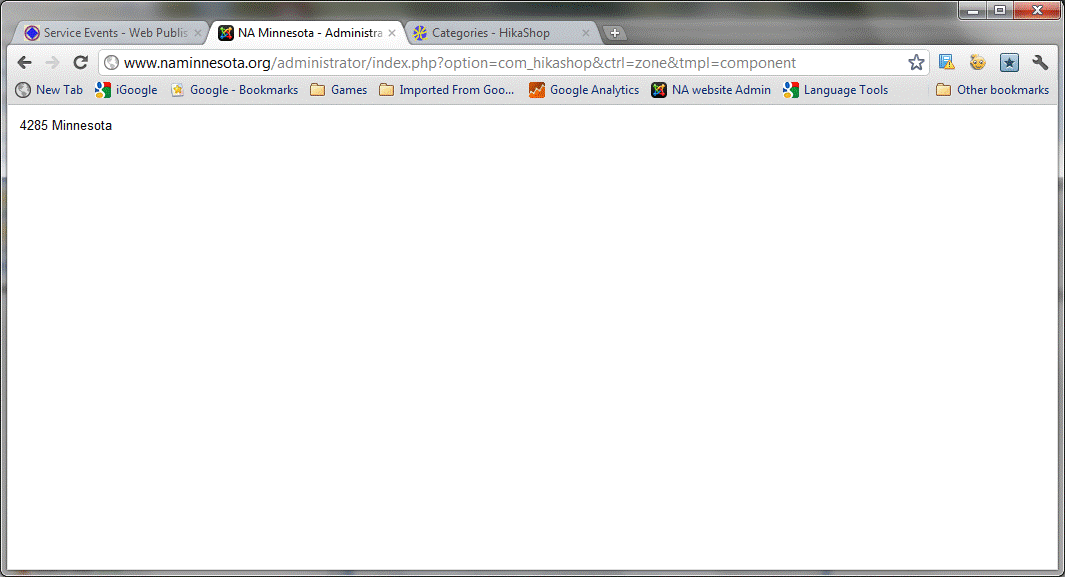
While changing the Main Tax Zone in the configuration section, I click the edit icon which brings up the list of tax zones. Then I select Minnesota and click the +OK graphic button on the upper right of the screen. I get a screen with nothing but "4285 Minnesota" in it. Screen shot attached.
When editing a product, the +Add buttons for categories, related products, and characteristics, images and files are disabled, however the +Add button for prices works just fine.
What am I doing wrong? Please advise
Jeff
Please Log in or Create an account to join the conversation.

14 years 10 months ago #29888
by nicolas
Replied by nicolas on topic Re: Backend Buttons don't work
Hi,
That happens when you have a javascript error on your back end. Please read the documentation regarding that problem here:
www.hikashop.com/en/support/documentatio...ty-issues.html#modal
That happens when you have a javascript error on your back end. Please read the documentation regarding that problem here:
www.hikashop.com/en/support/documentatio...ty-issues.html#modal
Please Log in or Create an account to join the conversation.
- naminnesota
-
Topic Author
- Offline
Less
More
- Posts: 2
- Thank you received: 0
14 years 10 months ago #29914
by naminnesota
Replied by naminnesota on topic Re: Backend Buttons don't work
Thank you. I expected it was something like that. I appreciate the direction.
Please Log in or Create an account to join the conversation.
Time to create page: 0.155 seconds