
- Posts: 177
- Thank you received: 1
Bug invoice management after new order status?
- andreasuriani
-
 Topic Author
- Offline
Less
More
12 years 1 month ago #168641
by andreasuriani
Bug invoice management after new order status? was created by andreasuriani
-- HikaShop version -- : latest
-- Joomla version -- : latest
Hi Guys,
i done this:
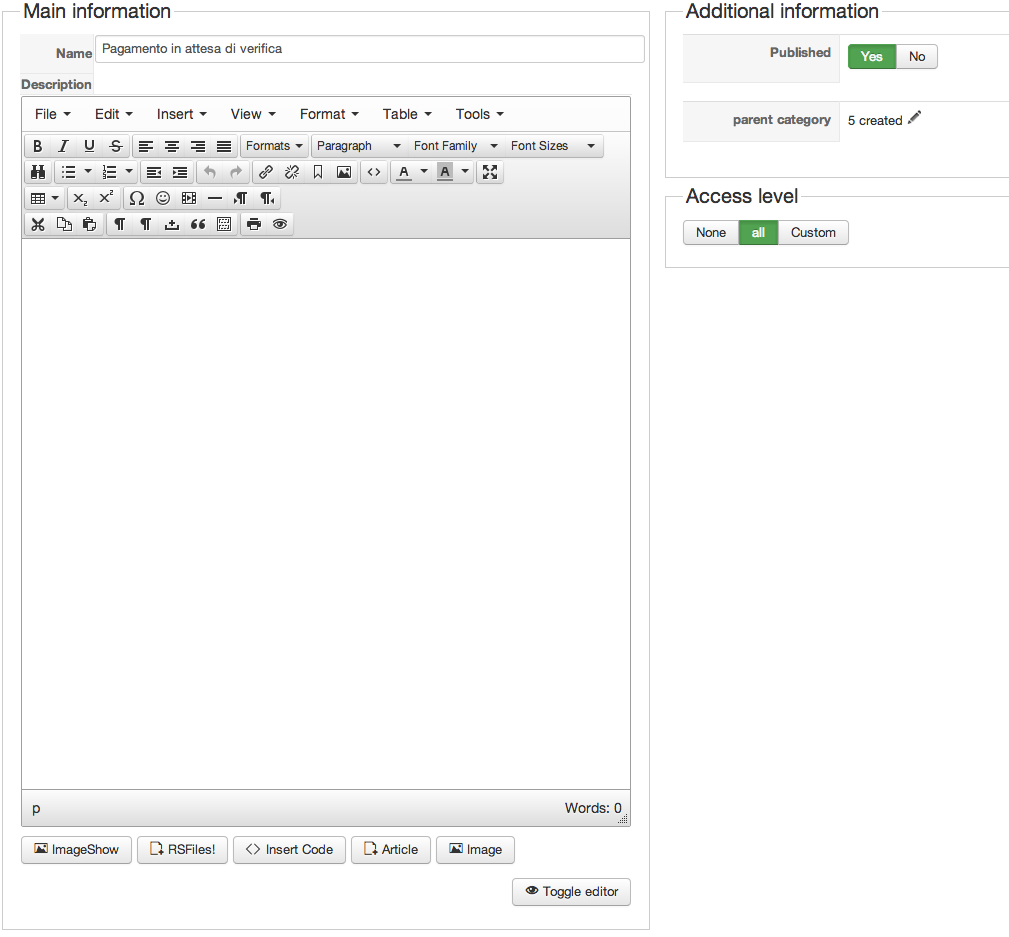
1) Create a new order status "Pagamento in attesa di verifica" down main order status "created"
2) Create a new payment method called "Bonifico Bancario" and select after order status is " Pagamento in attesa di Verifica"
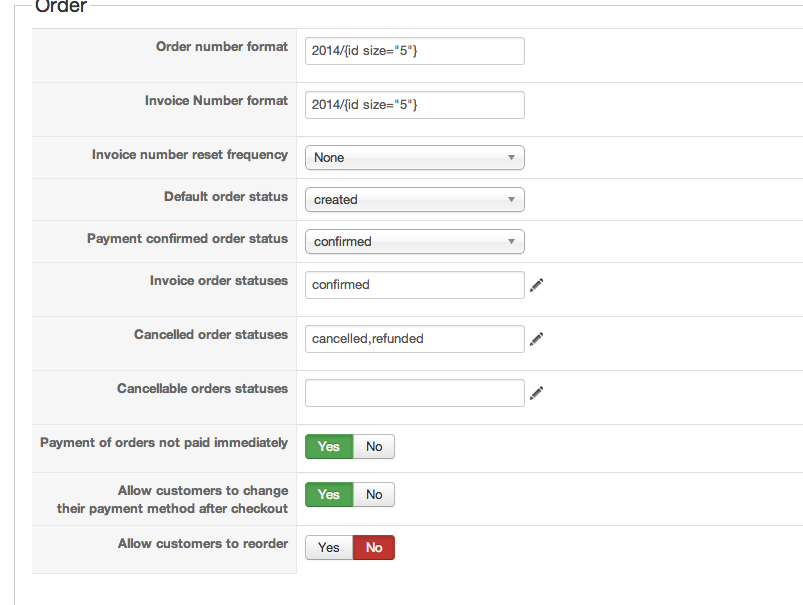
3) On configuration, set invoice create just when order is in status "confirmed"
In this case, hikashop should not enable the order to print the invoice on user control panel but... THIS APPENED!
Why? Made i some mistakes?
PS: I'm using a PDF Attach plugin (i don't know if it is relevant or not)
Thanks Guys!
Andrea


-- Joomla version -- : latest
Hi Guys,
i done this:
1) Create a new order status "Pagamento in attesa di verifica" down main order status "created"
2) Create a new payment method called "Bonifico Bancario" and select after order status is " Pagamento in attesa di Verifica"
3) On configuration, set invoice create just when order is in status "confirmed"
In this case, hikashop should not enable the order to print the invoice on user control panel but... THIS APPENED!
Why? Made i some mistakes?
PS: I'm using a PDF Attach plugin (i don't know if it is relevant or not)
Thanks Guys!
Andrea
Please Log in or Create an account to join the conversation.

12 years 1 month ago #168695
by nicolas
Replied by nicolas on topic Bug invoice management after new order status?
Hi,
If you edit the file "show" of the view "order", you'll see that line:
So the invoice will be available on the order details page as long as the order status is different than created, refunded and cancelled.
It doesn't take into account the order invoice statuses option of the configuration.
So just add the name of your status in that code and it will work like you want.
If you edit the file "show" of the view "order", you'll see that line:
Code:
if( $this->config->get('print_invoice_frontend') && !in_array($this->element->order_status,array('created','refunded','cancelled'))){ ?>
It doesn't take into account the order invoice statuses option of the configuration.
So just add the name of your status in that code and it will work like you want.
Please Log in or Create an account to join the conversation.
- andreasuriani
-
Topic Author
- Offline
Less
More
- Posts: 177
- Thank you received: 1
12 years 1 month ago #168738
by andreasuriani
Replied by andreasuriani on topic Bug invoice management after new order status?
Thanks!
I've added the name 'my status order' and it works perfectly.
And
I've added the name 'my status order' and it works perfectly.
And
Please Log in or Create an account to join the conversation.
Time to create page: 0.163 seconds