
WorldPay gateway test failing

9 years 11 months ago #253501
by esotechie
WorldPay gateway test failing was created by esotechie
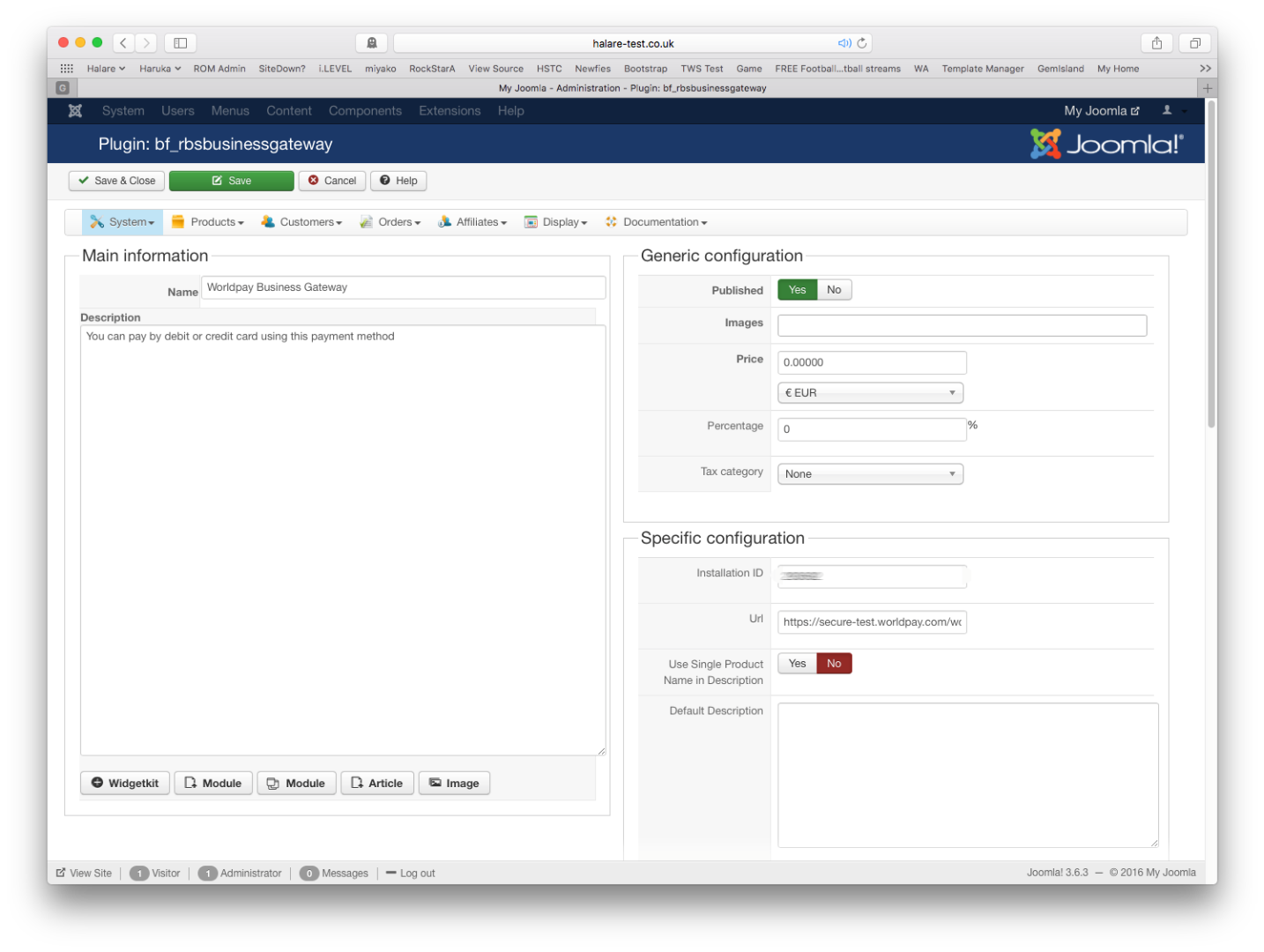
-- HikaShop version -- : Business 2.6.3 [1605112330]
-- Joomla version -- : 3.6.2
-- PHP version -- : 5.6.18
I am getting the following message:
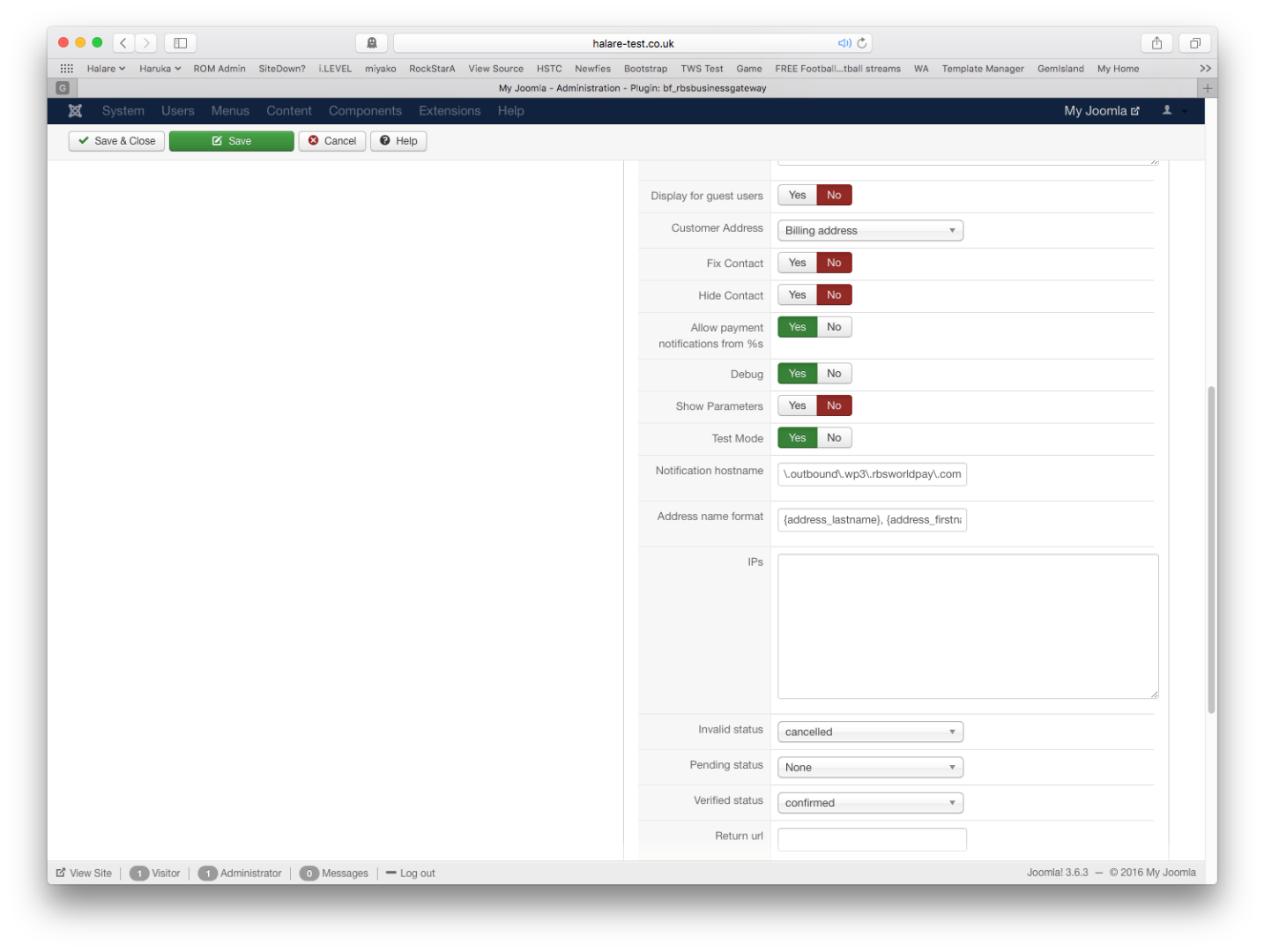
The Installation ID has been checked and reentered.
-- Joomla version -- : 3.6.2
-- PHP version -- : 5.6.18
I am getting the following message:
Code:
Secure Payment Page
Sorry, there was a problem processing your payment:
The information sent from the merchant's site is invalid or incomplete. Please send the following information to the merchant:
The transaction cannot be processed for one or more of the following reasons:
The installation ID field is blank or contains invalid characters.
A different submission protocol is required. A more secure submission may be required.
The installation number is invalid.
The Installation ID has been checked and reentered.
Please Log in or Create an account to join the conversation.

9 years 11 months ago #253502
by nicolas
Replied by nicolas on topic WorldPay gateway test failing
Hi,
Maybe your WorldPay account is configured to be used for live transactions and thus you should change the URL in the payment plugin from secure-test.worldpay.com/wcc/purchase to secure.worldpay.com/wcc/purchase ?
Other than that, I would recommend to contact WorldPay support to see with them if there is a problem with your merchant account with them.
Maybe your WorldPay account is configured to be used for live transactions and thus you should change the URL in the payment plugin from secure-test.worldpay.com/wcc/purchase to secure.worldpay.com/wcc/purchase ?
Other than that, I would recommend to contact WorldPay support to see with them if there is a problem with your merchant account with them.
The following user(s) said Thank You: esotechie
Please Log in or Create an account to join the conversation.
9 years 9 months ago #258530
by esotechie
Replied by esotechie on topic WorldPay gateway test failing
Hi again
I have got it working as far as coming back to the site, but the URL that it comes back to is " www.haruka.co.uk/success " which fails as a dead link. I can not get it working as an alias menu as that fails also.
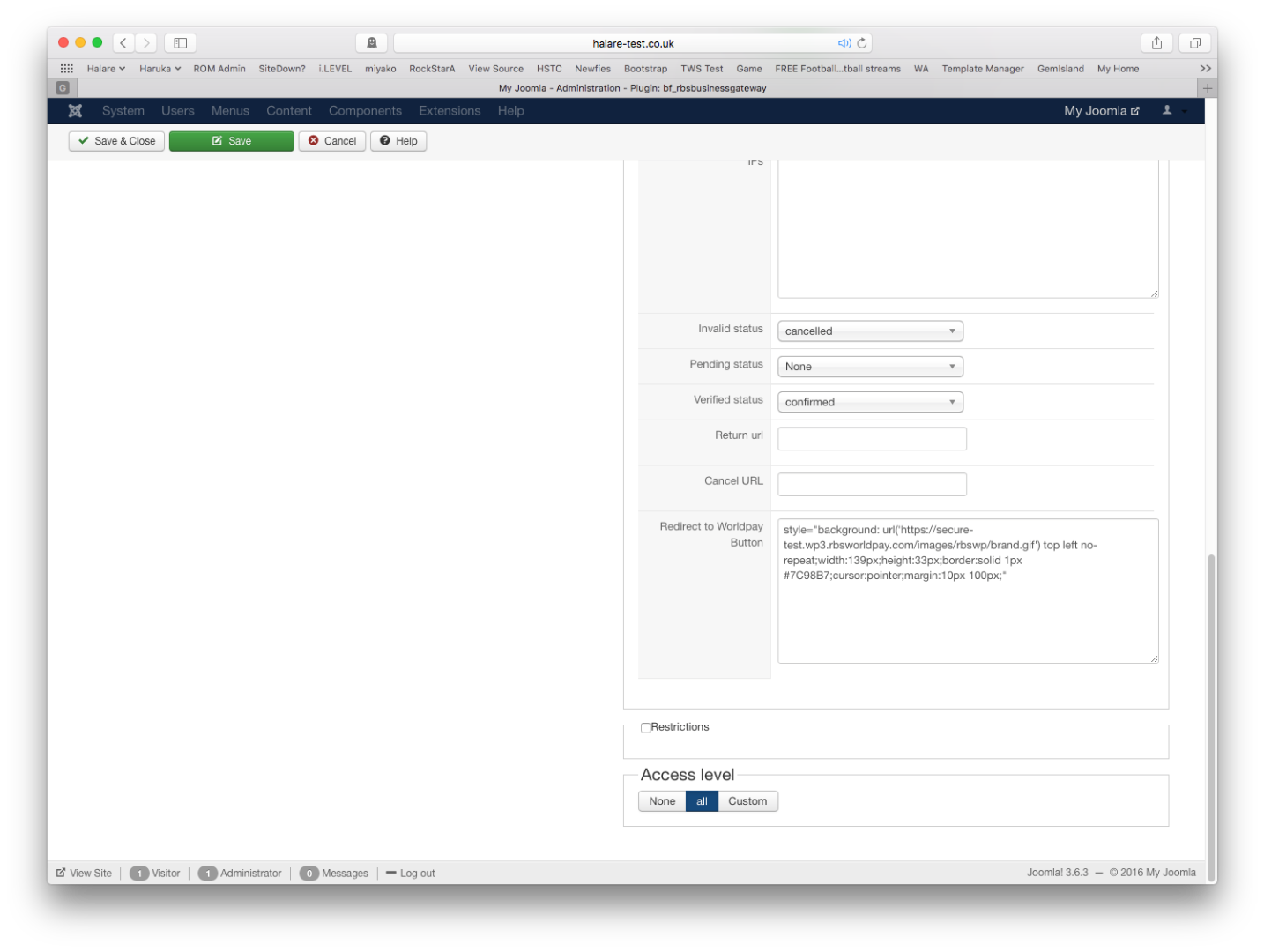
Why is it coming back as that URL when the Return url setting in the Hikashop payment is set to "/shop/"?
I have got it working as far as coming back to the site, but the URL that it comes back to is " www.haruka.co.uk/success " which fails as a dead link. I can not get it working as an alias menu as that fails also.
Why is it coming back as that URL when the Return url setting in the Hikashop payment is set to "/shop/"?
Please Log in or Create an account to join the conversation.
9 years 9 months ago #258533
by nicolas
Replied by nicolas on topic WorldPay gateway test failing
Hi,
I'm afraid my answer will be the same as the last one.
HikaShop only gives the MC_callback URL to worldpay and then HikaShop redirects to the "return URL" you configured in the payment plugin when that MC_callback URL is called by worldpay.
If worldpay doesn't use that parameter, it means that there is something wrong in the settings of your worldpay merchant account.
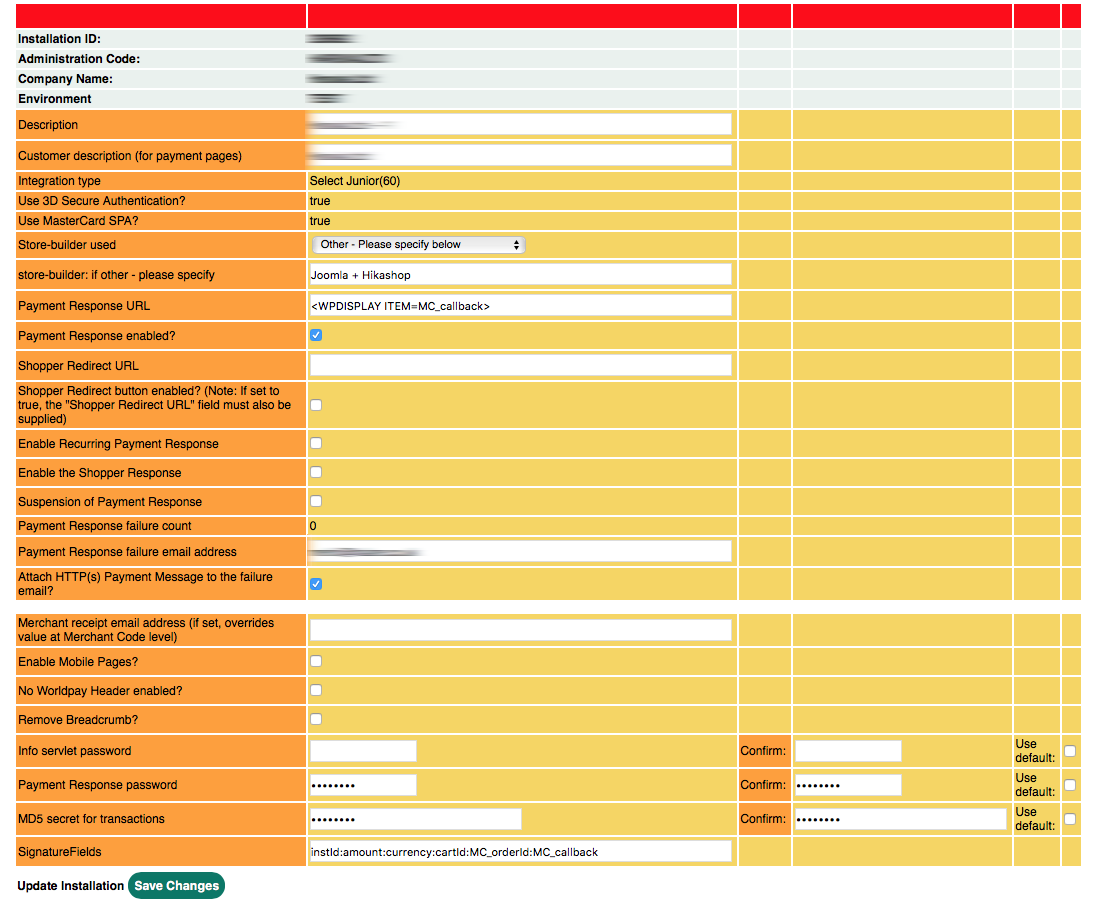
Did you follow the documentation of the payment plugin and did this ? :
I'm afraid my answer will be the same as the last one.
HikaShop only gives the MC_callback URL to worldpay and then HikaShop redirects to the "return URL" you configured in the payment plugin when that MC_callback URL is called by worldpay.
If worldpay doesn't use that parameter, it means that there is something wrong in the settings of your worldpay merchant account.
Did you follow the documentation of the payment plugin and did this ? :
www.hikashop.com/support/documentation/1...t-worldpay-form.htmlBefore using that payment method, you should make sure that you have entered <WPDISPLAY ITEM=MC_callback> in the call back URL setting of your WorldPay merchant account.
Please Log in or Create an account to join the conversation.
Time to create page: 0.208 seconds