

- Posts: 71
- Thank you received: 0
Custom fields collect data on the product page but not available in the back-end
6 years 9 months ago #313953
by triotech
Custom fields collect data on the product page but not available in the back-end was created by triotech
-- url of the page with the problem -- :
weddinginvites.co.nz/component/hikashop/product/1-black-lace
-- HikaShop version -- : 4.2.2
-- Joomla version -- : 3.9.13
-- PHP version -- : 7.2.25
Hi, from the product page above, the user can add information like Wedding Words, Colour, Title etc. These are type: Item and Text area boxes
However, when the email are sent, no informaiton is present and also cannot be retrieved from the back-end either, the information appears lost. This is further re-inforced when I look at the DB and the table _hikashop_order_product. If I browse one of the order, the fields are empty despite entering info in the checkout process.
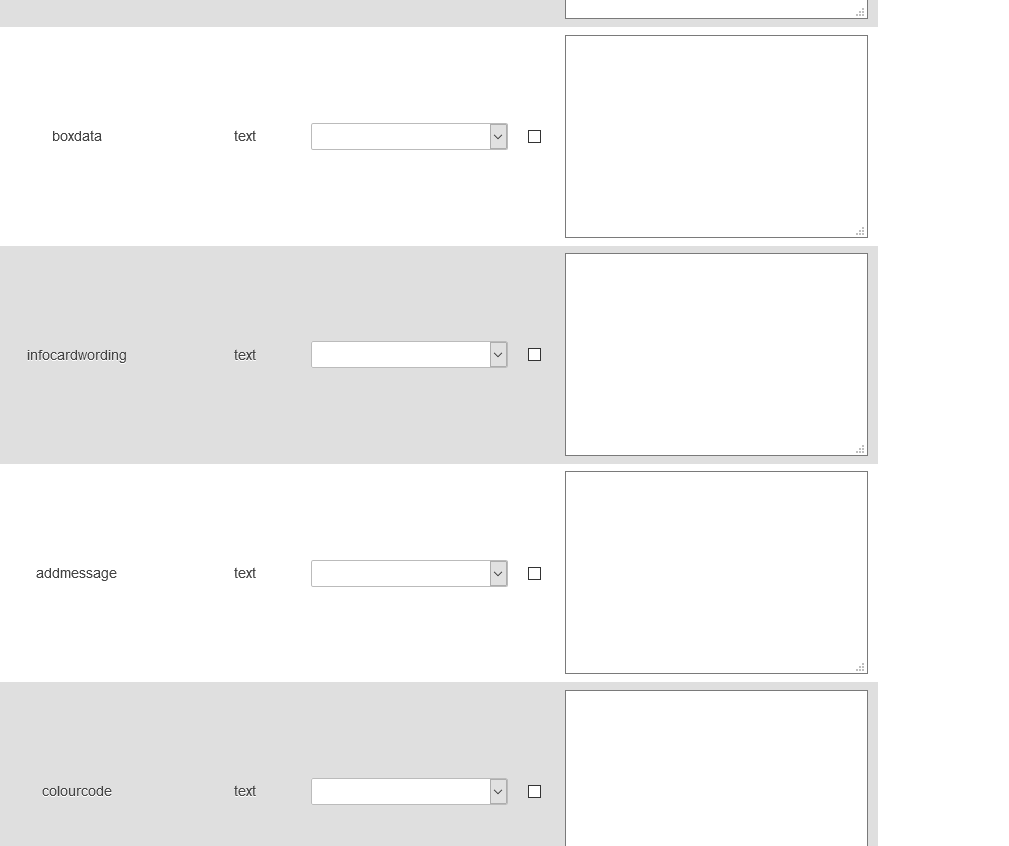
I have also enabled EVERY custom field option there is to make sure something saves and shows but nothing
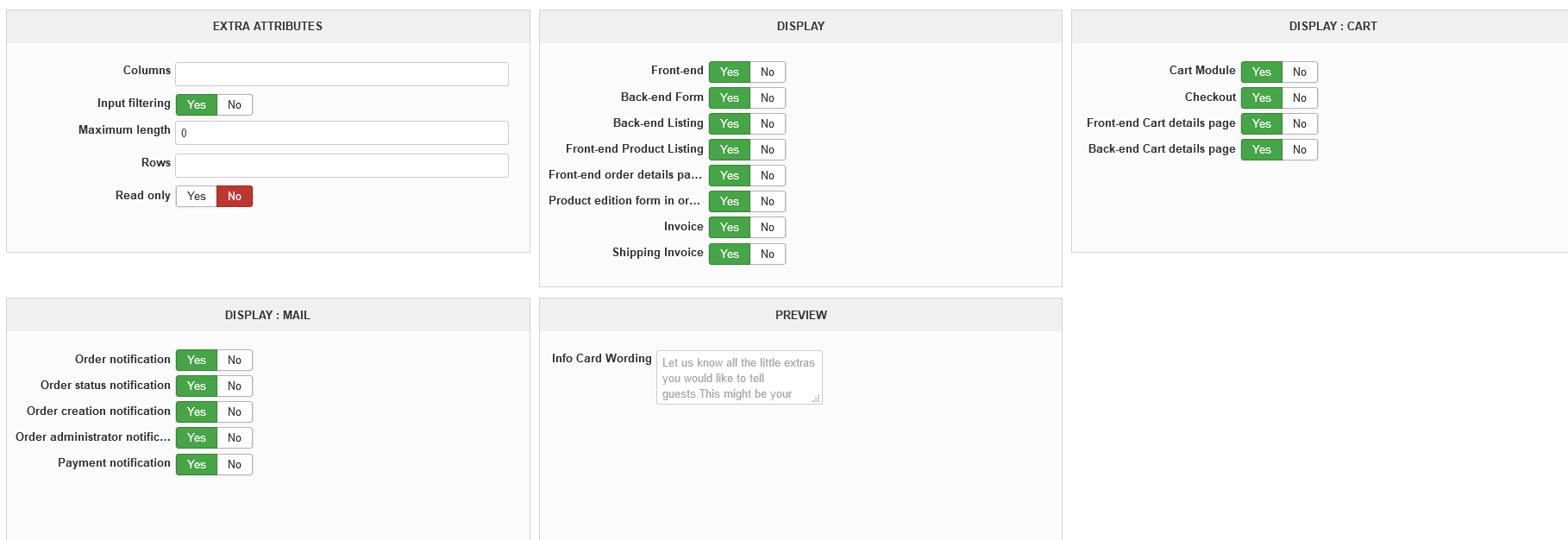
Please advise
-- HikaShop version -- : 4.2.2
-- Joomla version -- : 3.9.13
-- PHP version -- : 7.2.25
Hi, from the product page above, the user can add information like Wedding Words, Colour, Title etc. These are type: Item and Text area boxes
However, when the email are sent, no informaiton is present and also cannot be retrieved from the back-end either, the information appears lost. This is further re-inforced when I look at the DB and the table _hikashop_order_product. If I browse one of the order, the fields are empty despite entering info in the checkout process.
I have also enabled EVERY custom field option there is to make sure something saves and shows but nothing
Please advise
Please Log in or Create an account to join the conversation.

6 years 9 months ago #313960
by nicolas
Replied by nicolas on topic Custom fields collect data on the product page but not available in the back-end
Hi,
The issue is that the product page layout has been customized in a wrong way and the custom item fields area is now outside of the product page form element which could contain all the data that is sent to the server when the add to cart process is done:
monosnap.com/file/fTHByCs0Ao8LRCFcfGvvdEyP9nomyW
Because of that, the data you write in the custom item fields is just ignored.
So you need to check the view override of the product page that was done on your end so that the custom item fields area can be inside the form element, as it is by default.
The issue is that the product page layout has been customized in a wrong way and the custom item fields area is now outside of the product page form element which could contain all the data that is sent to the server when the add to cart process is done:
monosnap.com/file/fTHByCs0Ao8LRCFcfGvvdEyP9nomyW
Because of that, the data you write in the custom item fields is just ignored.
So you need to check the view override of the product page that was done on your end so that the custom item fields area can be inside the form element, as it is by default.
The following user(s) said Thank You: triotech
Please Log in or Create an account to join the conversation.
6 years 9 months ago #314001
by triotech
Replied by triotech on topic Custom fields collect data on the product page but not available in the back-end
Yes, i removed all customisations made by my customer and the information was recorded as expected. Thanks, solved
Please Log in or Create an account to join the conversation.
6 years 9 months ago #314045
by triotech
Replied by triotech on topic Custom fields collect data on the product page but not available in the back-end
is it possible to move the form element or please clarify in which view the form element is?
Please Log in or Create an account to join the conversation.

6 years 9 months ago - 6 years 9 months ago #314053
by Philip
Replied by Philip on topic Custom fields collect data on the product page but not available in the back-end
Hello,
for this kind of need, you have an option in Main HikaShop Configuration in Advanced tab :

This option, will allow you to see wish view manage each part of your display.
Regards
for this kind of need, you have an option in Main HikaShop Configuration in Advanced tab :
This option, will allow you to see wish view manage each part of your display.
Regards
Last edit: 6 years 9 months ago by Philip.
Please Log in or Create an account to join the conversation.
6 years 9 months ago #314073
by triotech
Replied by triotech on topic Custom fields collect data on the product page but not available in the back-end
HI, I have done all that before and adapting this views caused the issue I had, so I was asking in what view I need to keep the custom fields. At the moment, the custom view called product / show_block_custom_item.php sits within product / show_tabular.php and then within product / show.php
Moving it around caused issues, so I'd like to know what the limitations are.
Moving it around caused issues, so I'd like to know what the limitations are.
Please Log in or Create an account to join the conversation.
6 years 9 months ago #314077
by nicolas
Replied by nicolas on topic Custom fields collect data on the product page but not available in the back-end
Hi,
The form opening tag is near the beginning of product / show.php
Then, product / show.php calls product / show_tabular.php which has the form closing tag near its end.
So you can move the call of product / show_block_custom_item.php either:
- between the form opening tag in product / show.php and the call to product / show_tabular.php
- between the beginning of product / show_tabular.php and the form closing tag of that view file.
Note that you can also move the form closing tag so that you get more room for the call to product / show_block_custom_item.php
If you look at product / show_tabular.php you can see that the form closing tag is before the display of the tabs. That's because people often try to display other forms in the tabs of the layout (add to cart buttons, comment forms, etc) and you can't have a form inside a form in HTML. But if your tabs don't have forms, then you can move the form closing tag right at the end of product/show_tabular.php so that the tabs, where you apparently want the custom fields, will be inside the form.
The form opening tag is near the beginning of product / show.php
Then, product / show.php calls product / show_tabular.php which has the form closing tag near its end.
So you can move the call of product / show_block_custom_item.php either:
- between the form opening tag in product / show.php and the call to product / show_tabular.php
- between the beginning of product / show_tabular.php and the form closing tag of that view file.
Note that you can also move the form closing tag so that you get more room for the call to product / show_block_custom_item.php
If you look at product / show_tabular.php you can see that the form closing tag is before the display of the tabs. That's because people often try to display other forms in the tabs of the layout (add to cart buttons, comment forms, etc) and you can't have a form inside a form in HTML. But if your tabs don't have forms, then you can move the form closing tag right at the end of product/show_tabular.php so that the tabs, where you apparently want the custom fields, will be inside the form.
Please Log in or Create an account to join the conversation.
Time to create page: 0.232 seconds