
- Posts: 575
- Thank you received: 11
Order Change Status Show Blank Pop Up
- ler@singmuiheng.com
-
 Topic Author
- Offline
Less
More
3 years 7 months ago #349143
by ler@singmuiheng.com
Order Change Status Show Blank Pop Up was created by ler@singmuiheng.com
-- HikaShop version -- : 4.4.5
-- Joomla version -- : 3.9.21
-- PHP version -- : 7.2.34
-- Browser(s) name and version -- : chrome
There is an issue when I want to change the order status at the order listing page for certain order
I found that if the product is too many
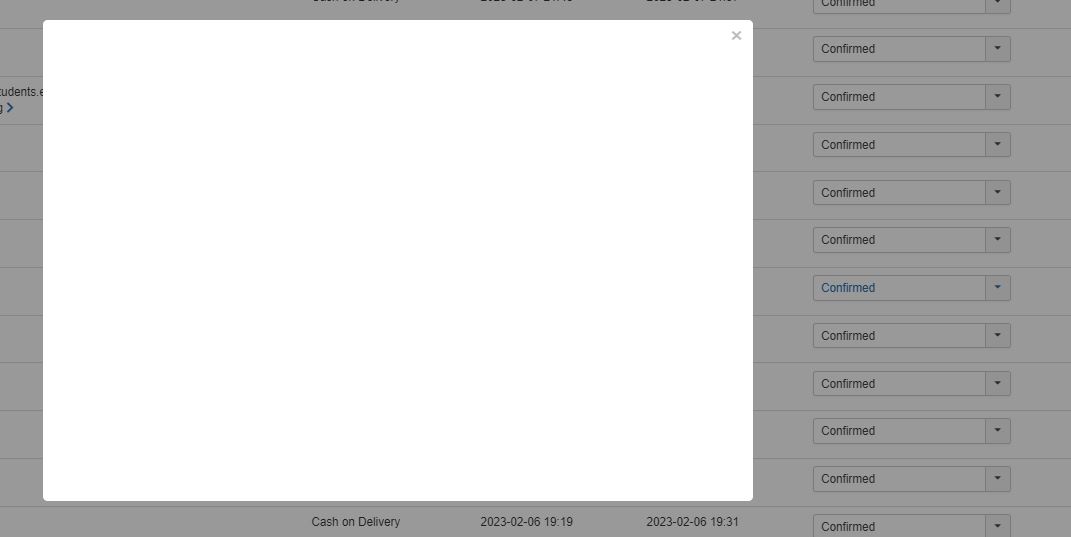 , then will having the popup blank issue
Any improvement can be done?
-- Joomla version -- : 3.9.21
-- PHP version -- : 7.2.34
-- Browser(s) name and version -- : chrome
There is an issue when I want to change the order status at the order listing page for certain order
I found that if the product is too many
Any improvement can be done?
Please Log in or Create an account to join the conversation.

3 years 7 months ago #349145
by nicolas
Replied by nicolas on topic Order Change Status Show Blank Pop Up
Hi,
If you say it's only when you have a lot of products in the order, it's probably a memory limit issue. And in that case, you'll want to edit your php.ini to increase the "memory_limit" parameter. You might have to ask your hosting support about it.
However, we're only speculating here. The first thing I would do would be to activate the "debug" and "error reporting" settings of the Joomla configuration and try again to access that popup. It should hopefully display an error message explaining where the problem is. And chances are it will say something like "Fatal error: Allowed memory of xxx exhausted", which will confirm the issue comes from the memory limit of the hosting.
If you say it's only when you have a lot of products in the order, it's probably a memory limit issue. And in that case, you'll want to edit your php.ini to increase the "memory_limit" parameter. You might have to ask your hosting support about it.
However, we're only speculating here. The first thing I would do would be to activate the "debug" and "error reporting" settings of the Joomla configuration and try again to access that popup. It should hopefully display an error message explaining where the problem is. And chances are it will say something like "Fatal error: Allowed memory of xxx exhausted", which will confirm the issue comes from the memory limit of the hosting.
Please Log in or Create an account to join the conversation.
Time to create page: 0.136 seconds