

- Posts: 45
- Thank you received: 0
No Stock?
14 years 11 months ago #28237
by davids
Sirs,
Now that I have updated, when I add a new product, it shows up on the front end, but you can't add it tot he cart because it says NO STOCK. Where do I add stock?
Now that I have updated, when I add a new product, it shows up on the front end, but you can't add it tot he cart because it says NO STOCK. Where do I add stock?
Please Log in or Create an account to join the conversation.

14 years 11 months ago #28247
by nicolas
Replied by nicolas on topic Re: No Stock?
In the product's edition page, there is a quantity field where you can set the quantity you have in stock.
Please Log in or Create an account to join the conversation.
14 years 11 months ago #28248
by davids
Replied by davids on topic Re: No Stock?
I don't see anywhere, where there is an edition page. How do I get there?
Please Log in or Create an account to join the conversation.
14 years 11 months ago #28252
by nicolas
Replied by nicolas on topic Re: No Stock?
Go in the products listing on your back end : Components->HikaShop>Products. There, click on a product's name. That's the edition page of your product where you have the quantity field.
Please Log in or Create an account to join the conversation.
14 years 11 months ago #28261
by davids
Replied by davids on topic Re: No Stock?
HI,
Well still no luck. See the attached images.
This attachment is hidden for guests.
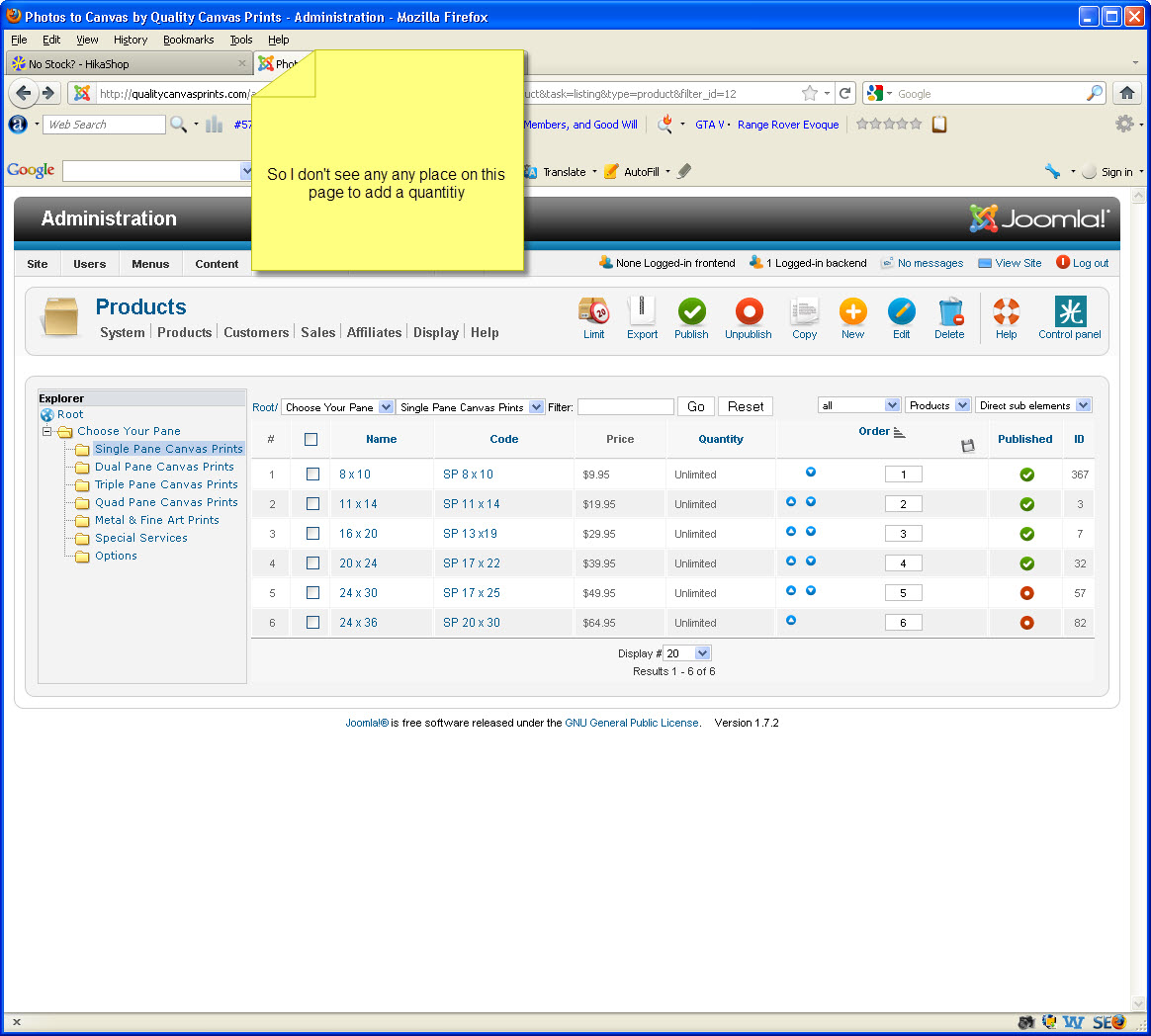
Well still no luck. See the attached images.
This attachment is hidden for guests.
Please log in or register to see it.
Please Log in or Create an account to join the conversation.
14 years 11 months ago #28266
by nicolas
Replied by nicolas on topic Re: No Stock?
I can see that your product has a characteristic. You should click on the "manage variants" button of the product to edit the variants of the product and make sure that the variants themselves are either unlimited or a stock greater than 0.
Please Log in or Create an account to join the conversation.
Time to create page: 0.157 seconds