
how to change size of pics on product page?
- progreccor
-
 Topic Author
- Offline
- SEO, webdesign
Less
More
14 years 10 months ago - 14 years 10 months ago #31689
by progreccor
Я не явлюсь официальной службой поддержки!
Я здесь добровольно!
Хочешь получить купон на скидку Hikashop? Спроси меня как!
how to change size of pics on product page? was created by progreccor
I wish to change the size of pic on the product page
but don't change the size of this pic in the category....
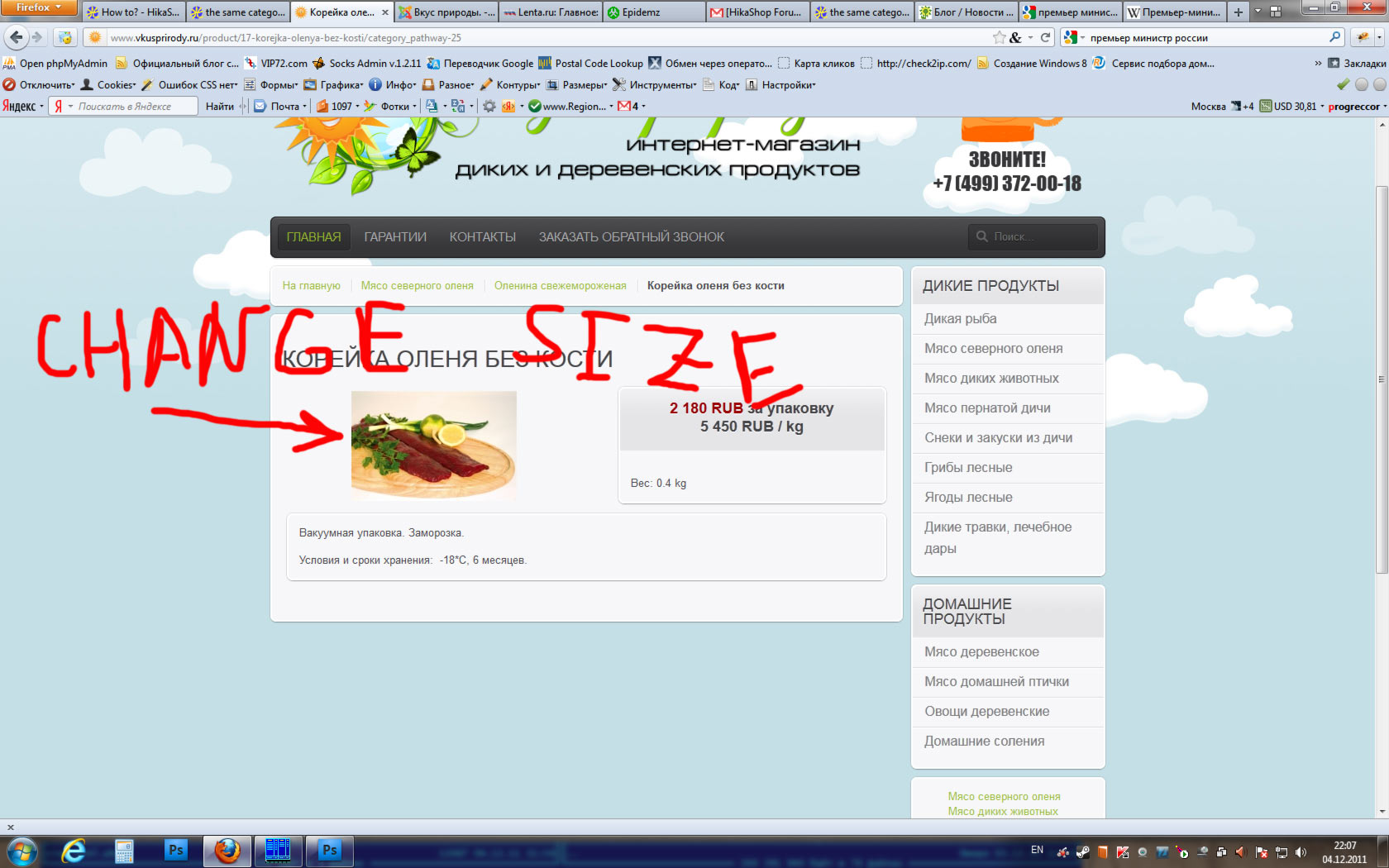
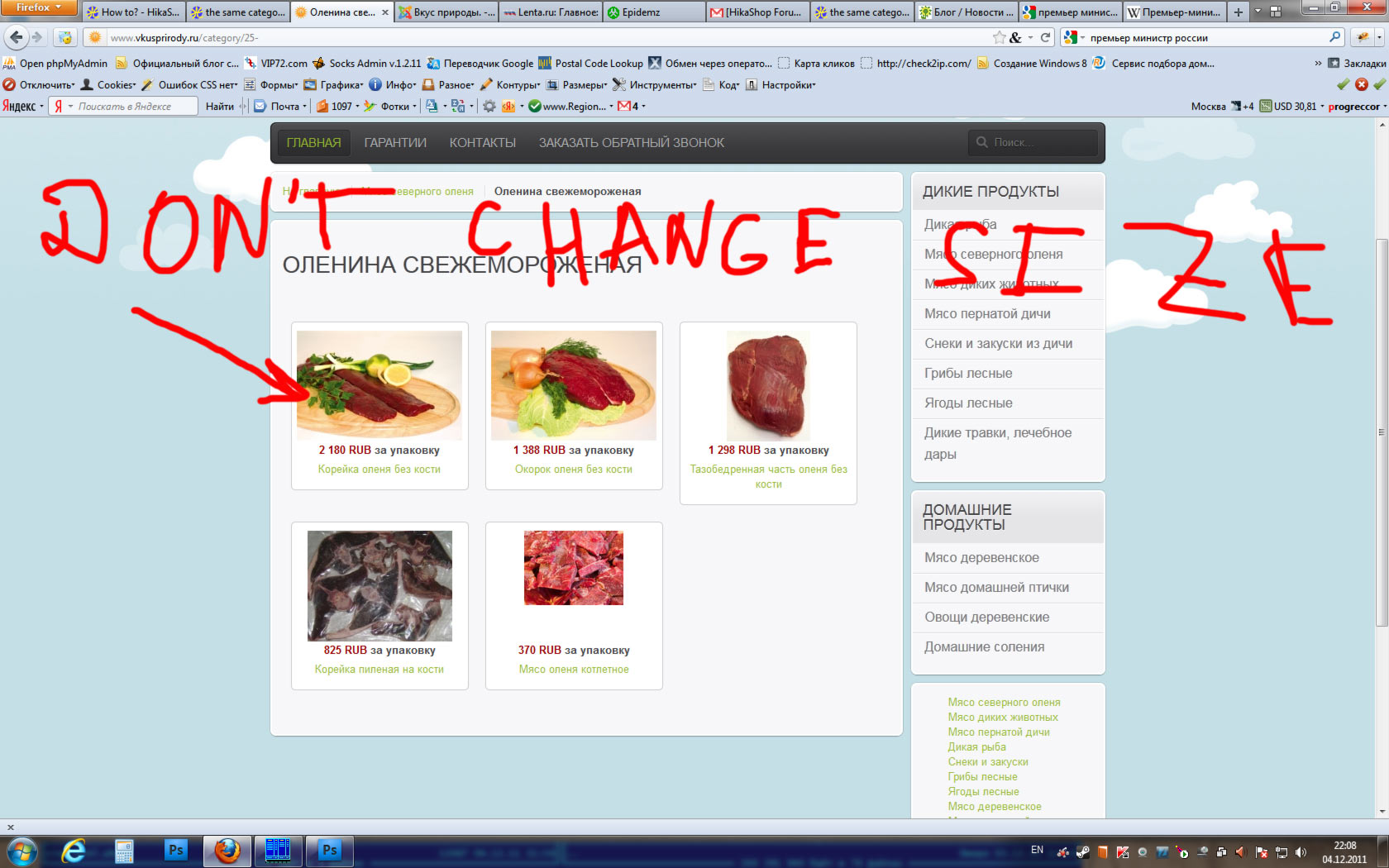
but don't change the size of this pic in the category....
Я не явлюсь официальной службой поддержки!
Я здесь добровольно!
Хочешь получить купон на скидку Hikashop? Спроси меня как!
Last edit: 14 years 10 months ago by progreccor.
Please Log in or Create an account to join the conversation.

14 years 9 months ago #31723
by nicolas
Replied by nicolas on topic Re: how to change size of pics on product page?
You should go in System-->configuration-->Files.
The thumbnails size is used on the product page and the listings (on the listings only if you didn't specify an image size in the menu/module's options) for the thumbnails. So you can increase these options there and set the thumbnails size of your listings by editing the options of your menus/modules via the menu Display->Content modules/menus.
The thumbnails size is used on the product page and the listings (on the listings only if you didn't specify an image size in the menu/module's options) for the thumbnails. So you can increase these options there and set the thumbnails size of your listings by editing the options of your menus/modules via the menu Display->Content modules/menus.
Please Log in or Create an account to join the conversation.
Time to create page: 0.155 seconds