

- Posts: 80
- Thank you received: 0
Help with product display
14 years 7 months ago #39983
by CassHW
Help with product display was created by CassHW
Hi Nicola,
I've got a ebook category that has sub-categories
I've got a menu that links to the ebook category, which displays the sub-categories
When you click on one of the sub-categories, the products aren't displayed as I want like for all other product displays I've got.
For the other products, I created a menu link so I was able to get them the way I wanted.
I don't know how to do the same for these sub-category products because I haven't got a menu link
I've attached the screenshots
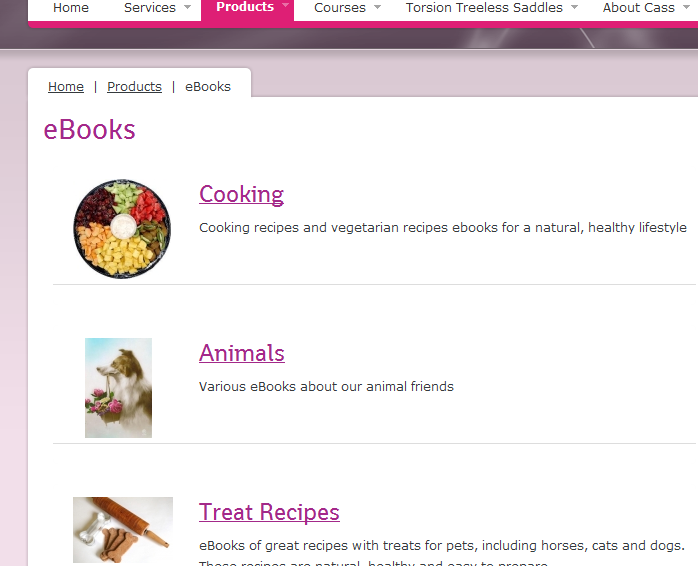
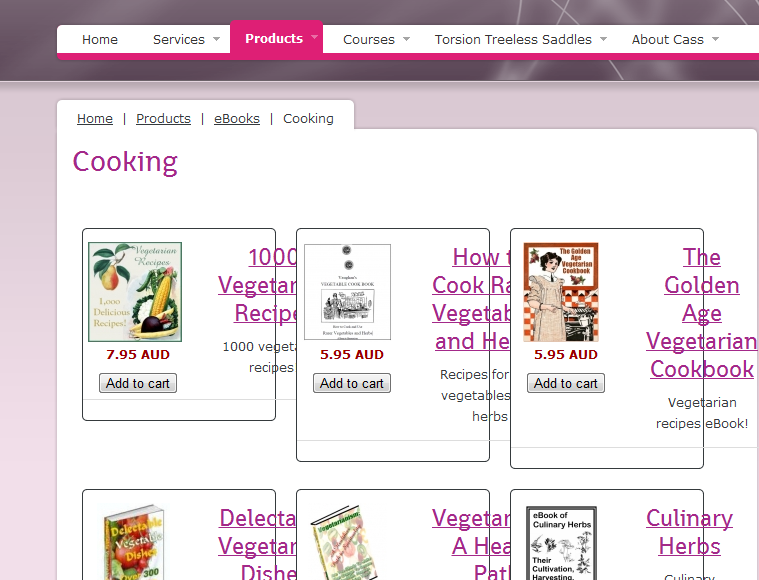
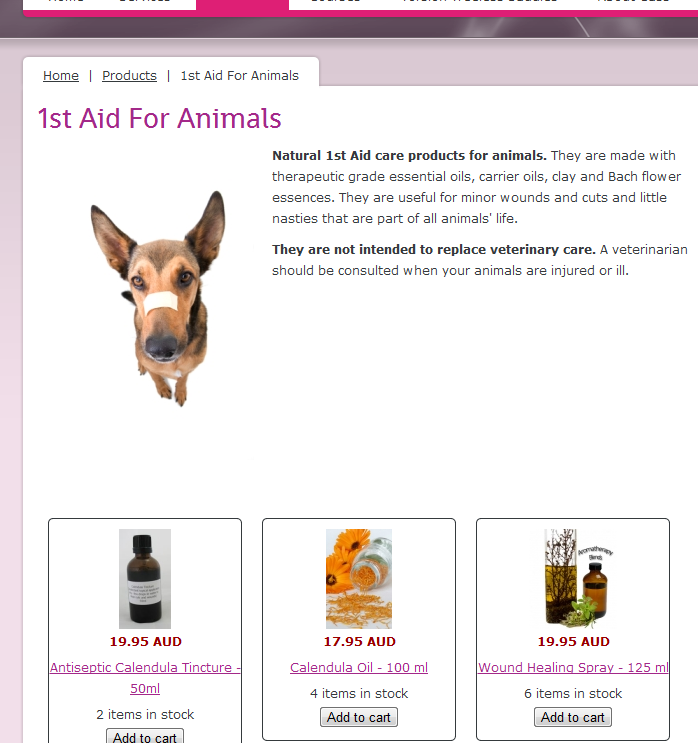
I've got a ebook category that has sub-categories
I've got a menu that links to the ebook category, which displays the sub-categories
When you click on one of the sub-categories, the products aren't displayed as I want like for all other product displays I've got.
For the other products, I created a menu link so I was able to get them the way I wanted.
I don't know how to do the same for these sub-category products because I haven't got a menu link
I've attached the screenshots
Please Log in or Create an account to join the conversation.
14 years 7 months ago #40087
by CassHW
Replied by CassHW on topic Re: Help with product display
bump
Please Log in or Create an account to join the conversation.
14 years 7 months ago #40090
by CassHW
Replied by CassHW on topic Re: Help with product display
I've added menu links and they display correctly when you click on those links.
but from the category listing, when you click on the links of the sub-categories, the products still display as per screenshot
In the configuration > Display, default parameter for DIV is image and title
thanks
but from the category listing, when you click on the links of the sub-categories, the products still display as per screenshot
In the configuration > Display, default parameter for DIV is image and title
thanks
Please Log in or Create an account to join the conversation.

14 years 7 months ago #40101
by nicolas
Replied by nicolas on topic Re: Help with product display
The configuration Display options are only for NEW menus and modules.
For existing menus and modules, you should go in the menu Display->Content menus/modules where you will find similar options but specifically for your menu/module.
Also, when your menu is a category listing, in its hikashop options, you will have a link to the options of the products listing.
For existing menus and modules, you should go in the menu Display->Content menus/modules where you will find similar options but specifically for your menu/module.
Also, when your menu is a category listing, in its hikashop options, you will have a link to the options of the products listing.
Please Log in or Create an account to join the conversation.
14 years 7 months ago #40104
by CassHW
Replied by CassHW on topic Re: Help with product display
Nicola,
the display through the menu works fine.
if you go from the menu and click on a sub-category, it works ok.
if you click on the menu to display the sub-categories and then click on a sub-category from the web page, then it doesn't display right
have a look:
www.horsewhispers.com.au/jupgrade/index.php/products/ebooks
the display through the menu works fine.
if you go from the menu and click on a sub-category, it works ok.
if you click on the menu to display the sub-categories and then click on a sub-category from the web page, then it doesn't display right
have a look:
www.horsewhispers.com.au/jupgrade/index.php/products/ebooks
Please Log in or Create an account to join the conversation.
14 years 7 months ago #40141
by CassHW
Replied by CassHW on topic Re: Help with product display
I fixed it
I deleted the category listing and recreated a new one, Now it displays fine
I deleted the category listing and recreated a new one, Now it displays fine
Please Log in or Create an account to join the conversation.
Time to create page: 0.213 seconds