
- Posts: 127
- Thank you received: 12
Content Menu Product Listing : Pane Height
- tony@10uk.net
-
 Topic Author
- Offline
Less
More
14 years 4 months ago - 14 years 4 months ago #51383
by tony@10uk.net
Content Menu Product Listing : Pane Height was created by tony@10uk.net
Hello,
Joomla 1.7
HS 1.5.7
In a Content Menu module where I wish to list products within a category, the layout is not quite right for some products as the boxes stretch in height when the description goes over two lines.
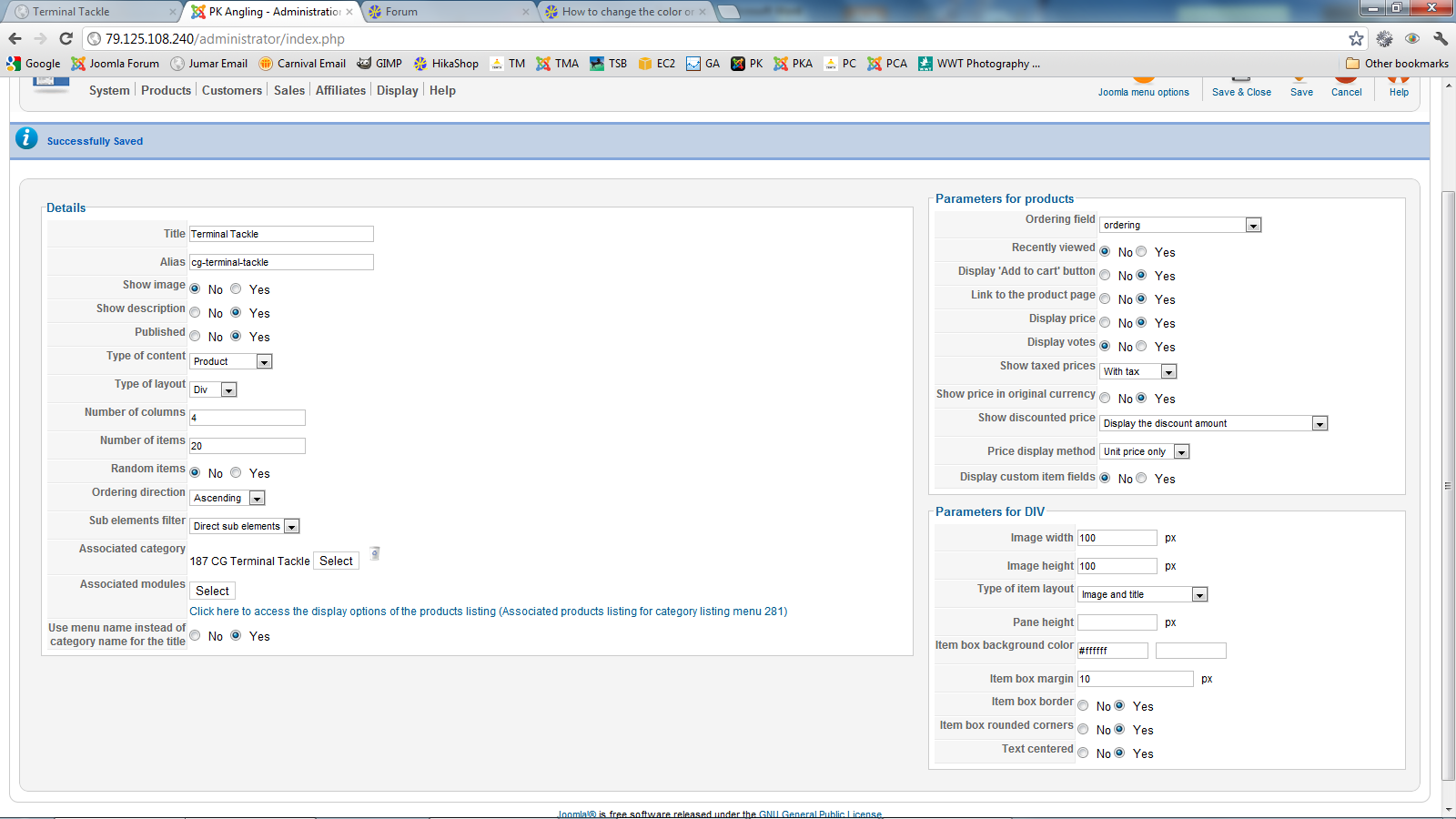
I believed I could correct this by forcing a "Pane Height" which defaults to blank. Image attached.
However this option has no effect - I tried setting to 500 as a test and the front end display is no different.
I could do with some CSS but would like to understand more what "Pane Height" is for?
Thanks,
Tony
Joomla 1.7
HS 1.5.7
In a Content Menu module where I wish to list products within a category, the layout is not quite right for some products as the boxes stretch in height when the description goes over two lines.
I believed I could correct this by forcing a "Pane Height" which defaults to blank. Image attached.
However this option has no effect - I tried setting to 500 as a test and the front end display is no different.
I could do with some CSS but would like to understand more what "Pane Height" is for?
Thanks,
Tony
Last edit: 14 years 4 months ago by tony@10uk.net.
Please Log in or Create an account to join the conversation.

14 years 4 months ago #51504
by nicolas
Replied by nicolas on topic Re: Content Menu Product Listing : Pane Height
The pane height option is to be used with the "pane" item box layout.
You're using the "image and title" layout, so that option has no effect at all.
You will have to do that with CSS. That's the normal way to set that.
You're using the "image and title" layout, so that option has no effect at all.
You will have to do that with CSS. That's the normal way to set that.
Please Log in or Create an account to join the conversation.
Time to create page: 0.161 seconds