

- Posts: 193
- Thank you received: 11
one store two locations
4 years 6 months ago #340182
by affaf1952
one store two locations was created by affaf1952
Hello, my client has two locations for the same business but each one in a different city
is there is a way to put the checkout flow first option to choose the store? either store city A or Store City B, thanks
Thanks
is there is a way to put the checkout flow first option to choose the store? either store city A or Store City B, thanks
Thanks
Please Log in or Create an account to join the conversation.

4 years 6 months ago #340188
by nicolas
Replied by nicolas on topic one store two locations
Hi,
Well, you could just create a custom field of the table "order" via the menu Display>Views, to let the user select between the two stores and move the "fields" view in the first step of the checkout workflow in the HikaShop configuration.
But what it means for you to allow the customer to choose between the two stores ? Does it changes something for the price ? For the stock ? For the email notifications ? For available shipping methods ? Based on what you're trying to do, it could change my answer completely.
Well, you could just create a custom field of the table "order" via the menu Display>Views, to let the user select between the two stores and move the "fields" view in the first step of the checkout workflow in the HikaShop configuration.
But what it means for you to allow the customer to choose between the two stores ? Does it changes something for the price ? For the stock ? For the email notifications ? For available shipping methods ? Based on what you're trying to do, it could change my answer completely.
Please Log in or Create an account to join the conversation.
4 years 6 months ago #340203
by affaf1952
Replied by affaf1952 on topic one store two locations
Hello Nick,
well no prices change and no stock different and also no emails different, everything the same
however, I tried to follow instructions and looks I'm lost, see my screenshot
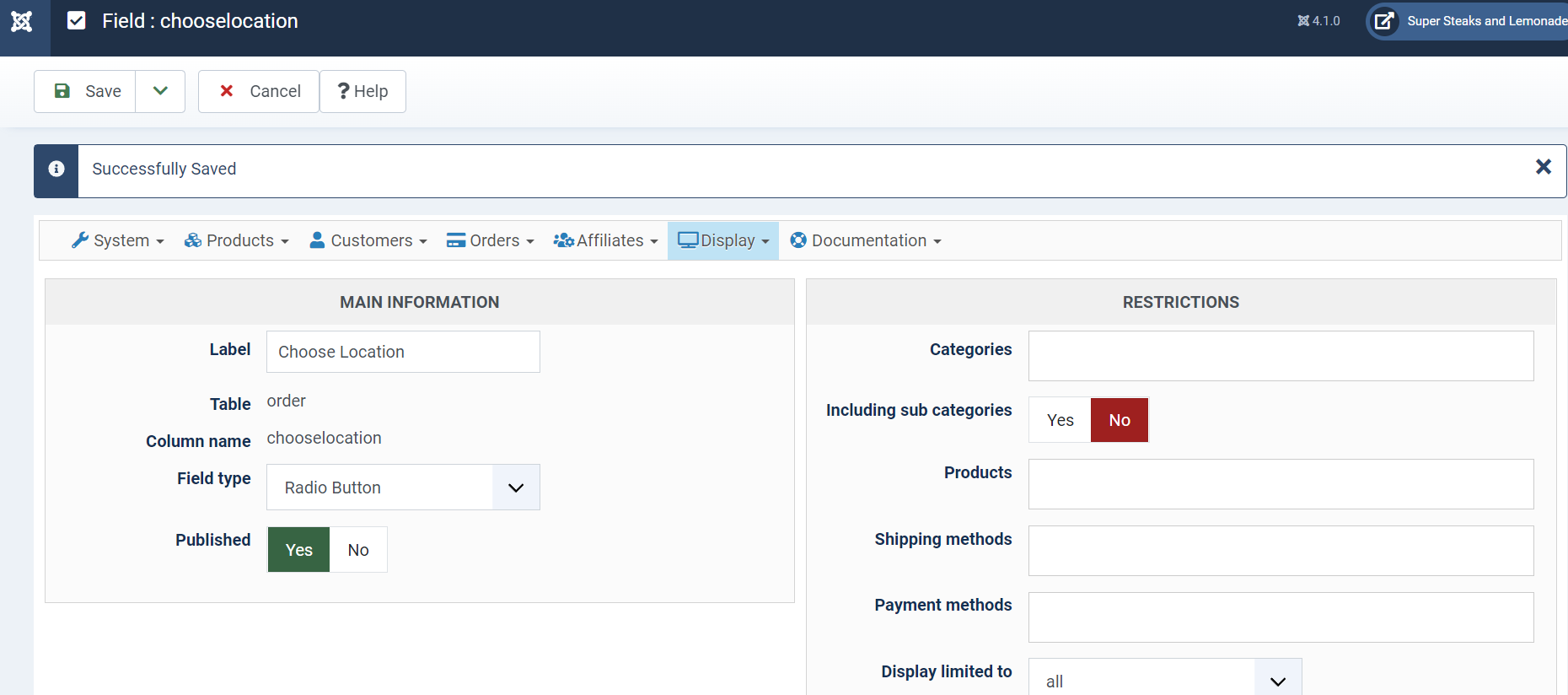
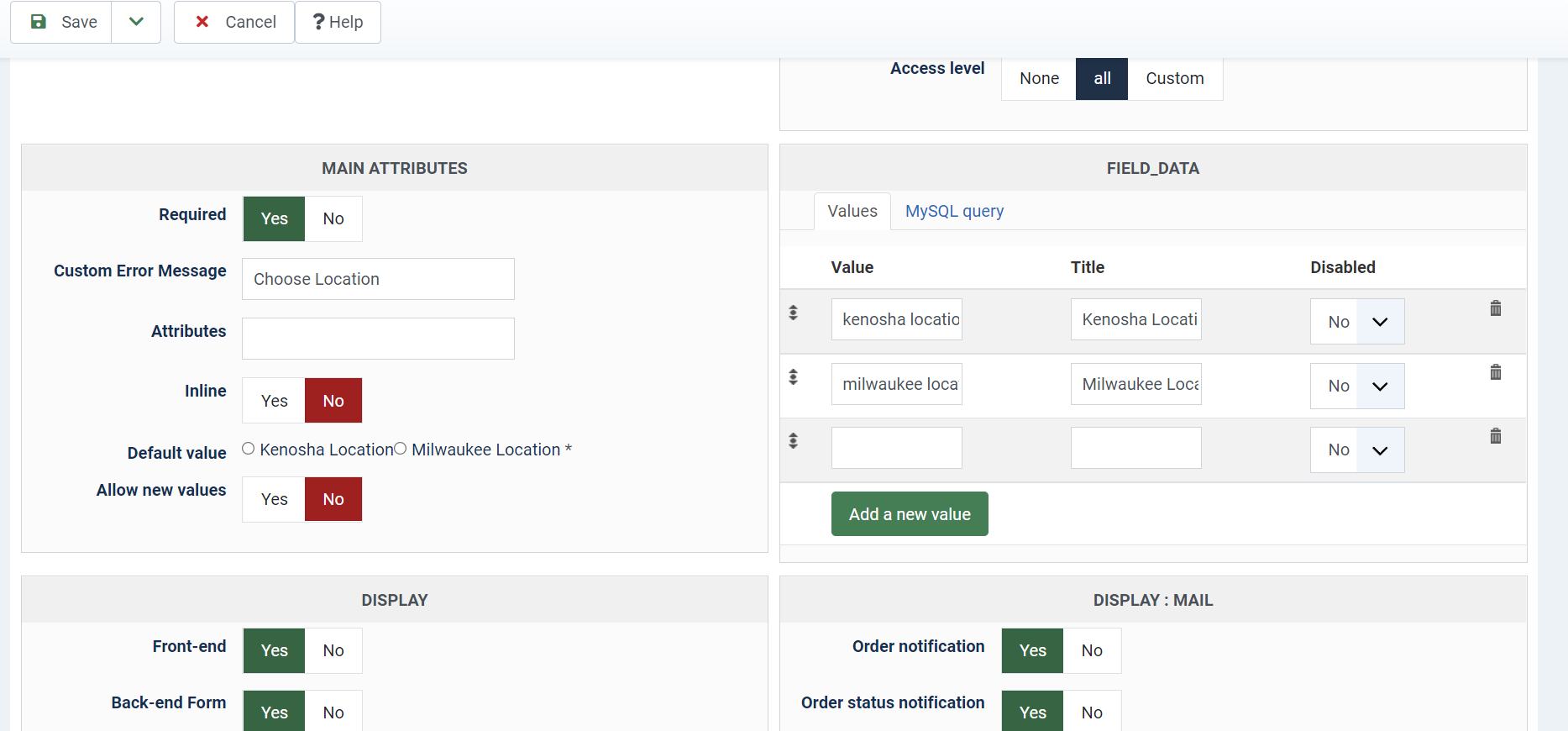
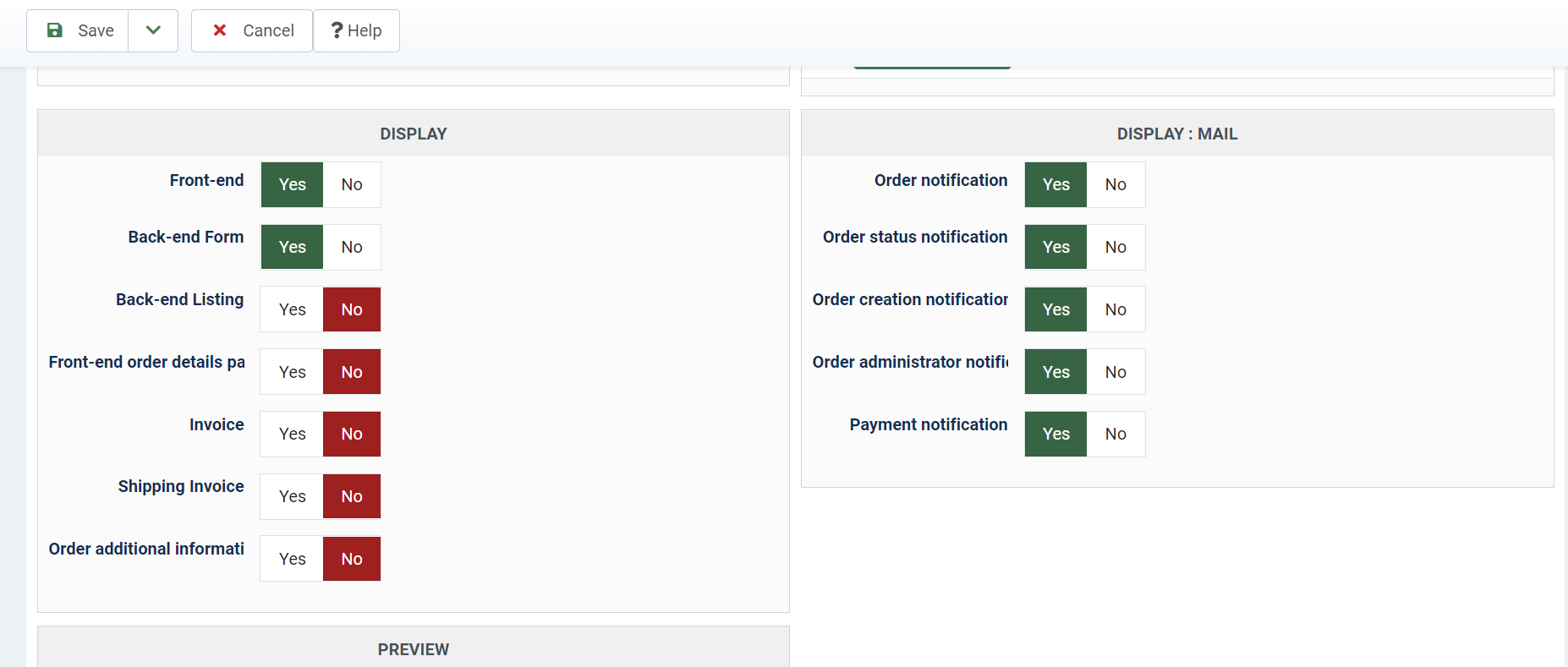
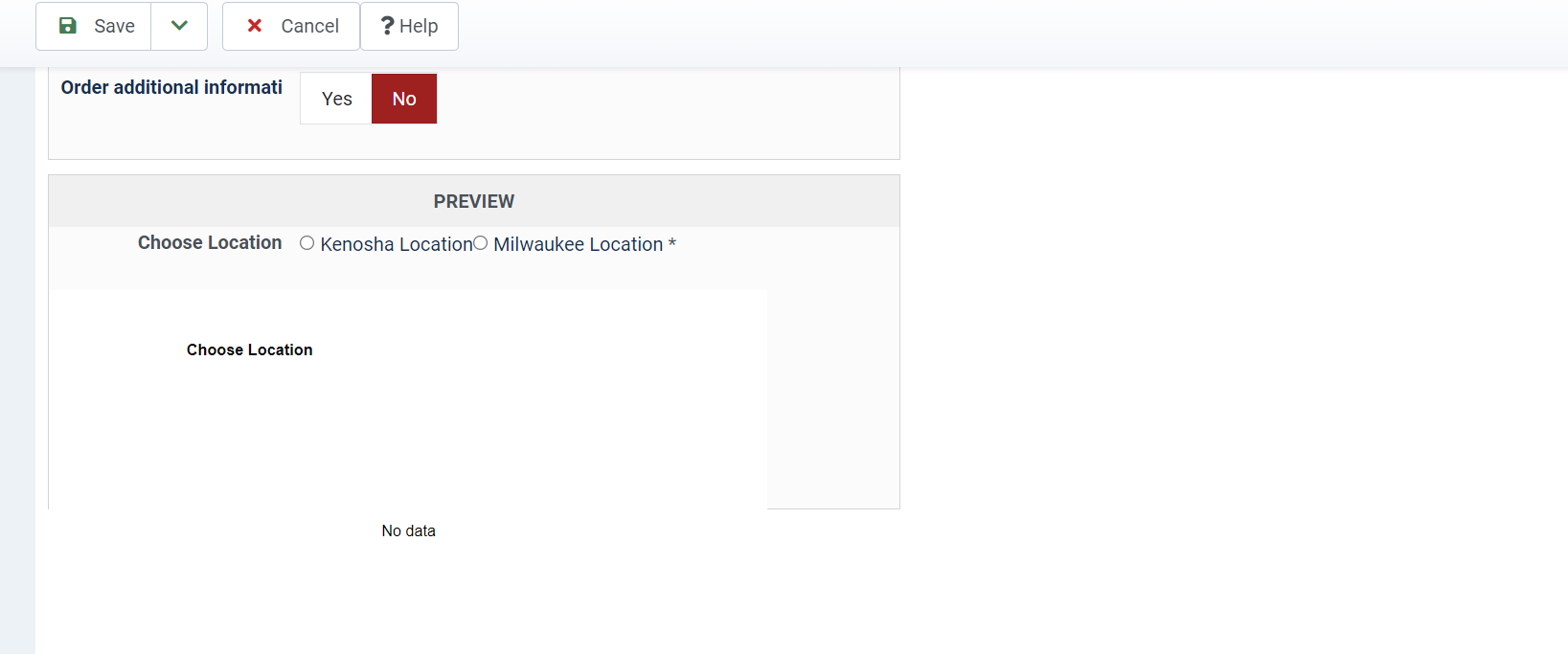
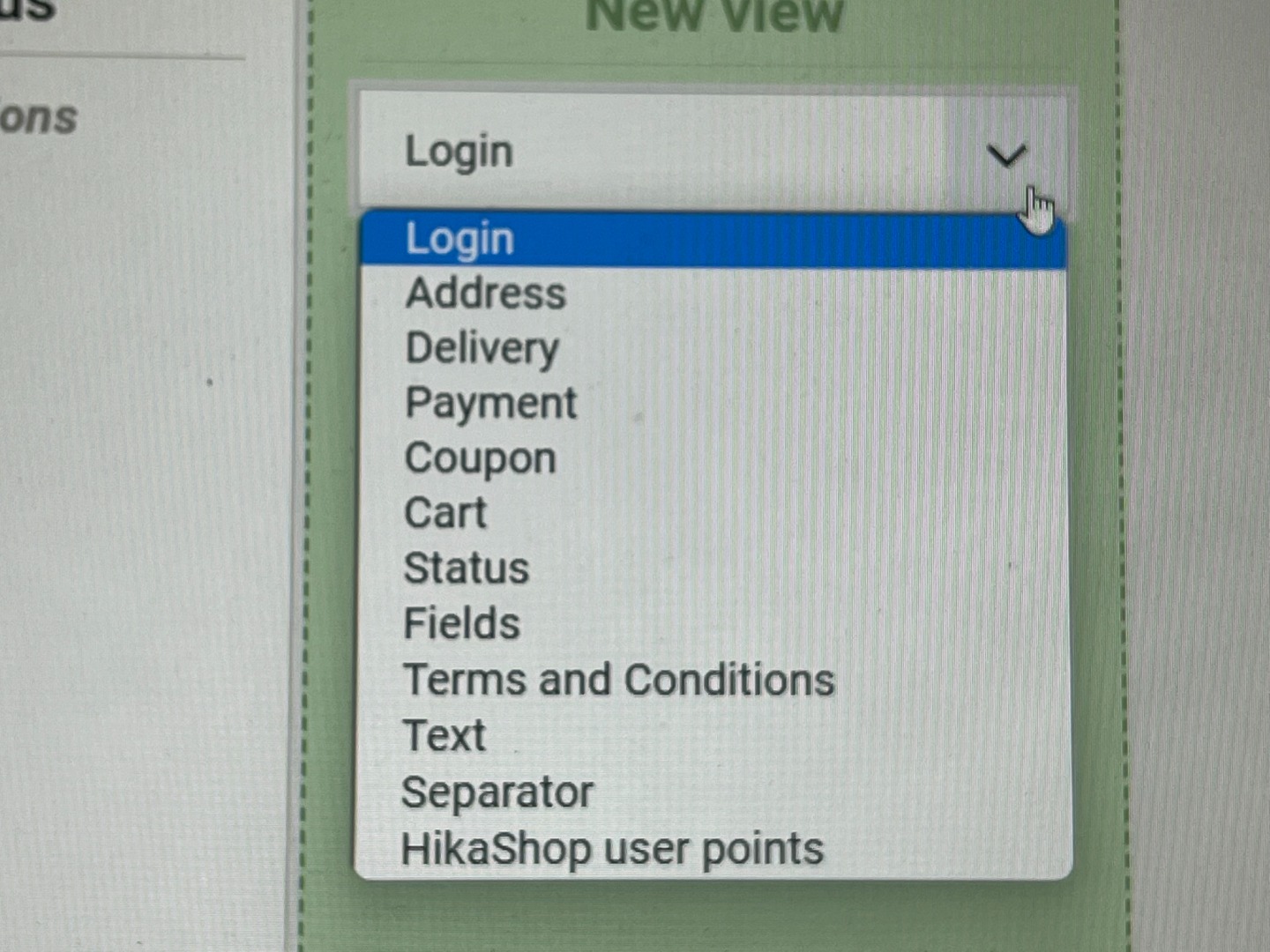
PLease help me because I could not add it to the checkout flow
Thanks
well no prices change and no stock different and also no emails different, everything the same
however, I tried to follow instructions and looks I'm lost, see my screenshot
PLease help me because I could not add it to the checkout flow
Thanks
Please Log in or Create an account to join the conversation.
4 years 6 months ago #340209
by nicolas
Replied by nicolas on topic one store two locations
Hi,
You're almost there. In your last screenshot, in the "new view" area, you need to select "fields". Then, select the field you created in that new view and move it where you want it in your checkout workflow and you'll be done.
You're almost there. In your last screenshot, in the "new view" area, you need to select "fields". Then, select the field you created in that new view and move it where you want it in your checkout workflow and you'll be done.
Please Log in or Create an account to join the conversation.
4 years 6 months ago #340216
by affaf1952
Replied by affaf1952 on topic one store two locations
It works, thanks for the hint!
Please Log in or Create an account to join the conversation.
Time to create page: 0.169 seconds