

- Posts: 8
- Thank you received: 0
Paypal dont work anymore
9 years 6 months ago #266376
by webfarol
Paypal dont work anymore was created by webfarol
Paypal payment dont work.
After confirm payment and redirect to paypal page it goes to the url
www.paypal.com/webapps/shoppingcart/erro...574511_cdec8dae59fcb
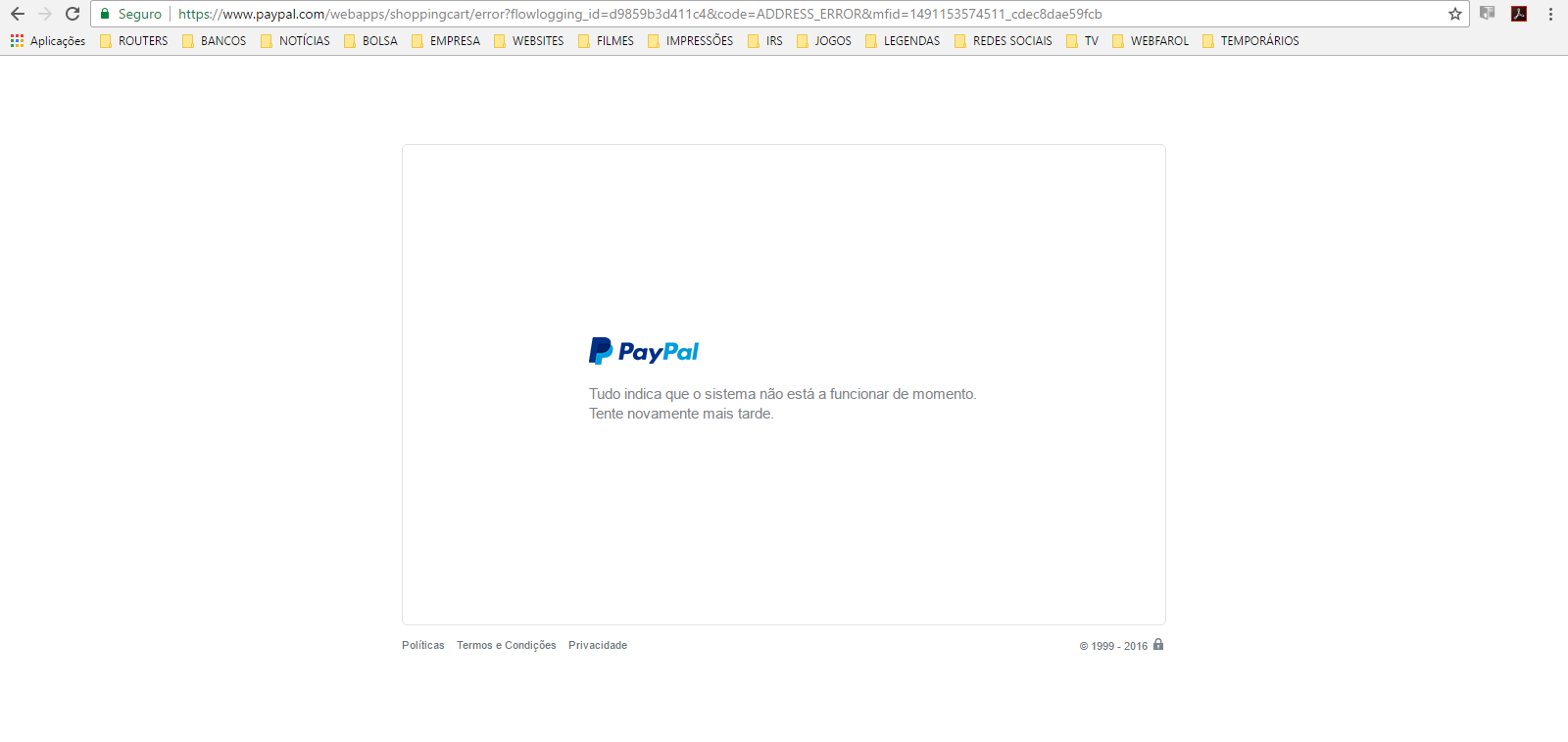
After confirm payment and redirect to paypal page it goes to the url
www.paypal.com/webapps/shoppingcart/erro...574511_cdec8dae59fcb
Please Log in or Create an account to join the conversation.

9 years 6 months ago #266381
by Jerome
Jerome - Obsidev.com
HikaMarket & HikaSerial developer / HikaShop core dev team.
Replied by Jerome on topic Paypal dont work anymore
Hello,
Did you contact the Paypal support ?
The messages is not very specific and mostly give the impression that Paypal services have some internal issues.
Regards,
Did you contact the Paypal support ?
The messages is not very specific and mostly give the impression that Paypal services have some internal issues.
Regards,
Jerome - Obsidev.com
HikaMarket & HikaSerial developer / HikaShop core dev team.
Please Log in or Create an account to join the conversation.

9 years 6 months ago - 9 years 6 months ago #266442
by emmdee
Replied by emmdee on topic Paypal dont work anymore
Same with me !!!!
Joom 3.6.5
Hka 3.0.1
Suddenly no one can pay.. just happened today.
Paypal error is "Things don't appear to be working at the moment. Please try again later."
Paypal URL is
www.paypal.com/webapps/shoppingcart/erro...923990_f13b1c88c799e
My site is http only ... has this anything to do with it? (I have other older sites and they work fine, but are https)
url for site is www.tarb.com.au/assessment-book-orders/personal-order.html
But i have closed the site til this is fixed.
Contacted Paypal and they said "shopping cart button needs update"...I dont
know what this means.
Thanks
emmdee
Joom 3.6.5
Hka 3.0.1
Suddenly no one can pay.. just happened today.
Paypal error is "Things don't appear to be working at the moment. Please try again later."
Paypal URL is
www.paypal.com/webapps/shoppingcart/erro...923990_f13b1c88c799e
My site is http only ... has this anything to do with it? (I have other older sites and they work fine, but are https)
url for site is www.tarb.com.au/assessment-book-orders/personal-order.html
But i have closed the site til this is fixed.
Contacted Paypal and they said "shopping cart button needs update"...I dont
know what this means.
Thanks
emmdee
Last edit: 9 years 6 months ago by emmdee. Reason: Added some omissions
Please Log in or Create an account to join the conversation.

9 years 6 months ago #266453
by nicolas
Replied by nicolas on topic Paypal dont work anymore
Hi,
It still works fine on our website. And I also tested on a local test website with HTTP and not HTTPS and it still works fine.
I tried with both HikaShop 3.0.1 and HikaShop 2.6.4.
So there is something else and it's not related to the button itself.
Please tell the PayPal support that the button is part of a shopping cart software which works for others so the button itself doesn't need updating. It must come from something else, a setting, or something on your server, but you need more precise information from them.
It still works fine on our website. And I also tested on a local test website with HTTP and not HTTPS and it still works fine.
I tried with both HikaShop 3.0.1 and HikaShop 2.6.4.
So there is something else and it's not related to the button itself.
Please tell the PayPal support that the button is part of a shopping cart software which works for others so the button itself doesn't need updating. It must come from something else, a setting, or something on your server, but you need more precise information from them.
Please Log in or Create an account to join the conversation.
9 years 6 months ago #266475
by webfarol
Replied by webfarol on topic Paypal dont work anymore
Hi there,
i have another client with the same componet and works just fine.
And the client that dont work, work just fine until last week.
We did not do any update since there.
we already change the e-mail of paypal account to another one that is working in another client and nothing.
The redirect goes to the URL that i send in the first topic.
i have another client with the same componet and works just fine.
And the client that dont work, work just fine until last week.
We did not do any update since there.
we already change the e-mail of paypal account to another one that is working in another client and nothing.
The redirect goes to the URL that i send in the first topic.
Please Log in or Create an account to join the conversation.
9 years 6 months ago - 9 years 6 months ago #266501
by panefs
Replied by panefs on topic Paypal dont work anymore
I am encountering the very same problem! What is strange is that it affects some, but not all customers. So far it has affected ~ 50% of the customers who tried to purchase my products. Below is a screen-shot sent to me by a customer.
As I mentioned, it seems to affect certain customers, not certain purchase buttons: some people purchased product X from my site without any problems, while other people were unable to buy it.
I asked the customer who sent me this screen-shot, to try to purchase other products from my site. He faced the same problem, no matter the product he tried to buy.
Also, this doesn't seem to be related to certain countries.
Although I subscribed to Hikashop Business 3 since January, I am still using 2.6.4 on my site.
Jerome and Nicolas: My opinion is that you must investigate this very serious issue. We rely on Hikashop to do business and at the moment our businesses are screwed up. I bet that this issue has affected many of your customers.
Thanks
Panos
As I mentioned, it seems to affect certain customers, not certain purchase buttons: some people purchased product X from my site without any problems, while other people were unable to buy it.
I asked the customer who sent me this screen-shot, to try to purchase other products from my site. He faced the same problem, no matter the product he tried to buy.
Also, this doesn't seem to be related to certain countries.
Although I subscribed to Hikashop Business 3 since January, I am still using 2.6.4 on my site.
Jerome and Nicolas: My opinion is that you must investigate this very serious issue. We rely on Hikashop to do business and at the moment our businesses are screwed up. I bet that this issue has affected many of your customers.
Thanks
Panos
Last edit: 9 years 6 months ago by panefs.
Please Log in or Create an account to join the conversation.
9 years 6 months ago - 9 years 6 months ago #266504
by panefs
Replied by panefs on topic Paypal dont work anymore
I forgot to add this piece of information: I asked the customer who sent me the screen-shot, to try and login directly to his PayPal account (by typing
www.paypal.com
in the browser's address bar): he logged in without any problems. So, the issue occurs when Hikashop transfers the customer to Paypal.
Last edit: 9 years 6 months ago by panefs.
Please Log in or Create an account to join the conversation.
9 years 6 months ago #266523
by webfarol
Replied by webfarol on topic Paypal dont work anymore
Hi there,
after many hours i solve my problem.
Its simple. Go to the hikashop backend on the payments methods and delete the paypal method.
Do another one, with the same options and voila!!
It works again.
Strange!!
after many hours i solve my problem.
Its simple. Go to the hikashop backend on the payments methods and delete the paypal method.
Do another one, with the same options and voila!!
It works again.
Strange!!
Please Log in or Create an account to join the conversation.
9 years 6 months ago #266525
by emmdee
Replied by emmdee on topic Paypal dont work anymore
Joom 3.6.5
Hka 3.0.1
I tried webfarols method and it didnt work.
Any other suggestions out there?
rgds
emmdee
Hka 3.0.1
I tried webfarols method and it didnt work.
Any other suggestions out there?
rgds
emmdee
Please Log in or Create an account to join the conversation.
9 years 6 months ago - 9 years 6 months ago #266538
by panefs
Replied by panefs on topic Paypal dont work anymore
Same here: I tried "webfarol"'s suggestion but it didn't work. As I mentioned above, the strange thing is that this buggy behavior affects a large percentage of customers, but not all of them.
So, what "webfarol" observed was a successful order from a customer who happened to be unaffected by the problem. This doesn't mean that the problem has been fixed.
I am sure the Hika team will investigate this issue today!
In the meantime I am emailing the customers who were unable to complete their orders, asking them to login to their PayPal accounts and send the money to my PayPal address. When they do so, I manually switch their order status to "Confirmed".
This way I managed to secure most of these sales, that I would otherwise lose!
So, what "webfarol" observed was a successful order from a customer who happened to be unaffected by the problem. This doesn't mean that the problem has been fixed.
I am sure the Hika team will investigate this issue today!
In the meantime I am emailing the customers who were unable to complete their orders, asking them to login to their PayPal accounts and send the money to my PayPal address. When they do so, I manually switch their order status to "Confirmed".
This way I managed to secure most of these sales, that I would otherwise lose!
Last edit: 9 years 6 months ago by panefs.
The following user(s) said Thank You: emmdee
Please Log in or Create an account to join the conversation.
9 years 6 months ago #266572
by nicolas
Replied by nicolas on topic Paypal dont work anymore
Hi,
We got an access from emmdee and did a test on his website and got the error message from PayPal.
However, the data sent to PayPal is all but normal as far as I can see, so I don't see any reason for that error:
monosnap.com/file/GTG5exMap8tI3qJGTIJyUXHVICoCdB
So I looked further into it and found this page:
www.paypal-knowledge.com/infocenter/inde...lse&viewlocale=en_US
Which explains that the checks on the variables passed to PayPal have been improved since the beginning of April.
All the examples mentioned in that page are already OK for HikaShop though.
I went further and look here www.paypal-community.com/t5/PayPal-HTML-...?profile.language=en but again, most of the things mentioned there are already done in HikaShop by default since years.
In there though, I stumbled upon a post which mentioned providing prices with two decimals and which could explained why it still works for most people and why on the same website, it might work for some products and not for others. While nothing is mentioned about that in thePayPal documentation ( developer.paypal.com/docs/classic/paypal...dual-items-variables ), I've done the modification for that in the PayPal plugin.
Here is a modified version to always send prices with two decimals to PayPal. Please install it on your website and let us know how it goes:
We got an access from emmdee and did a test on his website and got the error message from PayPal.
However, the data sent to PayPal is all but normal as far as I can see, so I don't see any reason for that error:
monosnap.com/file/GTG5exMap8tI3qJGTIJyUXHVICoCdB
So I looked further into it and found this page:
www.paypal-knowledge.com/infocenter/inde...lse&viewlocale=en_US
Which explains that the checks on the variables passed to PayPal have been improved since the beginning of April.
All the examples mentioned in that page are already OK for HikaShop though.
I went further and look here www.paypal-community.com/t5/PayPal-HTML-...?profile.language=en but again, most of the things mentioned there are already done in HikaShop by default since years.
In there though, I stumbled upon a post which mentioned providing prices with two decimals and which could explained why it still works for most people and why on the same website, it might work for some products and not for others. While nothing is mentioned about that in thePayPal documentation ( developer.paypal.com/docs/classic/paypal...dual-items-variables ), I've done the modification for that in the PayPal plugin.
Here is a modified version to always send prices with two decimals to PayPal. Please install it on your website and let us know how it goes:
This attachment is hidden for guests.
Please log in or register to see it.
Please log in or register to see it.
Please Log in or Create an account to join the conversation.
9 years 6 months ago - 9 years 6 months ago #266575
by panefs
Replied by panefs on topic Paypal dont work anymore
Nicolas, thank you!
Can you please let us know the exact steps to install this patch?
Merci
Panos
EDIT: Should I decompress and move the contents in:
/public_html/administrator/components/com_hikashop/extensions/plg_hikashoppayment_paypal
?
Can you please let us know the exact steps to install this patch?
Merci
Panos
EDIT: Should I decompress and move the contents in:
/public_html/administrator/components/com_hikashop/extensions/plg_hikashoppayment_paypal
?
Last edit: 9 years 6 months ago by panefs.
Please Log in or Create an account to join the conversation.
9 years 6 months ago #266579
by nicolas
Replied by nicolas on topic Paypal dont work anymore
Hi,
Go in the Joomla extension installer, click on "browse", select the install package, and click install, like any Joomla extension.
Go in the Joomla extension installer, click on "browse", select the install package, and click install, like any Joomla extension.
Please Log in or Create an account to join the conversation.
9 years 6 months ago #266592
by emmdee
Replied by emmdee on topic Paypal dont work anymore
Hi yes nicholas done that but no success,
Joomla extension installer, click on "browse", select the install package, and click install, like any Joomla extension.
Checked the files in cpanel plugins/hikashoppayment/paypal ..all updated a few minutes ago.
Thanks so much for this, but the error is still there
rgds
emmdee
Joomla extension installer, click on "browse", select the install package, and click install, like any Joomla extension.
Checked the files in cpanel plugins/hikashoppayment/paypal ..all updated a few minutes ago.
Thanks so much for this, but the error is still there
rgds
emmdee
Please Log in or Create an account to join the conversation.
9 years 6 months ago #266599
by panefs
Replied by panefs on topic Paypal dont work anymore
I confirm that the issue persists 
Please Log in or Create an account to join the conversation.
9 years 6 months ago #266631
by nicolas
Replied by nicolas on topic Paypal dont work anymore
Hi,
I'm out of ideas. I've searched for several hours, but I don't see what it could be. I've sent a message on their support thread regarding that issue:
www.paypal-community.com/t5/PayPal-HTML-...highlight/false#M483
Because without precise information on what's wrong, it's like trying to find a needle in a haystack in the dark.
Maybe others should do the same and provide a trace of the parameters sent to PayPal during the redirection.
That would probably help in understanding where the problem is coming from. It might actually be different problems for different merchants.
I'm out of ideas. I've searched for several hours, but I don't see what it could be. I've sent a message on their support thread regarding that issue:
www.paypal-community.com/t5/PayPal-HTML-...highlight/false#M483
Because without precise information on what's wrong, it's like trying to find a needle in a haystack in the dark.
Maybe others should do the same and provide a trace of the parameters sent to PayPal during the redirection.
That would probably help in understanding where the problem is coming from. It might actually be different problems for different merchants.
Please Log in or Create an account to join the conversation.
9 years 6 months ago - 9 years 6 months ago #266635
by panefs
Replied by panefs on topic Paypal dont work anymore
Nicolas, how can we help ? What sort of information can we provide you, that you think would be useful?
The problem doesn't affect certain vendors. If this was the case, my sales would be zero after March 29. The problem seems to affect certain customers! Let me give you an example:
I've been exchanging emails with a good customer, who volunteered to help. I asked him to try to purchase a number of different products. Every attempt failed. In the meantime other people managed to buy these products without any problems.
The problem doesn't affect certain vendors. If this was the case, my sales would be zero after March 29. The problem seems to affect certain customers! Let me give you an example:
I've been exchanging emails with a good customer, who volunteered to help. I asked him to try to purchase a number of different products. Every attempt failed. In the meantime other people managed to buy these products without any problems.
Last edit: 9 years 6 months ago by panefs.
Please Log in or Create an account to join the conversation.
9 years 6 months ago #266637
by nicolas
Replied by nicolas on topic Paypal dont work anymore
Hi,
What I'm saying is that for most merchants, there is no problem. It's only for some of them.
And even for them, it's only for some customers of them, like you said.
Regarding your case, as you say that it only happens for some customers and not others for the same products, it indicates that the problem is with the address data sent to PayPal. Something must be wrong with it.
As I said in my previous message, you can get the trace of the data sent to PayPal with your browser console and publish that on the PayPal community thread so that someone from their support can check the data.
What I'm saying is that for most merchants, there is no problem. It's only for some of them.
And even for them, it's only for some customers of them, like you said.
Regarding your case, as you say that it only happens for some customers and not others for the same products, it indicates that the problem is with the address data sent to PayPal. Something must be wrong with it.
As I said in my previous message, you can get the trace of the data sent to PayPal with your browser console and publish that on the PayPal community thread so that someone from their support can check the data.
Please Log in or Create an account to join the conversation.
9 years 6 months ago #266639
by panefs
Replied by panefs on topic Paypal dont work anymore
OK, but how can you be sure about the extent of the merchants affected by the issue?
When Adobe released Photoshop CC-2014, it contained a serious bug that affected most of my products. However only a handful of customers reported me the issues. In reality the problem affected a large percentage of my customer base.
Methinks that since this is not a vendor-oriented issue, the problem may actually affect much more people.
When Adobe released Photoshop CC-2014, it contained a serious bug that affected most of my products. However only a handful of customers reported me the issues. In reality the problem affected a large percentage of my customer base.
Methinks that since this is not a vendor-oriented issue, the problem may actually affect much more people.
Please Log in or Create an account to join the conversation.
9 years 6 months ago #266642
by nicolas
Replied by nicolas on topic Paypal dont work anymore
Hi,
The thing is that for our own website, it works fine. And all the tests we did locally worked fine too.
And as you know, HikaShop is used by 10s of thousands of merchants, most of them using PayPal for their payments.
If it didn't work because there was a generic bug affecting most of them, most of them would be here and at PayPal support. But it's been 4 days, and only 3 people reported the issue.
So it's definitely not a generic bug.
It must happen only because of some data.
For example, if you turn off the "send order details" and the "address" settings of the PayPal payment method so that HikaShop doesn't send either the address nor the details of the cart, I'm pretty sure that it would work.
The thing is that for our own website, it works fine. And all the tests we did locally worked fine too.
And as you know, HikaShop is used by 10s of thousands of merchants, most of them using PayPal for their payments.
If it didn't work because there was a generic bug affecting most of them, most of them would be here and at PayPal support. But it's been 4 days, and only 3 people reported the issue.
So it's definitely not a generic bug.
It must happen only because of some data.
For example, if you turn off the "send order details" and the "address" settings of the PayPal payment method so that HikaShop doesn't send either the address nor the details of the cart, I'm pretty sure that it would work.
Please Log in or Create an account to join the conversation.
Time to create page: 0.348 seconds