

- Posts: 30
- Thank you received: 1
Product description respsonsive
6 years 7 months ago #316743
by Lambersm
Product description respsonsive was created by Lambersm
-- HikaShop version -- : 4.2.3
-- Joomla version -- : 3.9.16
Hi,
I have a template and now the product description is not displayed properly if it contains an image. It is not fully displayed.
How can I change this?
-- Joomla version -- : 3.9.16
Hi,
I have a template and now the product description is not displayed properly if it contains an image. It is not fully displayed.
How can I change this?
Please Log in or Create an account to join the conversation.

6 years 7 months ago #316744
by nicolas
Replied by nicolas on topic Product description respsonsive
Hi,
Hard to say. Please provide a link to the page where you have the issue so that we can look at the situation.
Hard to say. Please provide a link to the page where you have the issue so that we can look at the situation.
Please Log in or Create an account to join the conversation.
6 years 7 months ago #316756
by Lambersm
Replied by Lambersm on topic Product description respsonsive
Please Log in or Create an account to join the conversation.
6 years 7 months ago - 6 years 7 months ago #316757
by nicolas
Replied by nicolas on topic Product description respsonsive
Hi,
I do see the images in full on this page:
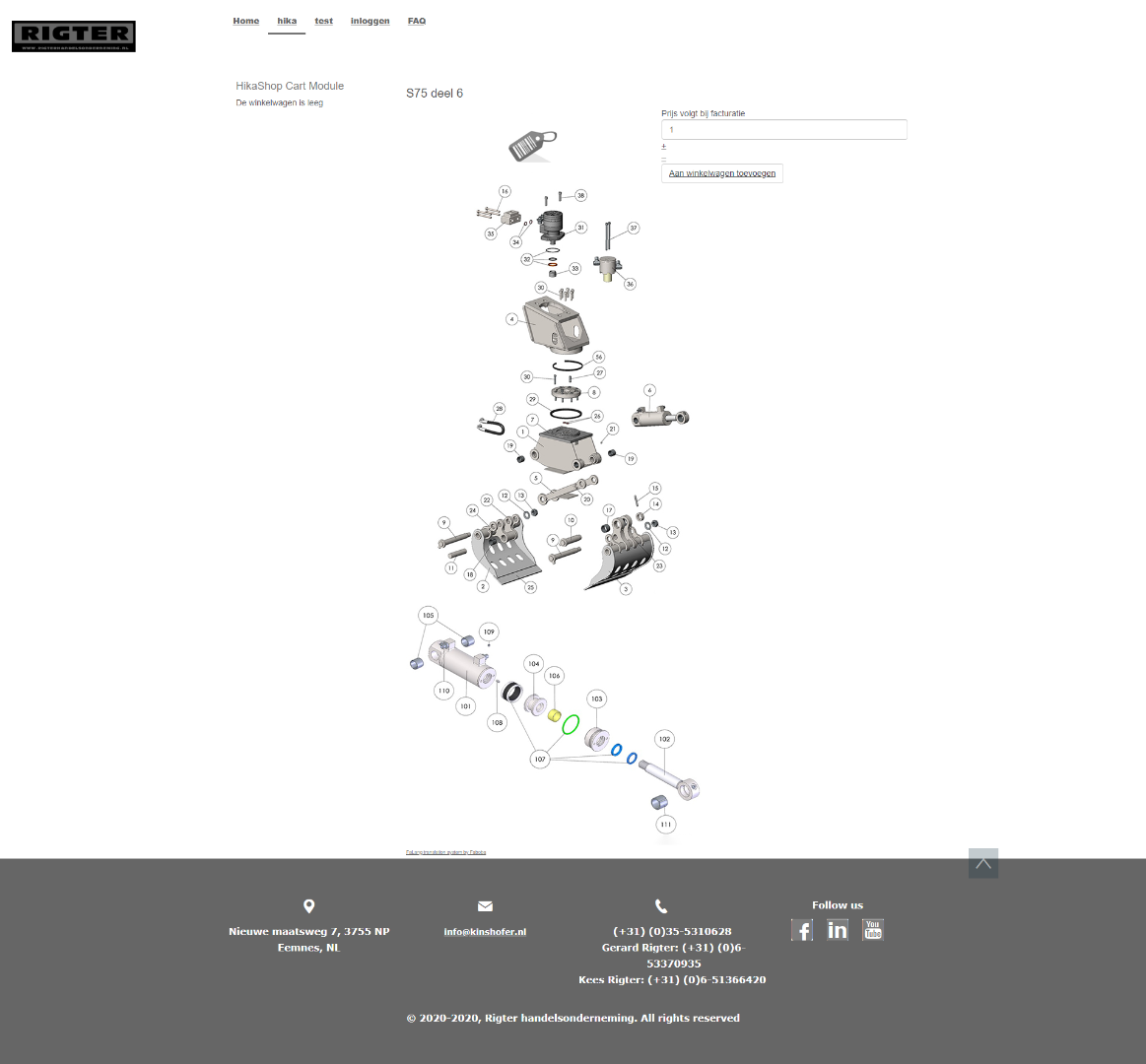
So either I didn't understand what your problem is, or I'm missing something.
I do see the images in full on this page:
So either I didn't understand what your problem is, or I'm missing something.
Last edit: 6 years 7 months ago by nicolas.
Please Log in or Create an account to join the conversation.
6 years 7 months ago #316764
by Lambersm
Replied by Lambersm on topic Product description respsonsive
HI,
When I watch it on a iPhone, I don't see the whole picture.
When I watch it on a iPhone, I don't see the whole picture.
Please Log in or Create an account to join the conversation.
6 years 7 months ago #316767
by nicolas
Replied by nicolas on topic Product description respsonsive
Hi,
That's just something you can adapt with a bit of CSS.
Add the code:
on your website and the images in your descriptions will display fine even on mobile devices.
To add such CSS, you can either add it to your template (you need to ask your template provider on how to do that), or you can also add it in the configuration of HikaShop:
www.hikashop.com/support/documentation/1...ize-the-display.html
That's just something you can adapt with a bit of CSS.
Add the code:
Code:
.hikashop_product_description_main img {
max-width: 100%;
}
To add such CSS, you can either add it to your template (you need to ask your template provider on how to do that), or you can also add it in the configuration of HikaShop:
www.hikashop.com/support/documentation/1...ize-the-display.html
Please Log in or Create an account to join the conversation.
6 years 7 months ago #316783
by Lambersm
Replied by Lambersm on topic Product description respsonsive
Hi,
Thx! That works!!!!
Thx! That works!!!!
The following user(s) said Thank You: Philip
Please Log in or Create an account to join the conversation.
Time to create page: 0.116 seconds