



HikaShop 6.3.0 brings powerful migration tools, a new way to customize your address forms, and significant performance boost to imports. This release focuses on ease of use, migrations, and developer flexibility.
Let's dive into the major new features of this release.
- WooCommerce & J2Store Migration
- Visual Address Form Editor
- Faster & Smarter Product Import
- Currency settings
- Shipping & Payment methods enhancements
- View Builder & Developer Tools
- Mass Action "Cancel Operation"
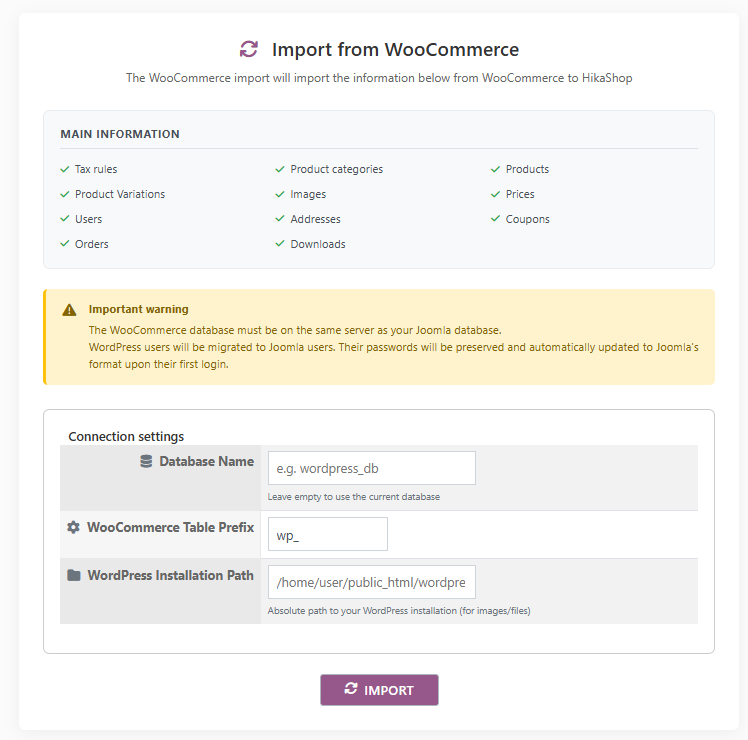
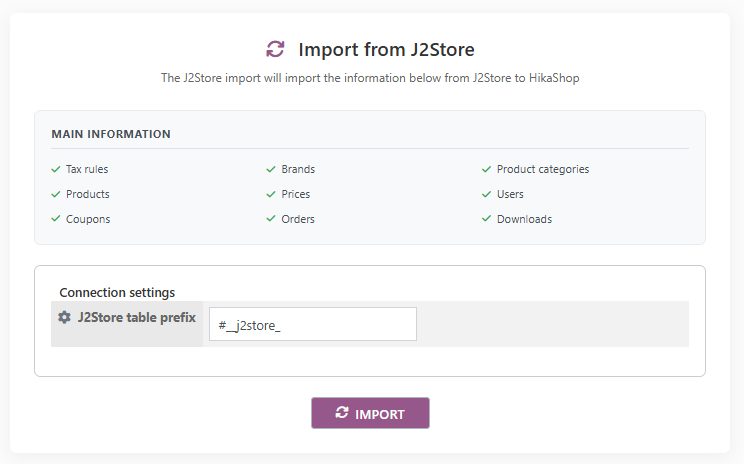
Switching to HikaShop is now easier than ever. We have introduced dedicated migration tools for both WooCommerce and J2Store / J2Commerce.
These tools allow you to import your products, categories, users, orders and essential data directly into HikaShop, streamlining the process of moving your online store to our platform.
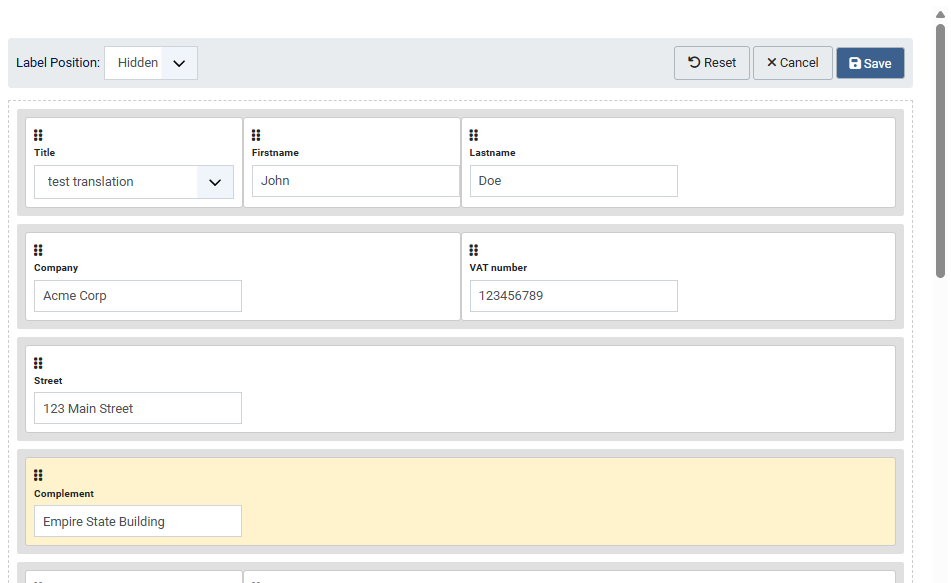
We've added a new "Address form layout" setting to the HikaShop configuration. You can now easily configure your address form on the frontend with a drag & drop interface.
Thanks to this, you can build nice looking layouts without writing code. The system comes with a default optimized layout which you can activate to get a good start.
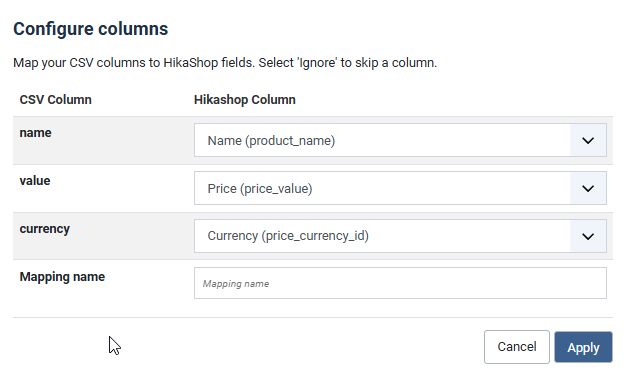
The product CSV import system has been significantly optimized. It now runs at least 30% faster and handles data more robustly.
Additionally, we've added a new interface to match the columns of your CSV file with HikaShop's columns directly during the import process. This "mapping" feature saves you from having to rename all your CSV headers manually before importing.
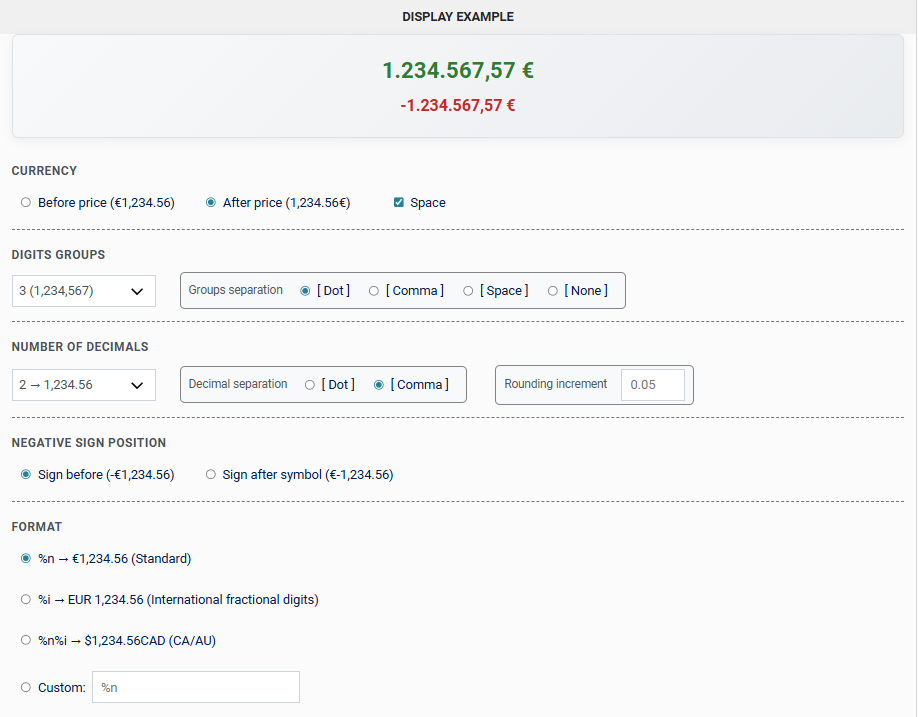
Managing currencies is now more intuitive with a completely revamped edit form. The new interactive configuration interface makes it easier to set up price displays for each currency.
We have also updated the default list of currencies to ensure your shop is up-to-date with the latest standard codes and rates.
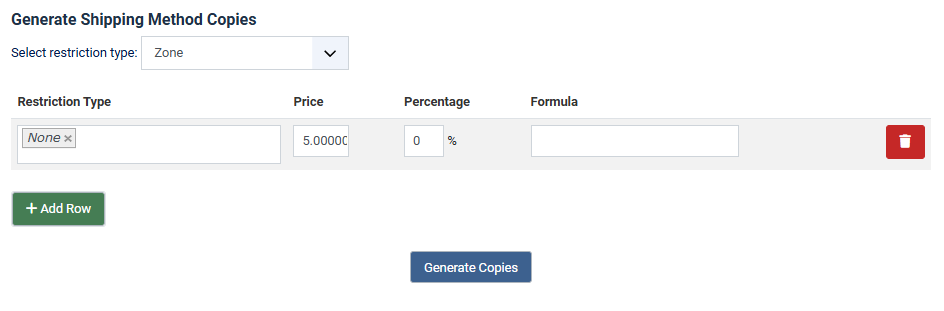
Managing shipping and payment methods is now more flexible. You can now export and import methods directly from their listings in the backend, making it significantly easier to migrate configurations between sites.
We've also added a "Generate copies" button to the shipping methods listing and edit pages. This is a huge time-saver when you need to create multiple similar shipping methods (e.g., for reduced weight steps or different zones) based on an existing template.
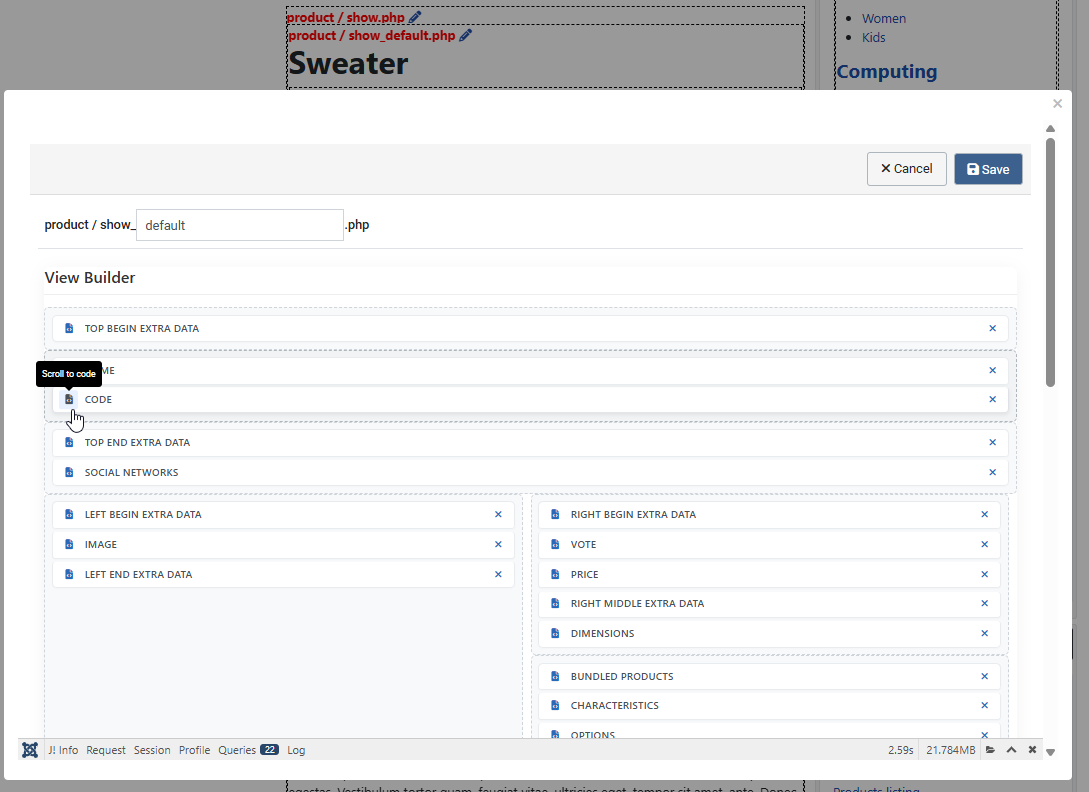
The View Builder experience has been refined with a cleaner interface and auto-scroll support when dragging elements.
Developers and integrators will also appreciate a new workflow improvement: when the "Display view files" setting is activated, an edit icon now appears next to the view file names on the frontend. Clicking it opens a popup with the view edit form immediately, saving you from searching for the specific view file in the backend.
We've added a "cancel operation" action to our Mass Action system. This action is designed to work with "before" triggers (e.g., "before a product is created").
This allows you to implement complex validation logic legally. For example, you can prevent a product from being created if it doesn't have dimensions, or block a user registration if specific conditions aren't met. You can also configure a custom error message to display to the user when the operation is cancelled.
As usual, there is a lot more to discover about HikaShop 6.3.0, with bug fixes but also many smaller improvements and other features. You will find all these elements detailed in our change log.
Keep in touch folks.
Team HikaShop

