
Gift cards for Events Booking
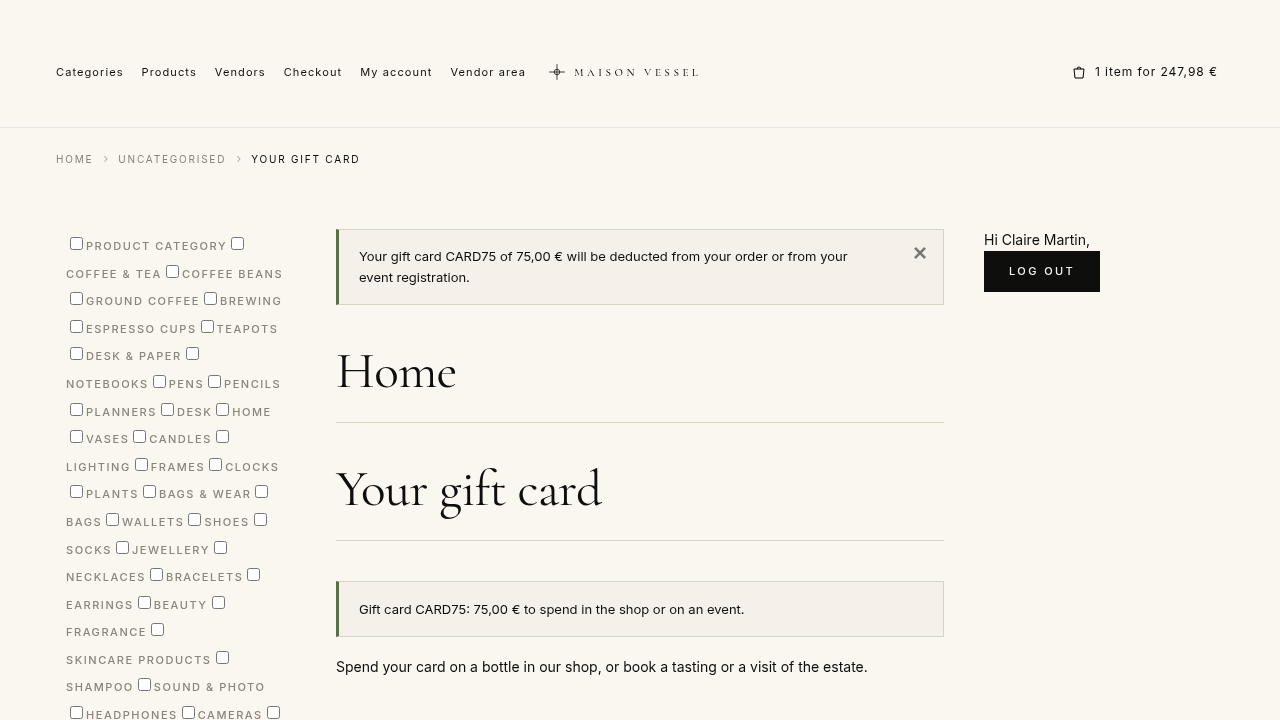
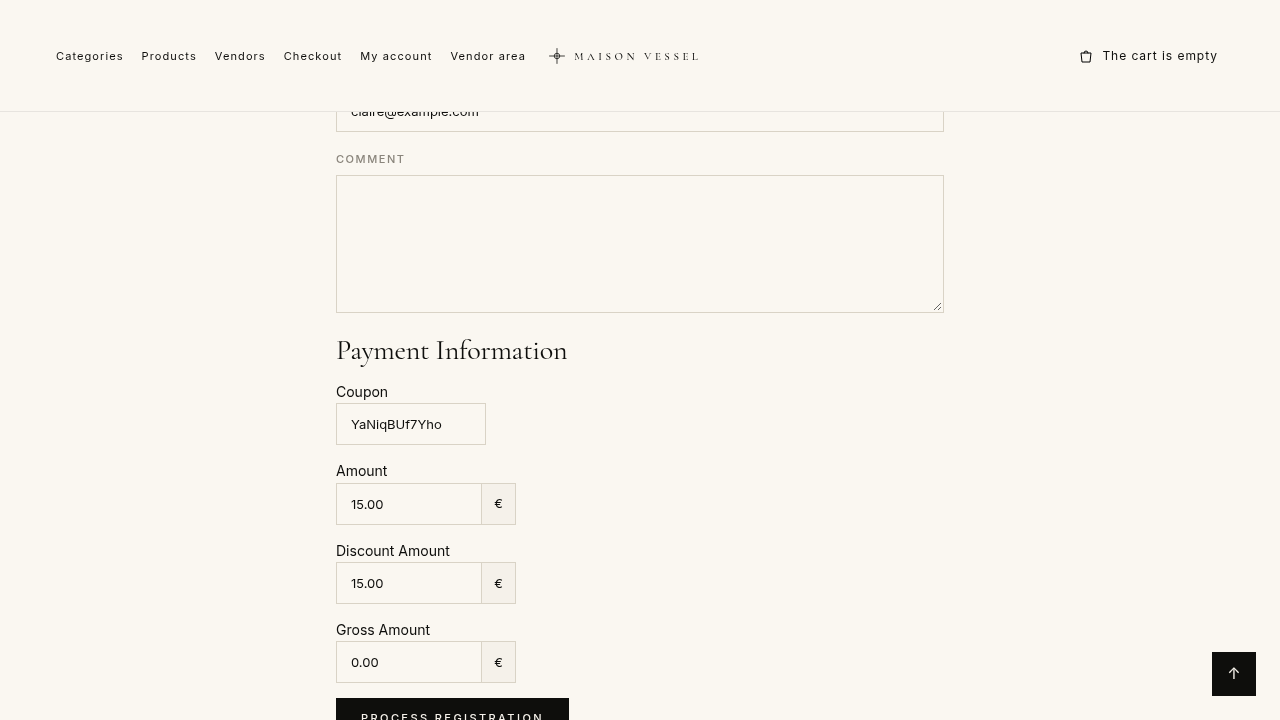
This plugin lets the gift cards of your HikaShop shop pay the registrations to your events in Events Booking. Each card gets an Events Booking voucher with the same code and the same amount: your customer spends it in the shop or on an event, and once it is spent on one side, it is spent on the other too.
Features- Works with the gift cards of HikaSerial (the coupons of its "Gift certificate" generator), with HikaShop coupons whose code starts with a prefix of your choice, or with both.
- Gives each card its Events Booking voucher with the same code, amount, start and end dates, made the first time the card is used or opened on the events side: the cards you sold before installing the plugin work too.
- A card used once is used everywhere: spent in the shop, it is refused in Events Booking, and spent on an event, it is refused in the shop.
- Or a shared balance: a 100 € card used for a 40 € registration keeps 60 € for the shop or another event, and the other way round (in the shop with the Multi Coupon plugin).
- A card consumed on site with HikaSerial's Consume module or page is spent in the shop and in Events Booking as well, and a card already spent cannot be consumed.
- Gives the card back when the purchase it paid is cancelled: the shop order cancelled or refunded, or the event registration cancelled or deleted. A cancellation only gives back what that purchase spent.
- Disables the voucher when the card itself is cancelled (its order cancelled or refunded) or when you unpublish or delete its coupon, and follows the changes you make to the coupon's amount or dates.
- Holds the card while an event registration paid with it waits for its online payment, so the same card cannot pay an order in the shop meanwhile.
- One link per card, for your emails, PDF cards and QR codes: it checks the card, shows its value, puts it in the cart and fills it in the coupon field of the event registration forms. A tag shows the card's value and end date in the page you link to.
- Sets the HikaSerial serial of the card to "used" when the card is spent, and back to "assigned" when its purchase is cancelled.
- Lets you choose the event categories, the kind of registration (individual, group) and the access level the cards are good for.
- 1. Your customer buys a gift card in the shop; HikaSerial gives them its code and link.
- 2. The card's holder opens the link or types the code, in the shop's checkout or in an event registration form.
- 3. The plugin makes the card's Events Booking voucher, or brings it up to date, before Events Booking reads it.
- 4. The amount is deducted from the order or the registration, and the card is marked as used on both sides.
- 5. If that order or registration is cancelled, the card can be used again, in the shop or for an event.
Use
- Compatible with all the editions of HikaShop
- Requires Events Booking (by Joomdonation), tested with version 5.11.0
- HikaSerial is needed for its gift cards; without it, the plugin works with the HikaShop coupons that have the prefix you choose
- The cards must be coupons of a fixed amount, in the currency of Events Booking, with a code of 20 characters at most
- Made for Joomla 4, 5 and 6, tested on Joomla 6.2 (Events Booking does not exist on WordPress)
- No limit of time
- No limit of use
Changelog
1.0.2 on the 21st of November 2026
- Fix: the registration form of Events Booking deducts the gift card as soon as it opens for a logged-in user who registered before, instead of showing a discount of 0 until a field of the form is changed.
1.0.1 on the 16th of November 2026
- Fix: in single use mode, a HikaSerial gift card whose coupon has no Quota is used once, in the shop or for an event, instead of being usable without limit on both sides.
- Fix: the plugin's description shows when it is installed, instead of its language key.
1.0.0 on the 14th of November 2026
- First version.
€ 30,00
The add to cart button will appear once you select the values above
- Type
- Integration
Access to updates included for 4 years
A tax rate (between 17% and 27% based on your country) will be added if your address is in the European Union and that you don't provide a valid VAT number or if your address is in France as per the European Union law.