
HikaShop for SiteOrigin Page Builder
HikaShop for SiteOrigin Page Builder is a free WordPress plugin that lets you design your HikaShop store with SiteOrigin Page Builder. Product listings, category listings and every part of the product page become widgets in a HikaShop tab of the Add Widget dialog, next to HikaShop's own cart, wishlist, currency switcher and filter widgets, and your product pages can be shown with a layout you design with SiteOrigin Page Builder. It needs nothing else: no SiteOrigin Widgets Bundle, no paid add-on.
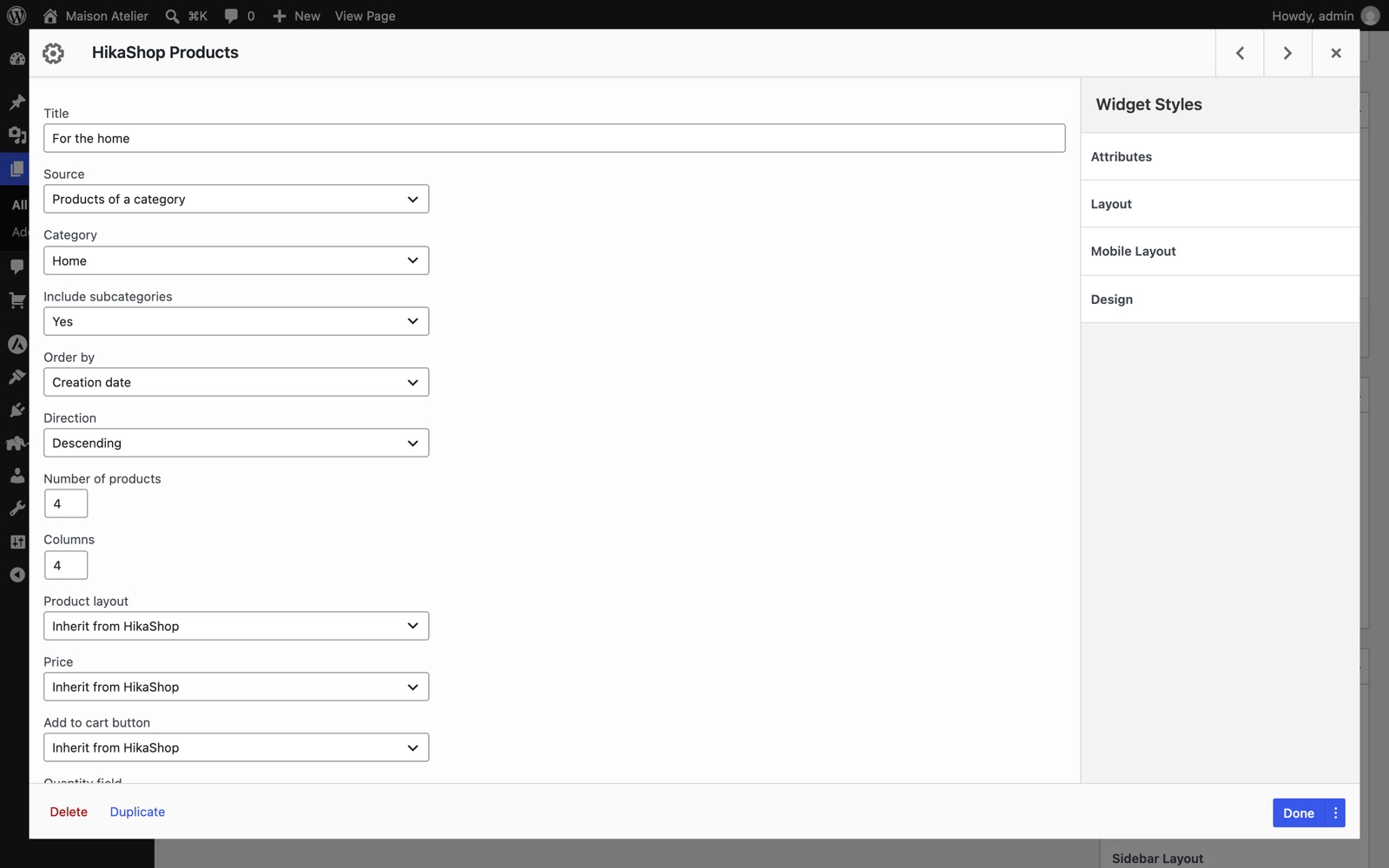
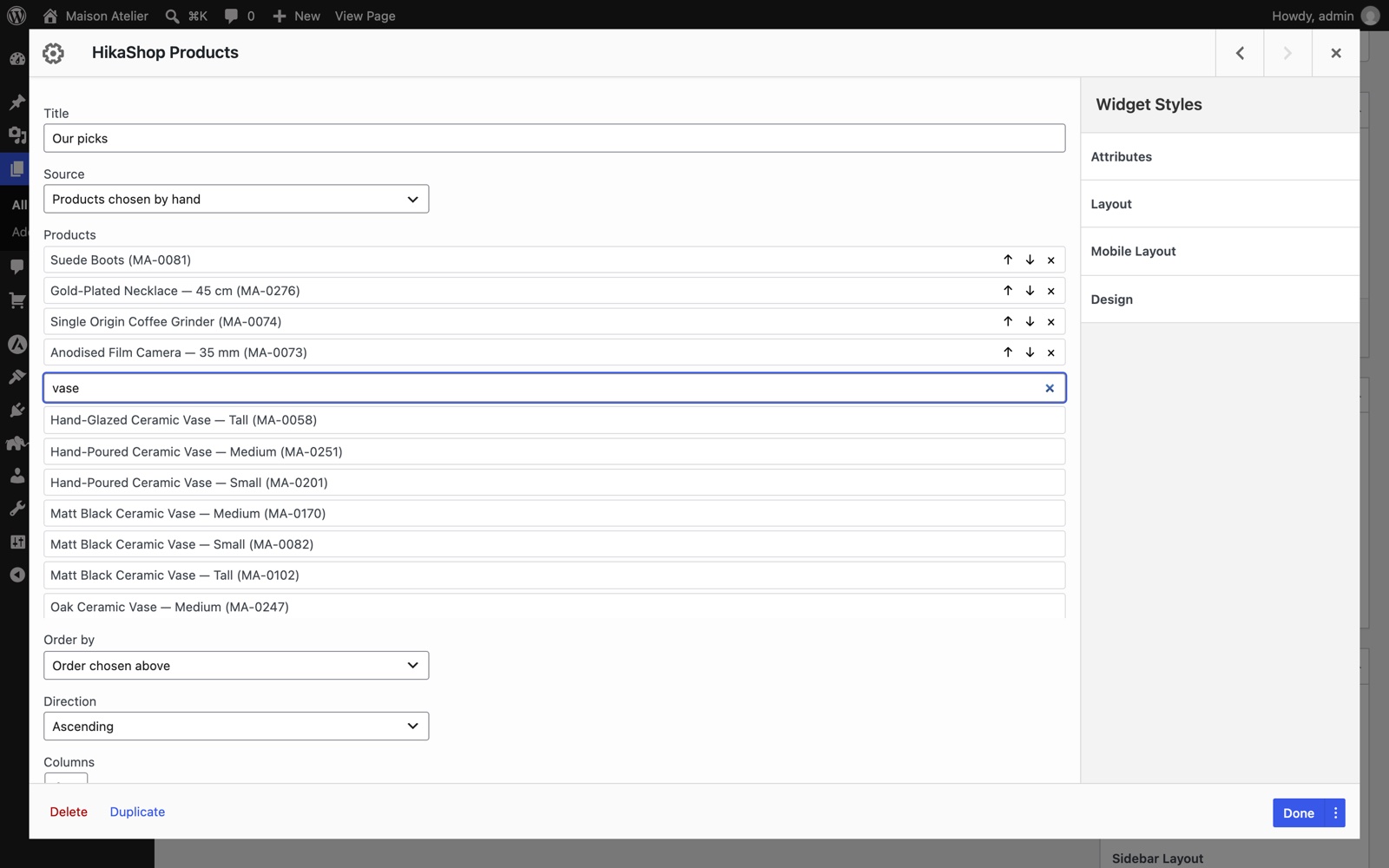
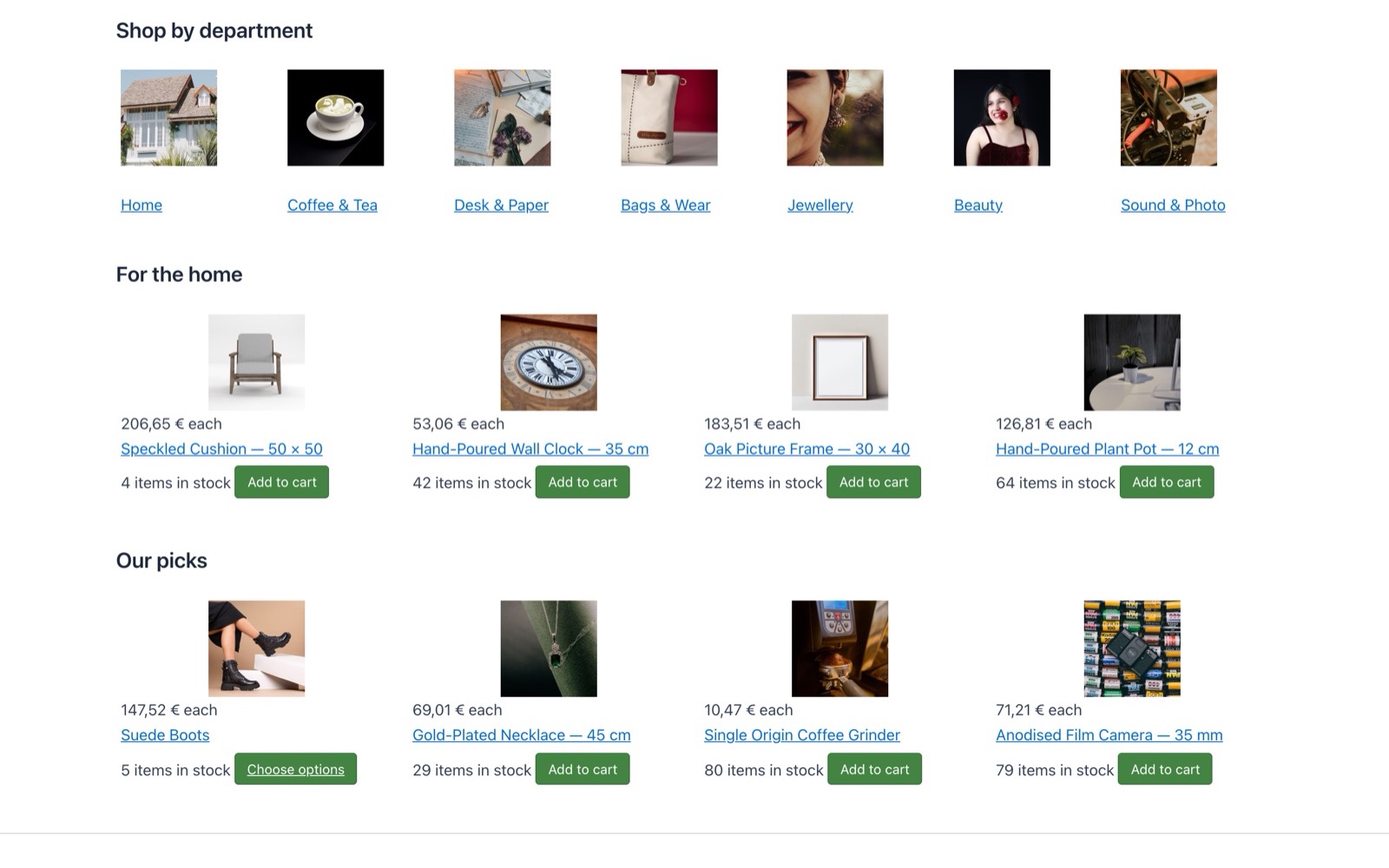
Features- Products widget: the products of a category (with or without its subcategories), products chosen by hand in the order you give, the products on sale, the products the visitor viewed last, or the products related to the product being viewed. You choose the order, the number of products, the columns, the product layout, and whether to show the price, the add to cart button, the quantity field, the wishlist button, the rating and the badges.
- A product picker that searches your catalog by name, code or id, for the products chosen by hand.
- Categories widget: the subcategories of a category, with their number of products, the empty ones hidden if you want.
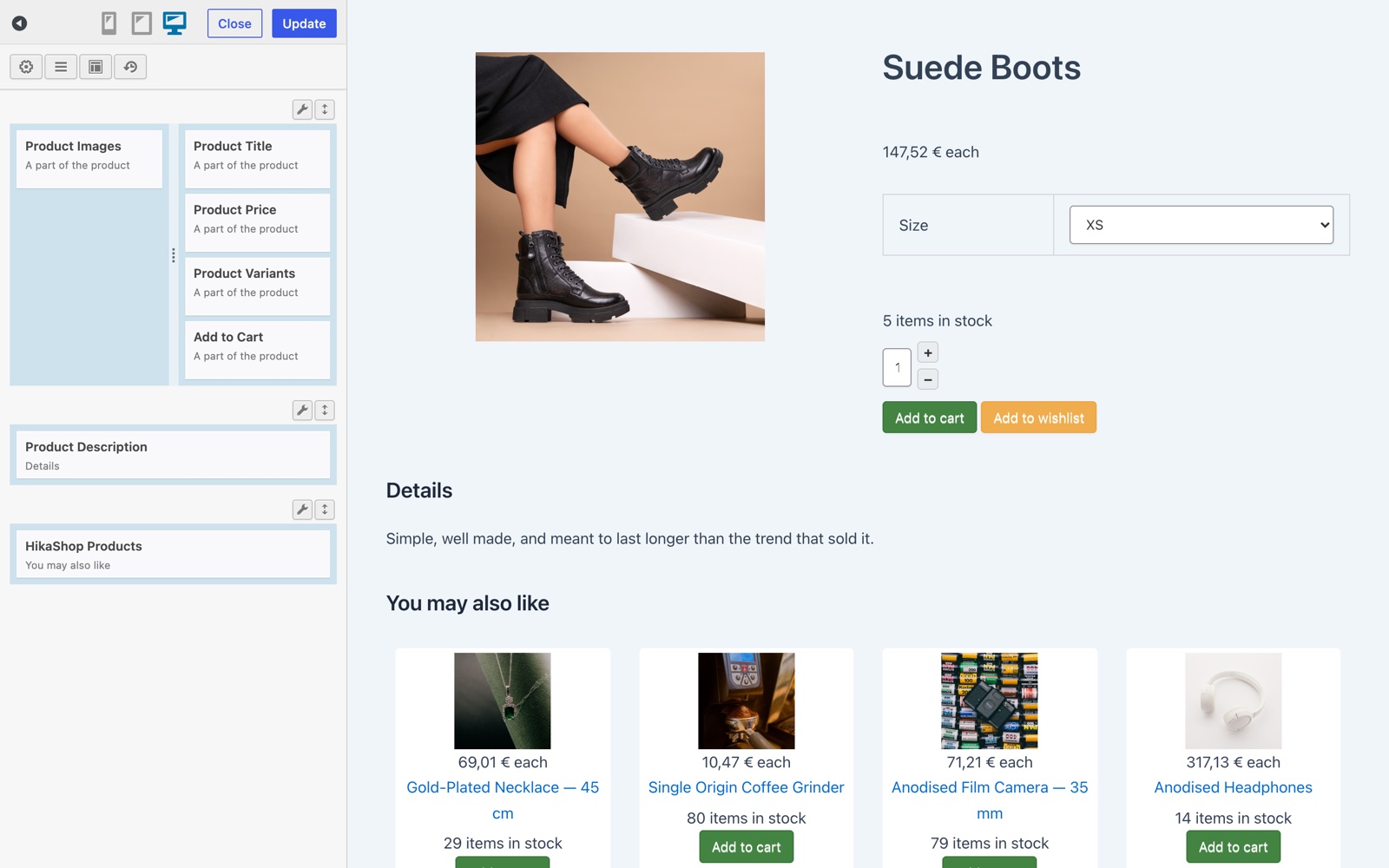
- Fourteen product page widgets: title, images, price, add to cart, description, variants, options, custom fields, specifications, dimensions, bundled products, files, rating and sharing. Place each one where you want in your product page layout.
- Product page layouts, made in Settings > HikaShop for SiteOrigin Page Builder and designed with SiteOrigin Page Builder; one of them is picked for the whole shop. In the Live Editor, the latest product of your shop stands in, so you see real content while you design.
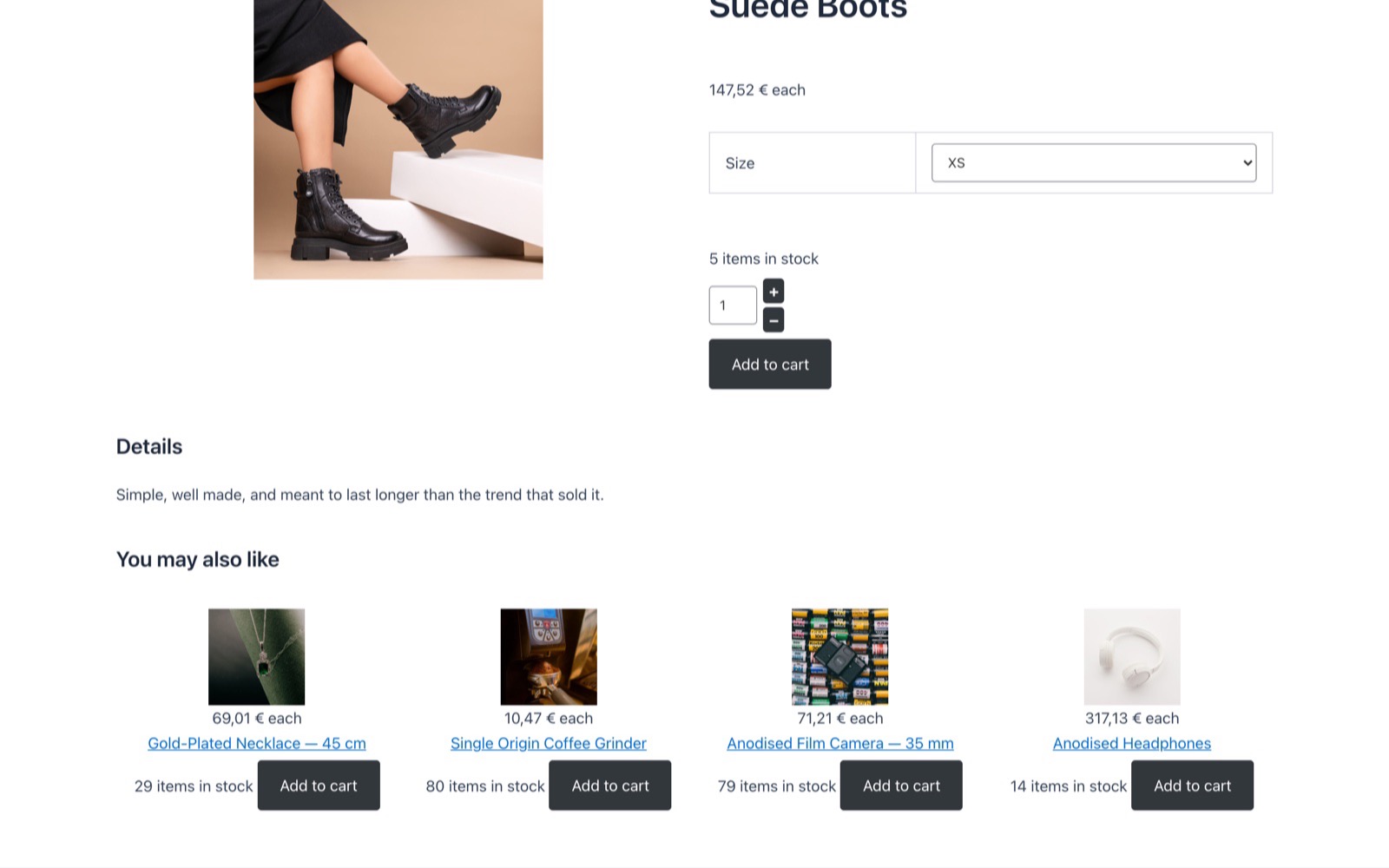
- The variant selectors, the add to cart, the image gallery and the links to a given variant work as on HikaShop's own product page. Unpublished products and products hidden from the visitor's user group or language keep HikaShop's own answer.
- HikaShop's own Cart, Wishlist, Currency switcher and Filters widgets in the same tab, each with its own full HikaShop settings; a duplicated widget gets a copy of them.
- The style settings of SiteOrigin Page Builder (colors, spacing, borders, CSS class) on every widget, on top of HikaShop's own CSS.
- Plain WordPress widgets: they also work in the widget areas of your theme.
- Nothing of the shop is redone: prices, taxes, discounts, stock, access rights, the cart and the layout overrides of your theme apply as on HikaShop's own pages.
- Open source (GPL), on GitHub.
 How it works
- 1. Install and activate SiteOrigin Page Builder and HikaShop, then this plugin.
- 2. Edit a page with SiteOrigin Page Builder and click Add Widget: the widgets are in the HikaShop tab.
- 3. For the product pages, add a layout in Settings > HikaShop for SiteOrigin Page Builder, place the product widgets in it, publish it, and choose it there.
Use
- Free plugin, for every HikaShop edition, Starter included (the Filters widget needs HikaShop Business, the edition with the filters)
- Requires HikaShop 6.8.2 minimum, a package downloaded since 13 November 2026
- Requires SiteOrigin Page Builder 2.29 minimum
- Compatible with WordPress 6.8 minimum and PHP 7.4 minimum
- WordPress only (SiteOrigin Page Builder does not exist on Joomla)
- No time limit
- Unlimited usage
Changelog
1.0.0 on the 13th of November 2026
- First release: product and category listings, the product page widgets and the product page layouts, with HikaShop's cart, wishlist, currency switcher and filter widgets in the same tab.
Free


The add to cart button will appear once you select the values above
- Type
- Integration