
JCH Optimize empty cart cookie
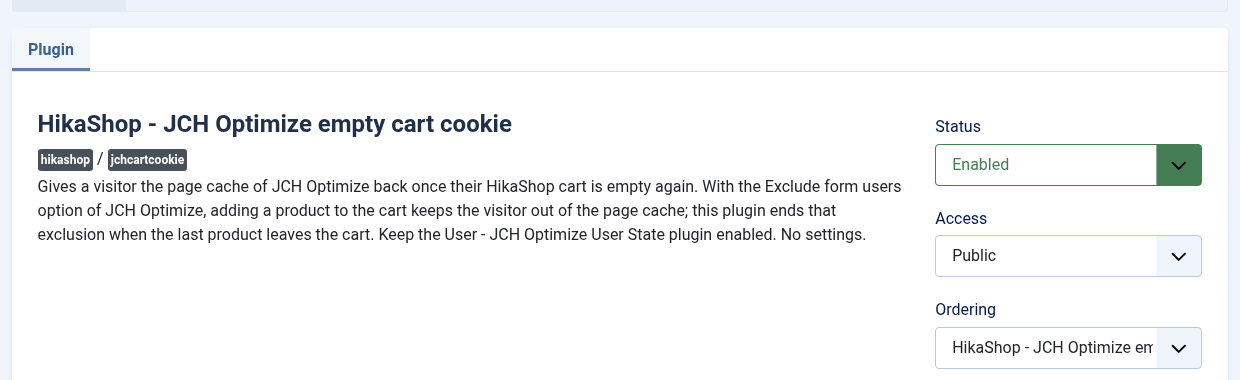
With the Exclude form users option of JCH Optimize, a visitor who adds a product to the HikaShop cart stops getting the page cache, so that they never see a cached page with someone else's cart. JCH Optimize cannot tell when that cart is empty again, so the visitor stays out of the cache for days. This free plugin tells it: as soon as the last product leaves the cart, the visitor gets the fast cached pages back.
Features- Gives the page cache of JCH Optimize back to a visitor whose cart is empty again, instead of keeping them out of it until the JCH cookie expires (7 days by default).
- Works however the cart is emptied: a product removed from the cart module in Ajax, a quantity set to 0 on the cart or checkout page, the empty cart button, or the cart deleted once the order is placed.
- Covers the refresh of the cart module that follows a removal, which would otherwise put the visitor out of the cache again at once.
- Does nothing while at least one product is in the cart, and never touches the visitor's session, cart or other cookies.
- Uses JCH Optimize's own way of ending the exclusion when your version offers it (JCH Optimize 9.4.4 and later), and removes the JCH cookie itself with older versions.
- Nothing to configure: install it, enable it.
How it works
- A visitor adds a product to the cart. JCH Optimize sees the form sent and stops serving them cached pages, so the cart module they see is always theirs.
- The visitor removes the products, or empties the cart. When the last one goes, the plugin checks that no product is left in the visitor's cart and ends the JCH Optimize exclusion in that same request.
- On the next page, the visitor gets the cached pages again, like any visitor with no cart.
Installation
- Install the plugin with the Joomla installer (System > Install > Extensions).
- In System > Manage > Plugins, search for "JCH Optimize empty cart cookie" and enable it.
- In the same list, check that the "User - JCH Optimize User State" plugin of JCH Optimize is enabled.
- In JCH Optimize, keep the page cache's Exclude form users option on, and keep the HikaShop pages that are personal out of the page cache: cart, checkout, customer account, orders, addresses, and the cart module's address (ctrl=product&task=cart).
Configuration
The plugin has no settings: once enabled, it works on every cart of the shop.
Troubleshooting
- The visitor still gets no cached page after emptying the cart: open the developer tools of the browser, Storage tab, and look at the jch_optimize_no_cache_user_activity cookie after removing the last product. If it is still there, check that this plugin and "User - JCH Optimize User State" are both enabled. If it comes back, look in the Network tab for the request whose answer sets it again (its Set-Cookie header) and send it to our support.
- The cookie disappears after another form: the Exclude form users option sets the same cookie for any form (contact, login...). When such a visitor empties their cart, the plugin ends the exclusion too. This is harmless for a visitor who is not logged in, since the cached pages are the same for every such visitor, as long as the personal pages above stay out of the cache.
Use
- For all the editions of HikaShop
- Requires JCH Optimize with its page cache and the "User - JCH Optimize User State" plugin
- Compatible with Joomla 4, 5 and 6
- Free, no limit of time, no limit of use
Changelog
1.0.3 on the 29th of October 2026
- First version on the marketplace: the visitor gets the page cache of JCH Optimize back once their cart is empty, the way JCH Optimize 9.4.4 and later provide for it, or by removing the JCH cookie itself with older versions.
Free


The add to cart button will appear once you select the values above
- Type
- Integration