
Teya
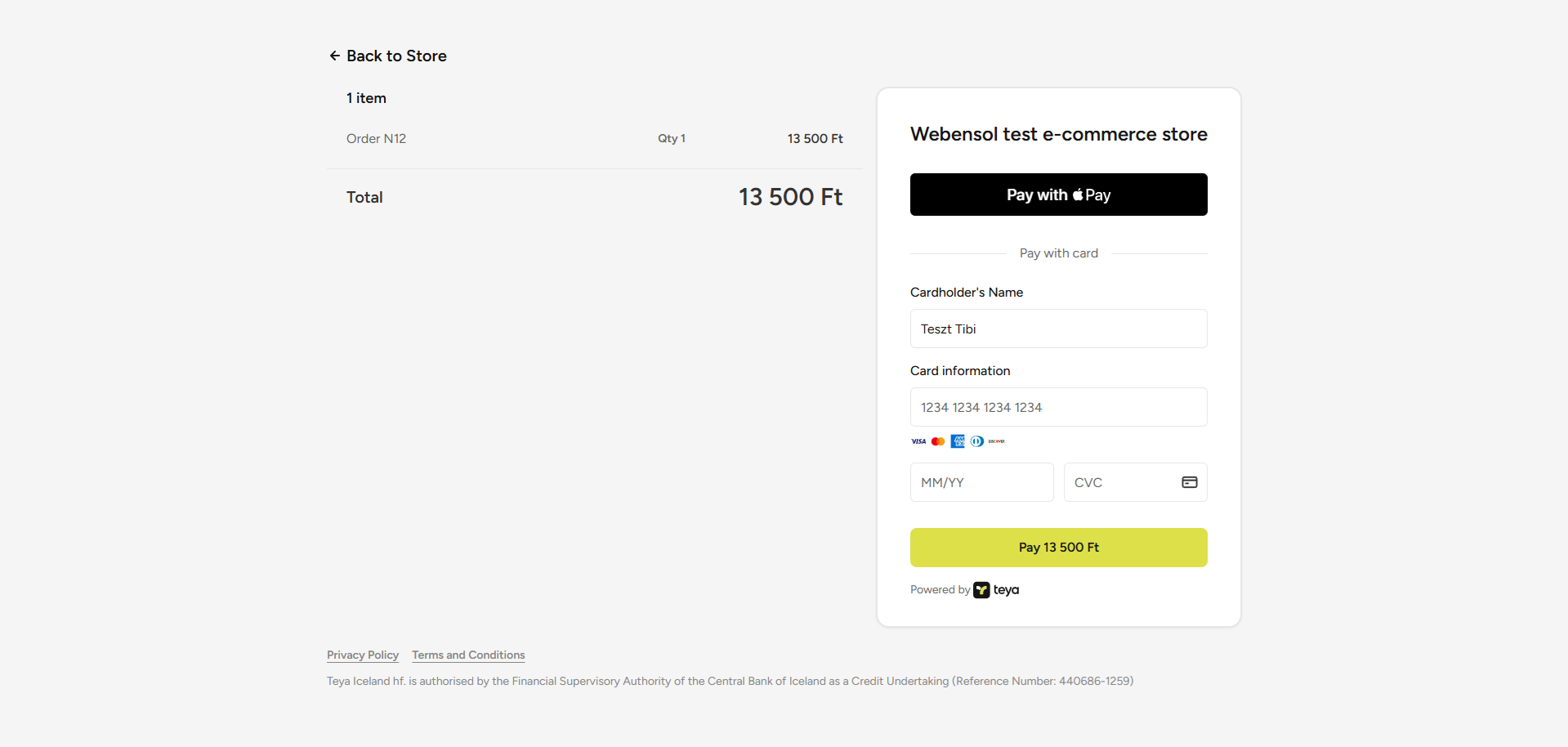
Add Teya payments to your HikaShop store. Your customers pay by card on Teya's secure payment page, and their orders are updated automatically when the payment is confirmed.
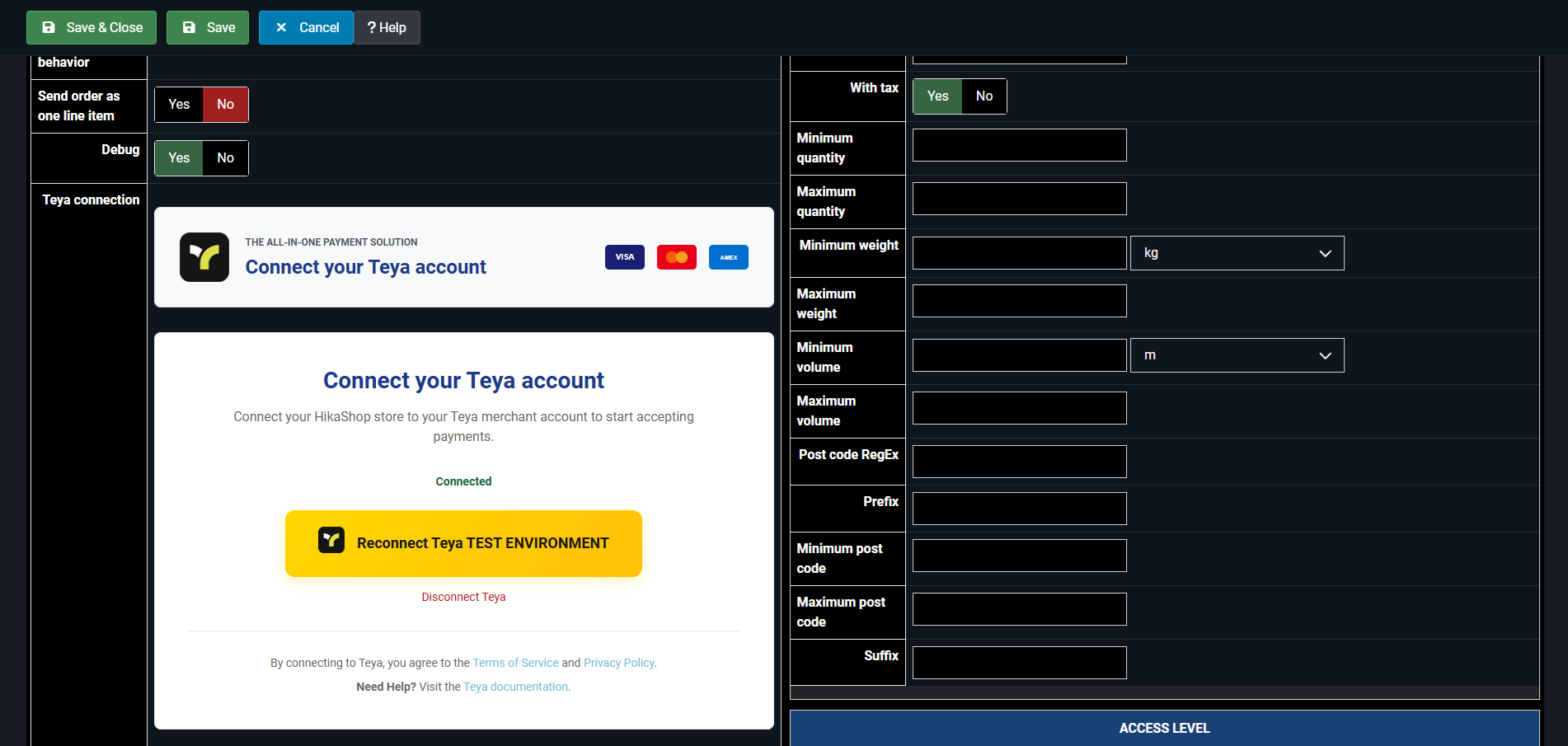
Connect your Teya account from the HikaShop settings, try payments in test mode, and manage full or partial refunds directly from your HikaShop administration.
Features- Teya Hosted Checkout: the card details are entered on Teya's payment page.
- Connection to your Teya account from the payment method's settings, with separate test and live connections.
- Orders confirmed automatically by Teya's signed payment notifications.
- Full and partial refunds from the order page of the HikaShop administration.
- Credentials stored encrypted in your database.
- Optional HikaShop payment notification email to the shop owner.
- Translated into English, Hungarian, Czech, Slovak and German.
- Free, for HikaShop on Joomla 5.4 and later. A Teya merchant account is required.
- Developed and maintained by Webensol, under the GNU GPL v3. Support and updates come from Webensol: once installed, new versions appear in Joomla's update manager.
- The download link opens the latest release on Webensol's GitHub page.
Free

The add to cart button will appear once you select the values above
- Type
- Payment plugin
- Developed by
- Webensol
- Compatibility
- Joomla 5.4 and later
HikaShop on Joomla