
Icons on Joomla dashboard
Introduction
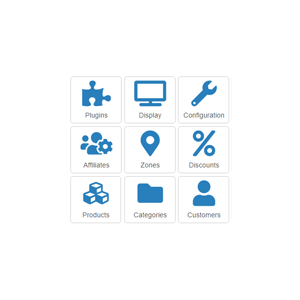
This module, once published will display shortcut icons to HikaShop functions on the backend dashboard of your website.
Installation- Easy and quick !
- 1) Download the plugin on our website
2) Install it on your Joomla website (extension manager)
3) Configure the module - See details, here on the documentation
Use
- This pack is compatible with all the editions of HikaShop
- Compatible with all Joomla version
Free
The add to cart button will appear once you select the values above
- Type
- Integration
- Compatibility
- Joomla 1.5 and upHikaShop 2.6.0 and up
- Last update
- 01-06-2015