
Vessel Joomla template and Wordpress theme
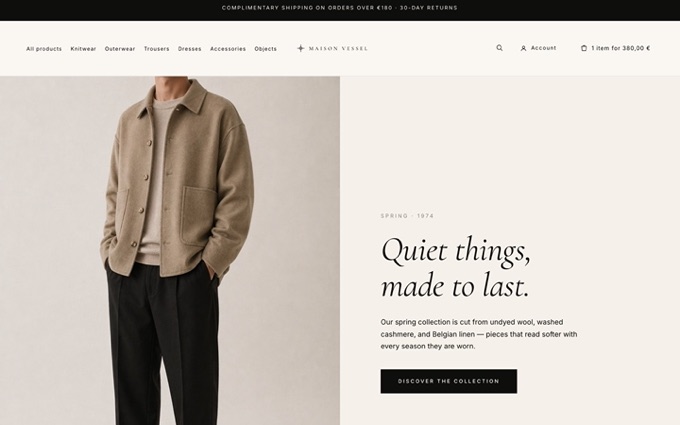
Vessel is a premium template built specifically for HikaShop, available for both Joomla and WordPress. It is not a generic template with a shop bolted on: every HikaShop view (product pages, listings, categories, reviews, cart, checkout, etc) is natively styled, so your store looks like a designed boutique out of the box. The same design ships as a Joomla template and as a WordPress Full Site Editing block theme, so HikaShop stores on either platform get the identical storefront. The included Maison Vessel screenshots show the template in context, an editorial, minimal storefront with refined typography, generous whitespace and a calm, natural palette.
Features- Editorial, minimal design with a curated serif / sans typography pairing and a quiet, natural colour palette.
- Fully responsive and mobile-first: every page is laid out for phones, tablets and desktops.
- Composable home page assembled from dedicated module positions: announcement bar, hero banner, category grid, featured products, editorial blocks, materials and a journal / blog teaser row.
- Sticky header with announcement bar, logo, main menu, live search and account / cart icons.
- Multi-column footer (brand block plus four content columns and a bottom bar).
- Styled article and page content, and a blog-style Journal built on Joomla articles or WordPress posts.
- Custom 403, 404 and offline pages that match the design.
- Ships with 15 style presets (see the gallery below), so you can switch the whole look, colours and fonts, in one click from the Joomla template style editor or the WordPress Site Editor, or set your own.
- Clean, controlled CSS and JS loading (Joomla's web asset manager on Joomla, standard block-theme enqueueing on WordPress).
Click any thumbnail to open the full-size screenshot.
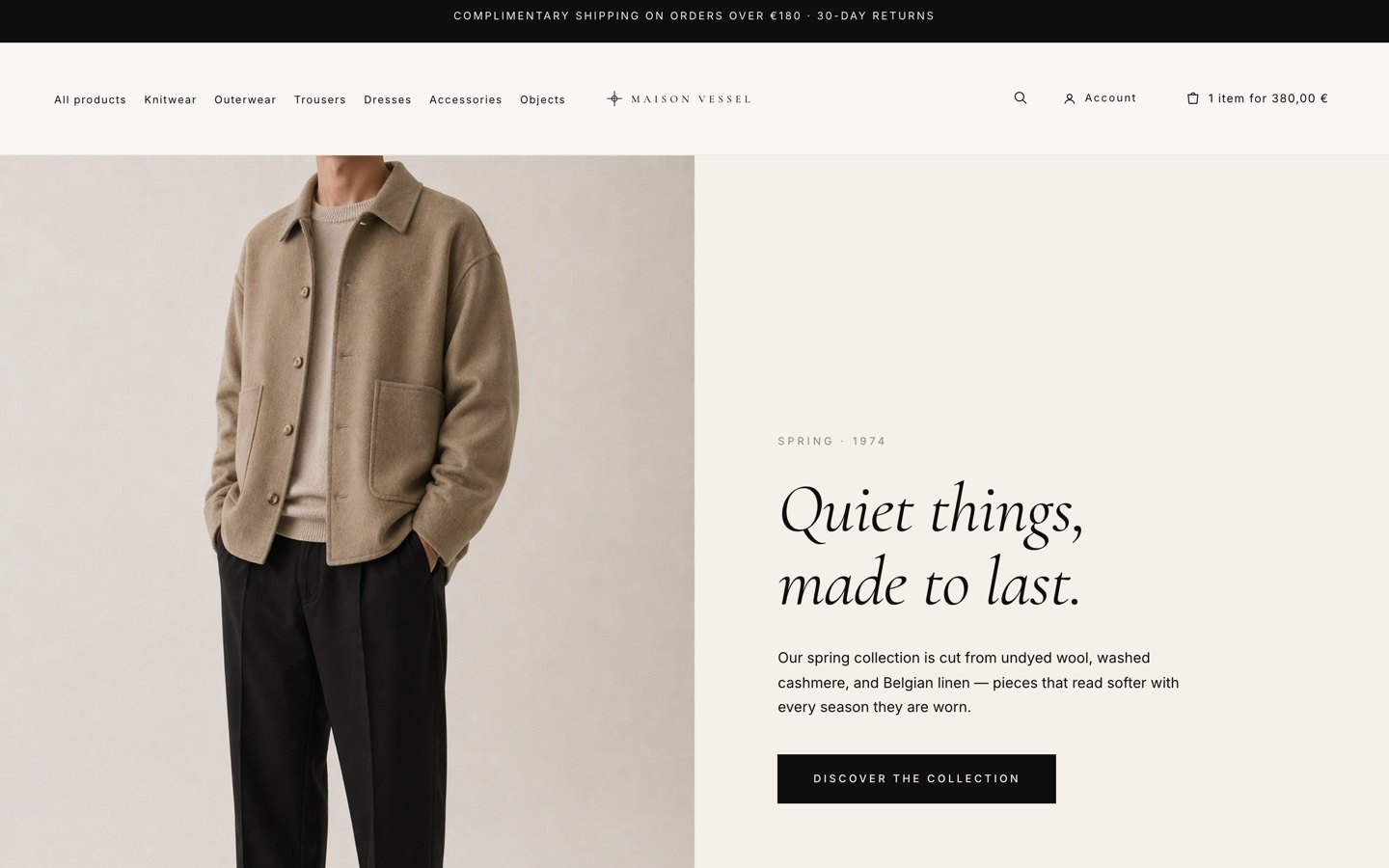
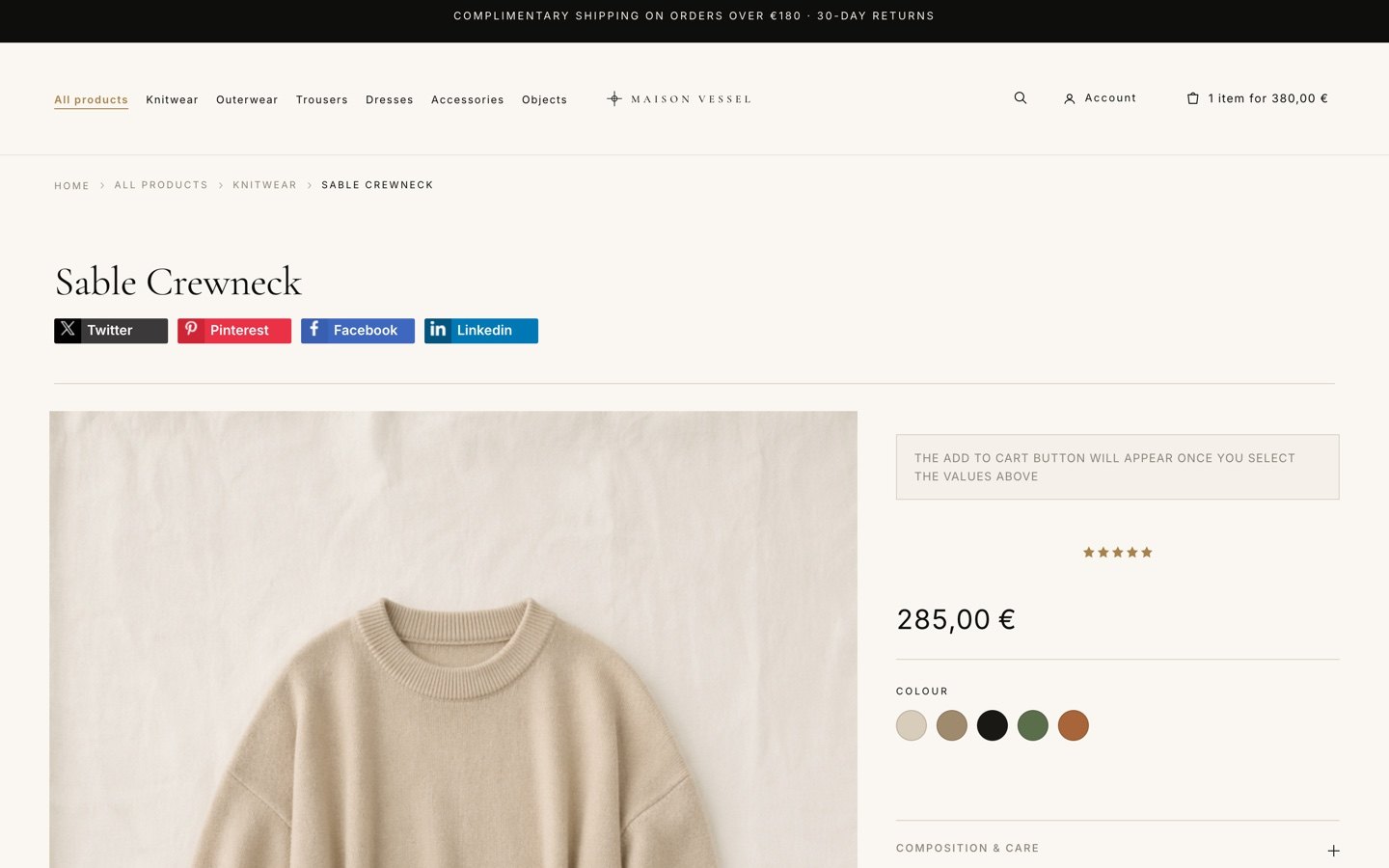
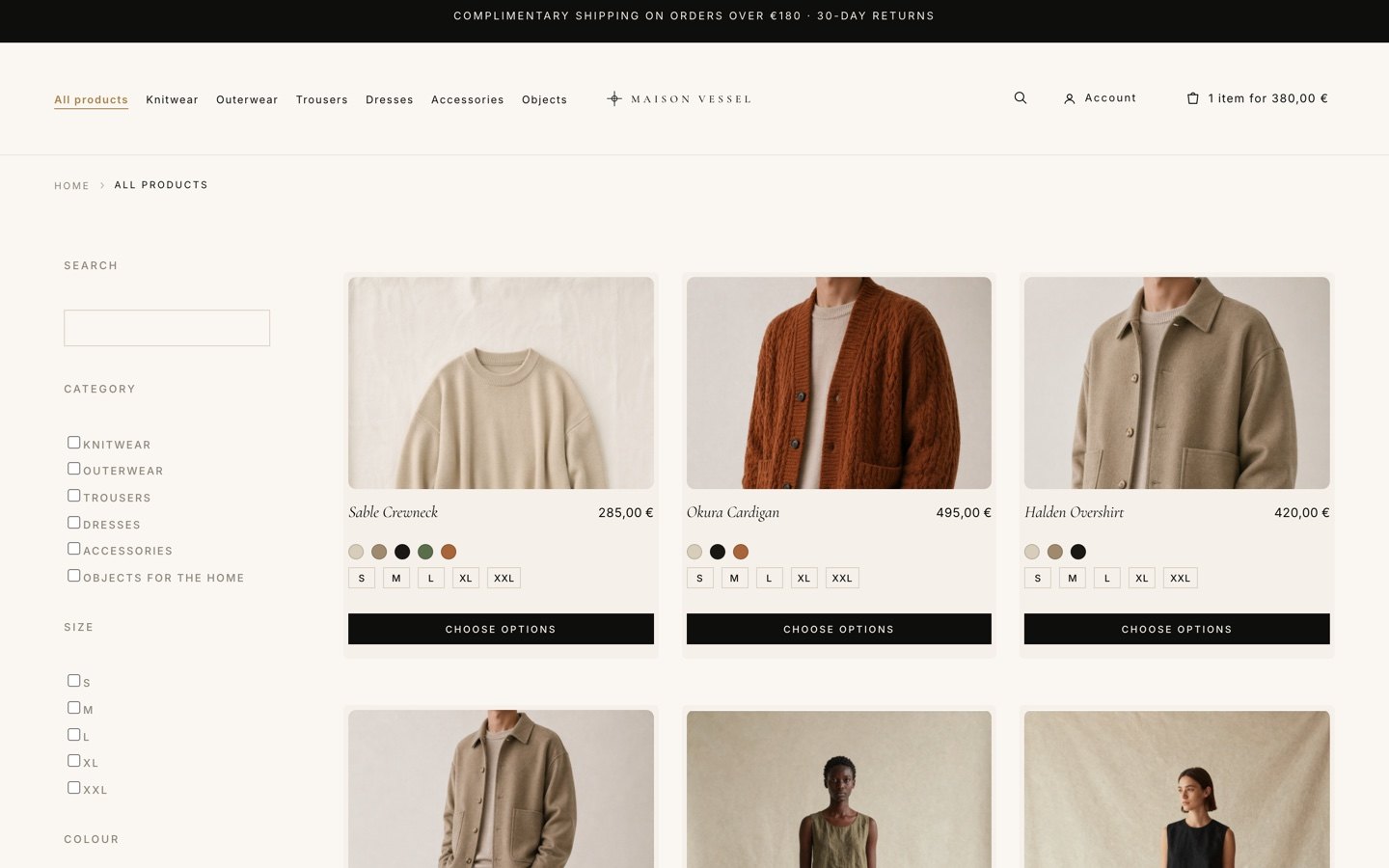
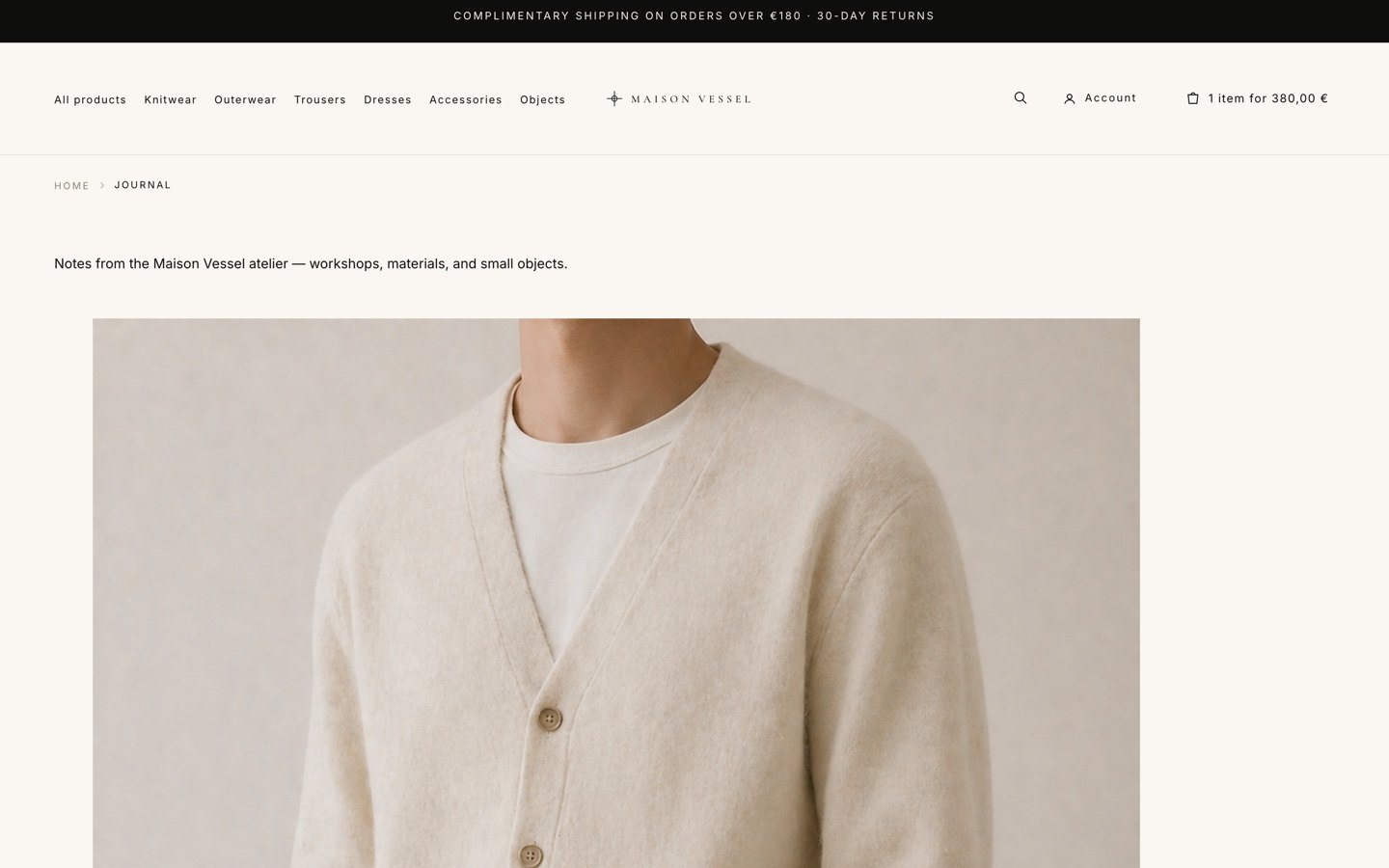
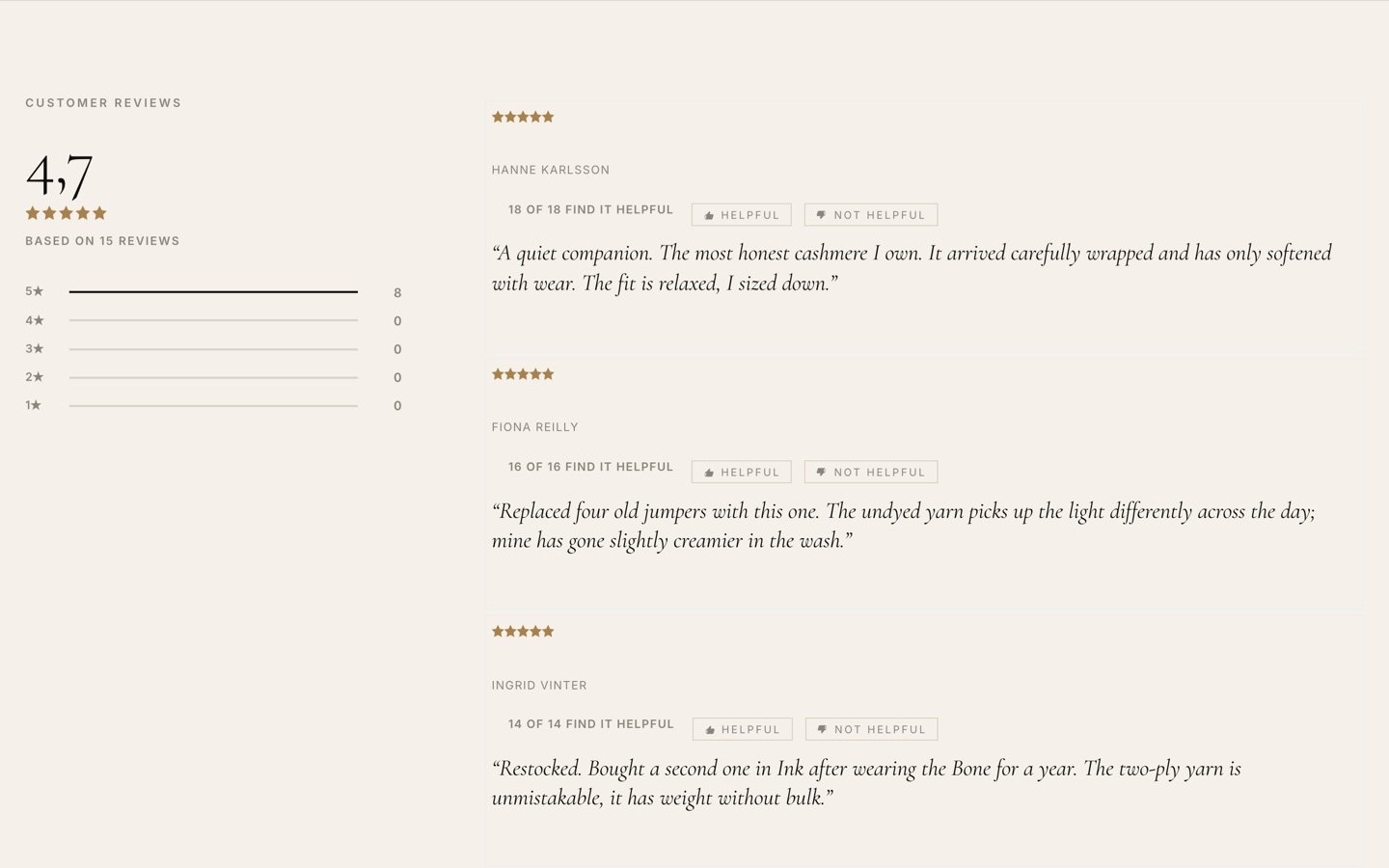
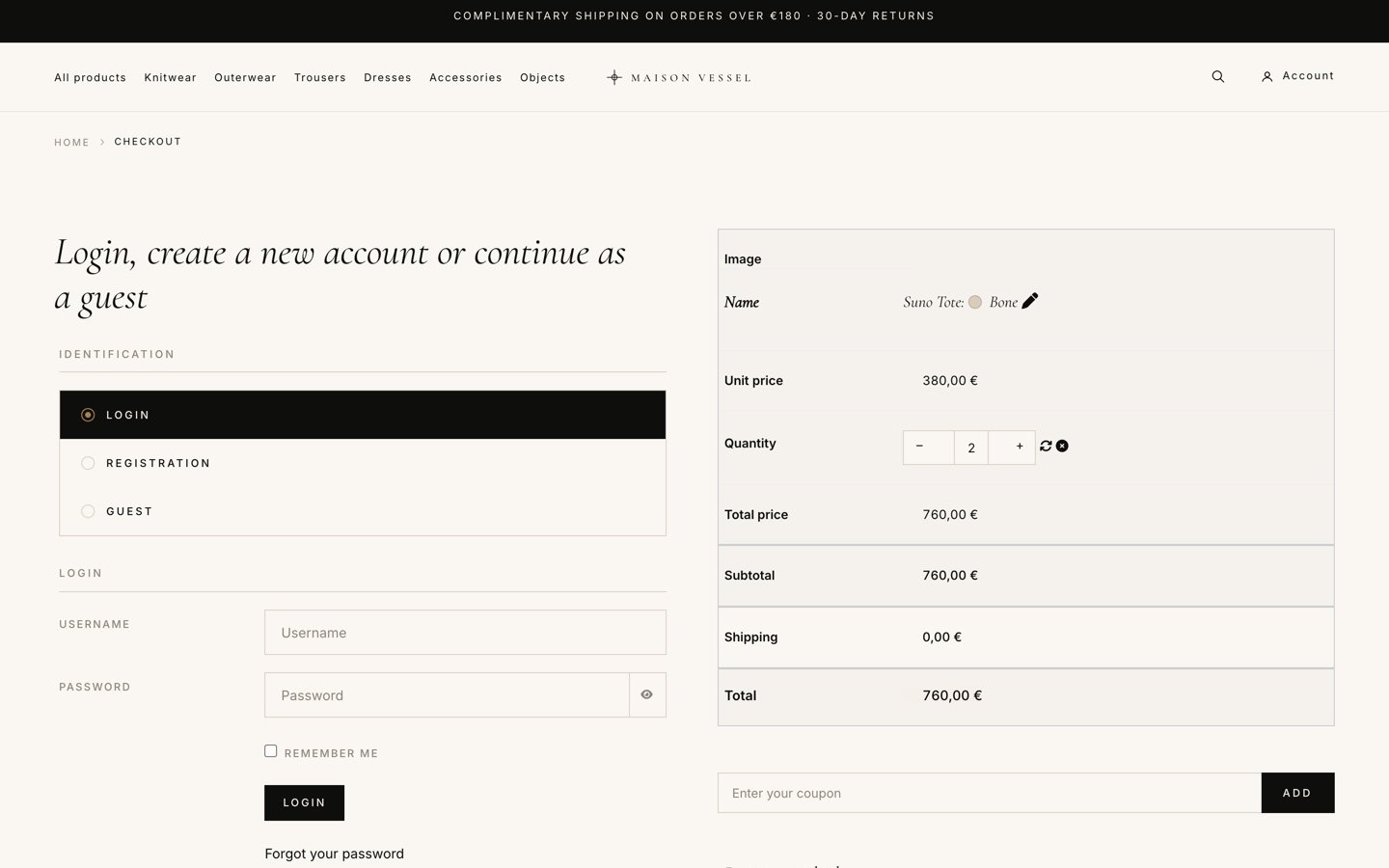
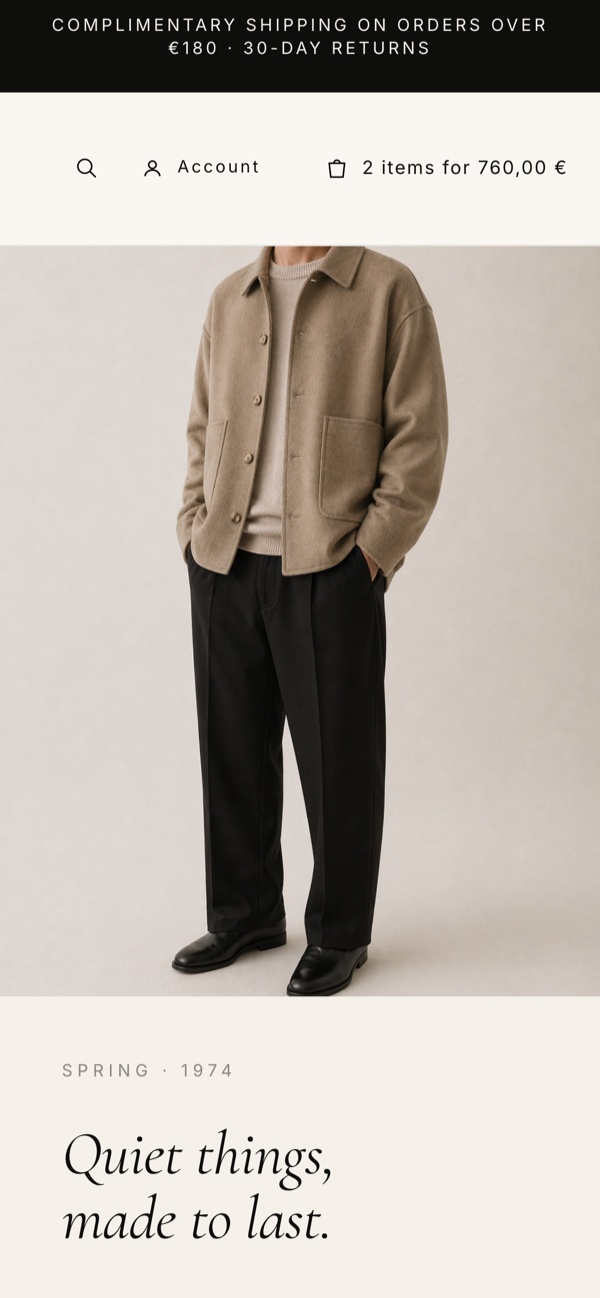
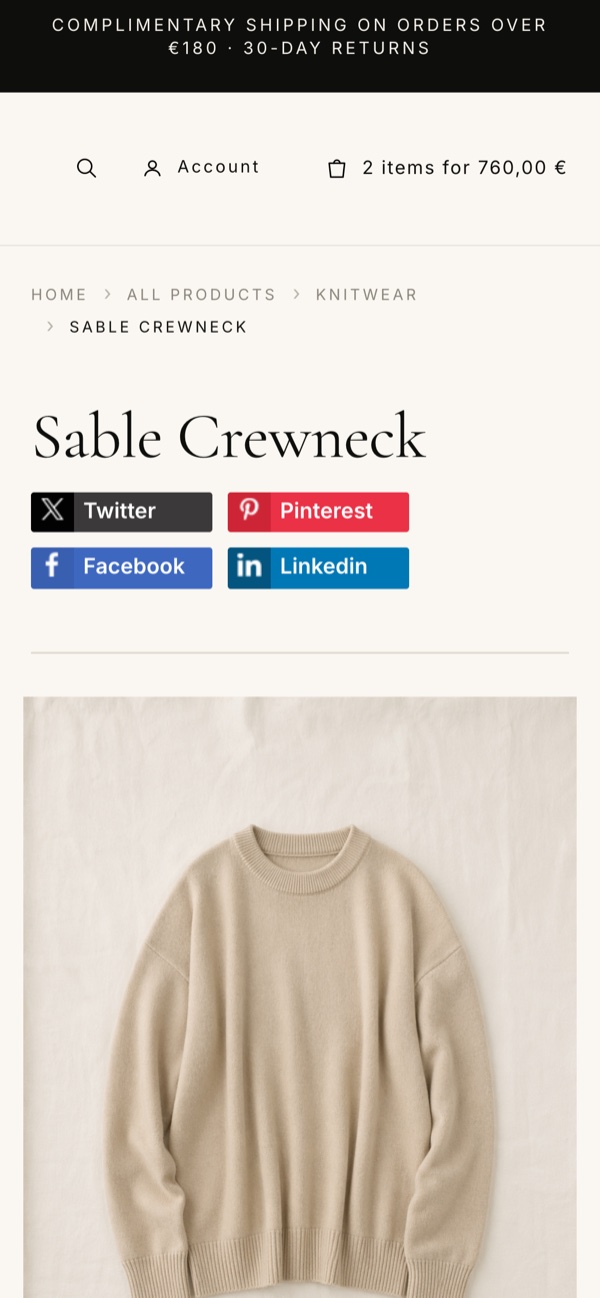
Vessel ships with 15 one-click style presets that restyle the whole storefront (colours and fonts) from the template style editor. Each thumbnail is the same shop under a different preset; click one for the full-size screenshot.


- All HikaShop's default product page layouts are supported and fully styled: default, sticky, modern, showcase, gallery, full-width, reversed and tabular.
- Styled product listings and category listings.
- HikaShop's User account control panel is also fully styled.
- Characteristics / variant selection with the reveal-on-selection add-to-cart behaviour, quantity stepper and price-with-options display.
- Product custom fields rendered as clean native accordions (for example Composition & Care, Shipping & Returns, The Making, Size & Fit).
- Customer reviews and ratings: styled rating summary, review list and review submission form.
- Styled cart and one-page checkout: login / registration / guest, shipping and payment methods, coupons and order summary.
- Product image gallery, related products and breadcrumbs.
- HikaShop layout block markers are preserved, so the front-end drag-and-drop layout customization keeps working.
- The integration with Joomla / WordPress / HikaShop are done mainly with CSS and JS with only a couple of view overrides so updates of Joomla / WordPress / HikaShop in the future won't break the template.
- Works with every HikaShop edition (Business, Essential and Starter) since the template styles the front end.
- Fully styled HikaMarket multivendor support on the frontend purely with CSS and JS.
Vessel exposes positions for the whole page, including a set dedicated to building the home page:
- Header: announcement, topbar, logo, menu, header-icons, search.
- Home page: banner, home-categories, home-featured, home-editorial, home-materials, home-journal.
- Content: breadcrumbs, sidebar-left, sidebar-right, main-top, main-bottom, bottom-a, bottom-b.
- Footer: footer-brand, footer-a, footer-b, footer-c, footer-d, footer-bottom.
- 1) Download the Vessel template package (tpl_vessel.zip) from our website.
- 2) Install it on your Joomla website via System > Install > Extensions.
- 3) Set "Maison Vessel" as the default template in System > Site Templates > Templates (Styles).
- 4) Publish your modules into the Vessel positions listed above to build your home page, header and footer.
- 5) Adjust colours and typography from the template style options, then review the HikaShop product page layout that best fits your catalogue.
Vessel is configured from the Joomla template style editor. Its options are grouped into appearance (style preset, fonts and colours), layout and branding, and home page effects.
Style preset, fonts and colours
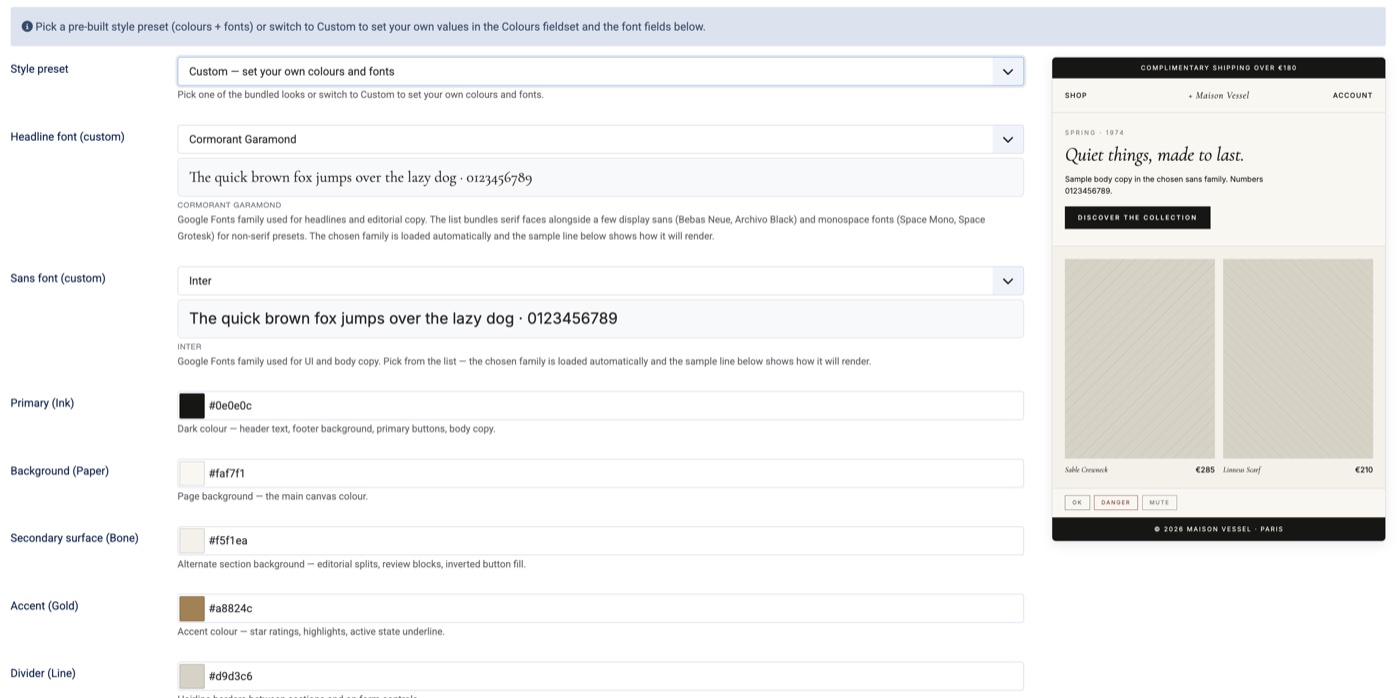
- Style preset: pick one of the bundled looks (a coordinated set of colours and fonts), or switch to Custom to set your own values in the fields below.
- Headline font: the Google Fonts family used for headlines and editorial copy. The list bundles serif faces along with a few display sans (Bebas Neue, Archivo Black) and monospace fonts (Space Mono, Space Grotesk). The chosen family loads automatically and a live sample shows how it renders.
- Sans font: the Google Fonts family used for the interface and body copy, with the same live sample.
- Primary (Ink): the dark colour used for header text, the footer background, primary buttons and body copy.
- Background (Paper): the main page background colour.
- Secondary surface (Bone): the alternate section background used for editorial splits, review blocks and inverted button fills.
- Accent (Gold): the accent colour used for star ratings, highlights and the active-state underline.
- Divider (Line): the hairline border colour between sections and on form controls.
- A live preview panel shows your colours and fonts applied to a sample storefront as you edit.
Layout, shop and branding
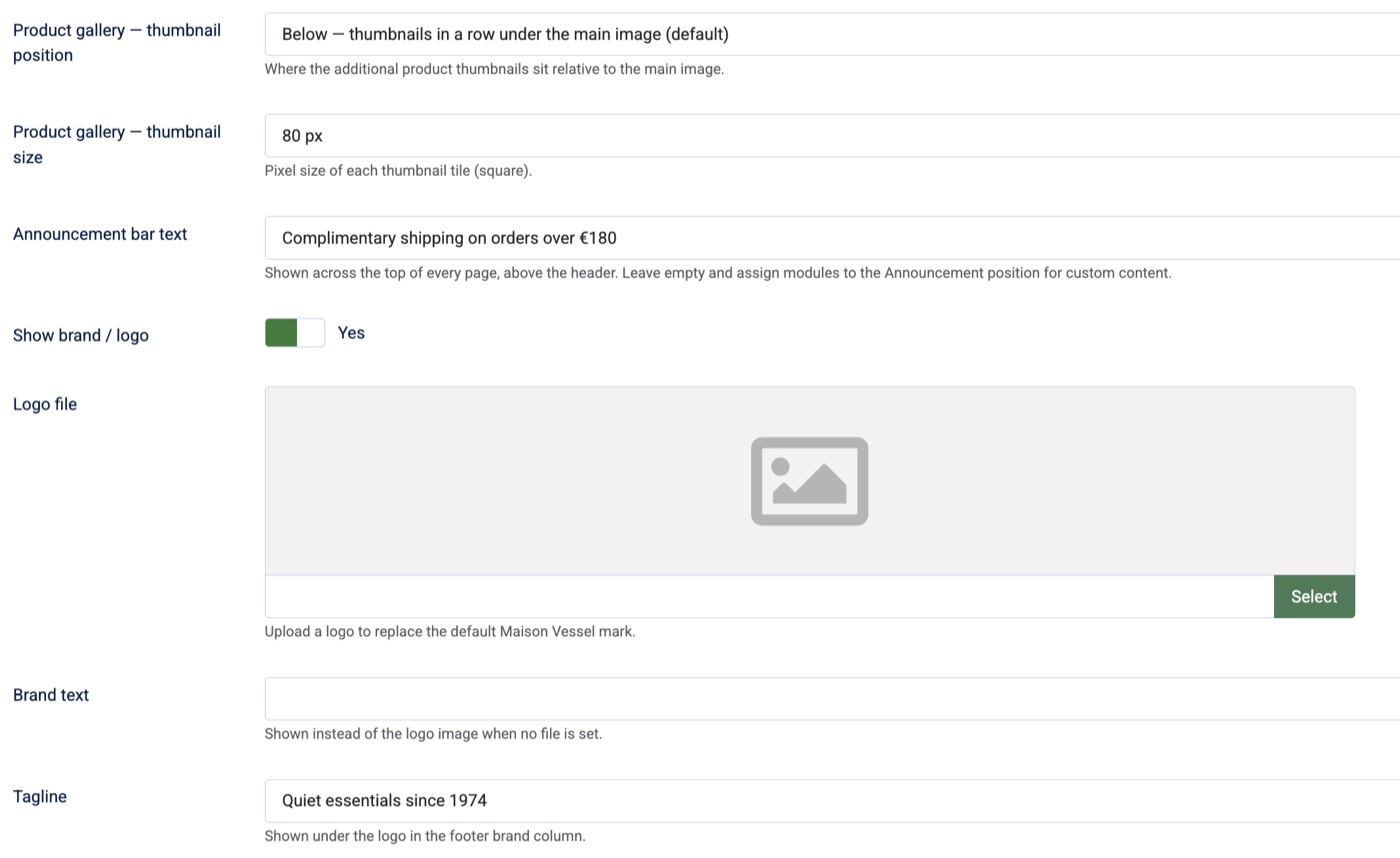
- Product gallery thumbnail position: where the additional product thumbnails sit relative to the main image (for example in a row below it).
- Product gallery thumbnail size: the pixel size of each square thumbnail tile.
- Announcement bar text: the message shown across the top of every page, above the header. Leave it empty and assign modules to the Announcement position for custom content.
- Show brand / logo: toggle the brand block in the header.
- Logo file: upload a logo to replace the default Maison Vessel mark.
- Brand text: text shown instead of the logo image when no logo file is set.
- Tagline: shown under the logo in the footer brand column.
Home page effects
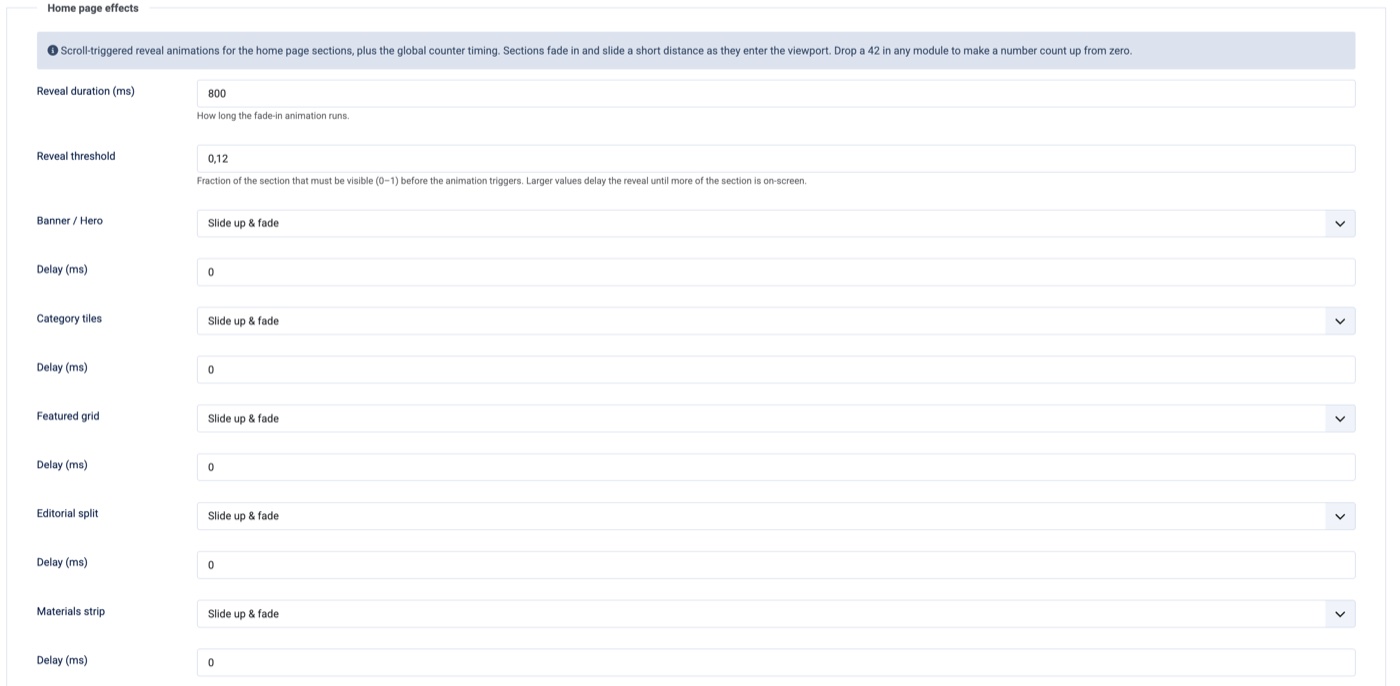
- Reveal duration: how long the scroll-triggered fade-in animation runs, in milliseconds.
- Reveal threshold: the fraction of a section (0 to 1) that must be visible before its animation triggers. Larger values delay the reveal until more of the section is on screen.
- Per-section animation and delay: choose the reveal effect (for example "Slide up & fade") and an optional delay for each home page section: Banner / Hero, Category tiles, Featured grid, Editorial split, Materials strip and the journal row.
- Counters: a number placed in a module counts up from zero as its section scrolls into view, using the global counter timing.
Vessel also ships as a WordPress Full Site Editing (block) theme. It is the same design and the same native HikaShop styling, delivered the WordPress way: a block theme you edit in the Site Editor, with the home page built from block patterns instead of module positions.
Installation (WordPress)
- 1) Download the WordPress theme package (vessel.zip) from our website.
- 2) In wp-admin, open Appearance > Themes > Add New > Upload Theme, choose the zip and click Install Now.
- 3) Activate the Vessel theme.
- 4) Create a page, insert the bundled "Home" block pattern, and set it as your front page in Settings > Reading.
- 5) Build your menu and footer from the header and footer template parts, then pick a style preset.
Style presets, fonts and colours (WordPress)
- The presets are available as one-click block style variations under Appearance > Editor > Styles, so you can switch the whole look from the Site Editor.
- Use the Styles panel to set your own colours and fonts; the storefront updates live, just like the Joomla style options.
Home page and layout (WordPress)
- The theme provides editable header and footer template parts and a ready-made Home block pattern with every home page section: hero banner, category tiles, featured products, editorial split, materials strip and the journal row.
- Module positions become template parts and block patterns: drop HikaShop product and category blocks where you want them, and edit each section directly in the block editor.
- The scroll-reveal and count-up animations run automatically as sections come into view.
HikaShop on WordPress
- The HikaShop integration is identical: because the styling is done with CSS and JS, all product page layouts, listings, categories, reviews, the user account area, cart, one-page checkout, HikaMarket multivendor, etc look the same as on Joomla.
Most of the look is set from the template options described above (style preset, fonts, colours, logo, layout and effects), with no file editing. For finer changes, the visible styling is plain CSS in a single stylesheet, organised top to bottom by area: announcement bar, header and menu, footer, then the HikaShop product, listing, cart and checkout sections. The class names are descriptive, so searching the stylesheet for one takes you straight to the right block (for example .vessel-header-menu for the main menu, or .vessel-footer for the footer).
- On Joomla: the stylesheet is media/templates/site/vessel/css/template.css. Add your own rules to media/templates/site/vessel/css/user.css rather than editing template.css. user.css loads after the template CSS, so your rules win, and they are kept when you update the template.
- On WordPress: the same stylesheet is assets/css/template.css inside the theme. To add your own CSS, use the custom CSS option in Appearance > Editor > Styles, or a child theme, so your changes survive theme updates.
- Example, changing the main menu font size, added to user.css:
.vessel-header--logo-left .vessel-header-menu > .mod-menu > li > a { font-size: 18px; }
- Built for Joomla 6, and for WordPress 6.7 or later (tested up to WordPress 7)
- Designed for HikaShop 6.4.0 or later, on Joomla or WordPress (works with the Business, Essential and Starter editions)
- Compatible with PHP 8.1 minimum
- Fully responsive (mobile, tablet, desktop)
- No limit of time
- No limit of use
1.0.10 - 20th of September 2026
- The collapsible category tree of the sidebar keeps its look on HikaShop 6.6, which now draws the caret as a button of its own beside the category name instead of wrapping the name inside it. Both shapes are styled, so the sidebar looks the same whichever version of HikaShop your shop runs.
- Product images in listings sit centred in their tile on HikaShop 6.6. Before, HikaShop 6.6's taller image frame pushed them below the middle of the tile.
- Error pages, such as "page not found", now show your site's header with its menu, account and cart icons and search, so visitors can carry on browsing. They also use the favicon and logo size set in the template options. Before, they showed only the logo.
- The "Sign in with a passkey" button on the login page shows a small key icon beside its label. Before, the icon was drawn as wide as the button, which made the button very tall.
1.0.9 - 24th of July 2026
- Product badges (New, Sale and any custom badge images) show again in the corner of the product image on listings, instead of collapsing to nothing.
- Product photos now show again in the search results. They were previously broken because the theme looked for them in the wrong image folder.
1.0.8 - 21st of July 2026
- The main product image now shows at its own shape and fills its frame, so wide (landscape) photos no longer leave an empty area underneath them.
- Modules placed in a left or right sidebar now stay inside their column: a wide element such as a reCAPTCHA box can no longer spill across the page content.
1.0.7 - 14th of July 2026
- Added styling for HikaShop's new multi-level category displays in the sidebar. The full "all levels" category tree and the new collapsible version both match the template now: deeper levels are cleanly indented, and in the collapsible tree each parent category shows a gold caret that turns to reveal its sub-categories when clicked, with the category you are currently viewing highlighted.
1.0.6 - 5th of July 2026
- The text filter's autocomplete now matches the template: the suggestion dropdown, the source labels and the product cards use the editorial palette and typography instead of HikaShop's default dropdown look.
1.0.5 - 24th of June 2026
- Fixed the product specifications accordion: it now keeps its formatting after you select a colour or size, instead of reverting to a plain table.
1.0.4 - 18th of June 2026
- The price (cursor) filter is now styled for any filter you create, not only the default price filter.
- In a single-level dropdown menu, the sub-menu links now match the main menu's font and size.
1.0.3 - 17th of June 2026
- Product listings now keep a consistent full-width action button across all of HikaShop's item box layouts (image and title, image only, image and description, and so on), not just the default one.
- The quantity selector on product listings now uses the same clean stepper box as the product page, instead of plain buttons.
1.0.2 - 16th of June 2026
- Fixed the header on small screens: the page no longer scrolls sideways on mobile and the menu (hamburger) button always stays visible. The search, account and cart now show as icons on mobile.
- Your custom CSS and JS (user.css and user.js) are now kept when you update the template, instead of being reset.
- Made the Add to cart button on product listings full width, so it matches the Choose options button on the other cards.
1.0.1 - 12th of June 2026
- Added the WordPress edition: Vessel is now available as a WordPress Full Site Editing block theme, with the same design, the style presets as block style variations, and native HikaShop styling.
1.0.0 - 5th of June 2026
- Initial release of the Vessel template.
- Type
- Payment plugin
- Compatibility
- Joomla 6 and up
Access to updates included for 4 years
A tax rate (between 17% and 27% based on your country) will be added if your address is in the European Union and that you don't provide a valid VAT number or if your address is in France as per the European Union law.