

- Posts: 267
- Thank you received: 5
It does not correctly translate into custom fields through translation chains
8 years 3 months ago #296258
by dvddvd
-- HikaShop version -- : 3.5.1
-- Joomla version -- : 3.8.11
-- PHP version -- : 7.0.31
-- Browser(s) name and version -- : Chrome
Hi!,
I have made a custom field, simple drop-down. With the values shown in the following image:
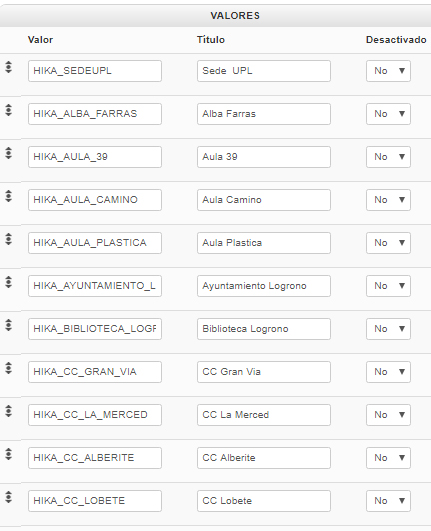
I added the corresponding tag in the language, for example in the first case the tag is
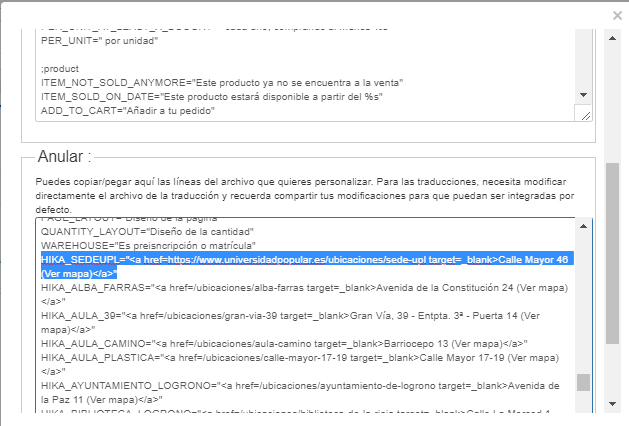
HIKA_SEDEUPL="<a href=https://www.universidadpopular.es/ubicaciones/sede-upl target=_blank>Calle Mayor 46 (Ver mapa)</a>"
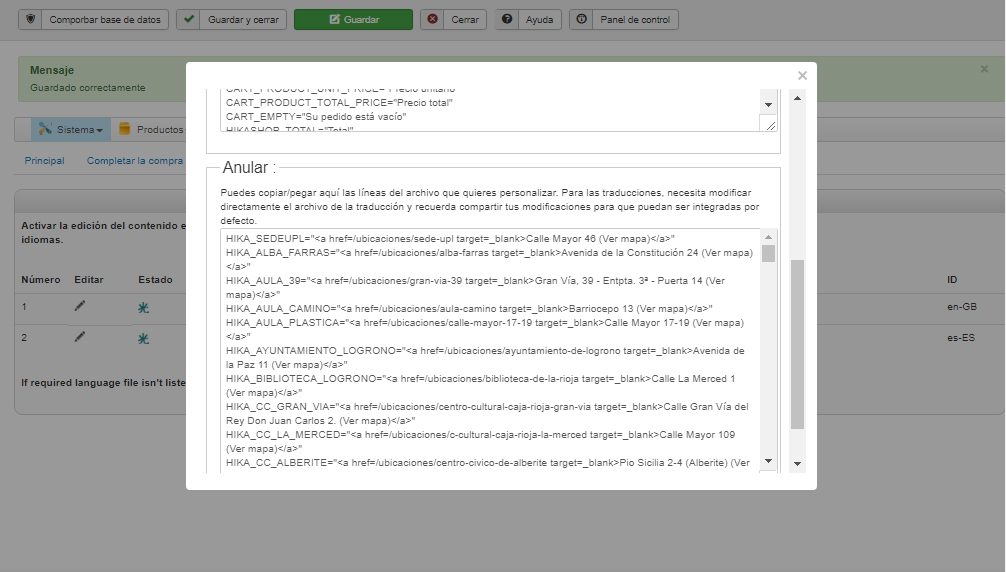
As you can see in the following image
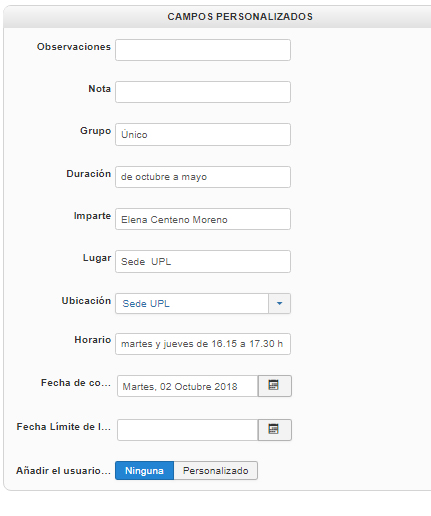
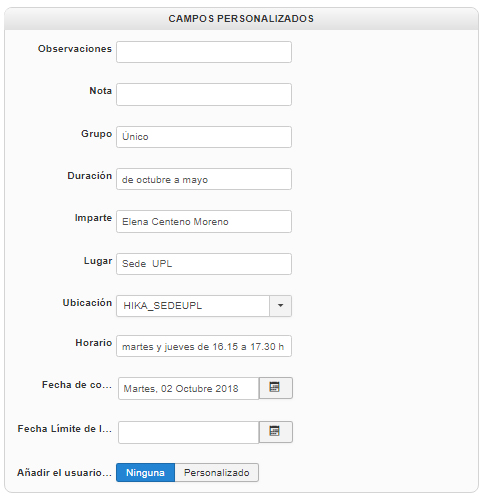
In the configuration of the product I made the selection, in the following way:
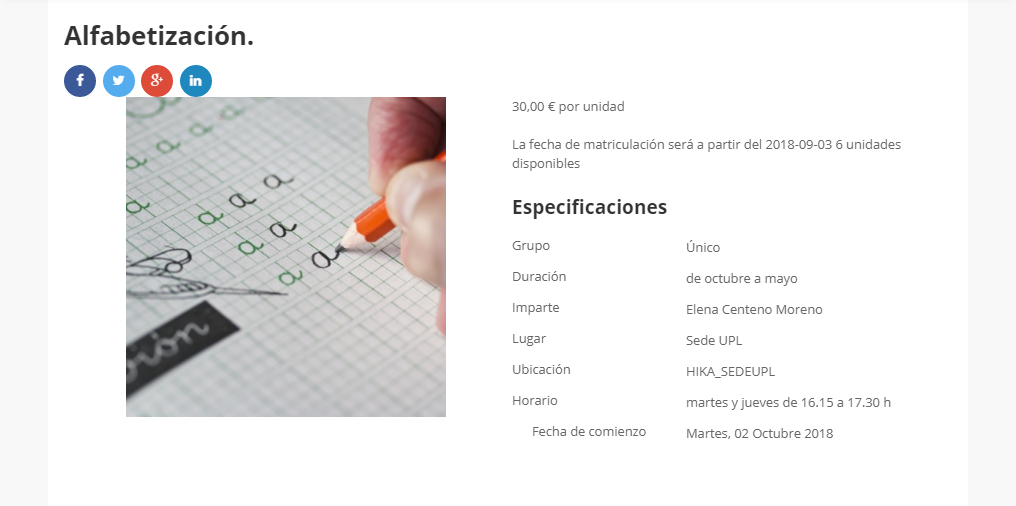
The result I get is the following:
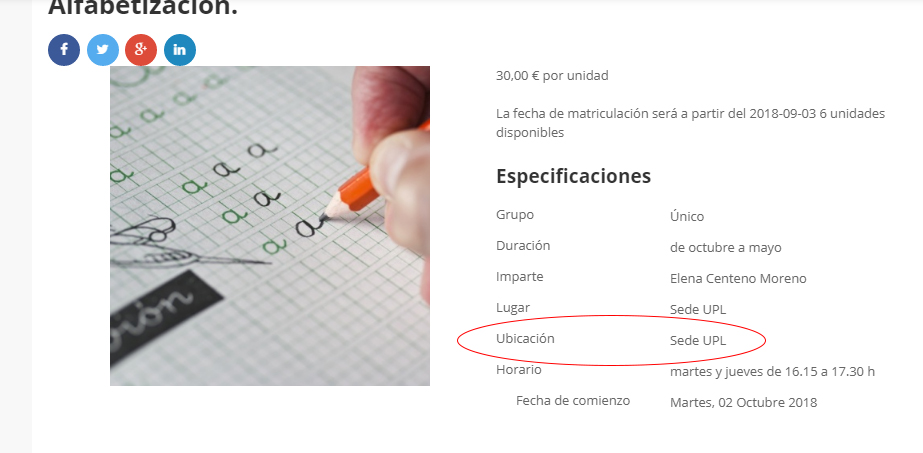
I can not find the solution, a few days ago it worked correctly
Thanks
-- Joomla version -- : 3.8.11
-- PHP version -- : 7.0.31
-- Browser(s) name and version -- : Chrome
Hi!,
I have made a custom field, simple drop-down. With the values shown in the following image:
I added the corresponding tag in the language, for example in the first case the tag is
HIKA_SEDEUPL="<a href=https://www.universidadpopular.es/ubicaciones/sede-upl target=_blank>Calle Mayor 46 (Ver mapa)</a>"
As you can see in the following image
In the configuration of the product I made the selection, in the following way:
The result I get is the following:
I can not find the solution, a few days ago it worked correctly
Thanks
Please Log in or Create an account to join the conversation.

8 years 3 months ago #296261
by nicolas
Replied by nicolas on topic It does not correctly translate into custom fields through translation chains
Hi,
You need to set the translation key in the "title" column, not in the "value" column (you can also put it in the value column, but what is displayed on the frontend is what you have in the title column or it's translation if its a key).
You need to set the translation key in the "title" column, not in the "value" column (you can also put it in the value column, but what is displayed on the frontend is what you have in the title column or it's translation if its a key).
Please Log in or Create an account to join the conversation.
8 years 3 months ago #296284
by dvddvd
Replied by dvddvd on topic It does not correctly translate into custom fields through translation chains
Thanks Nicolas,
Following your steps, I changed the values, putting the translation key in the 'title' column.
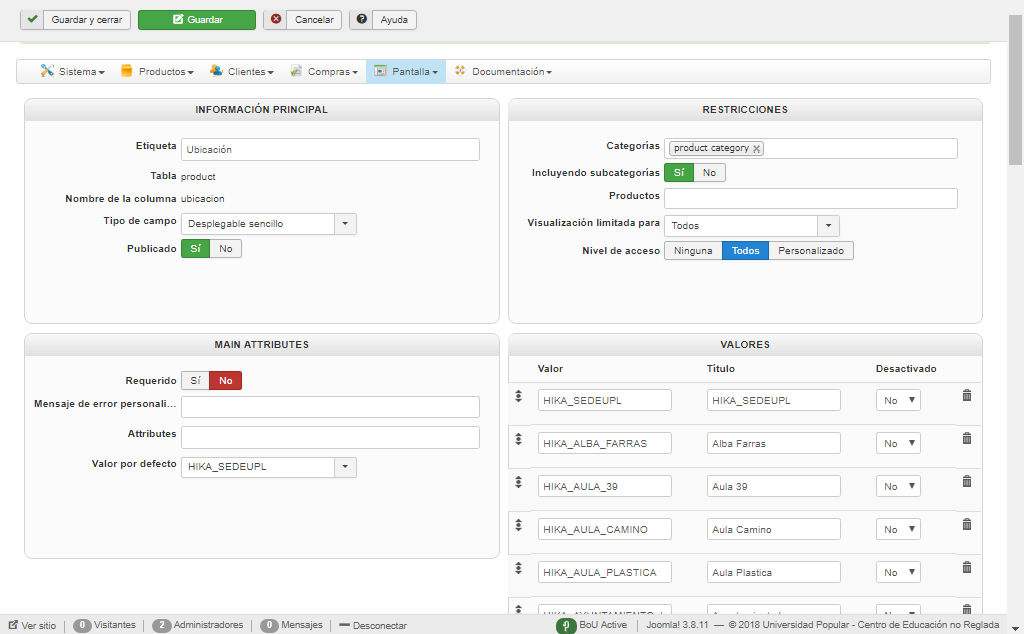
With the following translation key
Selected in the product
Being the result:
I can not find the solution,
Thanks
Following your steps, I changed the values, putting the translation key in the 'title' column.
With the following translation key
Selected in the product
Being the result:
I can not find the solution,
Thanks
Please Log in or Create an account to join the conversation.
8 years 3 months ago #296311
by nicolas
Replied by nicolas on topic It does not correctly translate into custom fields through translation chains
Hi,
Then, it means that you have an error in your translation file override.
Because of that, Joomla is not able to load the translations in the override file and skips the translations you've added, and in that case, HikaShop will display the translation key.
Try removing all the other lines in your translation override to check on that.
Also, you can activate the "debug" and "debug language" settings of the Joomla configuration. Att he bottom of the page, it should then tell you which line is the problem in your translation override file.
The following user(s) said Thank You: dvddvd
Please Log in or Create an account to join the conversation.
Time to create page: 0.063 seconds