
Orders can not be payed

14 years 4 months ago - 14 years 4 months ago #56300
by gasoline
I'll keep on trying!
Orders can not be payed was created by gasoline
I have set up a site for a client of me, and after you choose payment option (paypal/iDeal) and I click NEXT, nothing happens and the same page loads. What am I doing worng, I can't figure it out.
See for example orderpage. Needs some styling but thats for alter
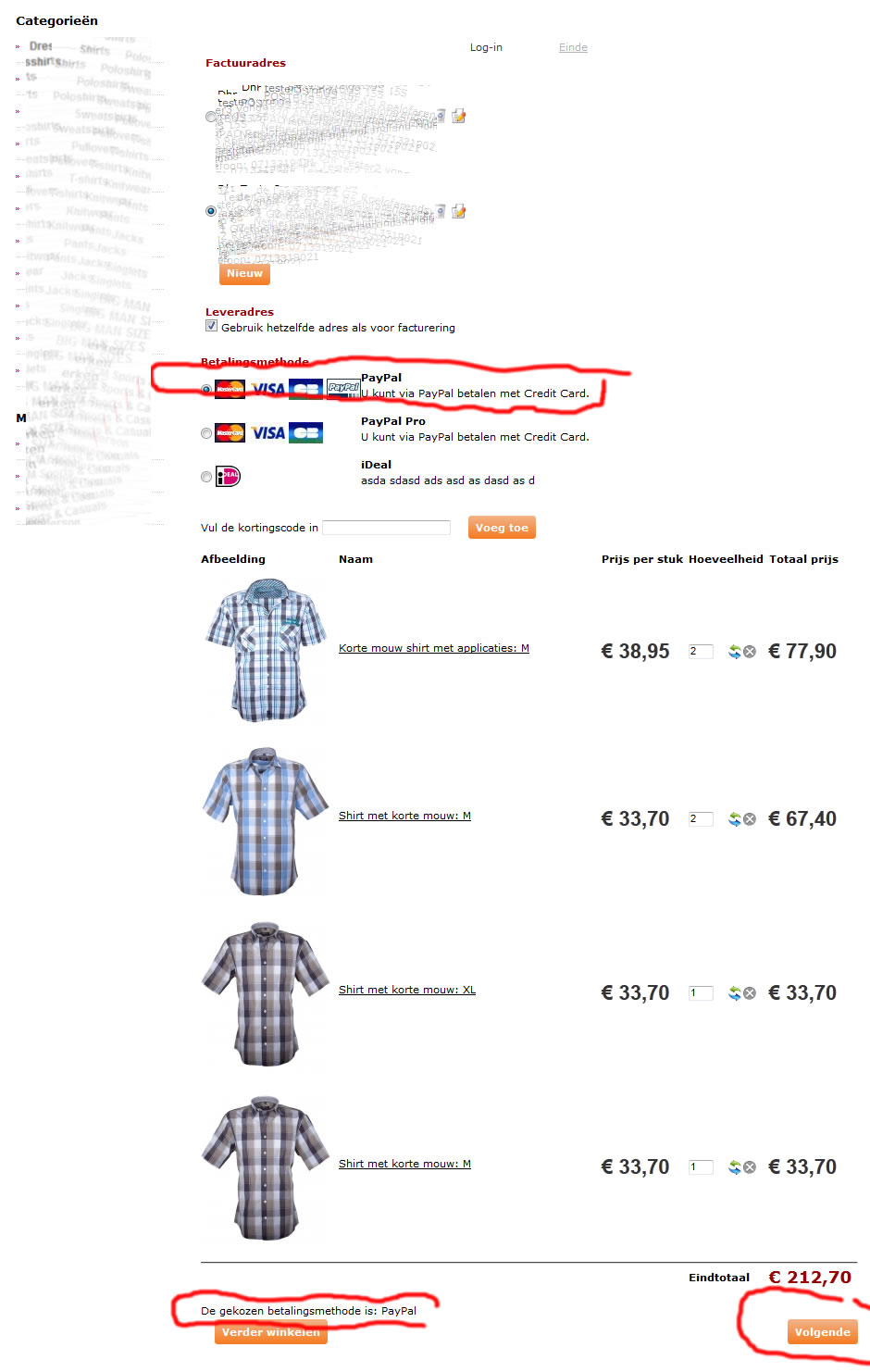
See for example orderpage. Needs some styling but thats for alter
I'll keep on trying!
Last edit: 14 years 4 months ago by gasoline. Reason: Add photo
Please Log in or Create an account to join the conversation.

14 years 4 months ago #56373
by nicolas
Replied by nicolas on topic Re: Orders can not be payed
I don't see any shipping method selection on your checkout.
But I can see that you have the shipping activated since it's asking you for the shipping address.
So that's your problem.
Your either need to configure your shipping methods properly, or deactivate the shipping in your 'checkout workflow' option of the configuration.
www.hikashop.com/en/support/documentatio...ins-listing.html#faq
Normally, you should get an error message, but it seems that your template does not handle error messages properly:
www.hikashop.com/en/support/documentatio...issues.html#messages
But I can see that you have the shipping activated since it's asking you for the shipping address.
So that's your problem.
Your either need to configure your shipping methods properly, or deactivate the shipping in your 'checkout workflow' option of the configuration.
www.hikashop.com/en/support/documentatio...ins-listing.html#faq
Normally, you should get an error message, but it seems that your template does not handle error messages properly:
www.hikashop.com/en/support/documentatio...issues.html#messages
Please Log in or Create an account to join the conversation.
14 years 4 months ago - 14 years 4 months ago #56402
by gasoline
I'll keep on trying!
Replied by gasoline on topic Re: Orders can not be payed
O.k. thanks for quick response. Removing shipping option helped
I have however <jdoc:include type="message" /> in my template. So I should see an error message when it occurs.
I have however <jdoc:include type="message" /> in my template. So I should see an error message when it occurs.
I'll keep on trying!
Last edit: 14 years 4 months ago by gasoline.
Please Log in or Create an account to join the conversation.
Time to create page: 0.052 seconds