

- Posts: 152
- Thank you received: 9
How to have 2 different labels for the same language constant
9 months 1 week ago - 9 months 1 week ago #370137
by lucad
-- HikaShop version -- : 6.2.0
-- HikaMarket version -- : 6.0.0
-- Joomla version -- : 6
-- PHP version -- : 8.4
-- Browser(s) name and version -- : all
Hello Team
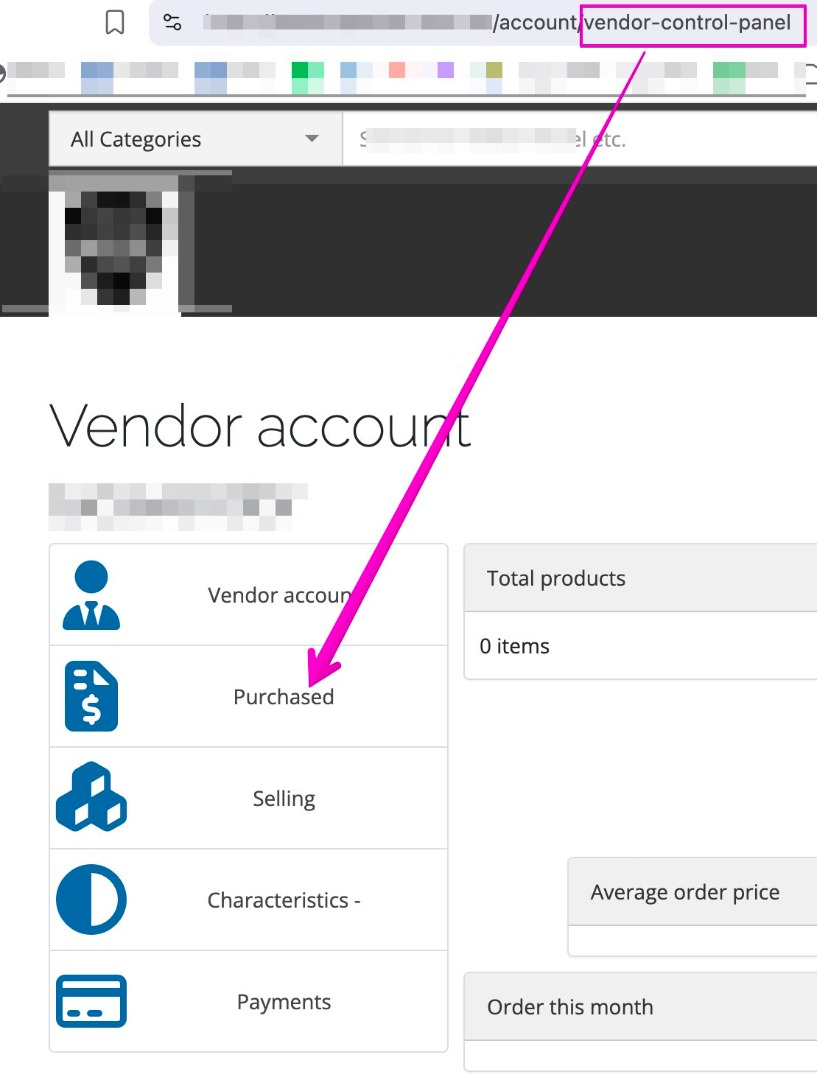
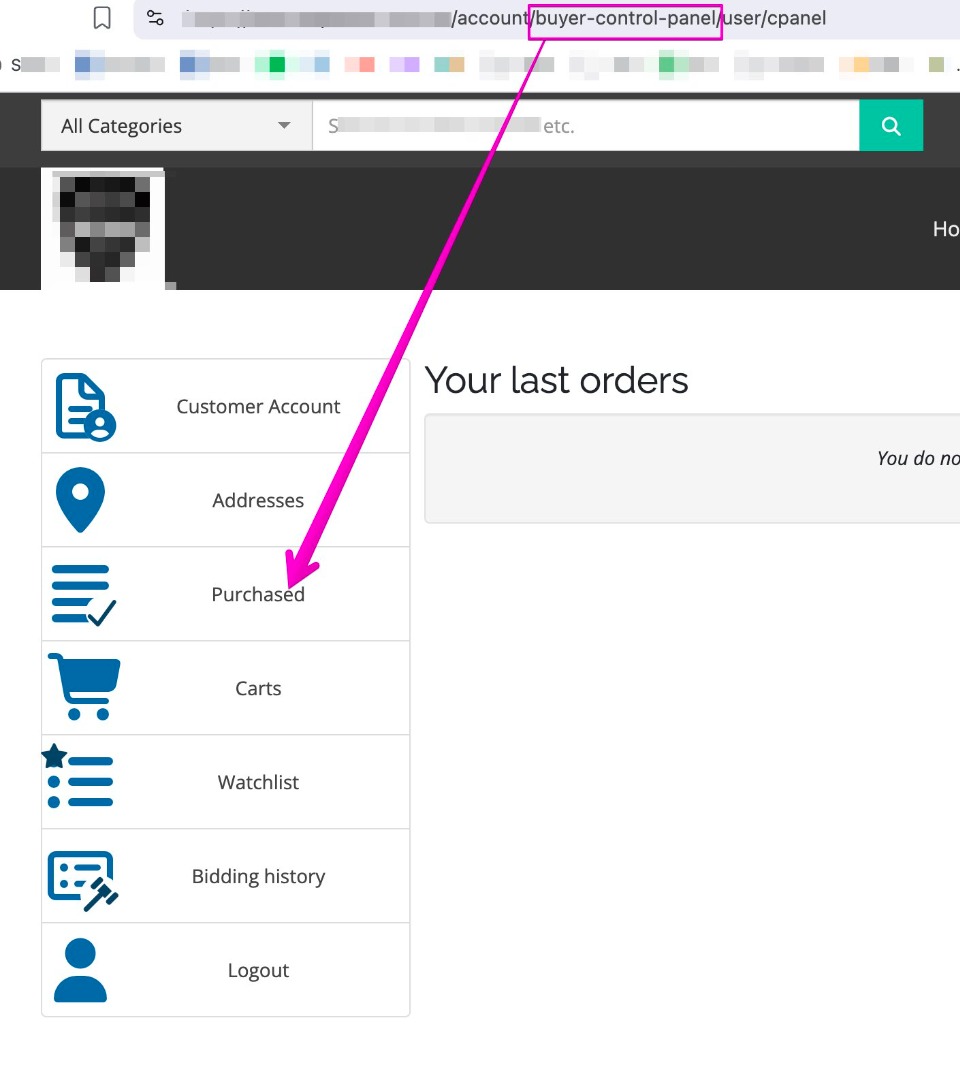
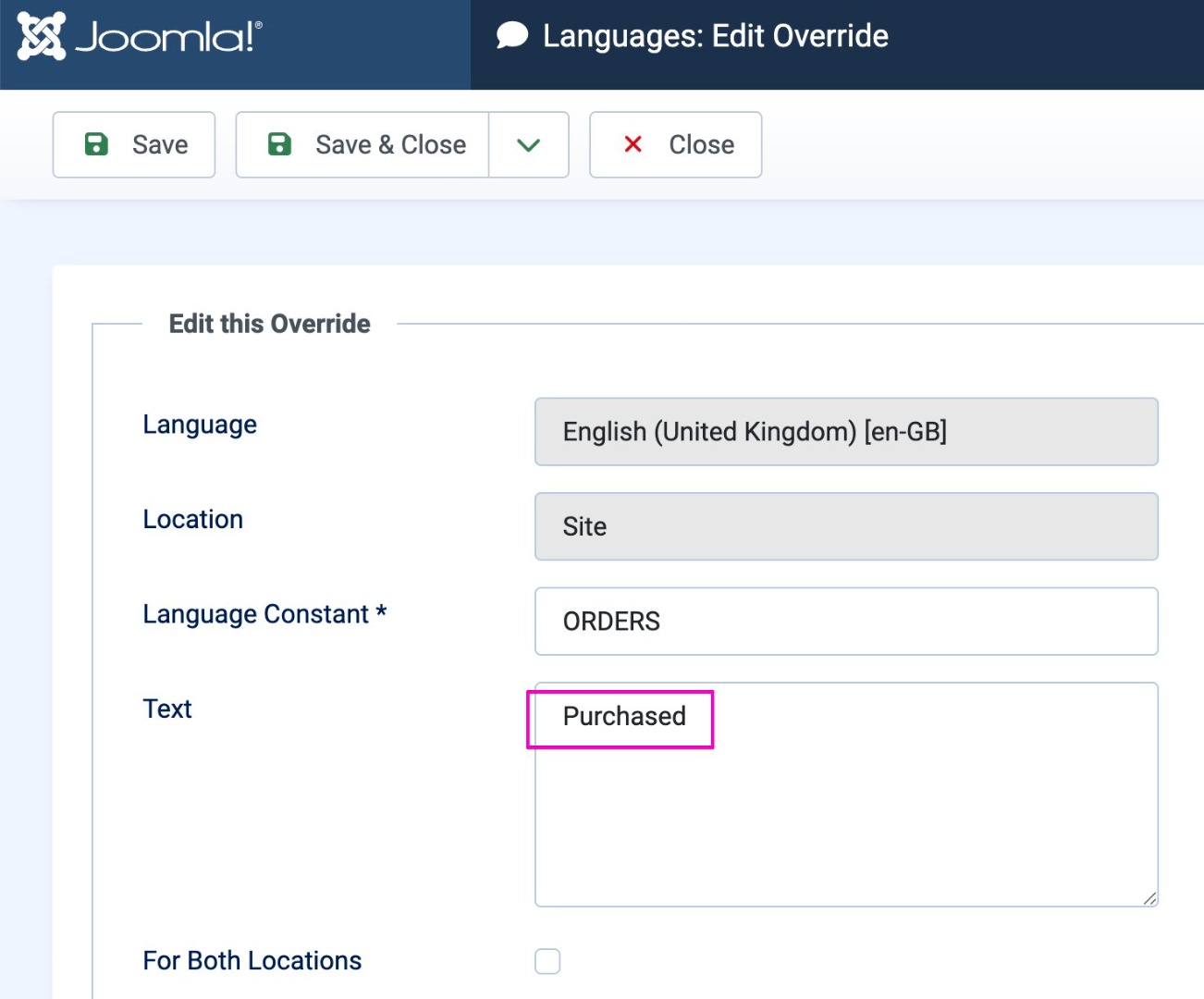
I have seen in both vendor and buyer section 'ORDER' has the language constant (see attachment)
in the Buyer panel I wanted to change the word 'Orders' in 'PURCHASED' (see attachment)
and in the Vendor panel I wanted to change the word 'Orders' in 'SOLD' (see attachment)
but then I realized it is the same language constant
How do I split them please?
Thank you
-- HikaMarket version -- : 6.0.0
-- Joomla version -- : 6
-- PHP version -- : 8.4
-- Browser(s) name and version -- : all
Hello Team
I have seen in both vendor and buyer section 'ORDER' has the language constant (see attachment)
in the Buyer panel I wanted to change the word 'Orders' in 'PURCHASED' (see attachment)
and in the Vendor panel I wanted to change the word 'Orders' in 'SOLD' (see attachment)
but then I realized it is the same language constant
How do I split them please?
Thank you
Last edit: 9 months 1 week ago by lucad.
Please Log in or Create an account to join the conversation.

9 months 1 week ago #370141
by Jerome
Jerome - Obsidev.com
HikaMarket & HikaSerial developer / HikaShop core dev team.
Replied by Jerome on topic How to have 2 different labels for the same language constant
Hello,
It is possible to use a view override to change the text without modifying the HikaShop or HikaMarket core files.
You need to override the view : vendormarket / cpanel
There, replace the content
By
And you will be able to add/use a new translation for "VENDOR_ORDERS".
Regards,
It is possible to use a view override to change the text without modifying the HikaShop or HikaMarket core files.
You need to override the view : vendormarket / cpanel
There, replace the content
Code:
<?php
foreach($this->buttons as $btnName => $btn) {
if(empty($btn))
continue;
?>
Code:
<?php
foreach($this->buttons as $btnName => $btn) {
if(empty($btn))
continue;
if($btnName == 'order')
$btn['name'] = JText::_('VENDOR_ORDERS');
?>
Regards,
Jerome - Obsidev.com
HikaMarket & HikaSerial developer / HikaShop core dev team.
Please Log in or Create an account to join the conversation.
9 months 1 week ago #370147
by lucad
Replied by lucad on topic How to have 2 different labels for the same language constant
Thank you Jerome!
The following user(s) said Thank You: oxido
Please Log in or Create an account to join the conversation.
Moderators: Obsidev
Time to create page: 0.092 seconds