

- Posts: 3
- Thank you received: 0
Administration backend disappeared
12 years 6 months ago #151965
by randlieb
Administration backend disappeared was created by randlieb
-- HikaShop version -- latest
-- Joomla version -- latest
-- PHP version -- ?
-- Browser(s) name and version -- Firefox 28
-- Template -- JSN pro air
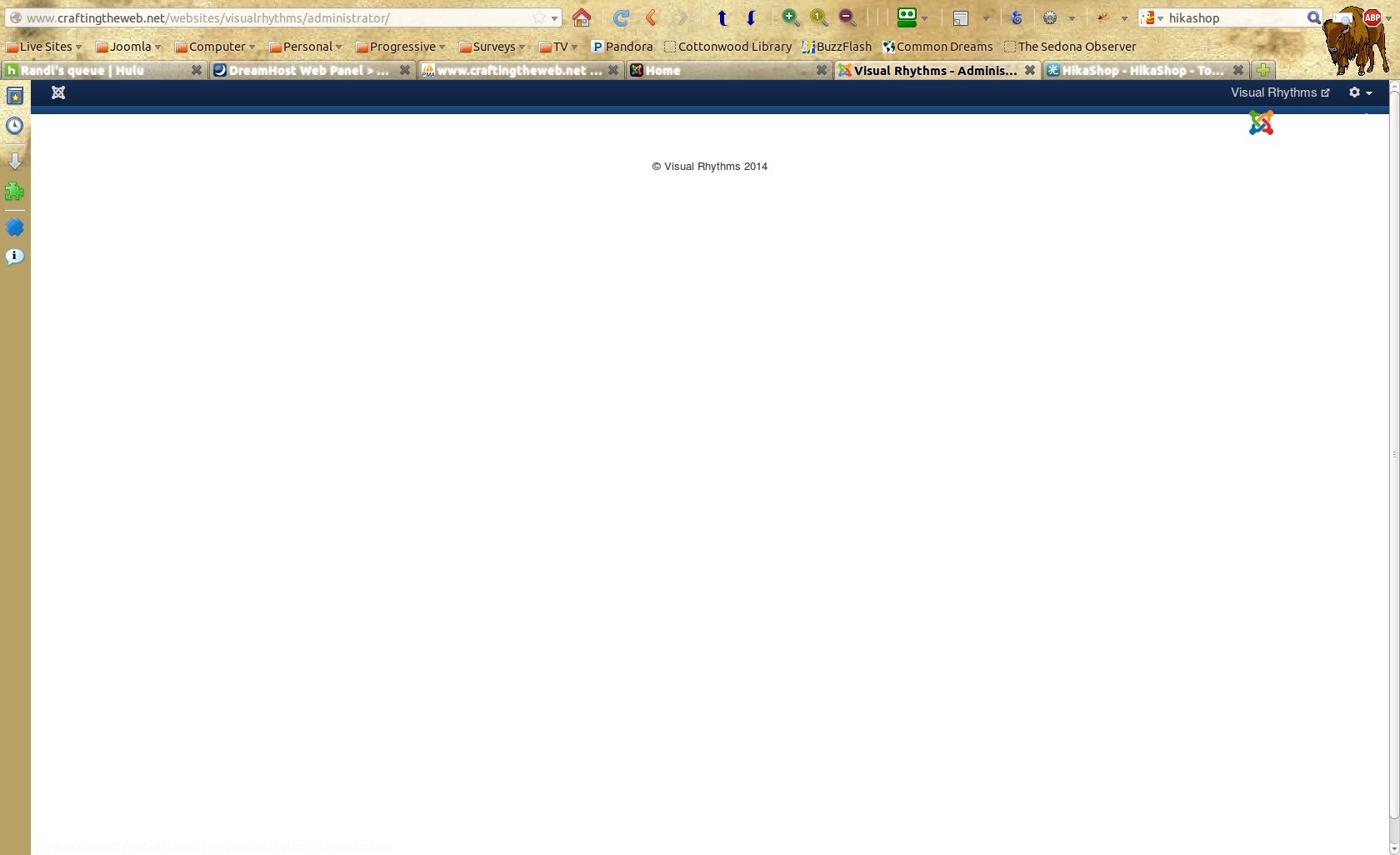
After installing Hikashop and doing some minimal configuration and adding a few products I logged out. Upon logging back in all I see is the top bar with the logout menu and the view site link at the top right of the bar. NOTHING ELSE, just a blank page! Is this something anyone has seen before? Did I need to configure a plugin or something else to keep this from happening? It's not a live site yet so no big deal, but I would like to use Hikashop unless this is a problem that can't be fixed. The frontend to the site is fine and everything works, I simply cannot access ANYTHING in the backend.
Everything installed ok with no errors popping up, both Joomla and then Hikashop.
HELP!!
-- Joomla version -- latest
-- PHP version -- ?
-- Browser(s) name and version -- Firefox 28
-- Template -- JSN pro air
After installing Hikashop and doing some minimal configuration and adding a few products I logged out. Upon logging back in all I see is the top bar with the logout menu and the view site link at the top right of the bar. NOTHING ELSE, just a blank page! Is this something anyone has seen before? Did I need to configure a plugin or something else to keep this from happening? It's not a live site yet so no big deal, but I would like to use Hikashop unless this is a problem that can't be fixed. The frontend to the site is fine and everything works, I simply cannot access ANYTHING in the backend.
Everything installed ok with no errors popping up, both Joomla and then Hikashop.
HELP!!
Please Log in or Create an account to join the conversation.
12 years 6 months ago - 12 years 6 months ago #151966
by lionel75
Replied by lionel75 on topic Administration backend disappeared
Hi
jsn_air pro
what is the url to the administration backend /frontEnd ( protocol http https , port 80 8080 not visible , ip localhost 127.0.0.1 ? ) ?
if local you can use CLI ( command line interface see the capture screen )
what is the content of the blank html page ?
Do you have acces to phpmyadmin or everything disseppear ?
you should know all the version number of the tool you use ( desktop and server ) and do a back up ( akeeba )
for php version if pph is set using the global OS environnement variable then in command.exe CLI do a " php -v"
regard's
jsn_air pro
what is the url to the administration backend /frontEnd ( protocol http https , port 80 8080 not visible , ip localhost 127.0.0.1 ? ) ?
if local you can use CLI ( command line interface see the capture screen )
what is the content of the blank html page ?
Do you have acces to phpmyadmin or everything disseppear ?
you should know all the version number of the tool you use ( desktop and server ) and do a back up ( akeeba )
for php version if pph is set using the global OS environnement variable then in command.exe CLI do a " php -v"
regard's
Last edit: 12 years 6 months ago by lionel75.
Please Log in or Create an account to join the conversation.
12 years 6 months ago #151968
by randlieb
Replied by randlieb on topic Administration backend disappeared
the url is
craftingtheweb.net/websites/visualrhythms
I am hosting on Dreamhost and their php version is 5.3.13
Attached is a screenshot of the admin page when I log in
I can get to phpmyadmin via Dreamhost control panel
I am hosting on Dreamhost and their php version is 5.3.13
Attached is a screenshot of the admin page when I log in
I can get to phpmyadmin via Dreamhost control panel
Please Log in or Create an account to join the conversation.

12 years 6 months ago #152072
by Xavier
Replied by Xavier on topic Administration backend disappeared
Hi,
Can you try to do another install ?
Then you can import your database content on the new site.
If the problem happen again, so it's maybe due to your php version.
In the configuration file, thanks to enable the debug mode to see if any errors are returned.
Can you try to do another install ?
Then you can import your database content on the new site.
If the problem happen again, so it's maybe due to your php version.
In the configuration file, thanks to enable the debug mode to see if any errors are returned.
Please Log in or Create an account to join the conversation.
Time to create page: 0.204 seconds