

- Posts: 4
- Thank you received: 0
Category creation, Product creation is not work
11 years 3 weeks ago #215712
by dpts
Category creation, Product creation is not work was created by dpts
-- url of the page with the problem -- : /administrator/index.php?option=com_hikashop&ctrl=category
-- HikaShop version -- : 2.5.0
-- Joomla version -- : 3.3.3
-- PHP version -- : 5.6.0
-- Browser(s) name and version -- : Google Chrome 45.0.2454.101 m
Hi.
I try to create category. Result is error like on screenshot
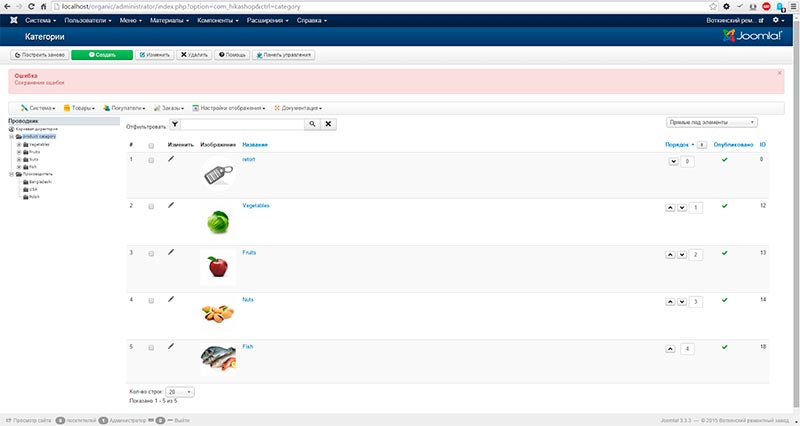
Error text:"ERROR save errors", and category is created, but not showing in tree
Try to delete category, wich created with this error, category is not deleting, but i have success message
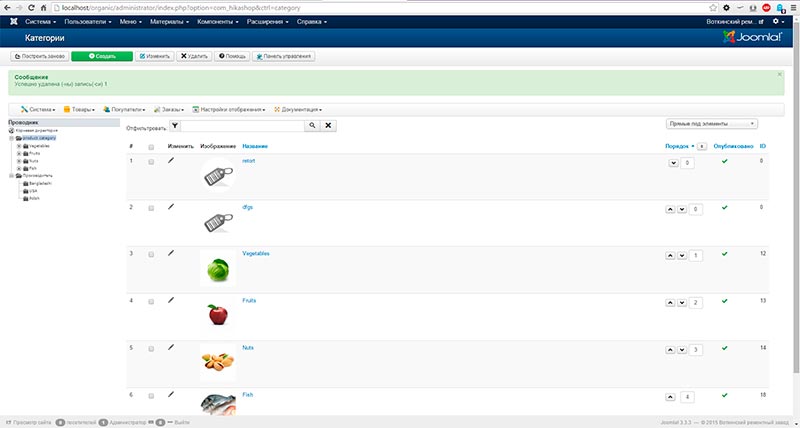
i can't delete this category, can't edit it
Try to create product, and have
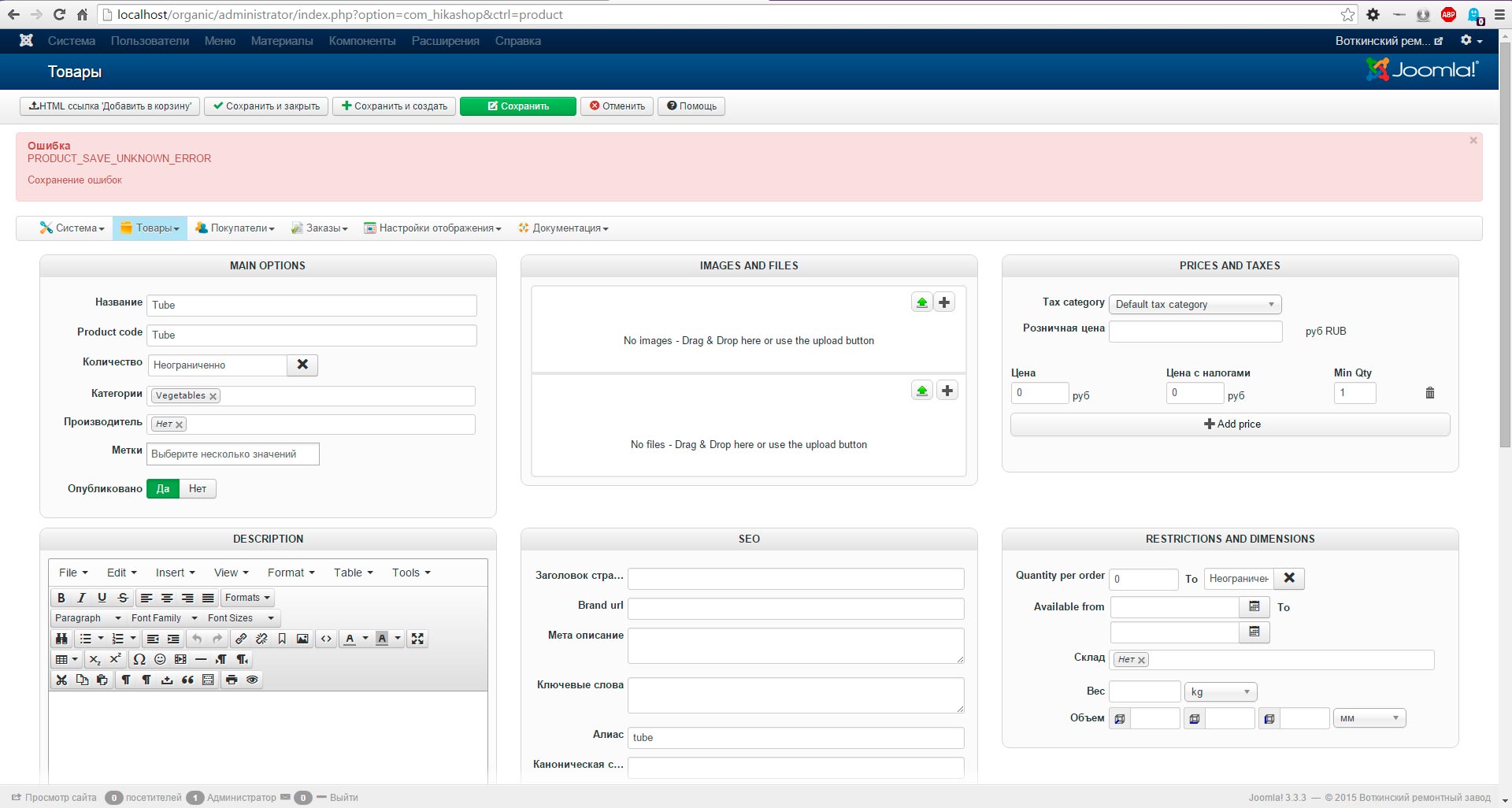
Product is not created
HikaShop Starter: 2.5.0
Joomla 3.3.3
PHP 5.6.0
-- HikaShop version -- : 2.5.0
-- Joomla version -- : 3.3.3
-- PHP version -- : 5.6.0
-- Browser(s) name and version -- : Google Chrome 45.0.2454.101 m
Hi.
I try to create category. Result is error like on screenshot
Error text:"ERROR save errors", and category is created, but not showing in tree
Try to delete category, wich created with this error, category is not deleting, but i have success message
i can't delete this category, can't edit it
Try to create product, and have
Product is not created
HikaShop Starter: 2.5.0
Joomla 3.3.3
PHP 5.6.0
Please Log in or Create an account to join the conversation.

Less
More
- Posts: 12953
- Thank you received: 1778
11 years 3 weeks ago #215738
by Mohamed Thelji
Replied by Mohamed Thelji on topic Category creation, Product creation is not work
Hello,
Can you download the last Hikashop version through our website, install it, and test it again ? If it's still not working, can you :
- Activate the Joomla debug mode ("Administration->Global configuration->System->Debug System/Language")
- Set the "error reporting" option of the Joomla configuration to "maximum"
- Test it again so that you can see if it display an error message which will help you to understand from what your issue is coming.
Thanks.
Can you download the last Hikashop version through our website, install it, and test it again ? If it's still not working, can you :
- Activate the Joomla debug mode ("Administration->Global configuration->System->Debug System/Language")
- Set the "error reporting" option of the Joomla configuration to "maximum"
- Test it again so that you can see if it display an error message which will help you to understand from what your issue is coming.
Thanks.
Please Log in or Create an account to join the conversation.
Time to create page: 0.159 seconds