

- Posts: 14
- Thank you received: 0
Listing category hikashop dissapear after update
10 years 7 months ago #232623
by estela
Listing category hikashop dissapear after update was created by estela
-- url of the page with the problem -- :
somosrecycling.es/w2/
-- HikaShop version -- : 2.6.1
-- Joomla version -- : 3.4.8
-- PHP version -- : 5.6.0.
-- Browser(s) name and version -- : Google Chrome, 48.0.2564.116
-- Error-message(debug-mod must be tuned on) -- : Listing category /product hikashop dissapear
Hello,
After I update de last version of hikashop bussines in my site web, all the productsin the category listing menu have dissapear. Why did happened this?

I don´t understand why this happen. All the product are published in the backend hikashop panel.
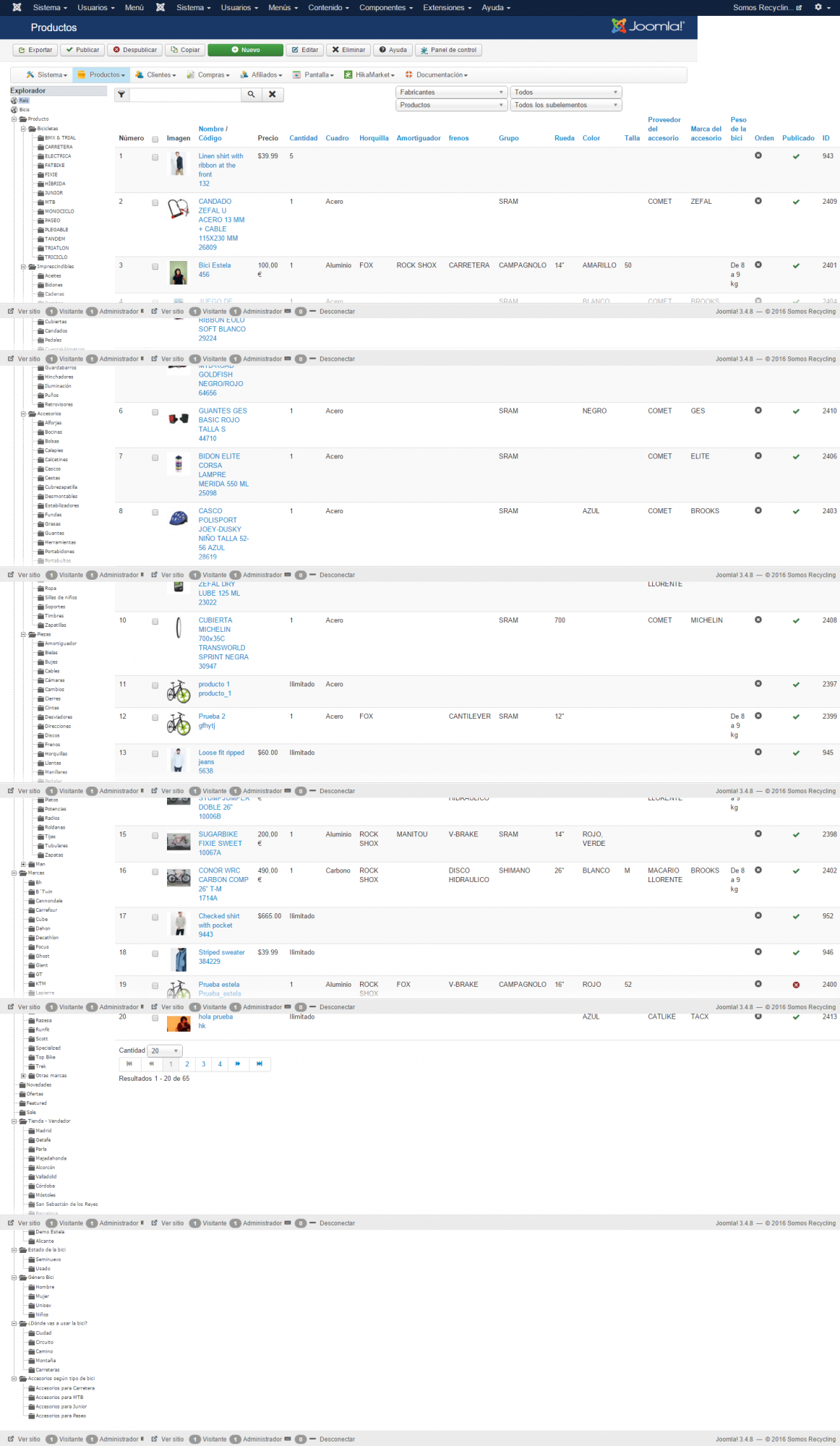
Could you help me, please?
I am desperate!
Thanks in advange.
-- HikaShop version -- : 2.6.1
-- Joomla version -- : 3.4.8
-- PHP version -- : 5.6.0.
-- Browser(s) name and version -- : Google Chrome, 48.0.2564.116
-- Error-message(debug-mod must be tuned on) -- : Listing category /product hikashop dissapear
Hello,
After I update de last version of hikashop bussines in my site web, all the productsin the category listing menu have dissapear. Why did happened this?
I don´t understand why this happen. All the product are published in the backend hikashop panel.
Could you help me, please?
I am desperate!
Thanks in advange.
Please Log in or Create an account to join the conversation.

10 years 7 months ago #232641
by nicolas
Replied by nicolas on topic Listing category hikashop dissapear after update
Hi,
It's probably a problem with your template overrides of the HikaShop views.
Rename the file templates/YOUR_TEMPLATE/html/com_hikashop/category/listing.php to something else via FTP if you have it.
If not, try to switch to the default template of your website temporarily and see if that helps ?
Otherwise, edit the menu item settings via the Joomla menu manager and provide a screenshot of the product options tab there.
It's probably a problem with your template overrides of the HikaShop views.
Rename the file templates/YOUR_TEMPLATE/html/com_hikashop/category/listing.php to something else via FTP if you have it.
If not, try to switch to the default template of your website temporarily and see if that helps ?
Otherwise, edit the menu item settings via the Joomla menu manager and provide a screenshot of the product options tab there.
Please Log in or Create an account to join the conversation.
10 years 7 months ago #232842
by estela
Replied by estela on topic Listing category hikashop dissapear after update
Hi Nicolas,
Thanks for your suggestions, I explain you step by step:
1. How have I to rename de "listing.php" file? "Rename the file templates/YOUR_TEMPLATE/html/com_hikashop/category/listing.php to something else via FTP if you have it."
2. Whem I switch to default template, exactly, the problem is solve. So, maybe, how you say, the problem is with the template.
3. This is de screenshot of the product options for my menu item settings.
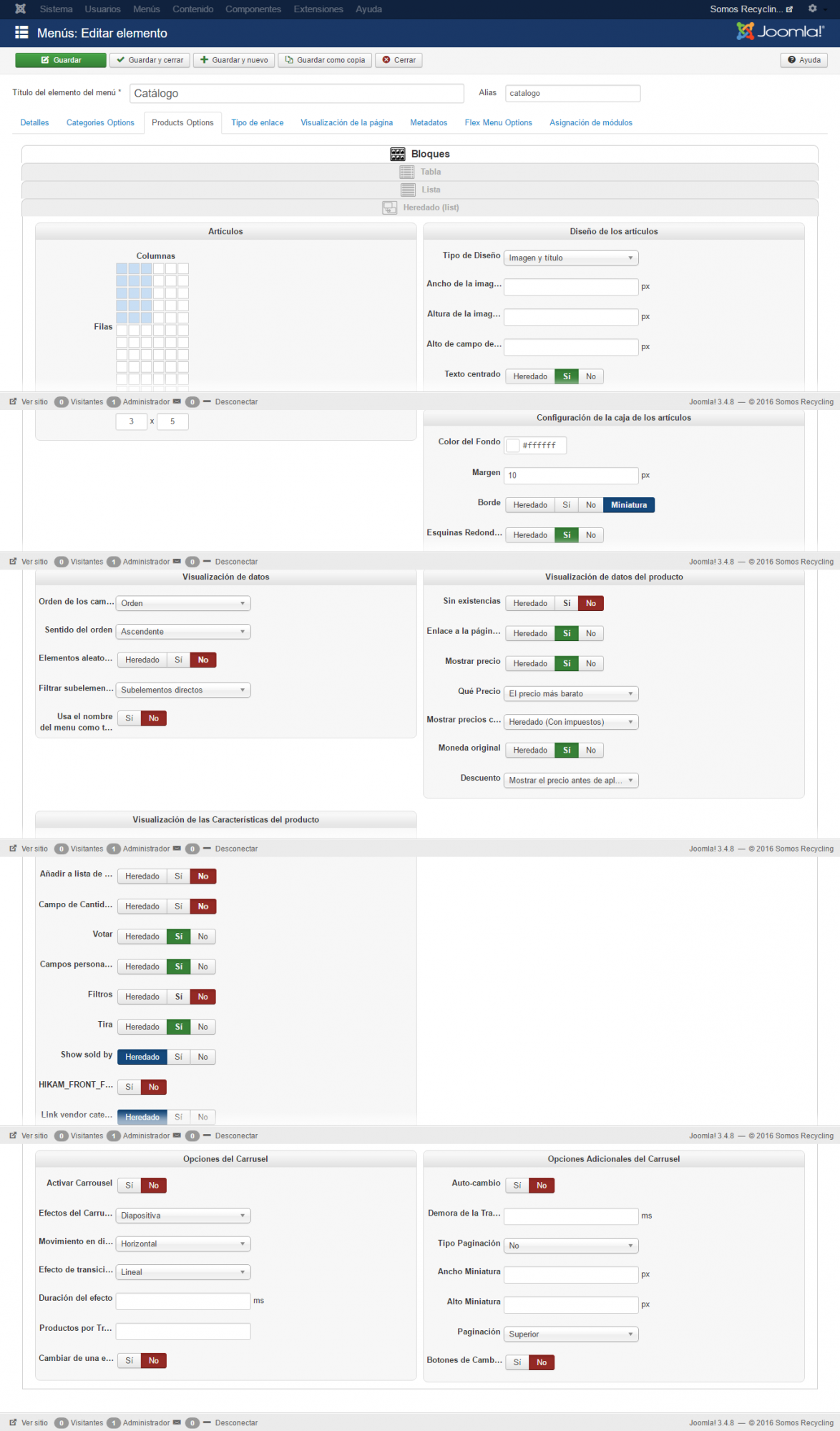
Thanks in advange
Thanks for your suggestions, I explain you step by step:
1. How have I to rename de "listing.php" file? "Rename the file templates/YOUR_TEMPLATE/html/com_hikashop/category/listing.php to something else via FTP if you have it."
2. Whem I switch to default template, exactly, the problem is solve. So, maybe, how you say, the problem is with the template.
3. This is de screenshot of the product options for my menu item settings.
Thanks in advange
Please Log in or Create an account to join the conversation.
10 years 7 months ago #232847
by nicolas
Replied by nicolas on topic Listing category hikashop dissapear after update
Hi,
If you don't understand what I mean with this sentence, it's probably that you don't have a FTP access in order to modify the files of your website.
So maybe you have a cpanel access to access the files of your website ?
If you don't know, you can ask your hosting company.
They will tell you how to access your website files and then, just go in the folder templates/YOUR_TEMPLATE/html/com_hikashop/category/ of your website and rename that listing.php file.
Otherwise, you can also ask your template provider for help.
If you don't understand what I mean with this sentence, it's probably that you don't have a FTP access in order to modify the files of your website.
So maybe you have a cpanel access to access the files of your website ?
If you don't know, you can ask your hosting company.
They will tell you how to access your website files and then, just go in the folder templates/YOUR_TEMPLATE/html/com_hikashop/category/ of your website and rename that listing.php file.
Otherwise, you can also ask your template provider for help.
Please Log in or Create an account to join the conversation.
10 years 7 months ago #232928
by estela
Replied by estela on topic Listing category hikashop dissapear after update
Hi Nicolas,
Maybe I don´t explain it very well.
I try it again:
I have FTP access and I can modify the files listing.php. But..... What do you want to say whem talk about "remane"? With a diferent name? With the same name?
Sorry but, I am a beginner with hikashop.
Thanks!
Maybe I don´t explain it very well.
I try it again:
I have FTP access and I can modify the files listing.php. But..... What do you want to say whem talk about "remane"? With a diferent name? With the same name?
Sorry but, I am a beginner with hikashop.
Thanks!
Please Log in or Create an account to join the conversation.
10 years 7 months ago #232973
by nicolas
Replied by nicolas on topic Listing category hikashop dissapear after update
Hi,
Well, you need to change the name of the file.
By default it's listing.php, right ? So change it to something else. For example, listing_old.php
Well, you need to change the name of the file.
By default it's listing.php, right ? So change it to something else. For example, listing_old.php
The following user(s) said Thank You: estela
Please Log in or Create an account to join the conversation.
10 years 7 months ago #232987
by estela
Replied by estela on topic Listing category hikashop dissapear after update
Hi!
The error seems resolved.
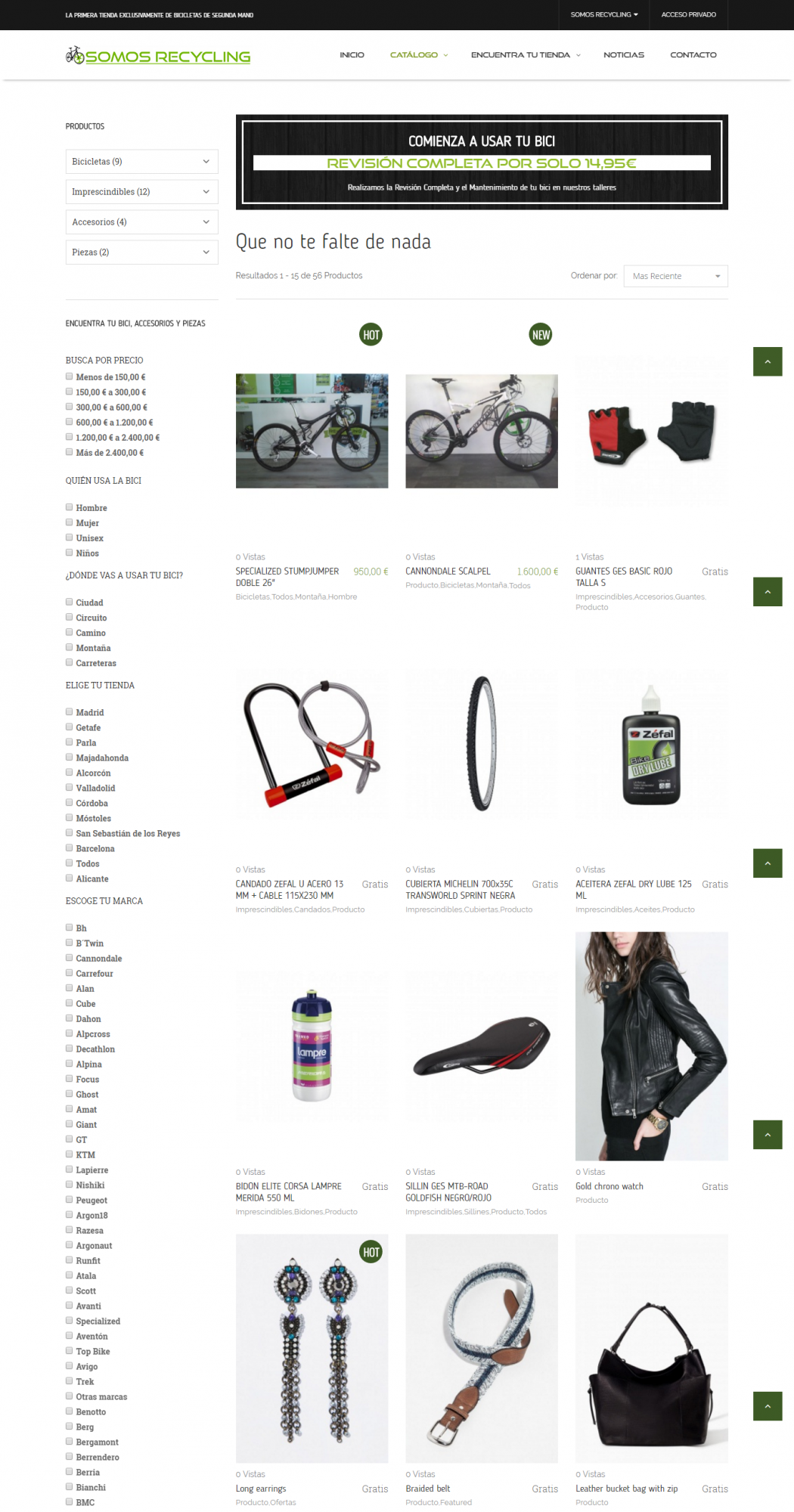
Thanks, very much!
Regards
The error seems resolved.
Thanks, very much!
Regards
Please Log in or Create an account to join the conversation.
Time to create page: 0.340 seconds