
- Posts: 11
- Thank you received: 0
Product detail button with anchor for direct forwarding to product title
- SchmidtSon
-
 Topic Author
- Offline
Less
More
7 years 2 weeks ago #311504
by SchmidtSon
-- url of the page with the problem -- :
www.naturstein-biermann.de/pflegeprodukte-shop
-- HikaShop version -- : 4.2.1 Business
-- Joomla version -- : 3.9.0
-- PHP version -- : 7.2.19
-- Browser(s) name and version -- : firefox developer
Hello, everybody,
the following problem:
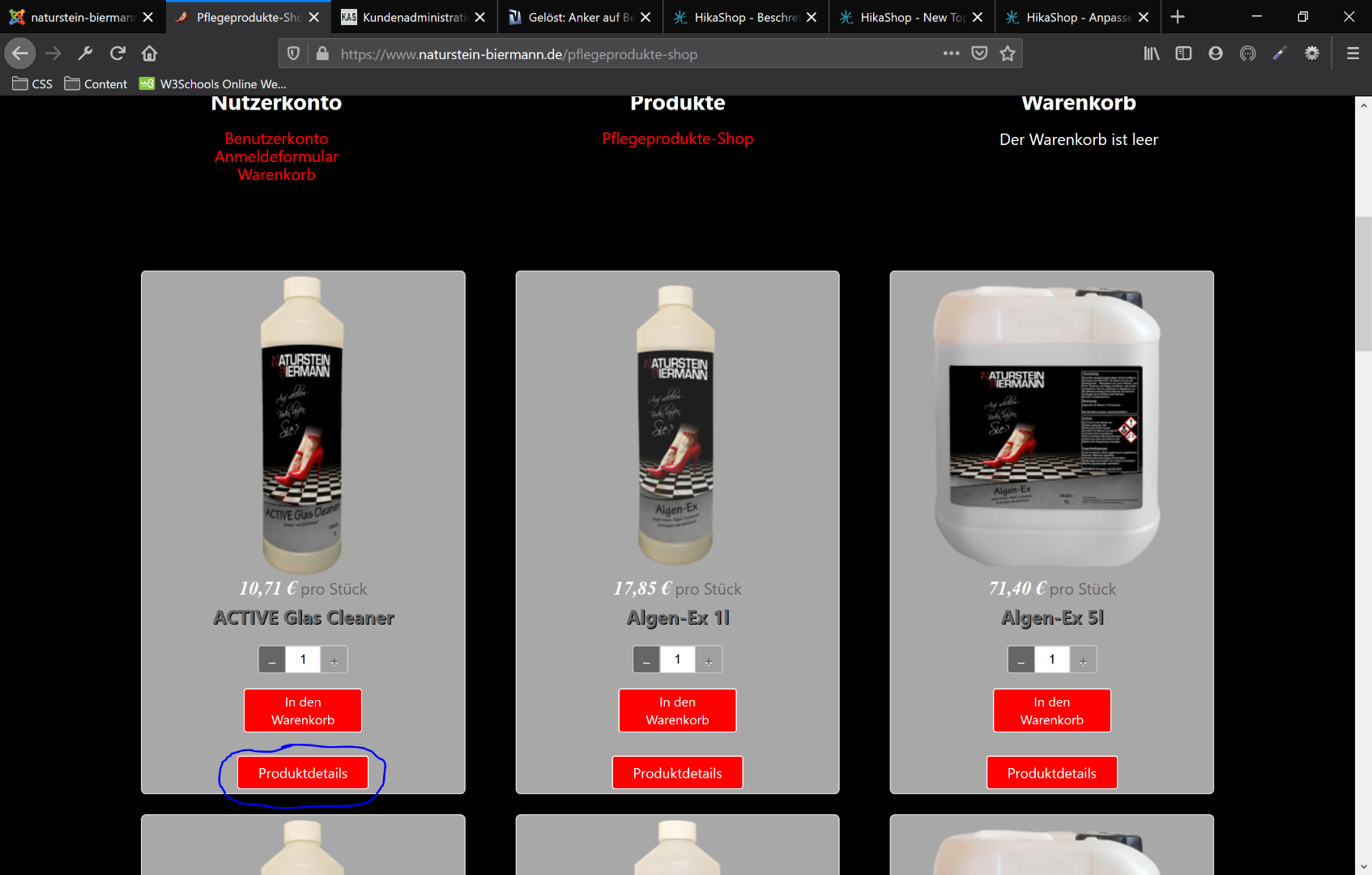
I would like to link the "Product details" button in the product overview directly to an anchor on the product title.
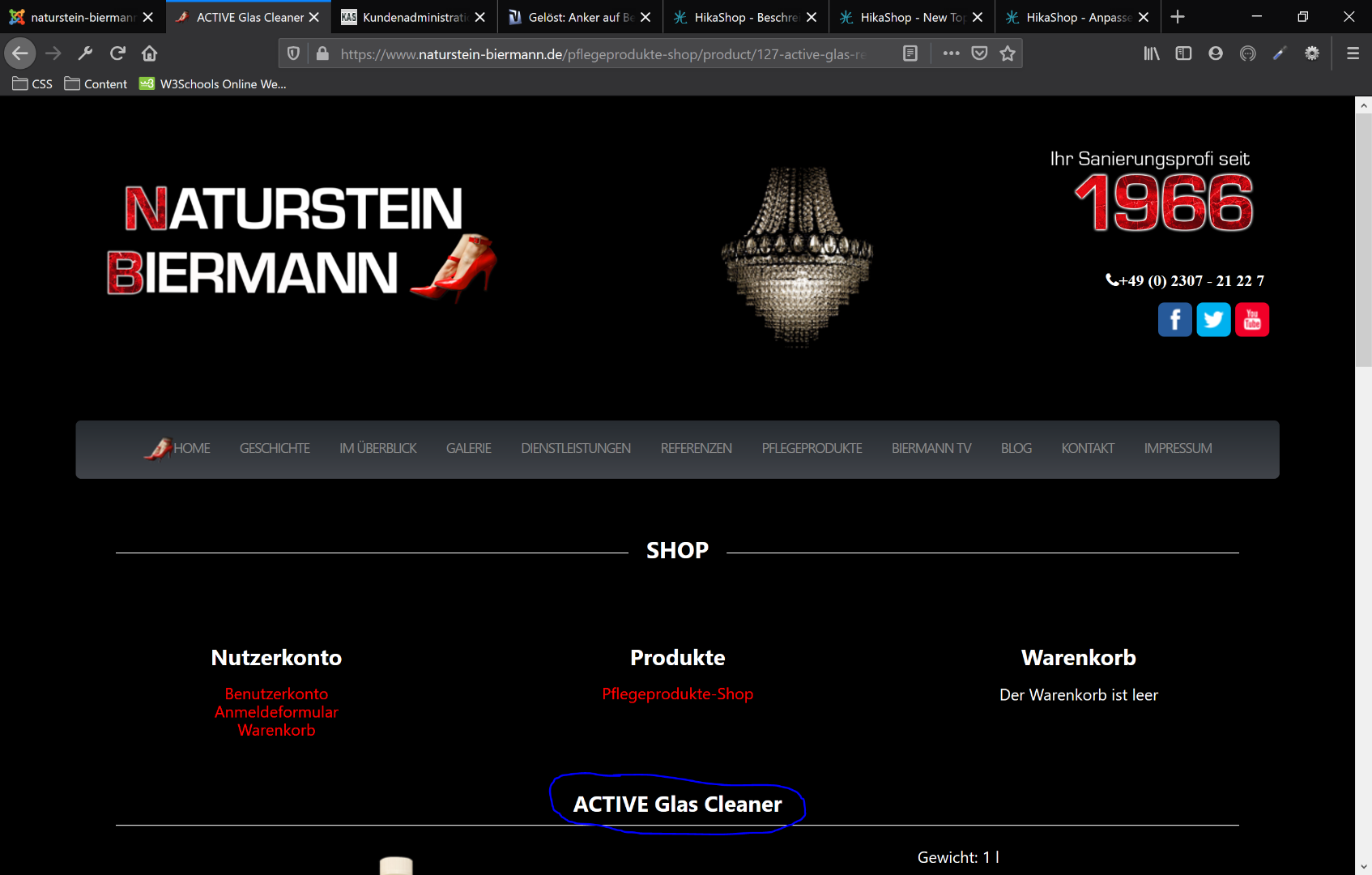
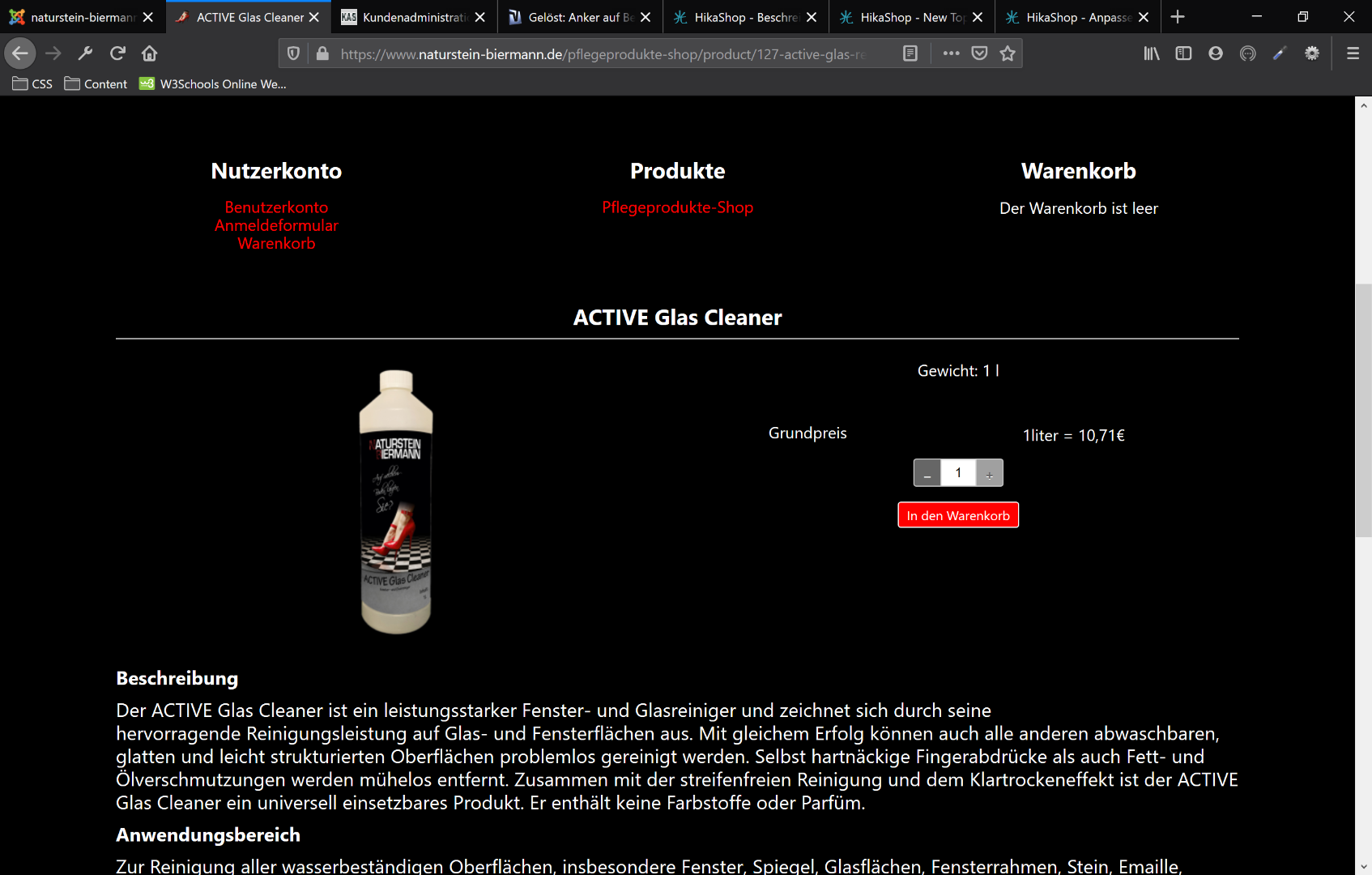
This means that after pressing the button "Product Details" you will be redirected directly to the product page and automatically scrolled down to the producttitle, so that the user has the product in front of his eyes and not the website header and the navigation above again.
How I can do that, I don't want to make a mistake in PHP.
Thanks
-- HikaShop version -- : 4.2.1 Business
-- Joomla version -- : 3.9.0
-- PHP version -- : 7.2.19
-- Browser(s) name and version -- : firefox developer
Hello, everybody,
the following problem:
I would like to link the "Product details" button in the product overview directly to an anchor on the product title.
This means that after pressing the button "Product Details" you will be redirected directly to the product page and automatically scrolled down to the producttitle, so that the user has the product in front of his eyes and not the website header and the navigation above again.
How I can do that, I don't want to make a mistake in PHP.
Thanks
Please Log in or Create an account to join the conversation.

7 years 2 weeks ago #311508
by nicolas
Replied by nicolas on topic Product detail button with anchor for direct forwarding to product title
Hi,
If you have canonical URLs in your products and you have the "force canonical URLs on listings" setting activated in your HikaShop configuration, no coding is needed.
You can just add
to the canonical URL in each product.
Otherwise, you can edit the file "listing_img_title" of the view "product" via the menu Display>Views and change the line:
to:
If you have canonical URLs in your products and you have the "force canonical URLs on listings" setting activated in your HikaShop configuration, no coding is needed.
You can just add
Code:
#hikashop_product_top_part
Otherwise, you can edit the file "listing_img_title" of the view "product" via the menu Display>Views and change the line:
Code:
$link = hikashop_contentLink('product&task=show&cid=' . (int)$this->row->product_id . '&name=' . $this->row->alias . $this->itemid . $this->category_pathway, $this->row);
Code:
$link = hikashop_contentLink('product&task=show&cid=' . (int)$this->row->product_id . '&name=' . $this->row->alias . $this->itemid . $this->category_pathway, $this->row).'#hikashop_product_top_part';
The following user(s) said Thank You: SchmidtSon
Please Log in or Create an account to join the conversation.
- SchmidtSon
-
Topic Author
- Offline
Less
More
- Posts: 11
- Thank you received: 0
7 years 2 weeks ago #311585
by SchmidtSon
Replied by SchmidtSon on topic Product detail button with anchor for direct forwarding to product title
Perfect thank you it works fine.
Please Log in or Create an account to join the conversation.
Time to create page: 0.107 seconds