

- Posts: 94
- Thank you received: 0
PDF failing to upload
6 years 1 week ago #324239
by paul_sugg
PDF failing to upload was created by paul_sugg
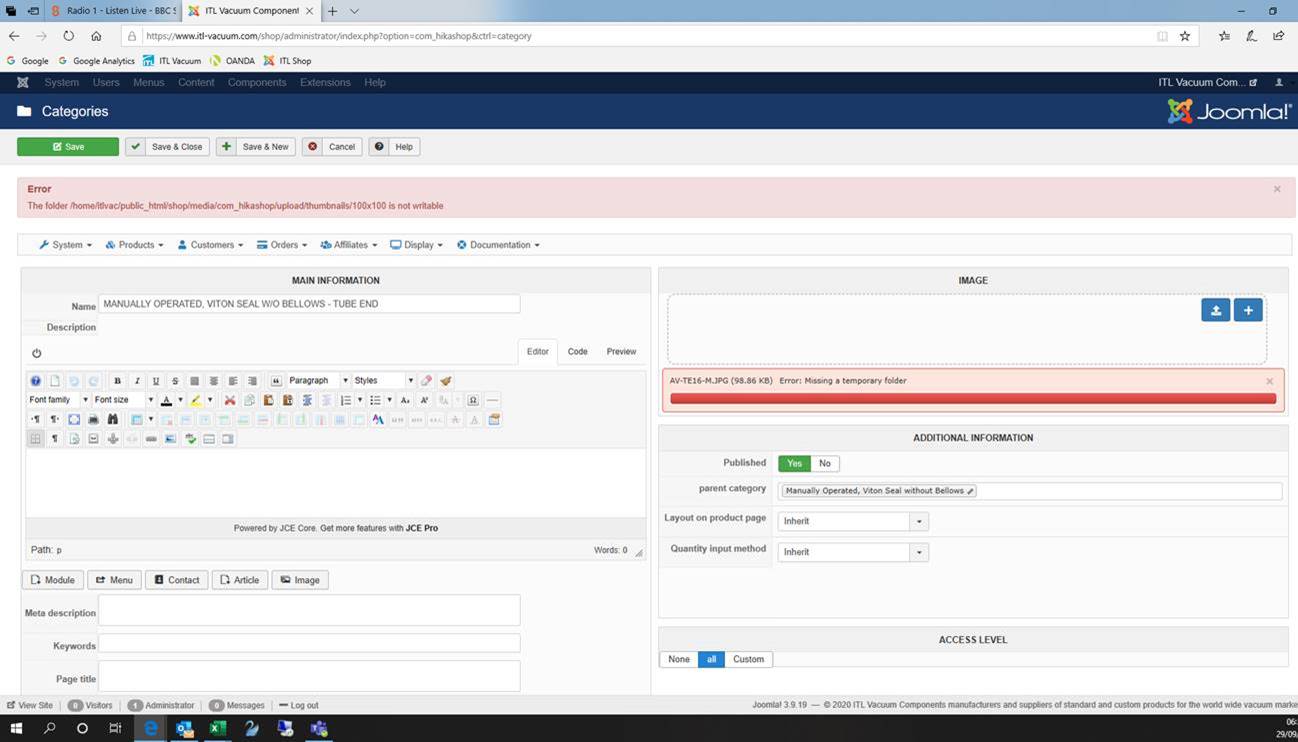
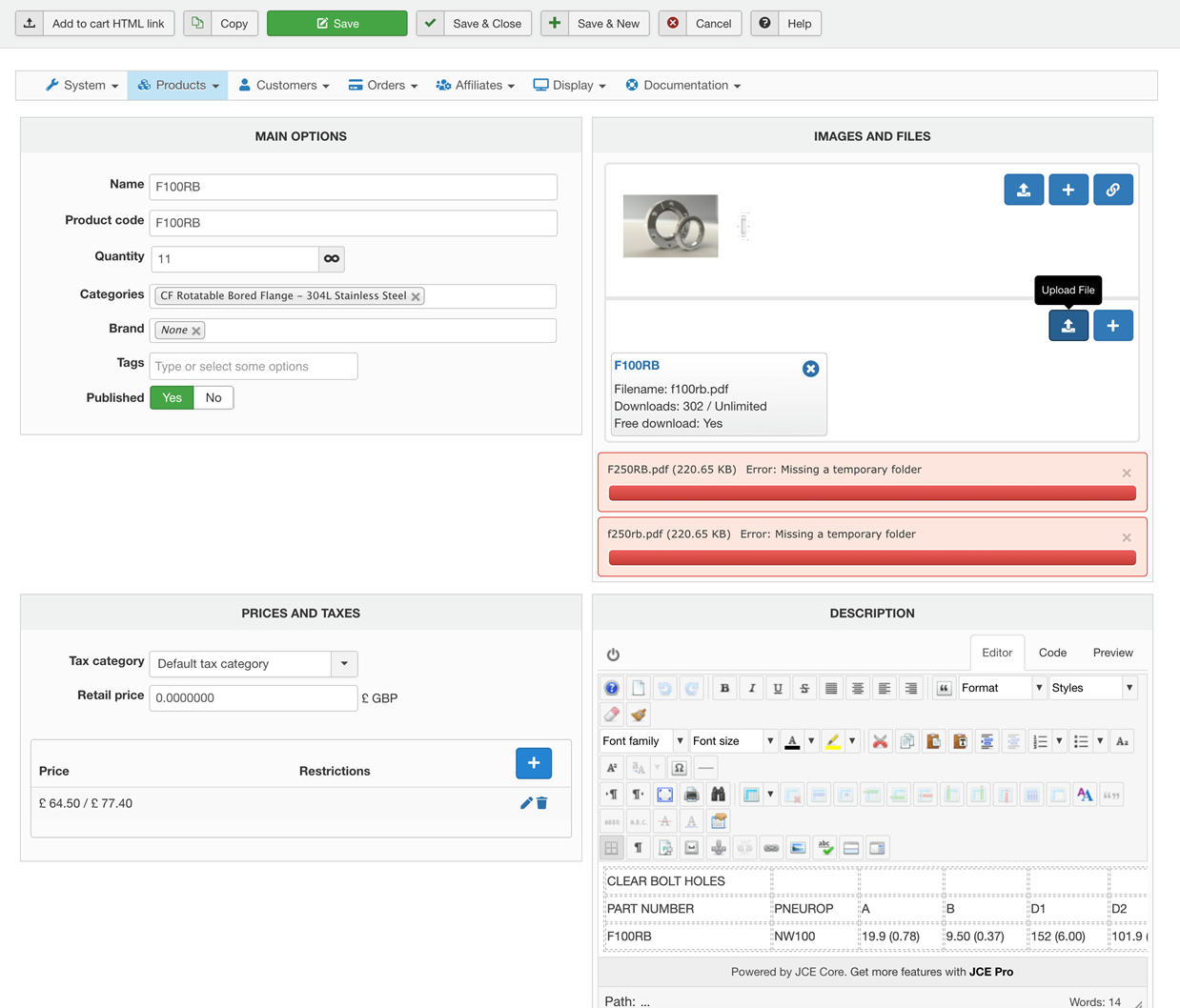
For some reason we are getting a "missing temporay folder' error when uploading PDF - any ideas?
Please Log in or Create an account to join the conversation.
6 years 1 week ago #324249
by paul_sugg
Replied by paul_sugg on topic PDF failing to upload
Also a image is not appearing
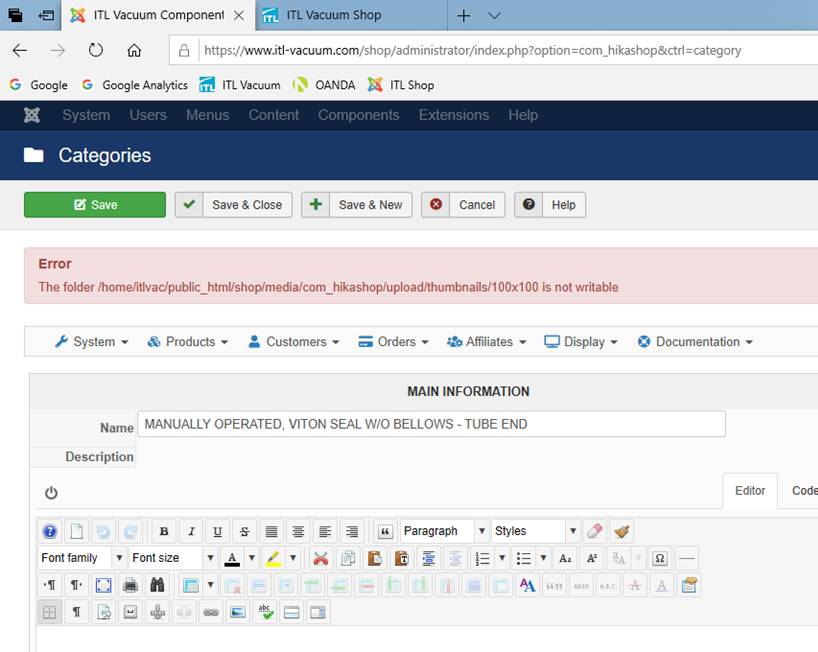
Please Log in or Create an account to join the conversation.

6 years 1 week ago #324243
by nicolas
Replied by nicolas on topic PDF failing to upload
Hi,
The upload system goes through Joomla and PHP for the upload.
So you need to make sure that the tmp folder of the Joomla configuration is properly configured and writable.
And same with the tmp folder of your php.ini.
The upload system goes through Joomla and PHP for the upload.
So you need to make sure that the tmp folder of the Joomla configuration is properly configured and writable.
And same with the tmp folder of your php.ini.
Please Log in or Create an account to join the conversation.
6 years 1 week ago #324289
by paul_sugg
Replied by paul_sugg on topic PDF failing to upload
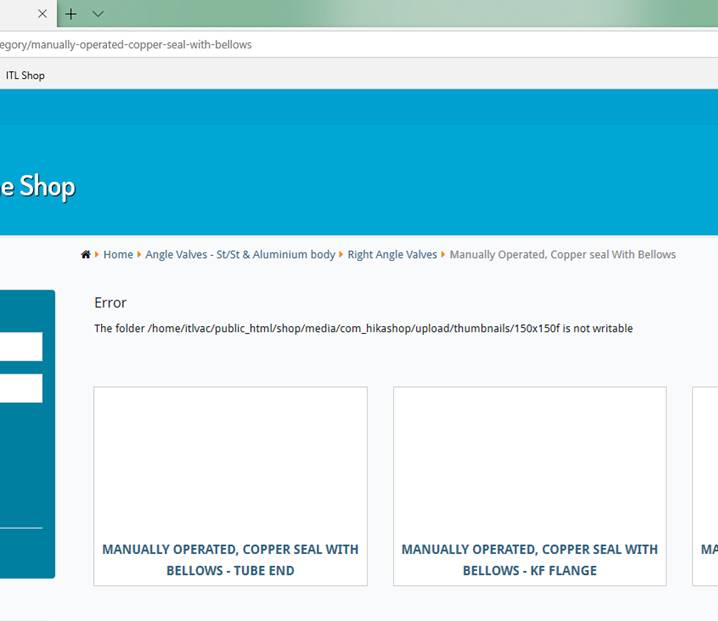
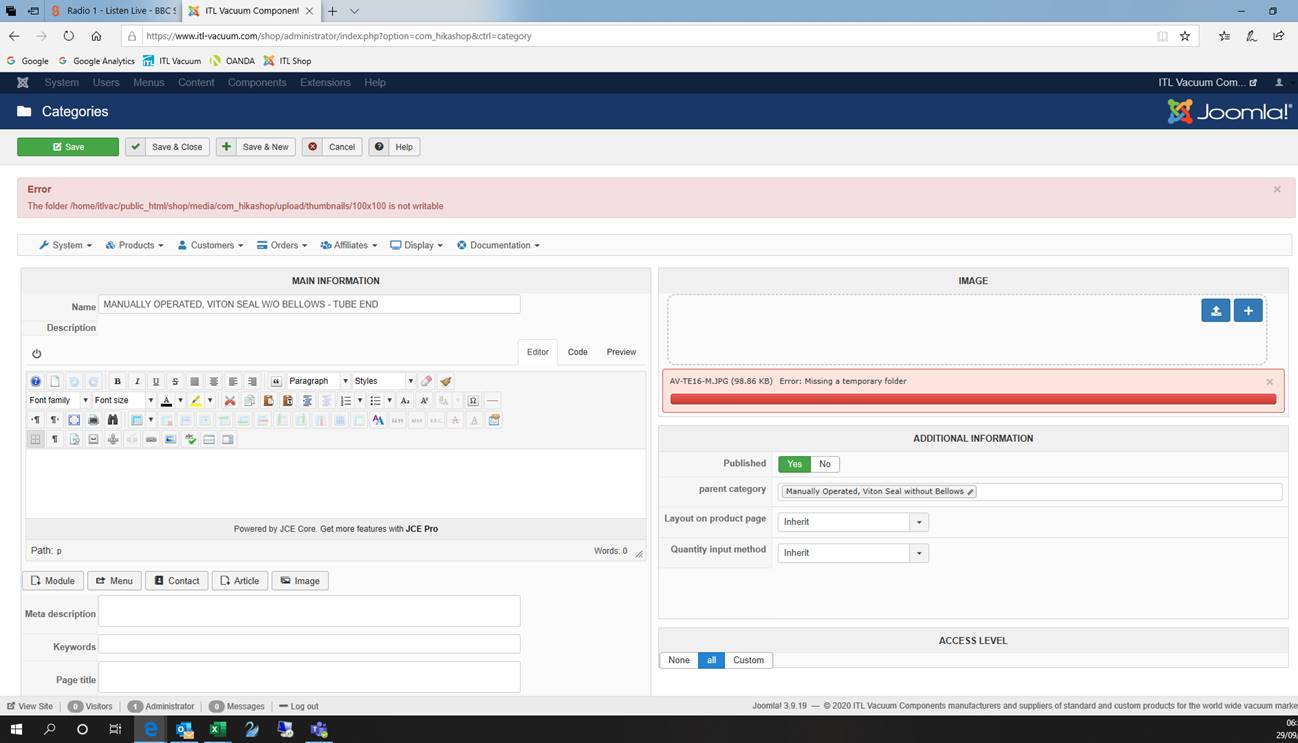
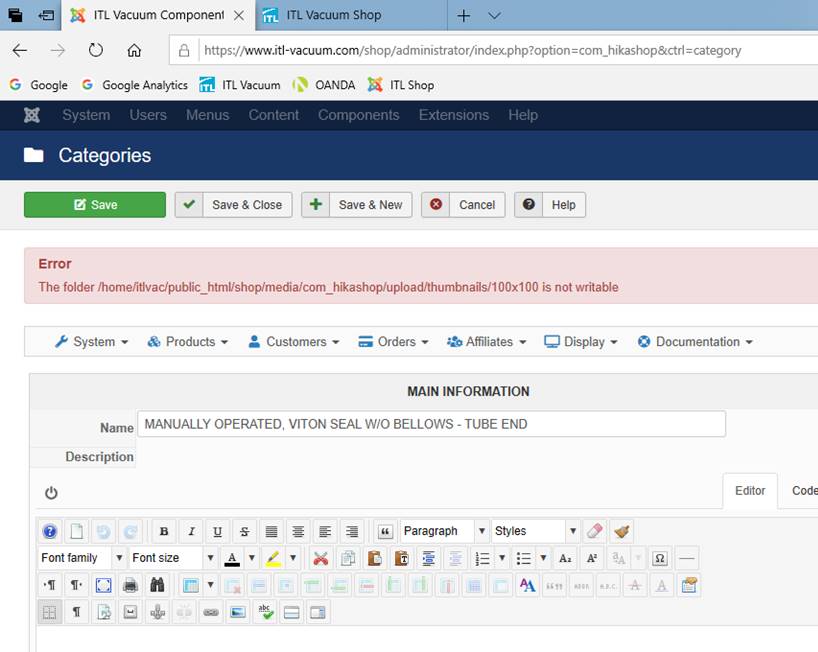
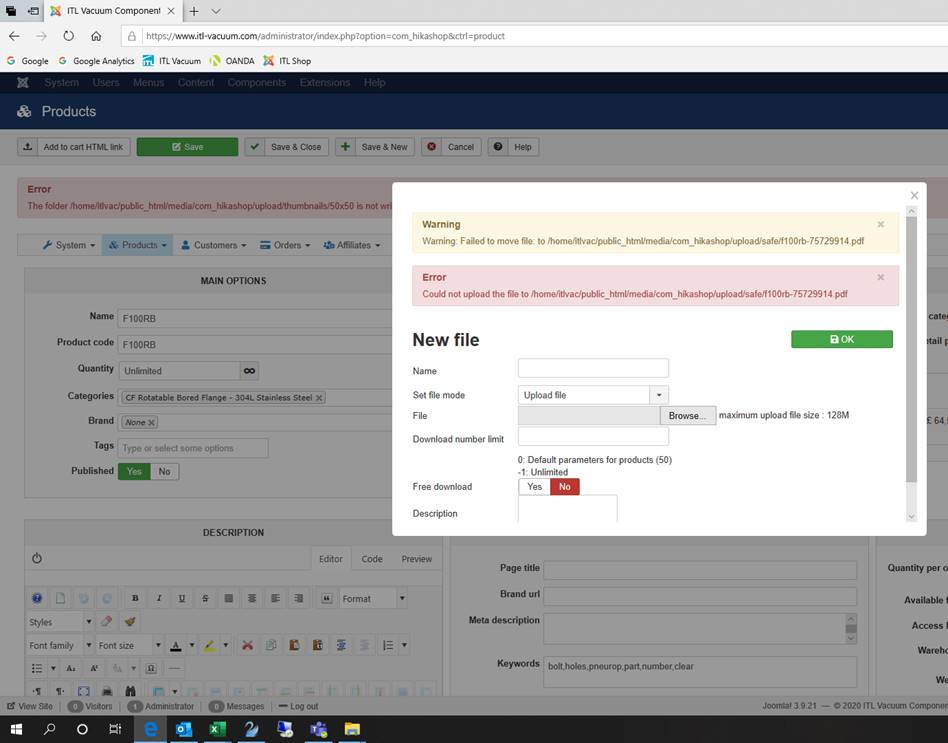
I will check with hosting company but we have changed nothing and these errors have just started - there seem to be lots of errors now appearing see attached
Please Log in or Create an account to join the conversation.
6 years 1 week ago #324296
by paul_sugg
Replied by paul_sugg on topic PDF failing to upload
All caused by inode limits on the hosting which has now been resolved. Thanks
Please Log in or Create an account to join the conversation.
6 years 1 week ago #324299
by nicolas
Replied by nicolas on topic PDF failing to upload
Hi,
Well, I can't do much. All the errors you provide points at the same issue. The folder to upload the files is not accessible.
Note that the tmp folder of Joomla, or the permissions on the folders of your website are not managed by your hosting but by you.
So your hosting won't help you with them. You need to check them yourself.
Well, I can't do much. All the errors you provide points at the same issue. The folder to upload the files is not accessible.
Note that the tmp folder of Joomla, or the permissions on the folders of your website are not managed by your hosting but by you.
So your hosting won't help you with them. You need to check them yourself.
Please Log in or Create an account to join the conversation.
Time to create page: 0.203 seconds