

- Posts: 30
- Thank you received: 0
border and button problem
12 years 11 months ago #132020
by Konrad
border and button problem was created by Konrad
-- url of the page with the problem -- :
www.fantasiediariel.com/
-- HikaShop version -- : free
-- Joomla version -- : 2.5.9
hi to all
i have a strange problem... if i go for example using my menu, in directly bomboniere->fiori->piccoli i have no visual problem... but if i clic on the home in the button BIGIOTTERIA, then FIORI and then PICCOLI all my product have a button "add to cart" and have a border... why?? i tryed to find the problem in my template, but i still can't find a solution! i need a help!!!
Ty to all
-- HikaShop version -- : free
-- Joomla version -- : 2.5.9
hi to all
i have a strange problem... if i go for example using my menu, in directly bomboniere->fiori->piccoli i have no visual problem... but if i clic on the home in the button BIGIOTTERIA, then FIORI and then PICCOLI all my product have a button "add to cart" and have a border... why?? i tryed to find the problem in my template, but i still can't find a solution! i need a help!!!
Ty to all
Please Log in or Create an account to join the conversation.

Less
More
- Posts: 12953
- Thank you received: 1778
12 years 11 months ago #132048
by Mohamed Thelji
Replied by Mohamed Thelji on topic border and button problem
Hi,
Can you show me some screenshots of the problem that you are having and give me a link to the page where you're having your issue for testing purpose ?
Can you show me some screenshots of the problem that you are having and give me a link to the page where you're having your issue for testing purpose ?
Please Log in or Create an account to join the conversation.
12 years 11 months ago #132095
by Konrad
Replied by Konrad on topic border and button problem
well here there are
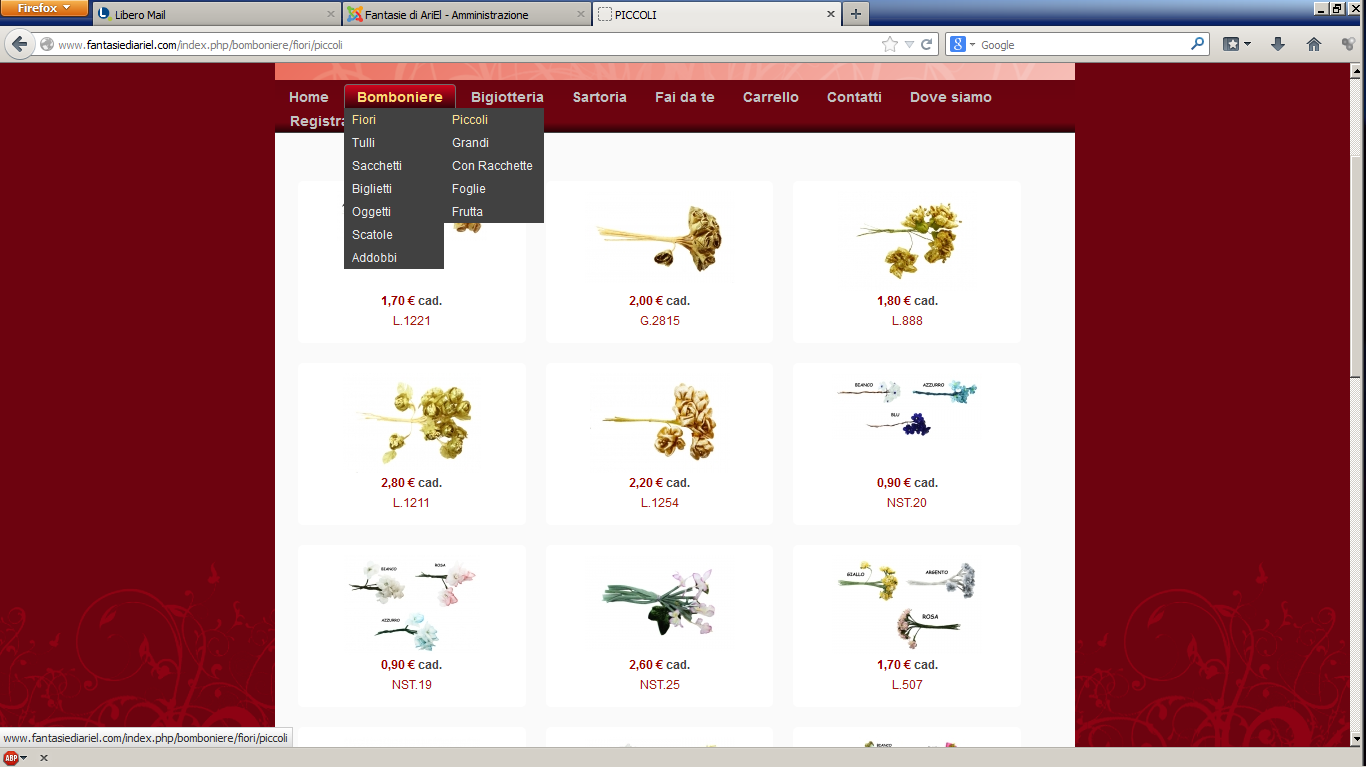
if i follow the menu, this is what happend
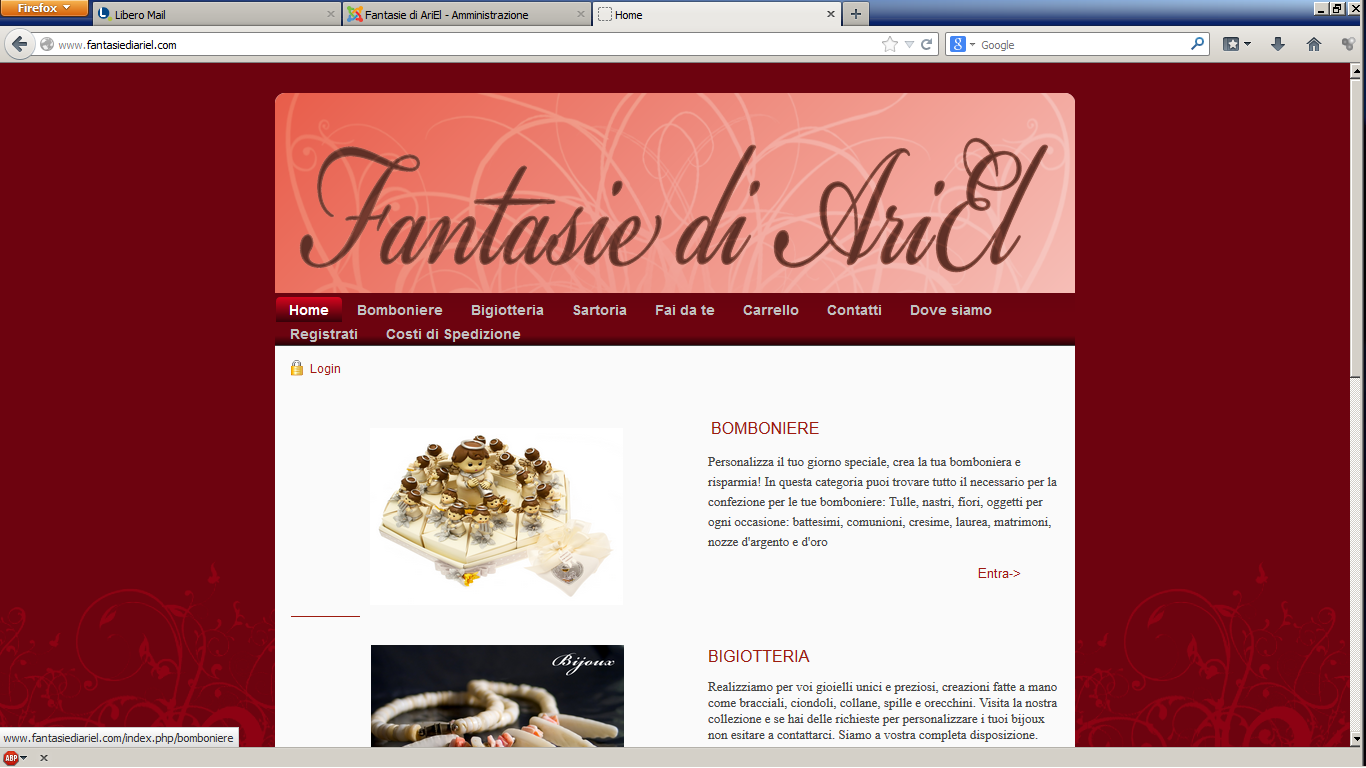
if i clic Entra
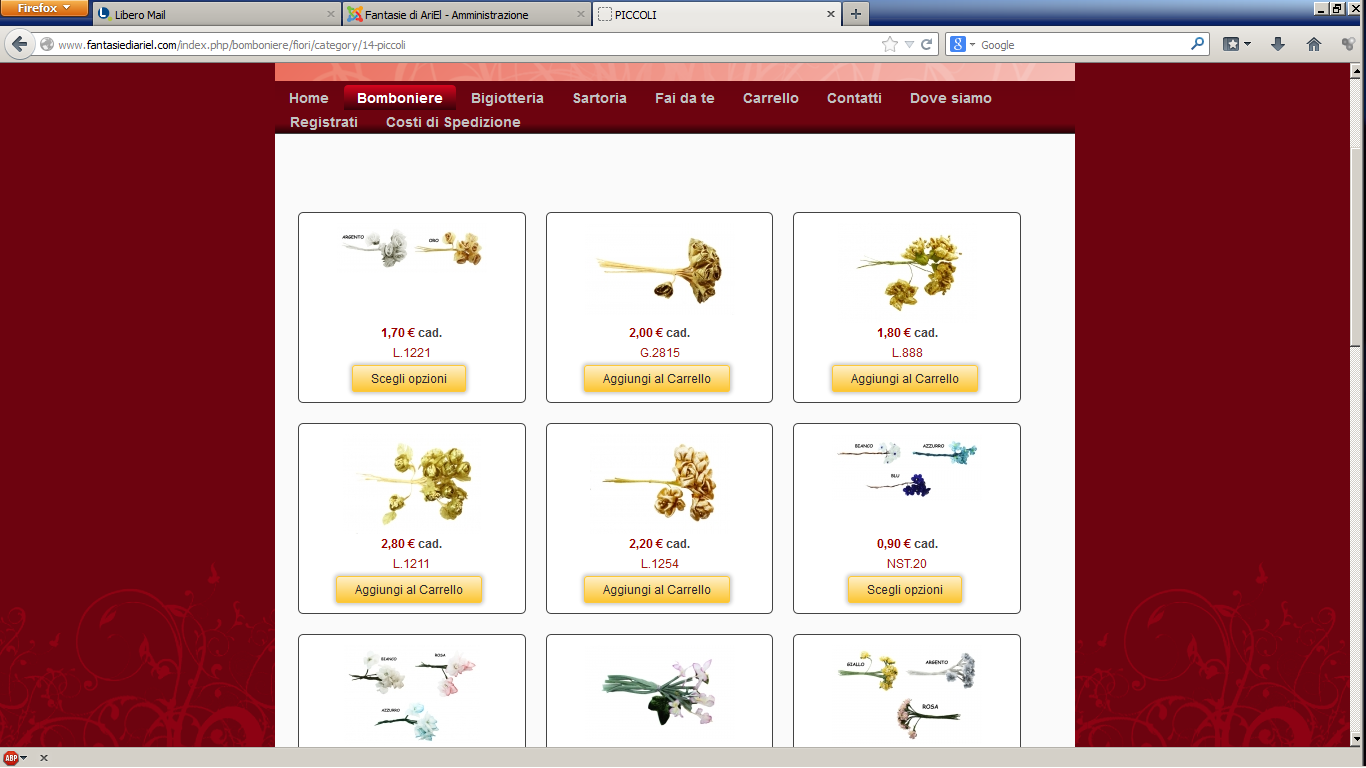
and follow the other link this is the resault
and... if i follow the menu(step1) the link is: www.fantasiediariel.com/index.php/bombon.../category/14-piccoli
and if i follow the Entra and other link, the link is: www.fantasiediariel.com/index.php/bombon.../category/14-piccoli
why there are not the same?? how can i fix this?
if i follow the menu, this is what happend
if i clic Entra
and follow the other link this is the resault
and... if i follow the menu(step1) the link is: www.fantasiediariel.com/index.php/bombon.../category/14-piccoli
and if i follow the Entra and other link, the link is: www.fantasiediariel.com/index.php/bombon.../category/14-piccoli
why there are not the same?? how can i fix this?
Please Log in or Create an account to join the conversation.

12 years 11 months ago #132197
by Xavier
Replied by Xavier on topic border and button problem
Hi,
You probably have to change the settings of the associated module of the menu "BIGIOTTERIA".
In HikaShop click on Display > Content menus, edit the menu " BIGIOTTERIA" and then click on the associated module link, and here change the options of this module to have the same display than in the menu "Bomboniere".
You probably have to change the settings of the associated module of the menu "BIGIOTTERIA".
In HikaShop click on Display > Content menus, edit the menu " BIGIOTTERIA" and then click on the associated module link, and here change the options of this module to have the same display than in the menu "Bomboniere".
Please Log in or Create an account to join the conversation.
Time to create page: 0.090 seconds