

- Posts: 5
- Thank you received: 0
Modules in product pages
12 years 11 months ago #134773
by gootty3
Modules in product pages was created by gootty3
-- url of the page with the problem -- :
especialgrow.com
-- HikaShop version -- : 2.2.2
-- Joomla version -- : 3.2
Hi, i want to show a slider only in the front end, only at "home". In module "Slider" I have disabled all options to show in menu hikashop but it doesn't take effect.
I don't want to show the "slider" in product pages.
How can I resolve it?
Thanks
-- HikaShop version -- : 2.2.2
-- Joomla version -- : 3.2
Hi, i want to show a slider only in the front end, only at "home". In module "Slider" I have disabled all options to show in menu hikashop but it doesn't take effect.
I don't want to show the "slider" in product pages.
How can I resolve it?
Thanks
Please Log in or Create an account to join the conversation.

Less
More
- Posts: 12953
- Thank you received: 1778
12 years 11 months ago #134803
by Mohamed Thelji
Replied by Mohamed Thelji on topic Modules in product pages
Hi,
The solution will be to set the "Module Assignment" option of your module to "Only on the page selected", and unpublish your module through the "Modules under the product page" option via "Hikashop->System->Configuration->'Main'".
The solution will be to set the "Module Assignment" option of your module to "Only on the page selected", and unpublish your module through the "Modules under the product page" option via "Hikashop->System->Configuration->'Main'".
The following user(s) said Thank You: gootty3
Please Log in or Create an account to join the conversation.
12 years 11 months ago - 12 years 11 months ago #134831
by gootty3
Replied by gootty3 on topic Modules in product pages
The module only have assignment on main menu, but it shows too on product page.
i don't have any module assigned in "Hikashop->System->Configuration->'Main'".
I think that joomla doesn't detect Product pages as a menu from HikaShop and takes "main menu" by default.
I blocked with this. :pinch: Any suggestion?
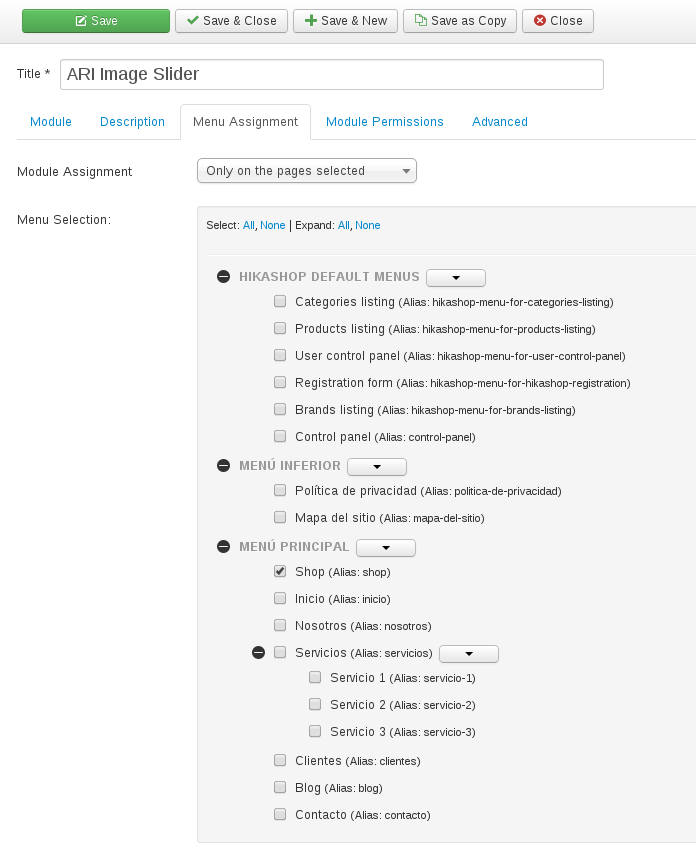
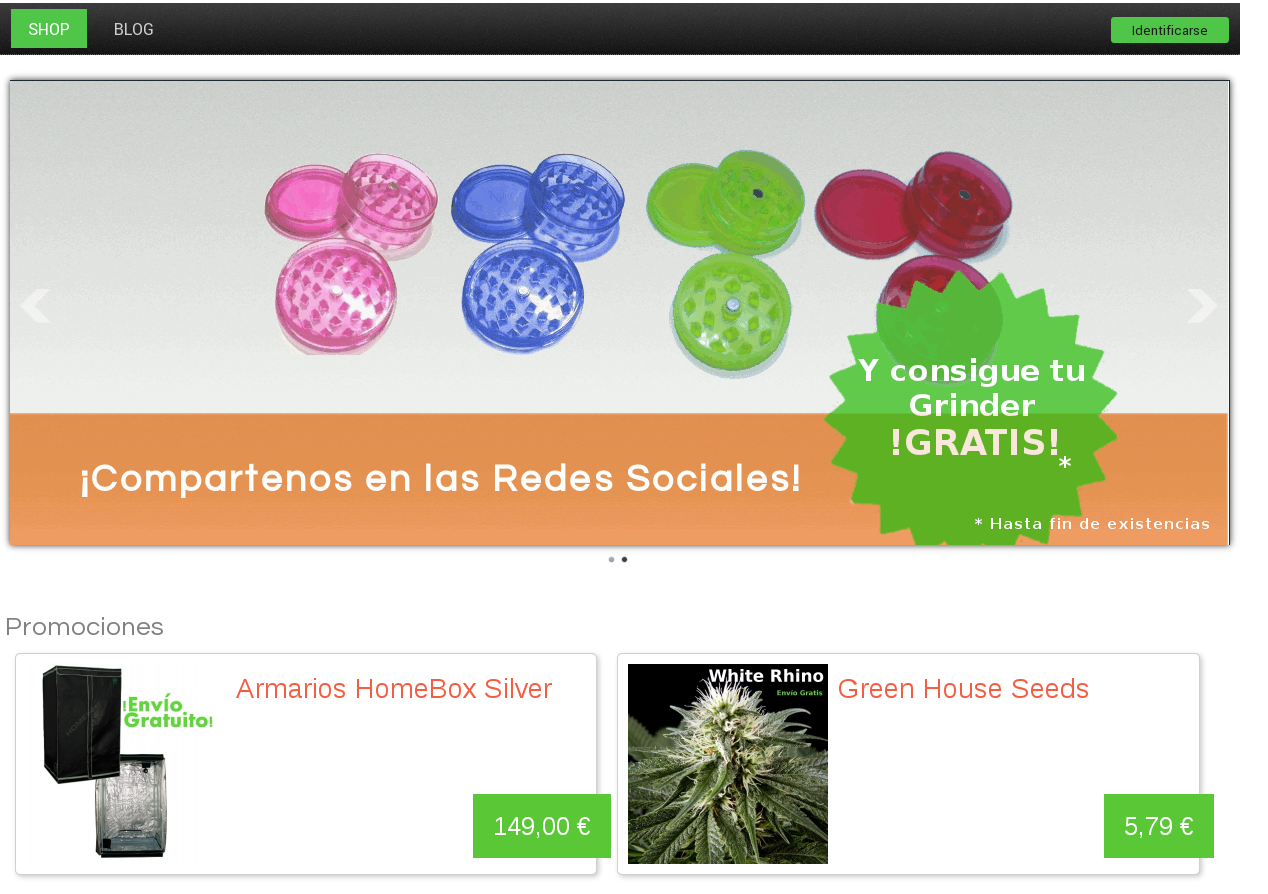
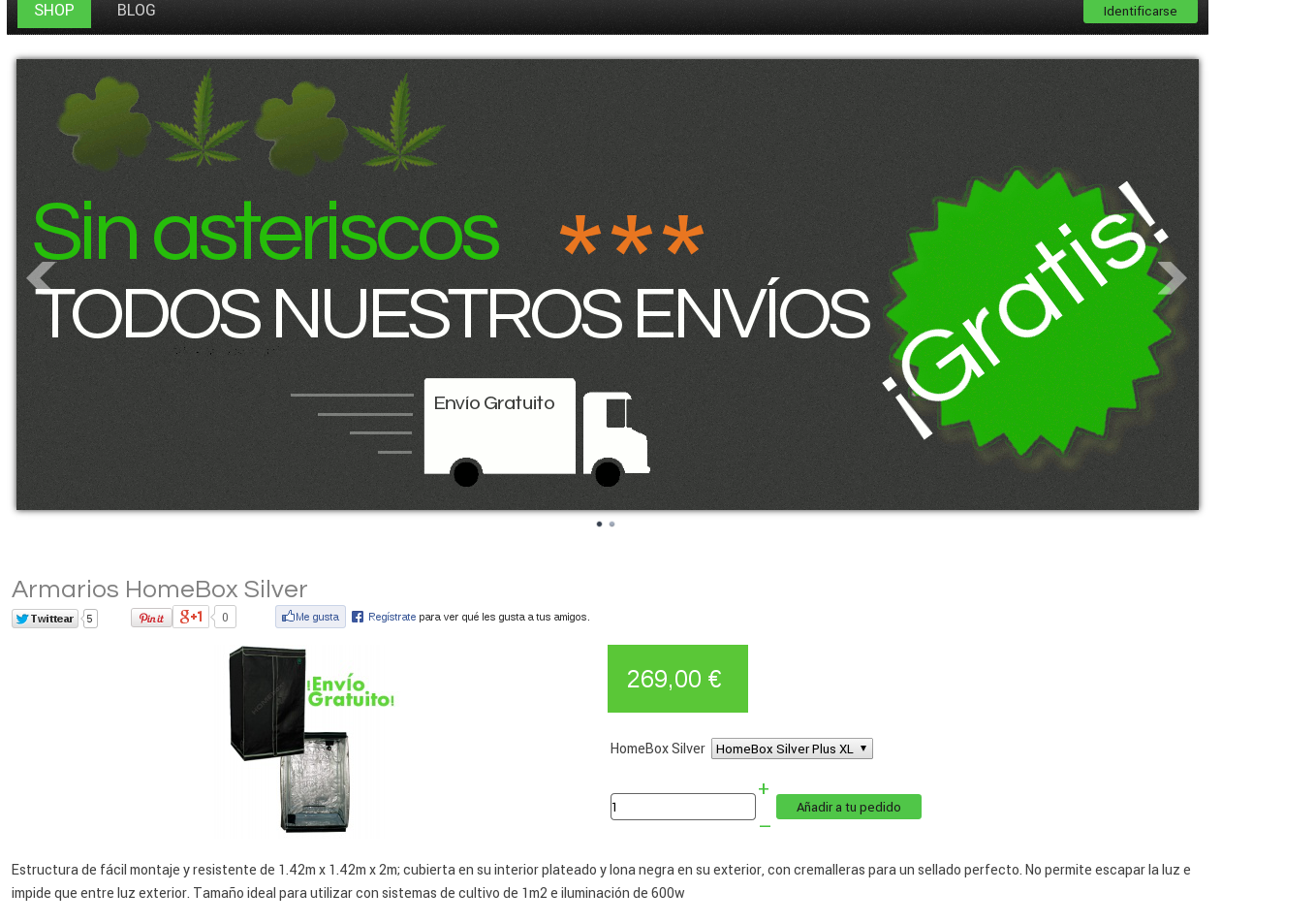
i don't have any module assigned in "Hikashop->System->Configuration->'Main'".
I think that joomla doesn't detect Product pages as a menu from HikaShop and takes "main menu" by default.
I blocked with this. :pinch: Any suggestion?
Last edit: 12 years 11 months ago by gootty3.
Please Log in or Create an account to join the conversation.

12 years 11 months ago #134930
by Xavier
Replied by Xavier on topic Modules in product pages
Hi,
You home menu seems to be an HikaShop one, so when reaching a product page it takes the main menu so it display the module on the product page.
What could be done is create a category listing menu instead of a product listing for the home page, then assign an associated module to this menu, and then in the options of this module select another entry than the main menu for the "menu" option.
You can create a hidden menu for the module association.
Hope this is clear
You home menu seems to be an HikaShop one, so when reaching a product page it takes the main menu so it display the module on the product page.
What could be done is create a category listing menu instead of a product listing for the home page, then assign an associated module to this menu, and then in the options of this module select another entry than the main menu for the "menu" option.
You can create a hidden menu for the module association.
Hope this is clear
The following user(s) said Thank You: gootty3
Please Log in or Create an account to join the conversation.
12 years 10 months ago #135872
by gootty3
Replied by gootty3 on topic Modules in product pages
I've gotten it to work, but now when I remove an item from cart redirects me to "
www.especialgrow.com/
product / listing"
i want redirection to home index www.especialgrow.com
how can i edit this?
Thnks
i want redirection to home index www.especialgrow.com
how can i edit this?
Thnks
Please Log in or Create an account to join the conversation.
12 years 10 months ago #135999
by Xavier
Replied by Xavier on topic Modules in product pages
Hi,
When you remove an item or the latest item from the cart ?
You can change the value of the option "URL where you will be redirected when the cart is empty" in Configuration > Main > Cart
When you remove an item or the latest item from the cart ?
You can change the value of the option "URL where you will be redirected when the cart is empty" in Configuration > Main > Cart
The following user(s) said Thank You: gootty3
Please Log in or Create an account to join the conversation.
Time to create page: 0.083 seconds