

- Posts: 20
- Thank you received: 0
Product missing after update the latest version
12 years 1 month ago #174561
by sommi
Product missing after update the latest version was created by sommi
-- url of the page with the problem -- :
www.ierror.ch
-- HikaShop version -- : latest
-- Joomla version -- : 3.x.x
Hi together,
I had over 50 products on my WebShop.
After installing the latest version of HikaShop all products are gone.
So I set the Shop offline because the costumers shouldn't see the problem...
Thanks for help
-- HikaShop version -- : latest
-- Joomla version -- : 3.x.x
Hi together,
I had over 50 products on my WebShop.
After installing the latest version of HikaShop all products are gone.
So I set the Shop offline because the costumers shouldn't see the problem...
Thanks for help
Please Log in or Create an account to join the conversation.

12 years 4 weeks ago #174598
by Xavier
Replied by Xavier on topic Product missing after update the latest version
Hi,
Could you try to re install it ?
Are the categories still correct ? Please try to use the "rebuild" button present in the category listing.
And could you give us a screenshot of one product configuration ?
Could you try to re install it ?
Are the categories still correct ? Please try to use the "rebuild" button present in the category listing.
And could you give us a screenshot of one product configuration ?
Please Log in or Create an account to join the conversation.
12 years 4 weeks ago - 12 years 4 weeks ago #174697
by sommi
Replied by sommi on topic Product missing after update the latest version
Hi Xavier
Thanks for the answer
Everything is good except the products. The Kategirien are still correct.
I have no backup .. Should I still reinstall?
I have not found this rebuild button.
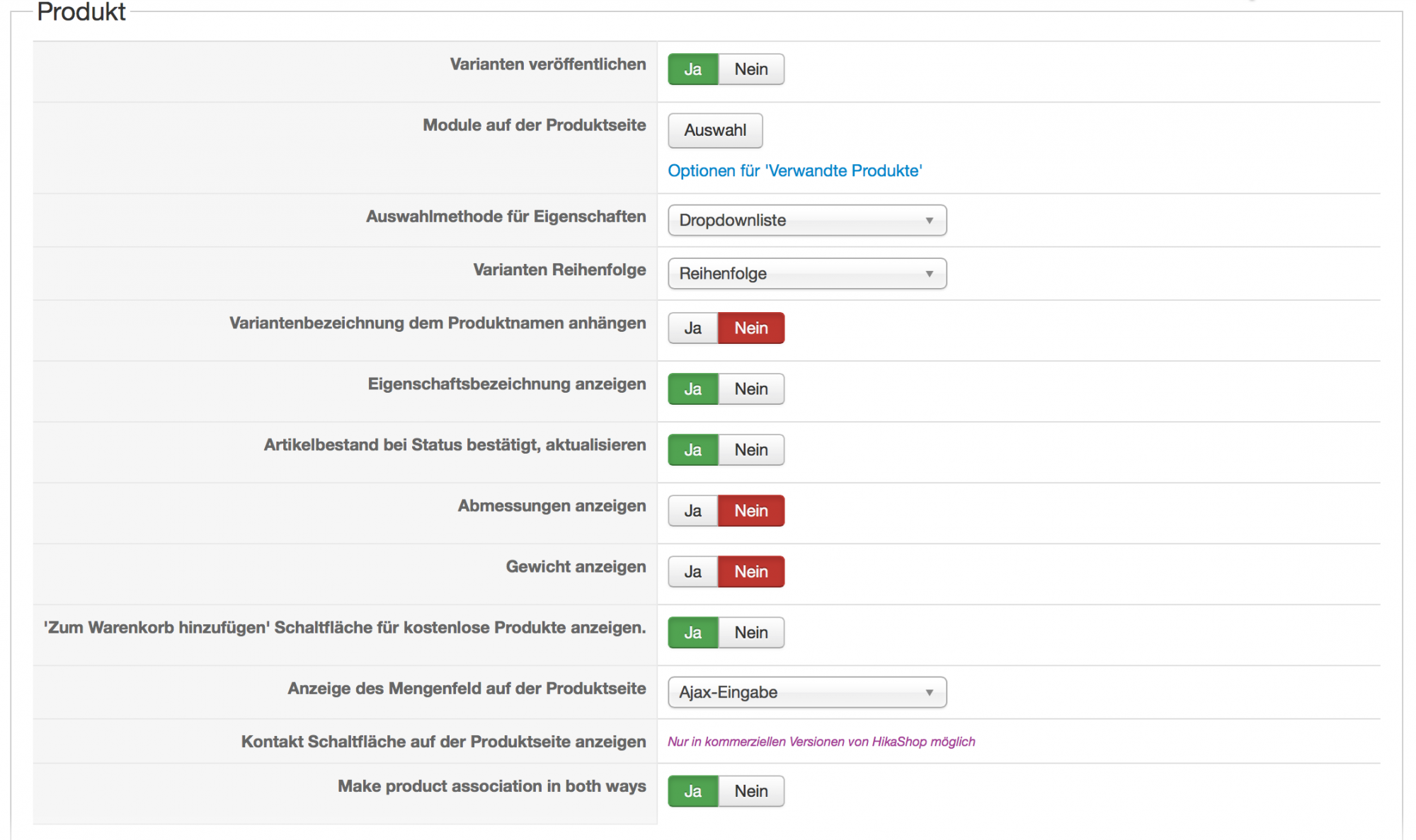
Thanks for the answer
Everything is good except the products. The Kategirien are still correct.
I have no backup .. Should I still reinstall?
I have not found this rebuild button.
Last edit: 12 years 4 weeks ago by sommi.
Please Log in or Create an account to join the conversation.
12 years 4 weeks ago #174742
by Xavier
Replied by Xavier on topic Product missing after update the latest version
Hi,
You can do a backup now, and install HikaShop over the current version.
What was you previous version before updating ? 2.3.2 ?
I ask that because the 2.3.3 was just a security release so that should not impact the products.
If it was working in 2.3.2, that should work now unless you done something wrong.
You can do a backup now, and install HikaShop over the current version.
What was you previous version before updating ? 2.3.2 ?
I ask that because the 2.3.3 was just a security release so that should not impact the products.
If it was working in 2.3.2, that should work now unless you done something wrong.
Please Log in or Create an account to join the conversation.
12 years 4 weeks ago #174749
by sommi
Replied by sommi on topic Product missing after update the latest version
Hi,
Ok I try it.
I think it was 2.3.2
Ok I try it.
I think it was 2.3.2
Please Log in or Create an account to join the conversation.
12 years 4 weeks ago #175011
by sommi
Replied by sommi on topic Product missing after update the latest version
It doesn't work.
I try it twice..
What can I else do?
I try it twice..
What can I else do?
Please Log in or Create an account to join the conversation.

12 years 4 weeks ago #175013
by Jerome
Jerome - Obsidev.com
HikaMarket & HikaSerial developer / HikaShop core dev team.
Replied by Jerome on topic Product missing after update the latest version
Hi,
What do you mean with "gone" ?
The update can't delete a product, so I guess that the problem is link to the display.
Please check your products in the HikaShop backend and if possible, provide a screenshot and more details about them.
You deactivate the store but we don't have at this moment the possibility to check if the problem could come from a menu or a product listing module. We don't have any information about how your products are displayed.
Regards,
What do you mean with "gone" ?
The update can't delete a product, so I guess that the problem is link to the display.
Please check your products in the HikaShop backend and if possible, provide a screenshot and more details about them.
You deactivate the store but we don't have at this moment the possibility to check if the problem could come from a menu or a product listing module. We don't have any information about how your products are displayed.
Regards,
Jerome - Obsidev.com
HikaMarket & HikaSerial developer / HikaShop core dev team.
Please Log in or Create an account to join the conversation.
12 years 3 weeks ago #175430
by sommi
Replied by sommi on topic Product missing after update the latest version
Hi,
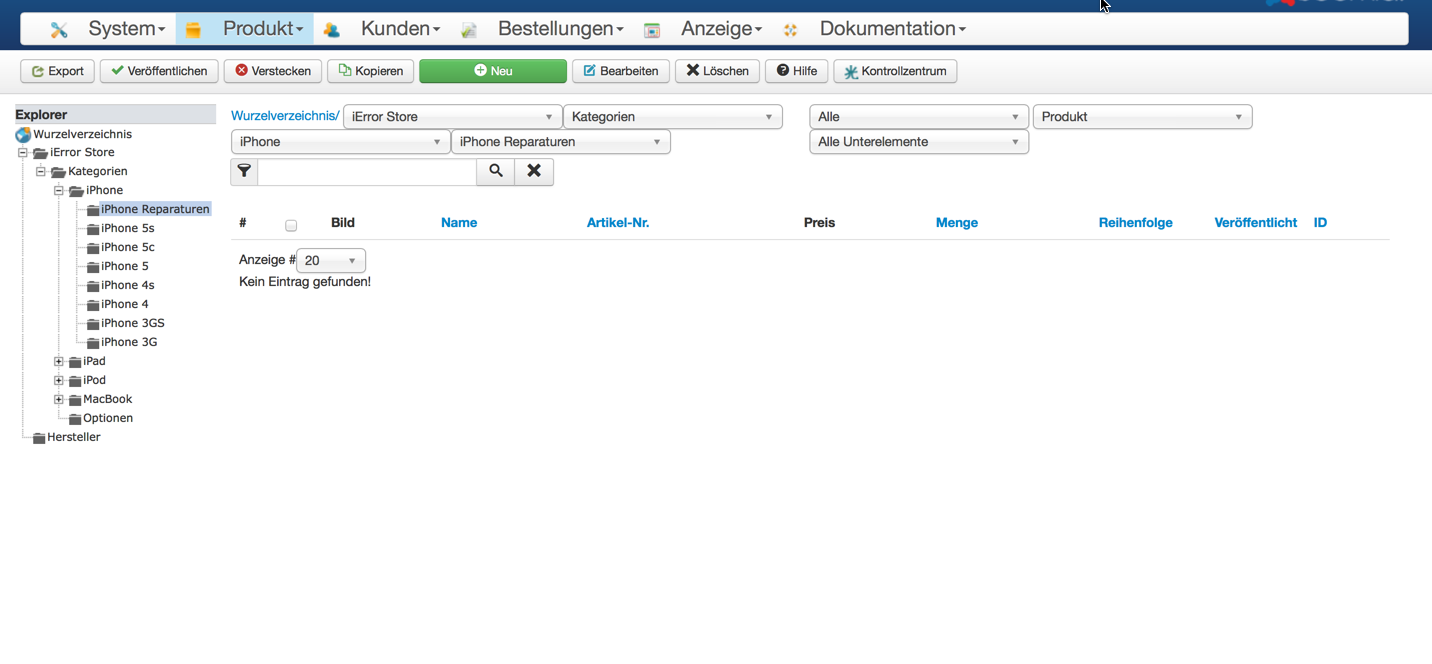
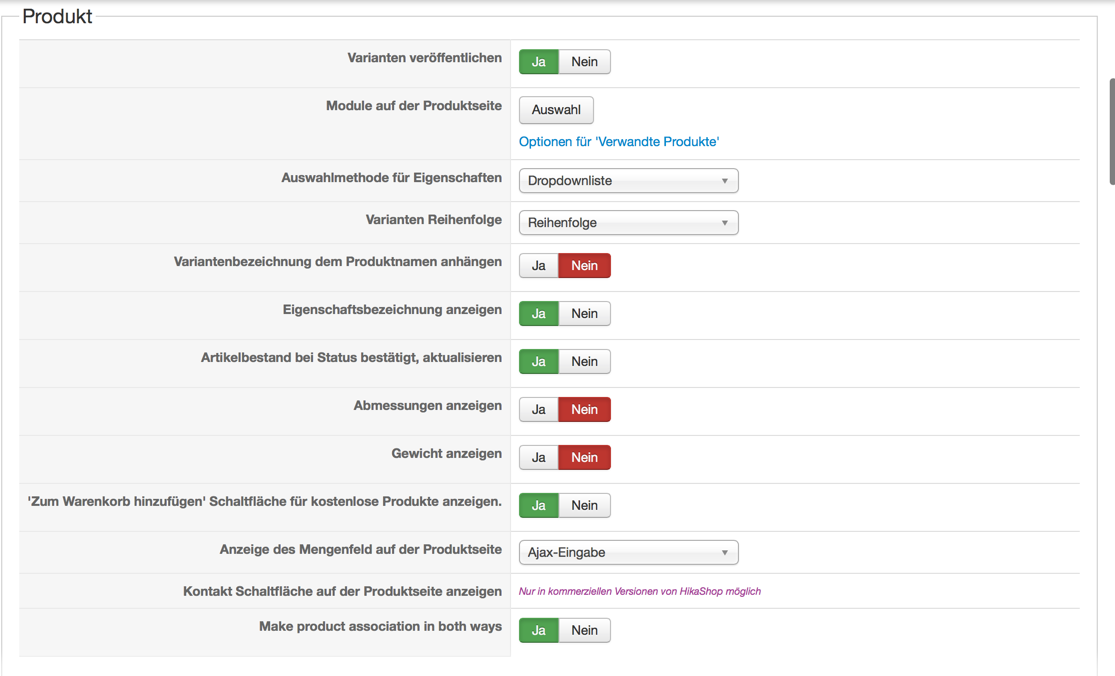
the products are away...
I don't know. Here are the picture.
I'v you want I can give you a backend account
regards,
the products are away...
I don't know. Here are the picture.
I'v you want I can give you a backend account
regards,
Please Log in or Create an account to join the conversation.
12 years 3 weeks ago #175459
by Xavier
Replied by Xavier on topic Product missing after update the latest version
Hi,
Could you check via your phpMyAdmin interface if the entries are correct in the table "#__hikashop_product_category" ?
Could you check via your phpMyAdmin interface if the entries are correct in the table "#__hikashop_product_category" ?
Please Log in or Create an account to join the conversation.
12 years 3 weeks ago #175584
by sommi
Replied by sommi on topic Product missing after update the latest version
Hi,
The file is there but I don't know if it is correct.
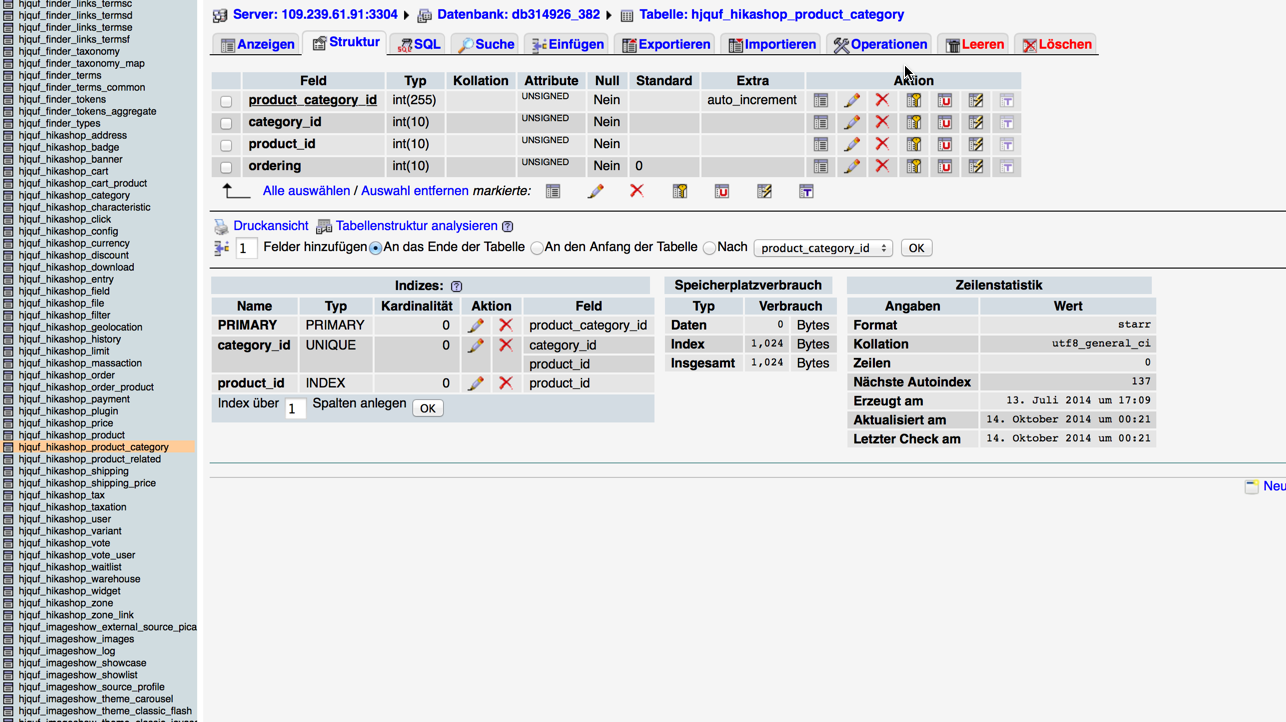
The file is there but I don't know if it is correct.
Please Log in or Create an account to join the conversation.
12 years 3 weeks ago #175607
by Jerome
Jerome - Obsidev.com
HikaMarket & HikaSerial developer / HikaShop core dev team.
Replied by Jerome on topic Product missing after update the latest version
Hi,
The table is the right one. You need to display the content of the tab (the first tab, near "Struture").
You will see the links between the products and the categories, you can make a search (using the "search" tab) in order to only display the lines with the product_id that you want to check (the id of the missing products).
If there is no entries for that products, if the table does not have links between products and categories, we will have to recreate them !
But first, we have to know the content of the table.
Regards,
The table is the right one. You need to display the content of the tab (the first tab, near "Struture").
You will see the links between the products and the categories, you can make a search (using the "search" tab) in order to only display the lines with the product_id that you want to check (the id of the missing products).
If there is no entries for that products, if the table does not have links between products and categories, we will have to recreate them !
But first, we have to know the content of the table.
Regards,
Jerome - Obsidev.com
HikaMarket & HikaSerial developer / HikaShop core dev team.
Please Log in or Create an account to join the conversation.
12 years 3 weeks ago #175727
by sommi
Replied by sommi on topic Product missing after update the latest version
hello
Thank you for your response.
Unfortunately I am not familiar with MySql. And I'm still a beginner. I'm sending you a few pictures.
perhaps you can help me so.
Thanks again.
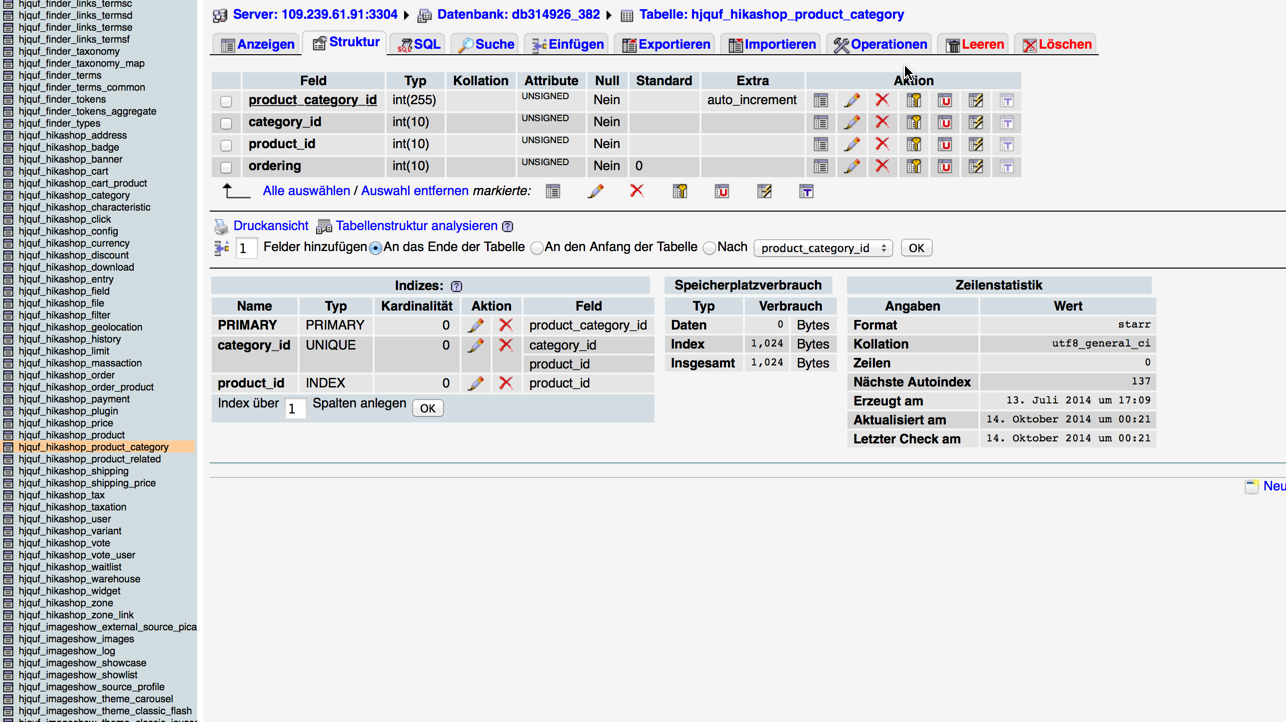
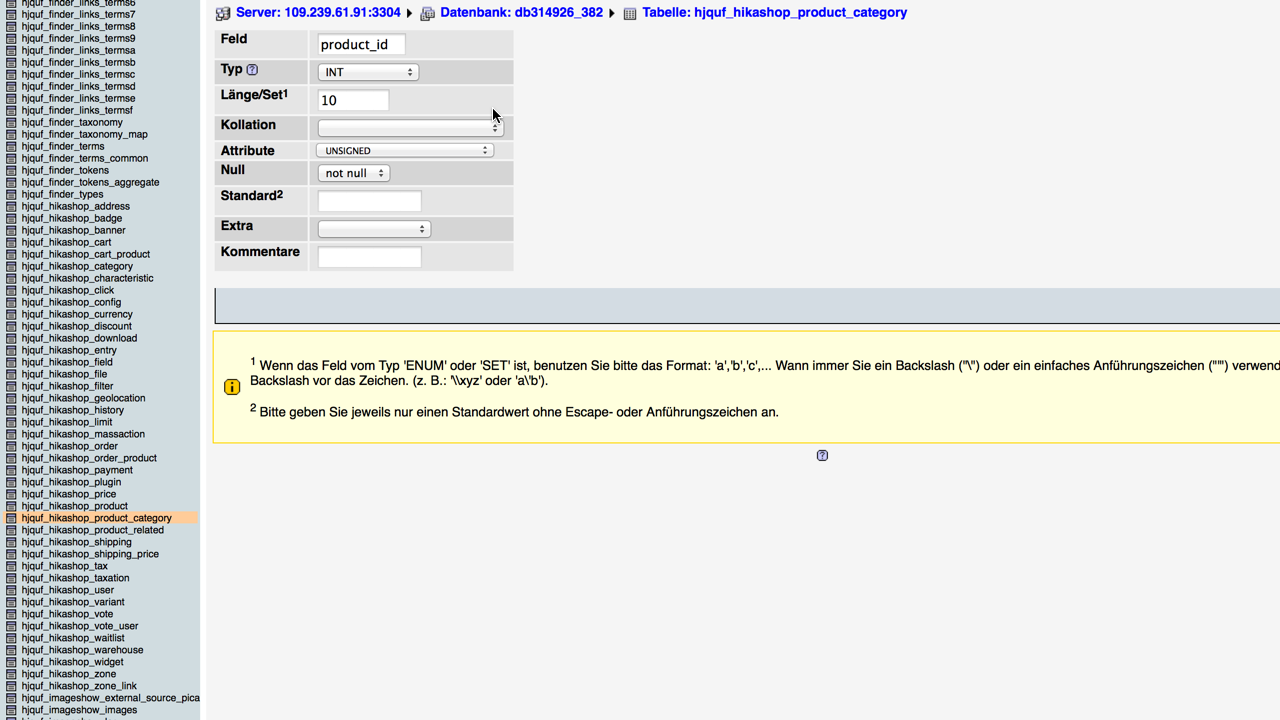
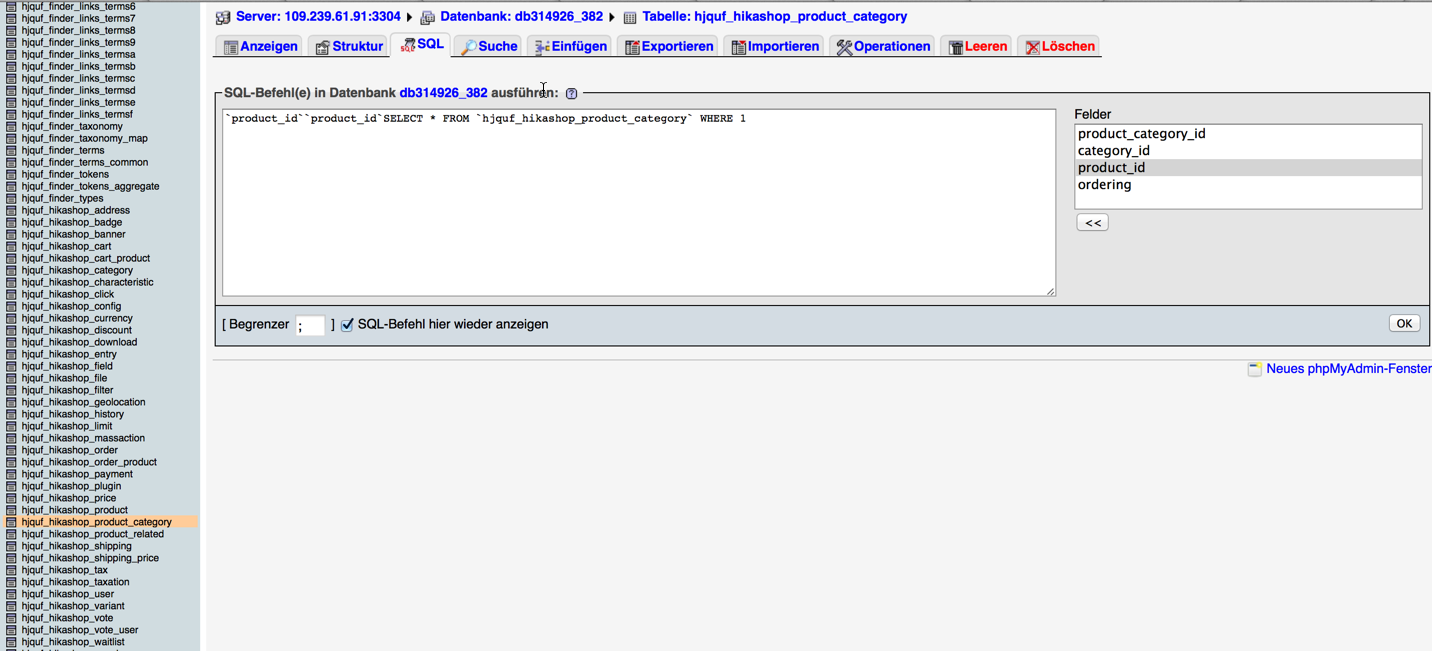
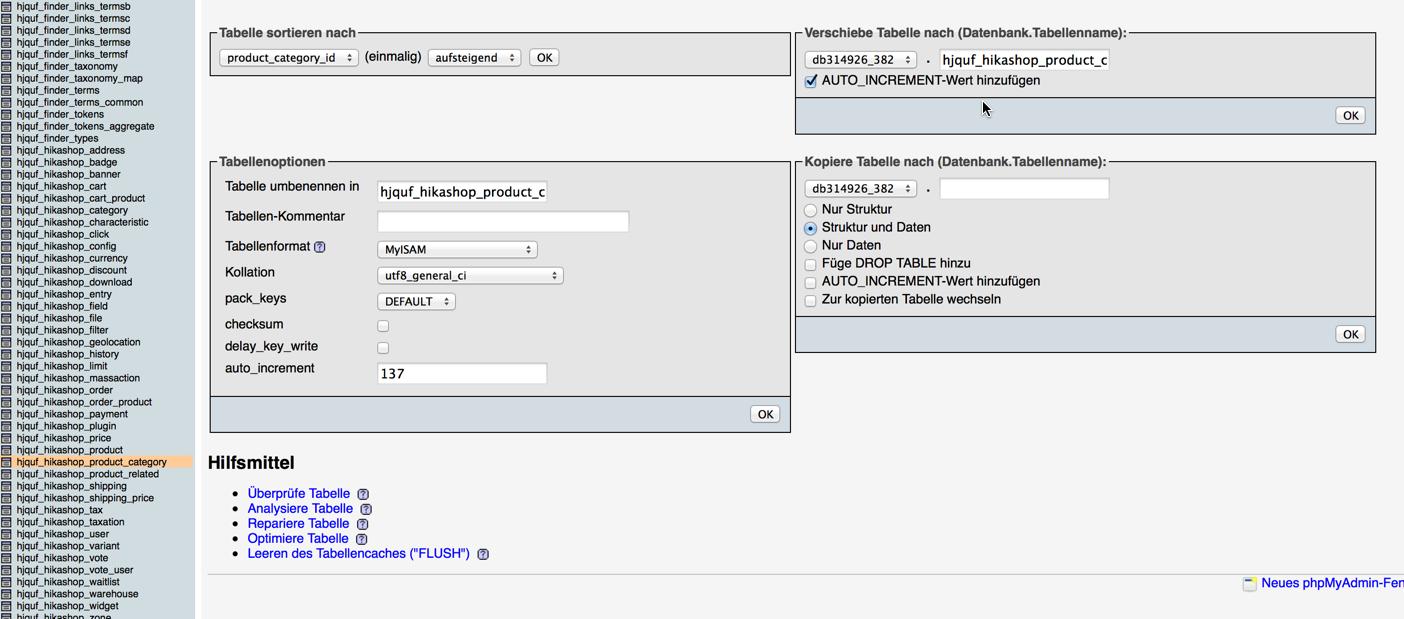
Thank you for your response.
Unfortunately I am not familiar with MySql. And I'm still a beginner. I'm sending you a few pictures.
perhaps you can help me so.
Thanks again.
Please Log in or Create an account to join the conversation.
12 years 2 weeks ago - 12 years 2 weeks ago #176026
by sommi
Replied by sommi on topic Product missing after update the latest version
After looking on the homepage I found some products. But these are not listed in the HikaShop component.
I made this product new:
www.ierror.ch/index.php/store-iphone-men...-4s-reparaturen.html
This one is not listed in the HikaShop but on the Page:
www.ierror.ch/index.php/store-ipad-menue...ckcover-wechsel.html
Why? How can that be?
I made this product new:
www.ierror.ch/index.php/store-iphone-men...-4s-reparaturen.html
This one is not listed in the HikaShop but on the Page:
www.ierror.ch/index.php/store-ipad-menue...ckcover-wechsel.html
Why? How can that be?
Last edit: 12 years 2 weeks ago by sommi.
Please Log in or Create an account to join the conversation.
12 years 1 day ago #178427
by Jerome
Jerome - Obsidev.com
HikaMarket & HikaSerial developer / HikaShop core dev team.
Replied by Jerome on topic Product missing after update the latest version
Hi,
My idea was that some of your products does not have a link to a category anymore.
If a product does not have any link with a category ; HikaShop won't be able to display it under a category.
I created an issue for the HikaShop team in order to make a button to find the "lost" products and attach them to the "product category" category. I hope that such feature could help you (and other users).
But if my idea is right ; the reason why you should have lost these links is still a mystery.
There is no code in HikaShop why can do that except maybe a mass action...
Regards,
The tab name is "Anzeigen" ; it display the content of the database table ; allowing to see the different elements which symbolize the links between the product and the categories.The table is the right one. You need to display the content of the tab (the first tab, near "Struture").
My idea was that some of your products does not have a link to a category anymore.
If a product does not have any link with a category ; HikaShop won't be able to display it under a category.
I created an issue for the HikaShop team in order to make a button to find the "lost" products and attach them to the "product category" category. I hope that such feature could help you (and other users).
But if my idea is right ; the reason why you should have lost these links is still a mystery.
There is no code in HikaShop why can do that except maybe a mass action...
Regards,
Jerome - Obsidev.com
HikaMarket & HikaSerial developer / HikaShop core dev team.
Please Log in or Create an account to join the conversation.
12 years 5 hours ago - 12 years 5 hours ago #178574
by sommi
Replied by sommi on topic Product missing after update the latest version
hi Jerome
Thanks for the answer.
here is a picture from the tab "Anzeigen":
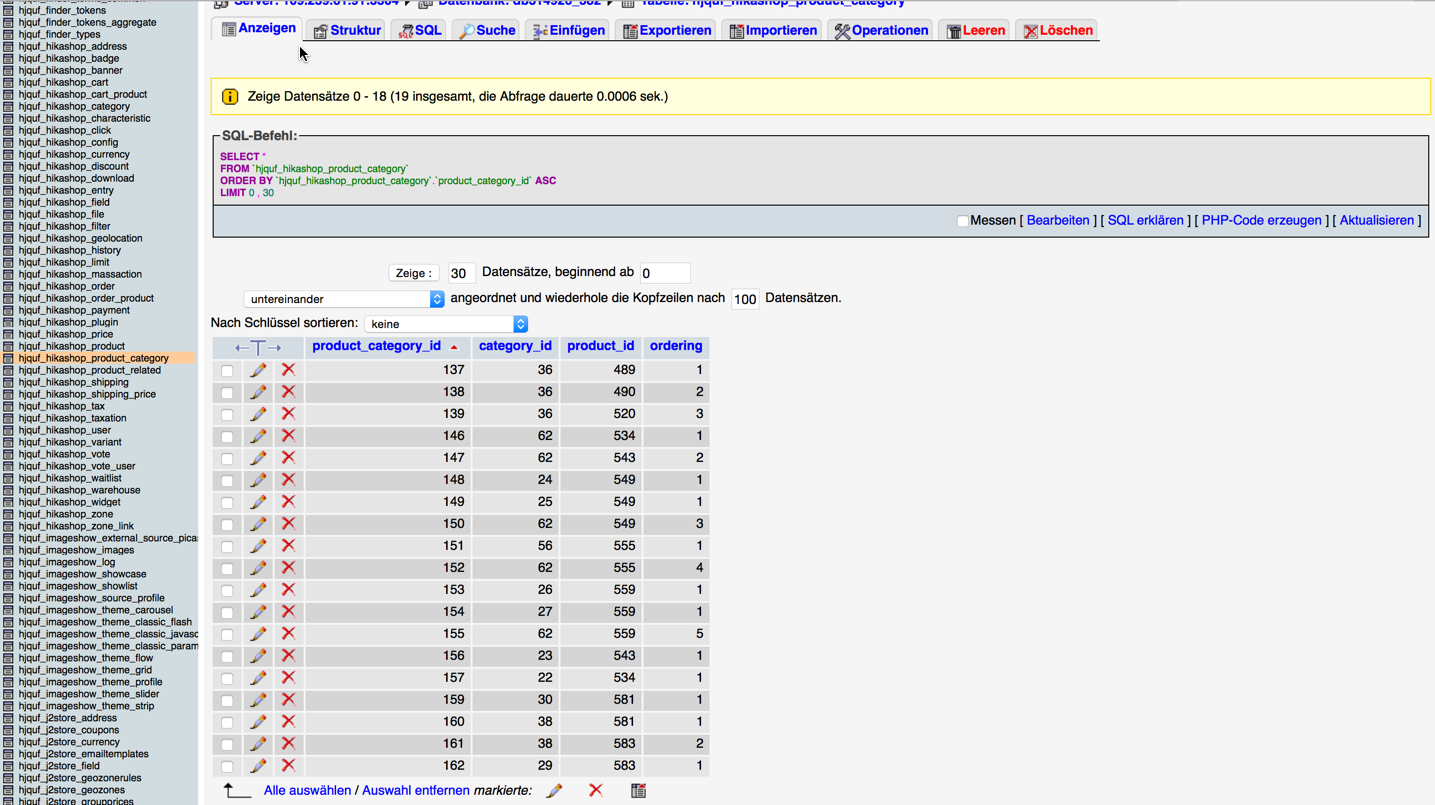
A button for this would be perfect.
Thanks for the answer.
here is a picture from the tab "Anzeigen":
A button for this would be perfect.
Last edit: 12 years 5 hours ago by sommi.
Please Log in or Create an account to join the conversation.
11 years 11 months ago #178606
by Jerome
Jerome - Obsidev.com
HikaMarket & HikaSerial developer / HikaShop core dev team.
Replied by Jerome on topic Product missing after update the latest version
Hi,
Okay, it looks like you have very few product category links ; the table is not empty but we can make better tests.
Can you please click on the tab "SQL" and paste that query
If the query return you some elements, these element will be the "lost" products.
So you will be able to use that query
and it will put every "lost" products into the category "product category" (which have by default the id "2").
It's not a real button but the effect will be quite the same
Regards,
Okay, it looks like you have very few product category links ; the table is not empty but we can make better tests.
Can you please click on the tab "SQL" and paste that query
Code:
SELECT p.* FROM `hjquf_hikashop_product` AS p
LEFT JOIN `hjquf_hikashop_product_category` AS pc
ON p.product_id = pc.product_id
WHERE p.product_type = 'main' AND pc.category_id IS NULL;
So you will be able to use that query
Code:
INSERT INTO `hjquf_hikashop_product_category` (category_id, product_id, ordering)
SELECT 2, p.product_id, 1 FROM `hjquf_hikashop_product` AS p
LEFT JOIN `hjquf_hikashop_product_category` AS pc
ON p.product_id = pc.product_id
WHERE p.product_type = 'main' AND pc.category_id IS NULL;
It's not a real button but the effect will be quite the same
Regards,
Jerome - Obsidev.com
HikaMarket & HikaSerial developer / HikaShop core dev team.
The following user(s) said Thank You: sommi
Please Log in or Create an account to join the conversation.
11 years 11 months ago #178620
by sommi
Replied by sommi on topic Product missing after update the latest version
Yeeees perfekt it Works!! Thanks a lot!! 
Please Log in or Create an account to join the conversation.
Time to create page: 0.134 seconds