

- Posts: 54
- Thank you received: 0
Hikashop Styles ... Product Page ...
11 years 1 month ago #211749
by QureshiMo
Hikashop Styles ... Product Page ... was created by QureshiMo
-- HikaShop version -- : 2.5.0
-- Joomla version -- : 3.4.3
-- PHP version -- : 5.5.12
-- Browser(s) name and version -- : Chrome
Hello:
I am using Ostraining's Breeze3 template with Hikashop style Picturesand.
The thumbnail on the product page are not displaying properly. Here is the screen shot:
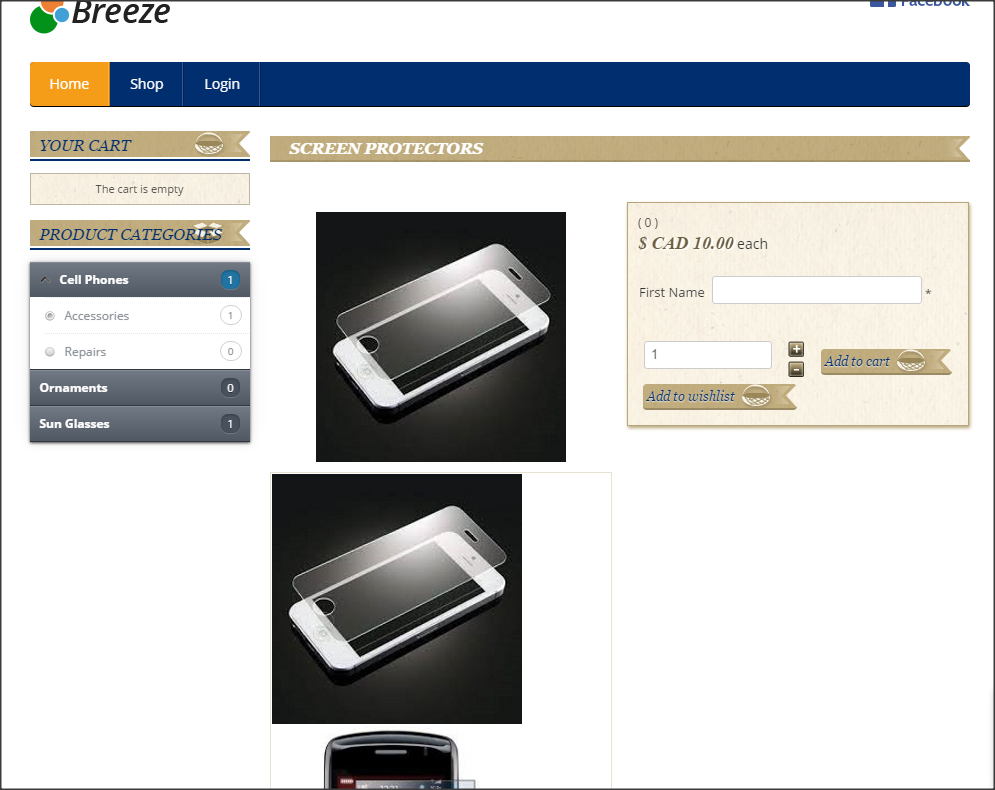
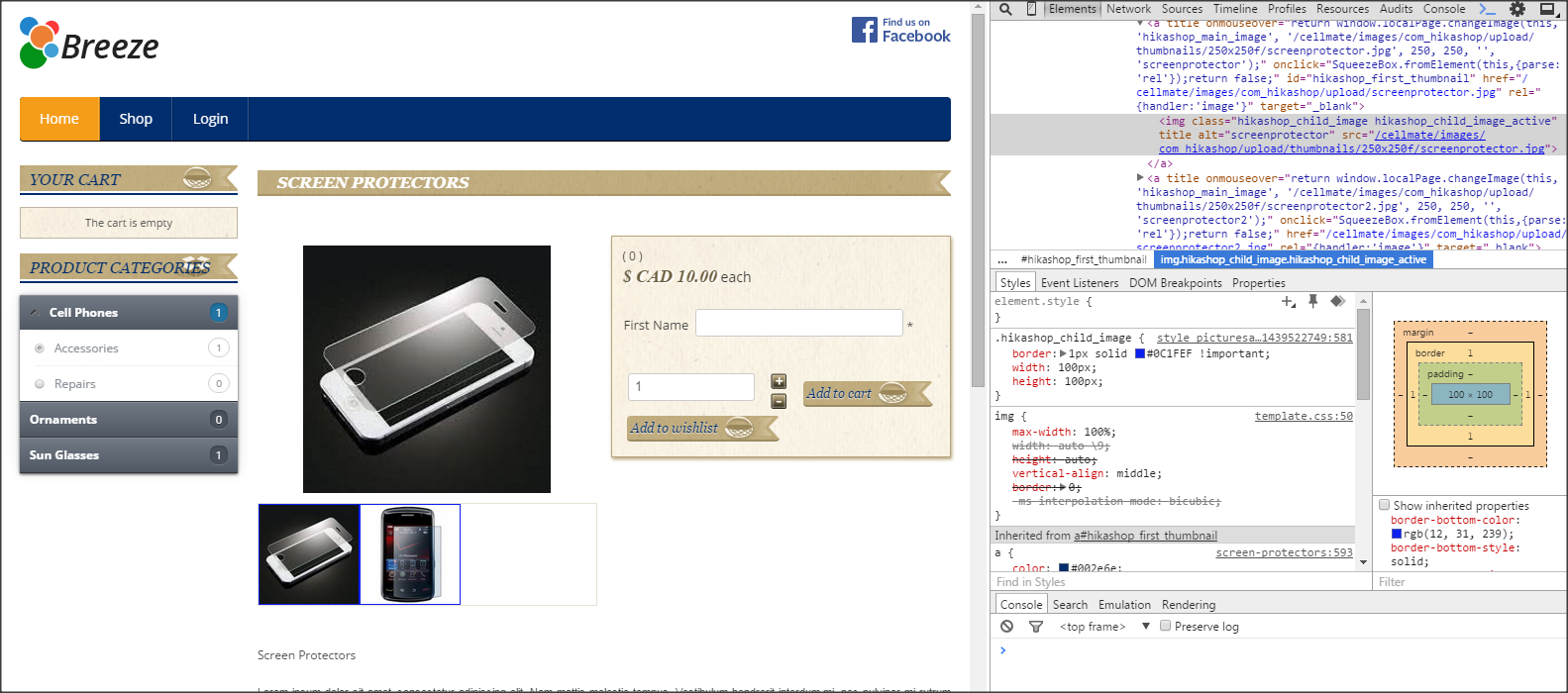
However, if if I add the width and height of the image to Hikashop_child_image class, the images are properly displayed. Here is the screen shot with Inspect Element window:
Should the Hikashop style dictate how to display the thumbnail or it is template issue?
Thanks,
<<< Ali >>>
-- Joomla version -- : 3.4.3
-- PHP version -- : 5.5.12
-- Browser(s) name and version -- : Chrome
Hello:
I am using Ostraining's Breeze3 template with Hikashop style Picturesand.
The thumbnail on the product page are not displaying properly. Here is the screen shot:
However, if if I add the width and height of the image to Hikashop_child_image class, the images are properly displayed. Here is the screen shot with Inspect Element window:
Should the Hikashop style dictate how to display the thumbnail or it is template issue?
Thanks,
<<< Ali >>>
Please Log in or Create an account to join the conversation.

11 years 1 month ago #211760
by nicolas
Replied by nicolas on topic Hikashop Styles ... Product Page ...
Hi,
There is already such CSS to limit the size of the child thumbnails in the default CSS of HikaShop:
www.hikashop.com/support/documentation/8...ling.html#thumbnails
So if that doesn't apply on your website, it's indeed likely to be an issue with the CSS of the template.
We would need to analyze directly the CSS on the page to tell you for sure but you can try to temporarily change the template to the default one of Joomla and chances are that it will work just fine (as it does on our end).
There is already such CSS to limit the size of the child thumbnails in the default CSS of HikaShop:
www.hikashop.com/support/documentation/8...ling.html#thumbnails
So if that doesn't apply on your website, it's indeed likely to be an issue with the CSS of the template.
We would need to analyze directly the CSS on the page to tell you for sure but you can try to temporarily change the template to the default one of Joomla and chances are that it will work just fine (as it does on our end).
The following user(s) said Thank You: QureshiMo
Please Log in or Create an account to join the conversation.
11 years 1 month ago #211822
by QureshiMo
Replied by QureshiMo on topic Hikashop Styles ... Product Page ...
Hello:
Thanks for the help.
After reading
Thanks,
<<< Ali >>>
Thanks for the help.
After reading
, all I had to do is set Hikashop --> Configurtion --> Display --> CSS --> Front-End CSS file to "Default" to make it work.Default CSS of Hikashop
Thanks,
<<< Ali >>>
Please Log in or Create an account to join the conversation.
Time to create page: 0.183 seconds