

- Posts: 36
- Thank you received: 2
Can't Get Related Products to Work
8 years 5 months ago #292124
by heart0
Can't Get Related Products to Work was created by heart0
-- HikaShop version -- : 3.4.0
-- Joomla version -- : 3.8.7
Instead of using product options...I'm wanting to use related products instead.
I followed steps that I found on what to do...but I can't for the life of me get my related products that I set for this product to show up.
-- Joomla version -- : 3.8.7
Instead of using product options...I'm wanting to use related products instead.
I followed steps that I found on what to do...but I can't for the life of me get my related products that I set for this product to show up.
Please Log in or Create an account to join the conversation.

8 years 5 months ago #292142
by nicolas
Replied by nicolas on topic Can't Get Related Products to Work
Hi,
Normally, it should display out of the box. If not, it means that something has been changed which broke the display of the related products. It can be many things.
It can be that the "related products" module is not enabled anymore in the "modules under the product page" setting of the HikaShop configuration.
It can be that this module has been deleted, or configured in a way which can't display the related products.
It can also be that the file "show" of the view "product" has been customized via the menu Display>Views (or even directly) and the display of the modules under the product page done there has been broken / removed.
So please check on these.
Normally, it should display out of the box. If not, it means that something has been changed which broke the display of the related products. It can be many things.
It can be that the "related products" module is not enabled anymore in the "modules under the product page" setting of the HikaShop configuration.
It can be that this module has been deleted, or configured in a way which can't display the related products.
It can also be that the file "show" of the view "product" has been customized via the menu Display>Views (or even directly) and the display of the modules under the product page done there has been broken / removed.
So please check on these.
Please Log in or Create an account to join the conversation.
8 years 5 months ago #292583
by heart0
Replied by heart0 on topic Can't Get Related Products to Work
Thanks for your response to this Nicolas! Sorry for the delay in getting back to you!! I looked at each of the things you mentioned and none of those are the issue...
Would re-installing hikashop fix the issue? (without deleting products, etc)...
Would re-installing hikashop fix the issue? (without deleting products, etc)...
Please Log in or Create an account to join the conversation.

8 years 5 months ago - 8 years 5 months ago #292623
by Philip
Replied by Philip on topic Can't Get Related Products to Work
Hello,
It's a bit too early to think about re-install HikaShop, Can you before this, provide these elements to check point per point your configuration :
- Your module configuration screenshot (especially HikaShop options tab)
- Your Main HikaShop Product configuration screenshot (in your Main HikaShop Configuration and in Display tab)

- Try to process some tests with a default template (like Protostar) to see if that solve your display issue
Awaiting news from you.
Regards
It's a bit too early to think about re-install HikaShop, Can you before this, provide these elements to check point per point your configuration :
- Your module configuration screenshot (especially HikaShop options tab)
- Your Main HikaShop Product configuration screenshot (in your Main HikaShop Configuration and in Display tab)
- Try to process some tests with a default template (like Protostar) to see if that solve your display issue
Awaiting news from you.
Regards
Last edit: 8 years 5 months ago by Philip.
Please Log in or Create an account to join the conversation.
8 years 5 months ago #292710
by heart0
Replied by heart0 on topic Can't Get Related Products to Work
Here are the two screenshots.
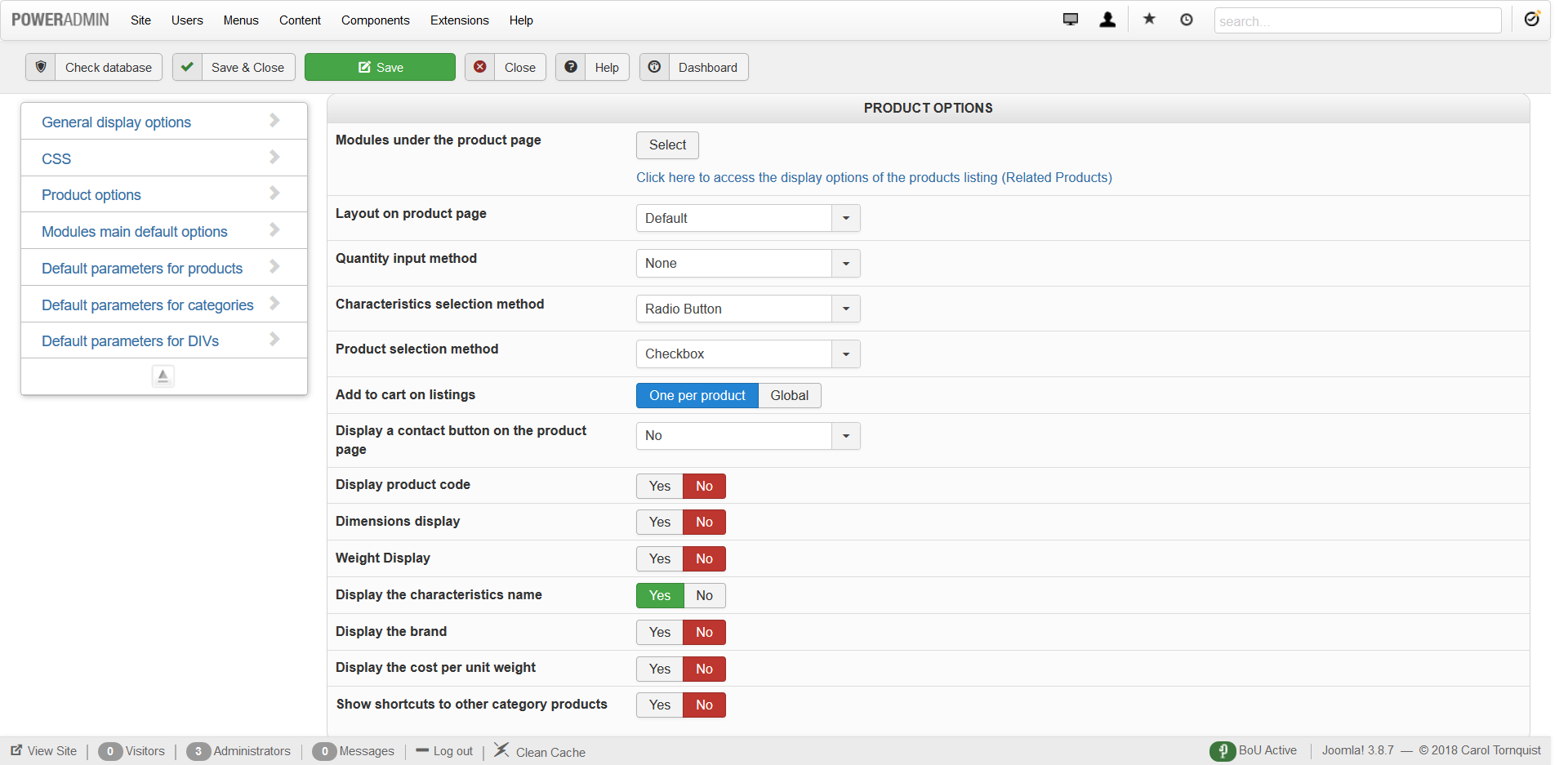
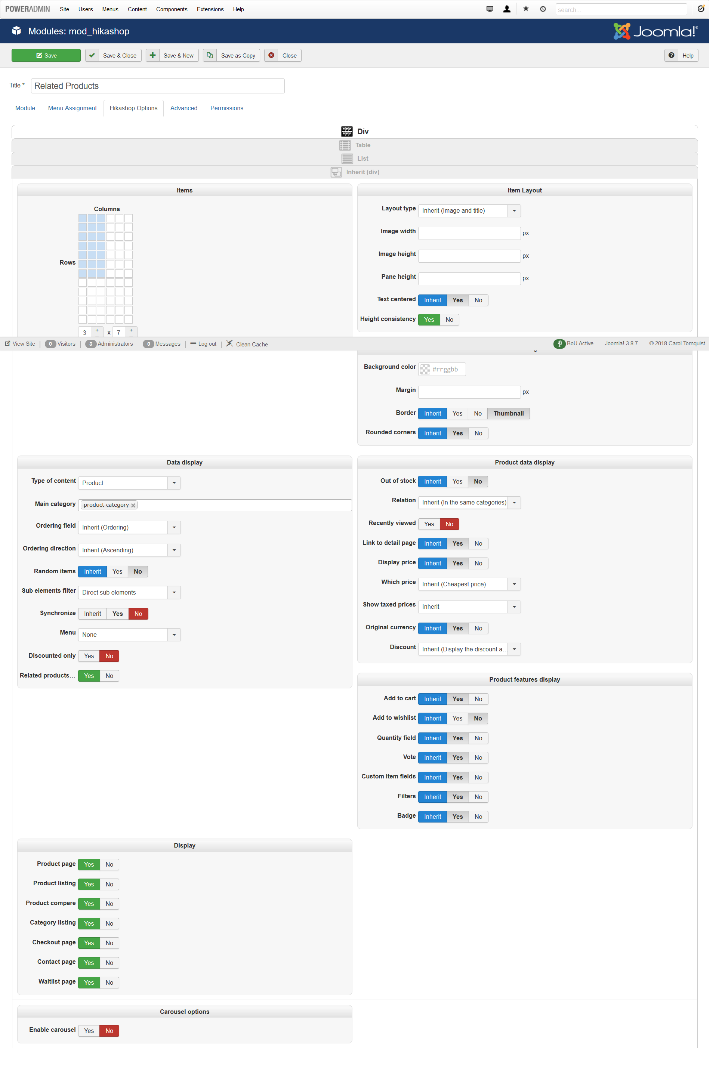
I also quickly switched the template to Beeze3 and tried to see if they related products were working - and they weren't working their either...
I also quickly switched the template to Beeze3 and tried to see if they related products were working - and they weren't working their either...
Please Log in or Create an account to join the conversation.
8 years 5 months ago - 8 years 5 months ago #292724
by Philip
Replied by Philip on topic Can't Get Related Products to Work
Hello,
Sorry but I'm unable to read your second screenshot options... Can you do it in a better definition ?
I was able to see some options nevertheless, and I think that I will need to see the module tab too.

Awaiting news from you.
Regards
Sorry but I'm unable to read your second screenshot options... Can you do it in a better definition ?
I was able to see some options nevertheless, and I think that I will need to see the module tab too.
Awaiting news from you.
Regards
Last edit: 8 years 5 months ago by Philip.
Please Log in or Create an account to join the conversation.
8 years 5 months ago - 8 years 5 months ago #292793
by heart0
Replied by heart0 on topic Can't Get Related Products to Work
Here you go 
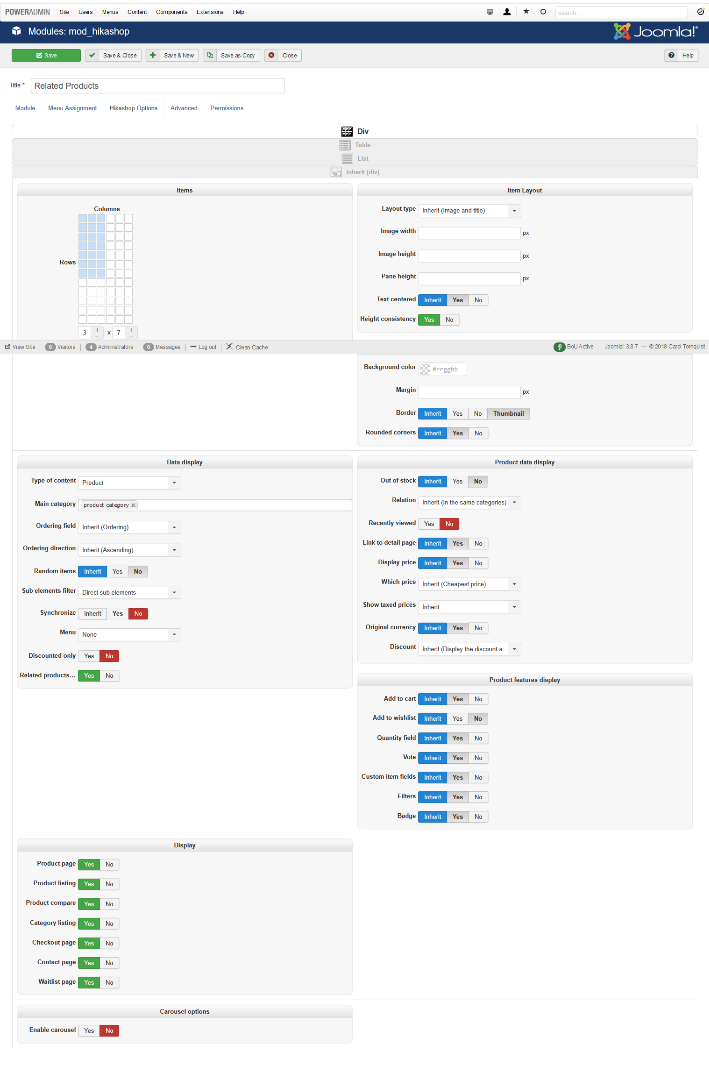
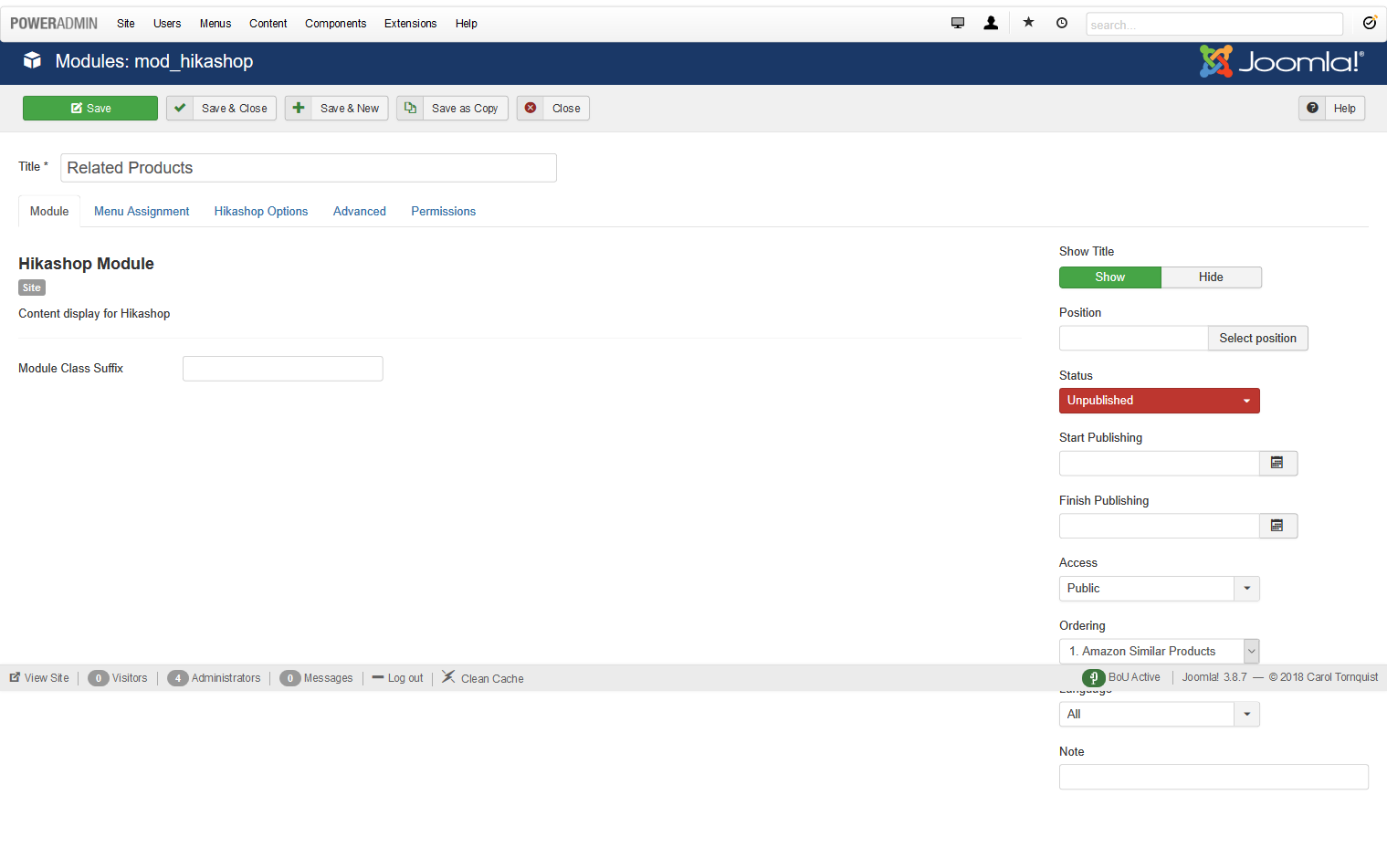
Not sure if you can read the one any better now? The image itself is actually in higher definition...I can enlarge it great here on my computer and see everything. But when I insert it here, that definition goes away for some reason...
Not sure if you can read the one any better now? The image itself is actually in higher definition...I can enlarge it great here on my computer and see everything. But when I insert it here, that definition goes away for some reason...
Last edit: 8 years 5 months ago by heart0.
Please Log in or Create an account to join the conversation.
8 years 5 months ago #292794
by heart0
Replied by heart0 on topic Can't Get Related Products to Work
I went ahead and divided it into 4 parts - so see if that helps
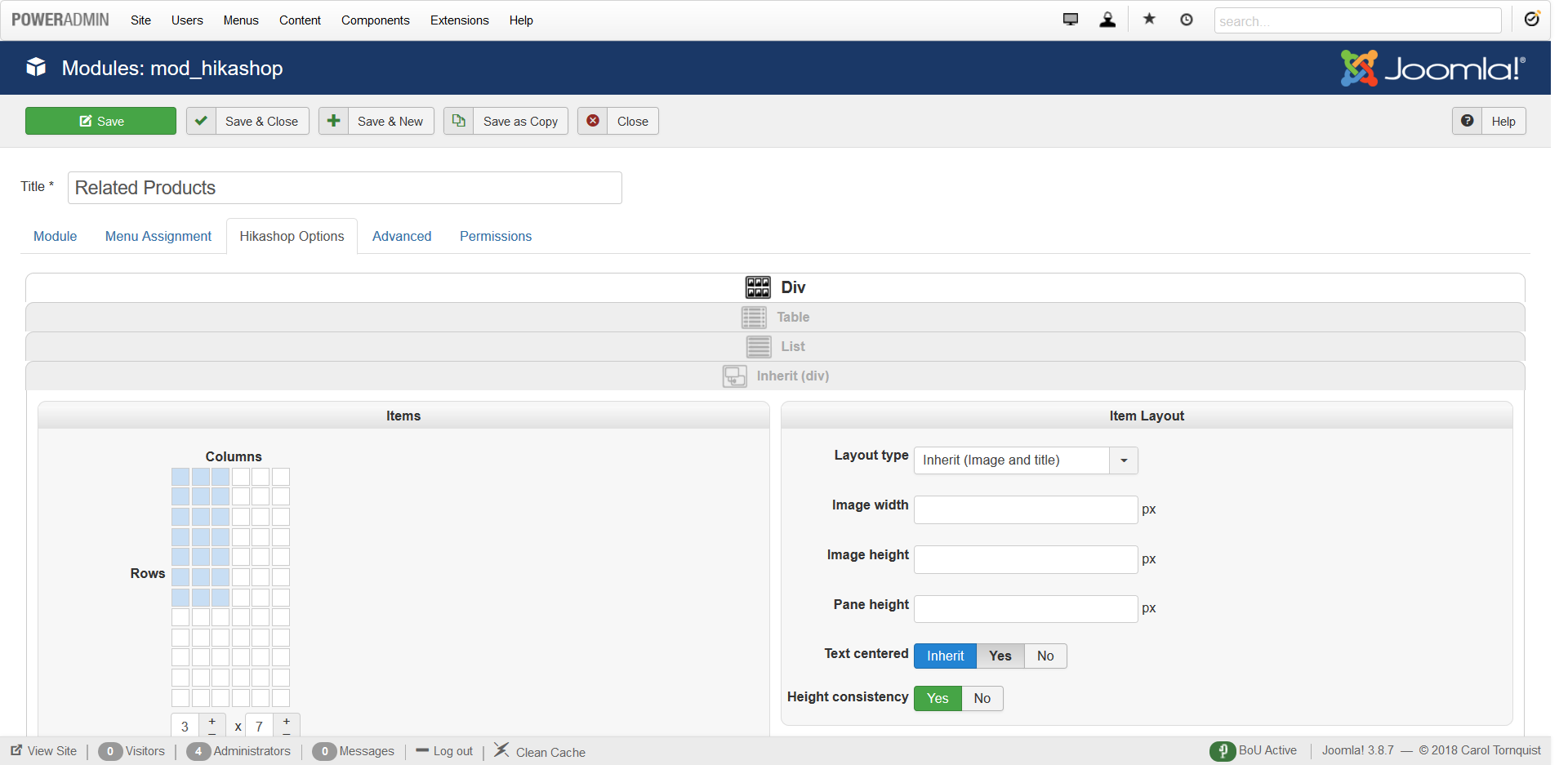
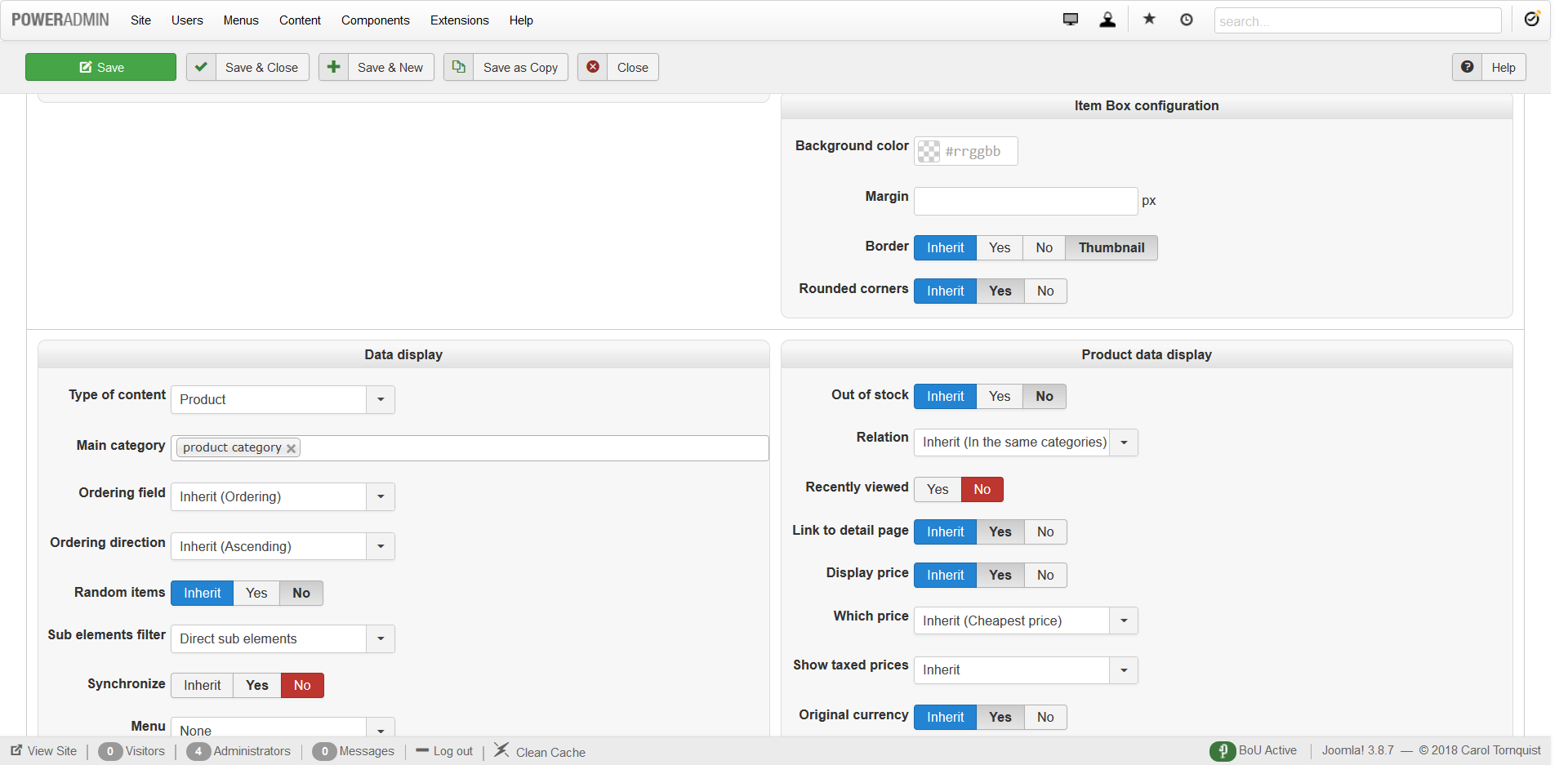
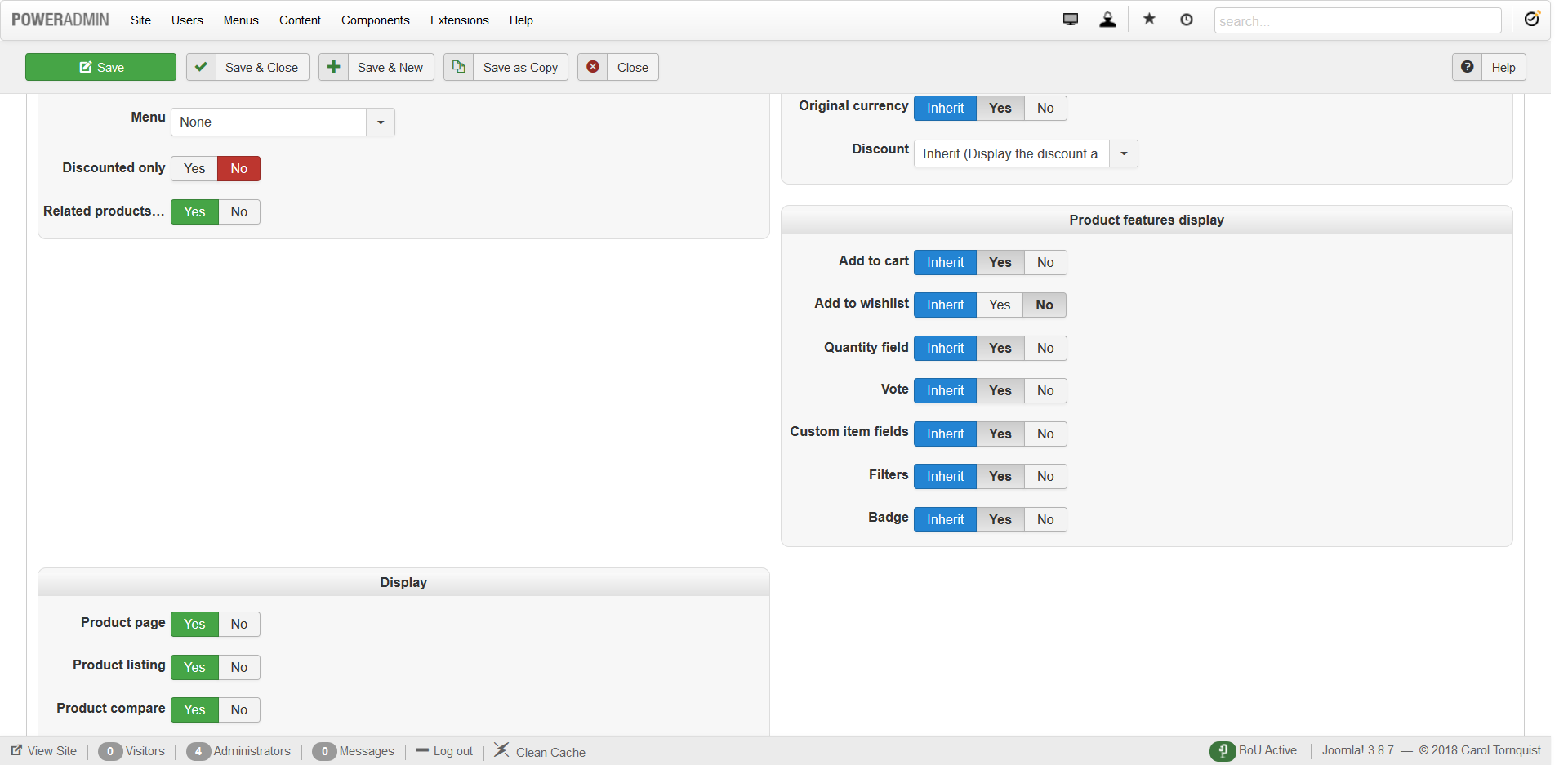
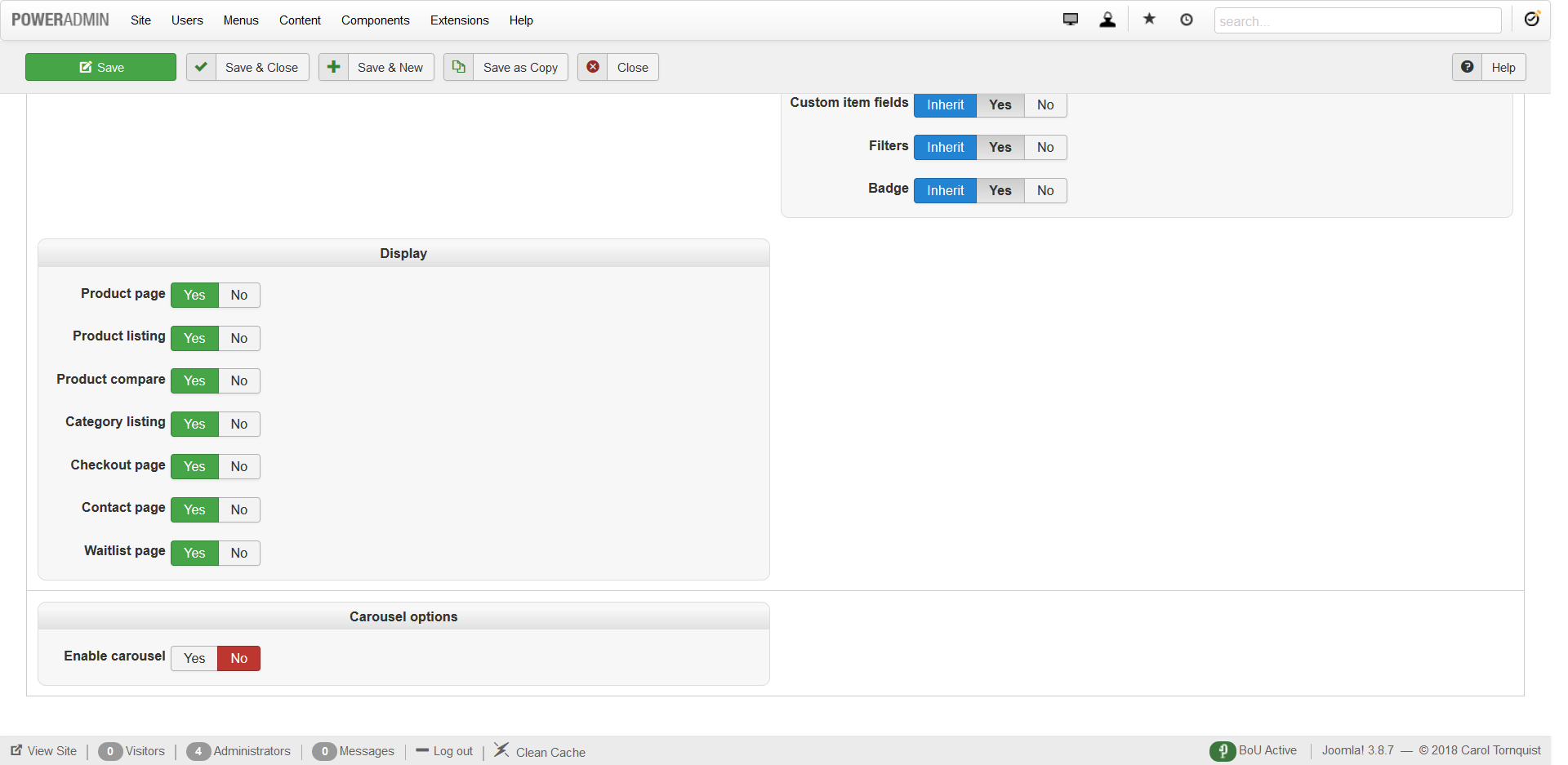
Please Log in or Create an account to join the conversation.
8 years 5 months ago #292795
by nicolas
Replied by nicolas on topic Can't Get Related Products to Work
Hi,
You have the "related products..." option (complete name is related products of products in the cart) activated in your module and thus in that case, the related products will only display if they are also related to one of the products already in the cart. So you want to turn off that setting.
Also, in the "relation" setting of your module, you want to select "related products". That's this option which allows the module to display related products and not something else.
Finally, in the "sub element filter", you want to select "all sub elements" so that not only the products directly linked to the main category are taken into account but all of them.
You have the "related products..." option (complete name is related products of products in the cart) activated in your module and thus in that case, the related products will only display if they are also related to one of the products already in the cart. So you want to turn off that setting.
Also, in the "relation" setting of your module, you want to select "related products". That's this option which allows the module to display related products and not something else.
Finally, in the "sub element filter", you want to select "all sub elements" so that not only the products directly linked to the main category are taken into account but all of them.
Please Log in or Create an account to join the conversation.
8 years 5 months ago #292833
by heart0
Replied by heart0 on topic Can't Get Related Products to Work
Okay, I think we're almost there!! The products are at least showing now
BUT...I only want the product(s) listed that I place in the "related products" section of the specifications area of the options for the product.
For instance, for my product "Amazing Grace (My Chains are Gone), under related products I listed the "Add on Rhythm Chart". So, that's the only related product that I want to show. How do I make that happen?
Here's the link: www.completefaithwebdesign.net/JOOMLA/ca...e-my-chains-are-gone
Thank you!!
Anita
BUT...I only want the product(s) listed that I place in the "related products" section of the specifications area of the options for the product.
For instance, for my product "Amazing Grace (My Chains are Gone), under related products I listed the "Add on Rhythm Chart". So, that's the only related product that I want to show. How do I make that happen?
Here's the link: www.completefaithwebdesign.net/JOOMLA/ca...e-my-chains-are-gone
Thank you!!
Anita
Please Log in or Create an account to join the conversation.
8 years 5 months ago #292838
by nicolas
Replied by nicolas on topic Can't Get Related Products to Work
Hi,
If you did the changes I talked about in my previous message, then that's what you should have.
Please provide again a screenshot of the settings of your related products module now that you've change the settings so that we can check the current situation.
If you did the changes I talked about in my previous message, then that's what you should have.
Please provide again a screenshot of the settings of your related products module now that you've change the settings so that we can check the current situation.
Please Log in or Create an account to join the conversation.
8 years 5 months ago #292981
by heart0
Replied by heart0 on topic Can't Get Related Products to Work
Here you go...
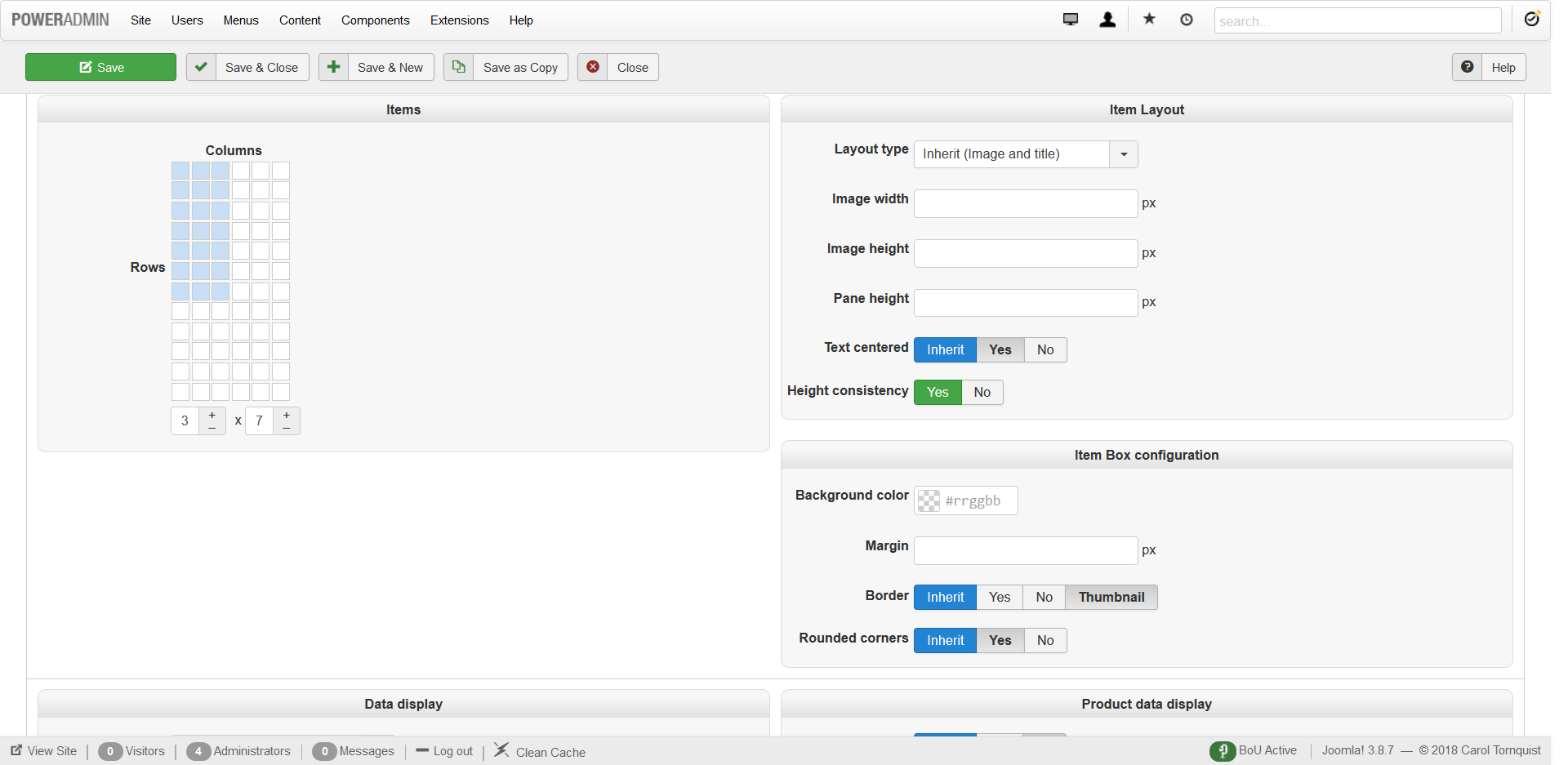
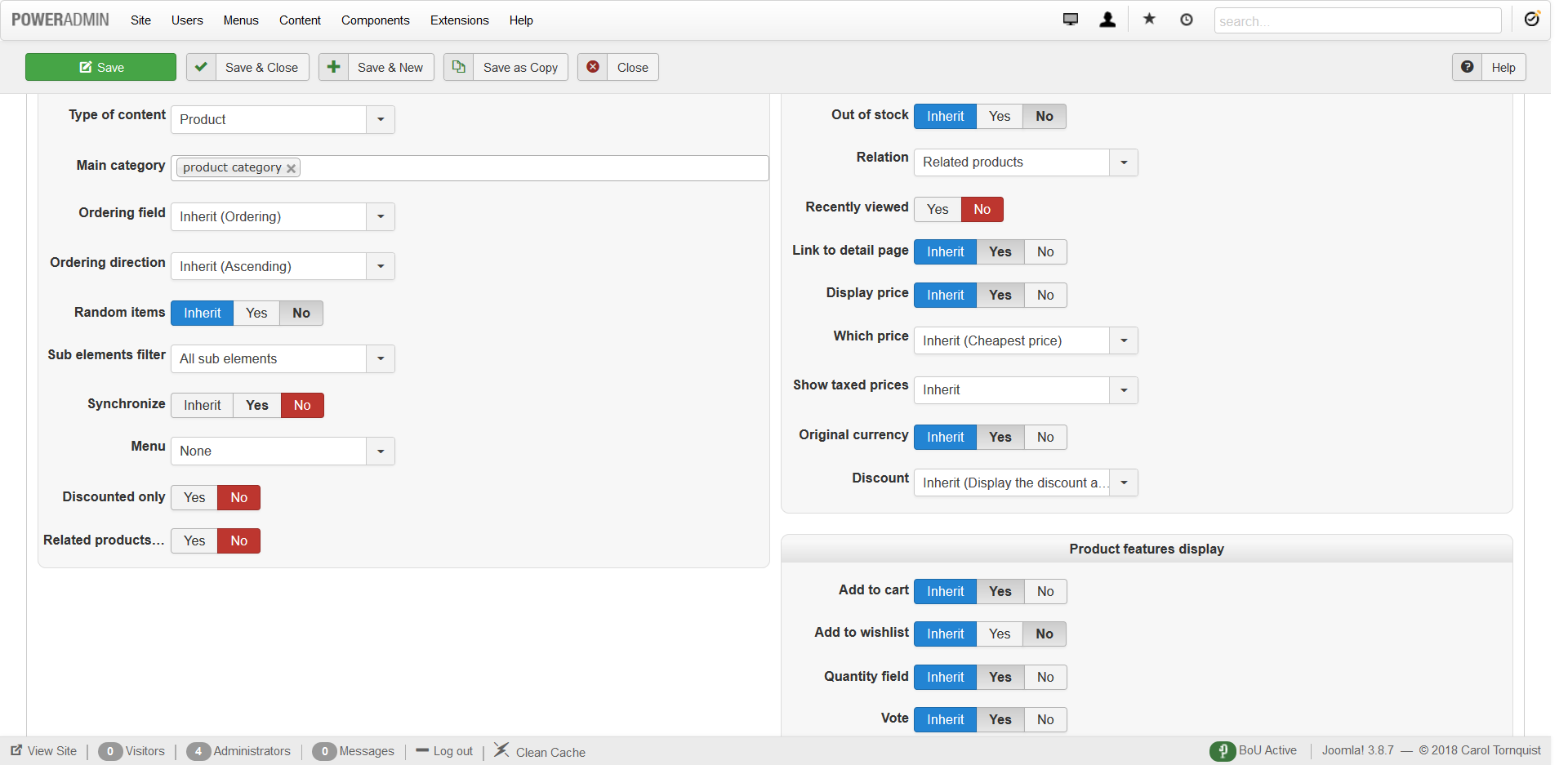
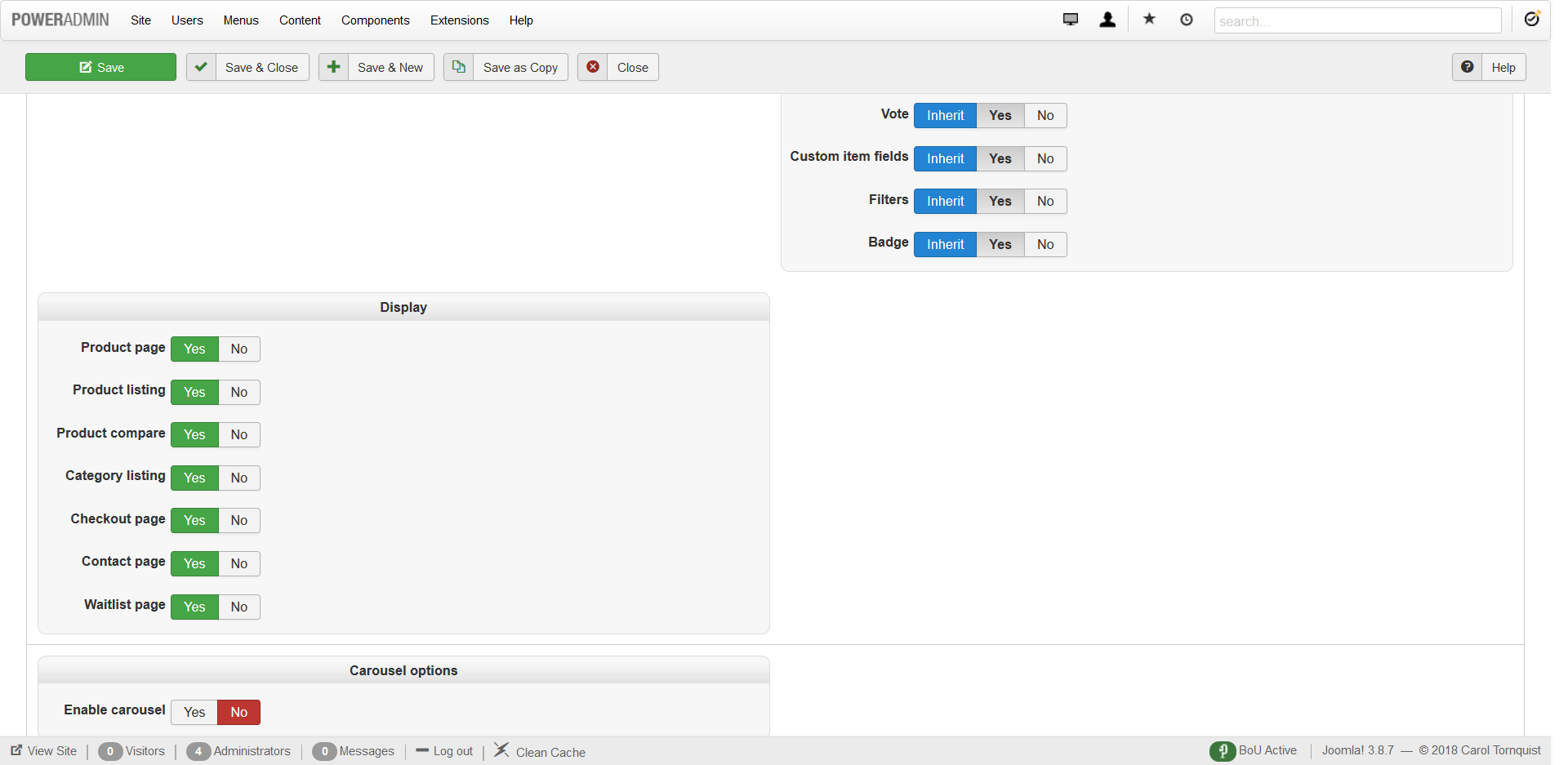
Please Log in or Create an account to join the conversation.
8 years 5 months ago #293019
by nicolas
Replied by nicolas on topic Can't Get Related Products to Work
Hi,
The "synchronise" option must be activated. Otherwise, the "relation" setting will be ignored.
I think it's the last thing missing. The rest is fine.
The "synchronise" option must be activated. Otherwise, the "relation" setting will be ignored.
I think it's the last thing missing. The rest is fine.
Please Log in or Create an account to join the conversation.
Time to create page: 0.168 seconds