
Menu Item - Category listing - Related Products BUG
- twhcreations
-
 Topic Author
- Offline
Less
More
8 years 3 weeks ago #298841
by twhcreations
Menu Item - Category listing - Related Products BUG was created by twhcreations
-- HikaShop version -- : 4.0.0
-- Joomla version -- : 3.8.13
-- PHP version -- : 7.2.1
-- Browser(s) name and version -- : Firefox 63.0b12 64bit
-- Error-message(debug-mod must be tuned on) -- : No error message shown
Good morning, we are in the process of developing a site for a client, we have noted there is a bug with the displaying of a category list.
I will attach 4 x screen shots to show what we are seeing.
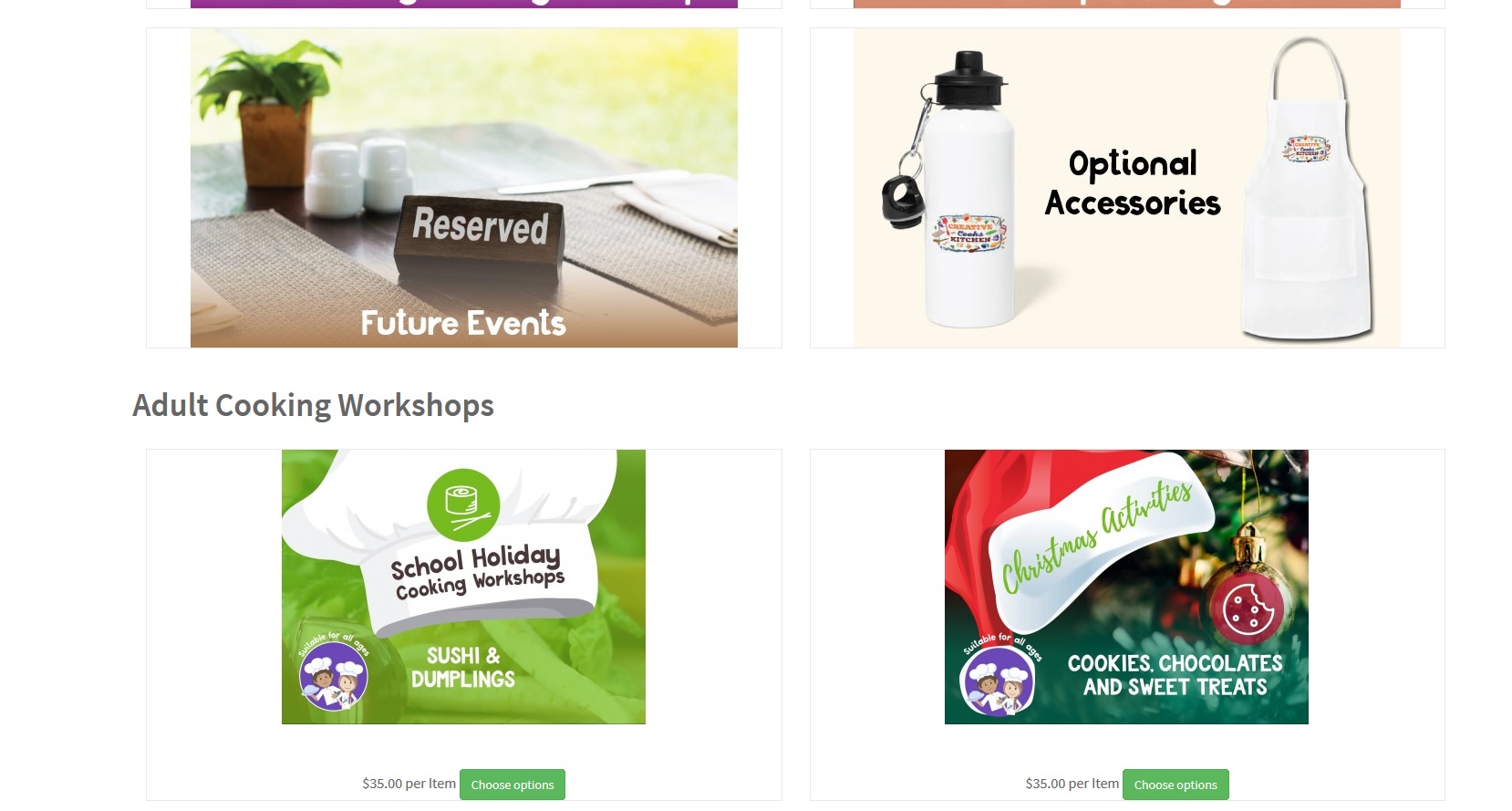
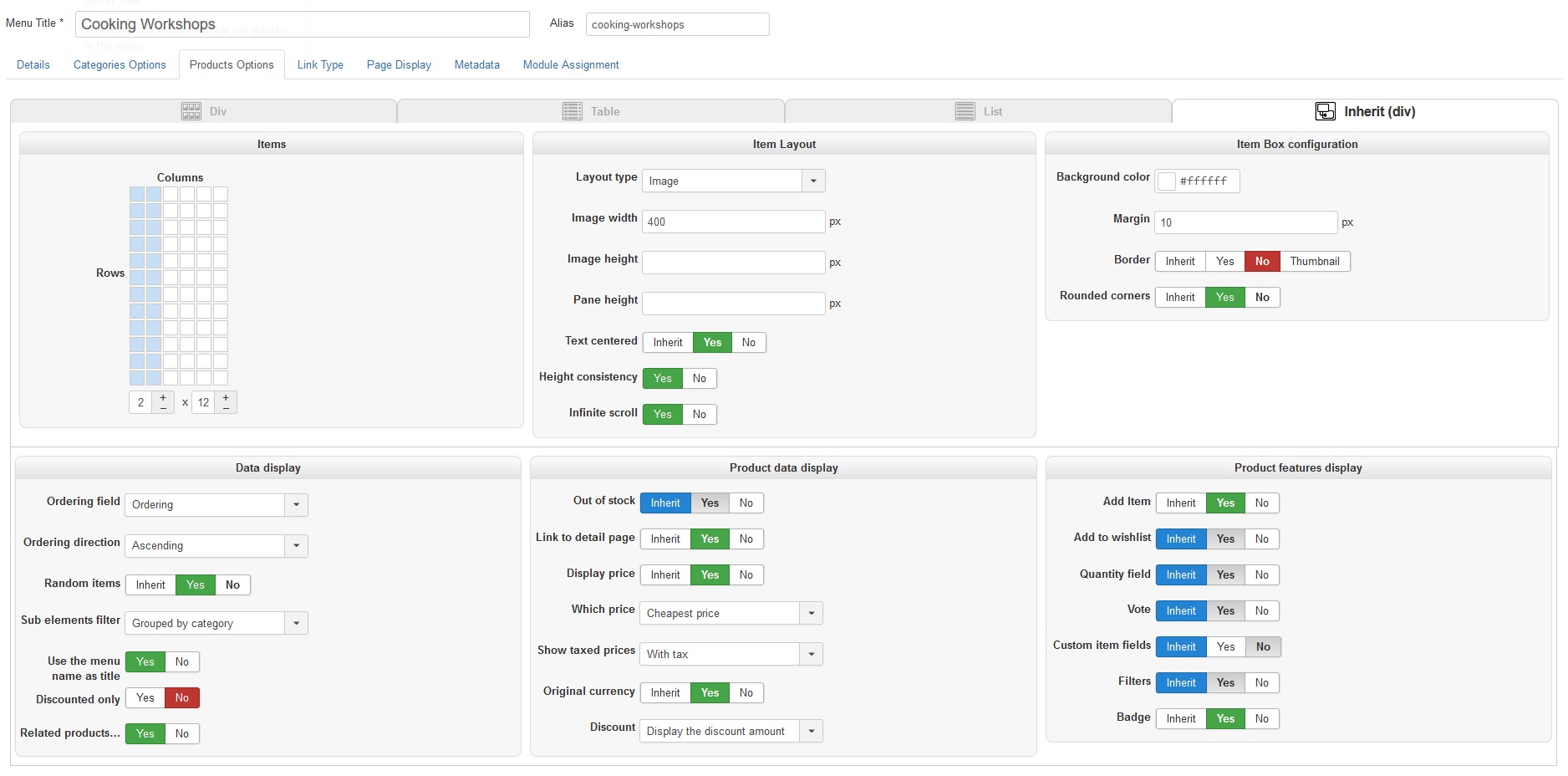
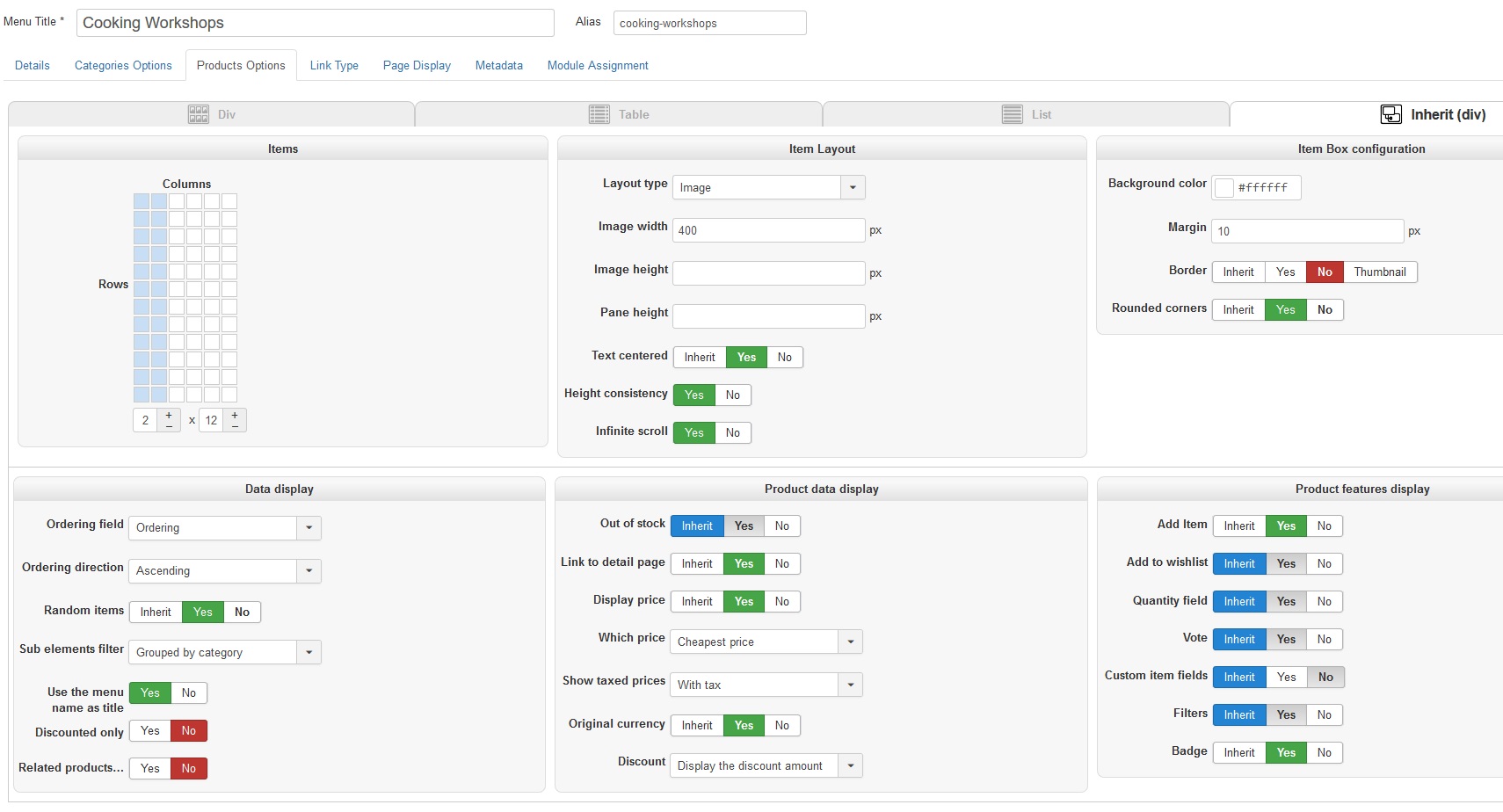
What is happening is we only want to display the Categories, but without related products checked on the products page its showing them, and then when you check the option it breaks the CSS and Div tables on the site.
-- Joomla version -- : 3.8.13
-- PHP version -- : 7.2.1
-- Browser(s) name and version -- : Firefox 63.0b12 64bit
-- Error-message(debug-mod must be tuned on) -- : No error message shown
Good morning, we are in the process of developing a site for a client, we have noted there is a bug with the displaying of a category list.
I will attach 4 x screen shots to show what we are seeing.
What is happening is we only want to display the Categories, but without related products checked on the products page its showing them, and then when you check the option it breaks the CSS and Div tables on the site.
Please Log in or Create an account to join the conversation.

8 years 3 weeks ago #298874
by nicolas
Replied by nicolas on topic Menu Item - Category listing - Related Products BUG
Hi,
You should indeed turn off the "related products..." option since that option make it so that the products listings of your menu item will only display products related to products already in the cart. This is usally useful when displayed as a module on the checkout pages.
Also, you have another problem. I think that you want to change the "sub element fitler" setting to "direct sub elements" so that the products only appear when you click on a category and not directly below the listing of the categories.
So please try that first.
If you still have a display issue on the page after that, it's probably a template customization issue. In that case, first switch temporarily to the default template of Joomla and see if you still have the problem. If you don't then it's a template CSS or view override issue. If you do, then I don't know what it could be and we would have to look deeper into it to be able to establish a diagnostic.
You should indeed turn off the "related products..." option since that option make it so that the products listings of your menu item will only display products related to products already in the cart. This is usally useful when displayed as a module on the checkout pages.
Also, you have another problem. I think that you want to change the "sub element fitler" setting to "direct sub elements" so that the products only appear when you click on a category and not directly below the listing of the categories.
So please try that first.
If you still have a display issue on the page after that, it's probably a template customization issue. In that case, first switch temporarily to the default template of Joomla and see if you still have the problem. If you don't then it's a template CSS or view override issue. If you do, then I don't know what it could be and we would have to look deeper into it to be able to establish a diagnostic.
Please Log in or Create an account to join the conversation.
- twhcreations
-
Topic Author
- Offline
8 years 3 weeks ago - 8 years 3 weeks ago #298883
by twhcreations
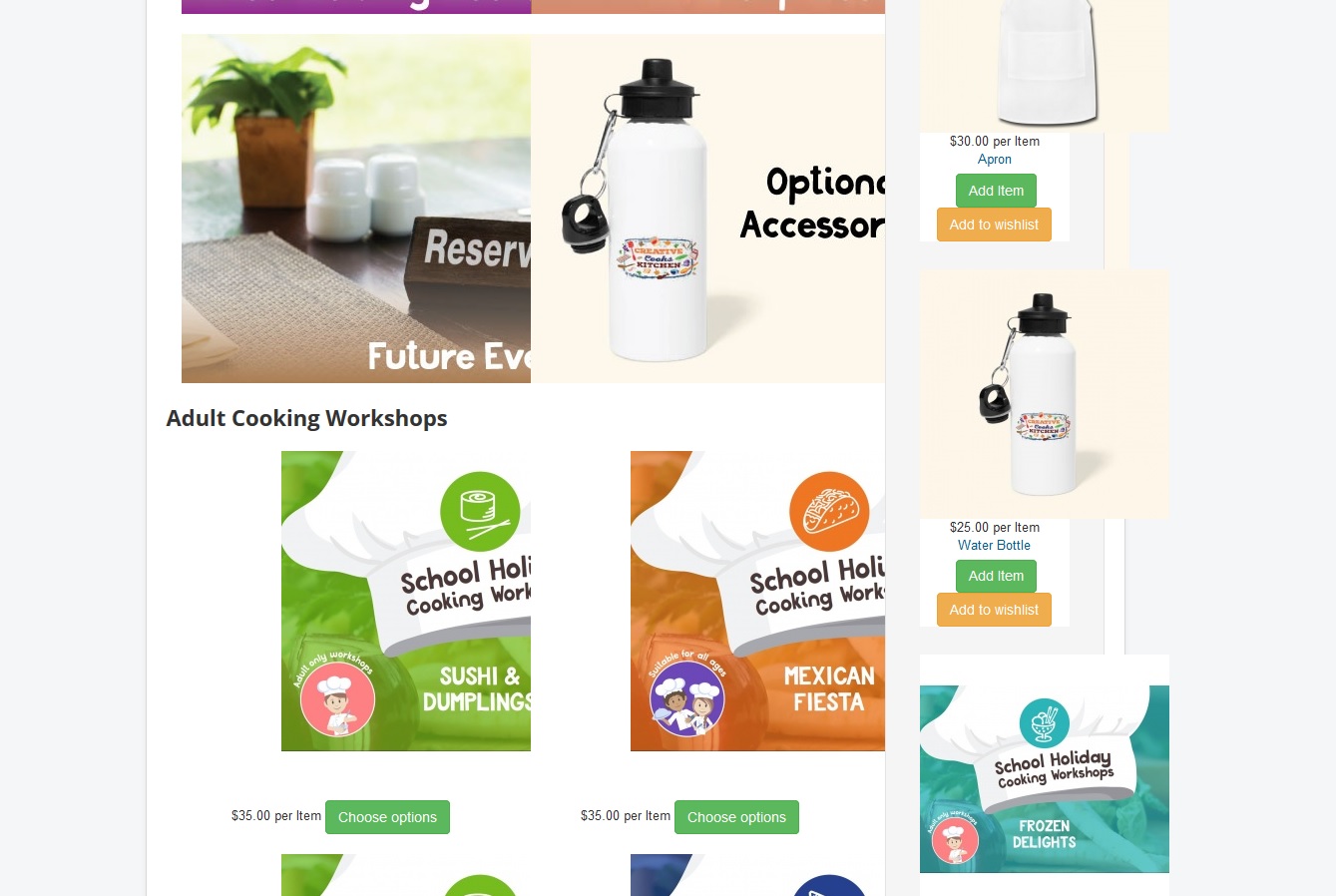
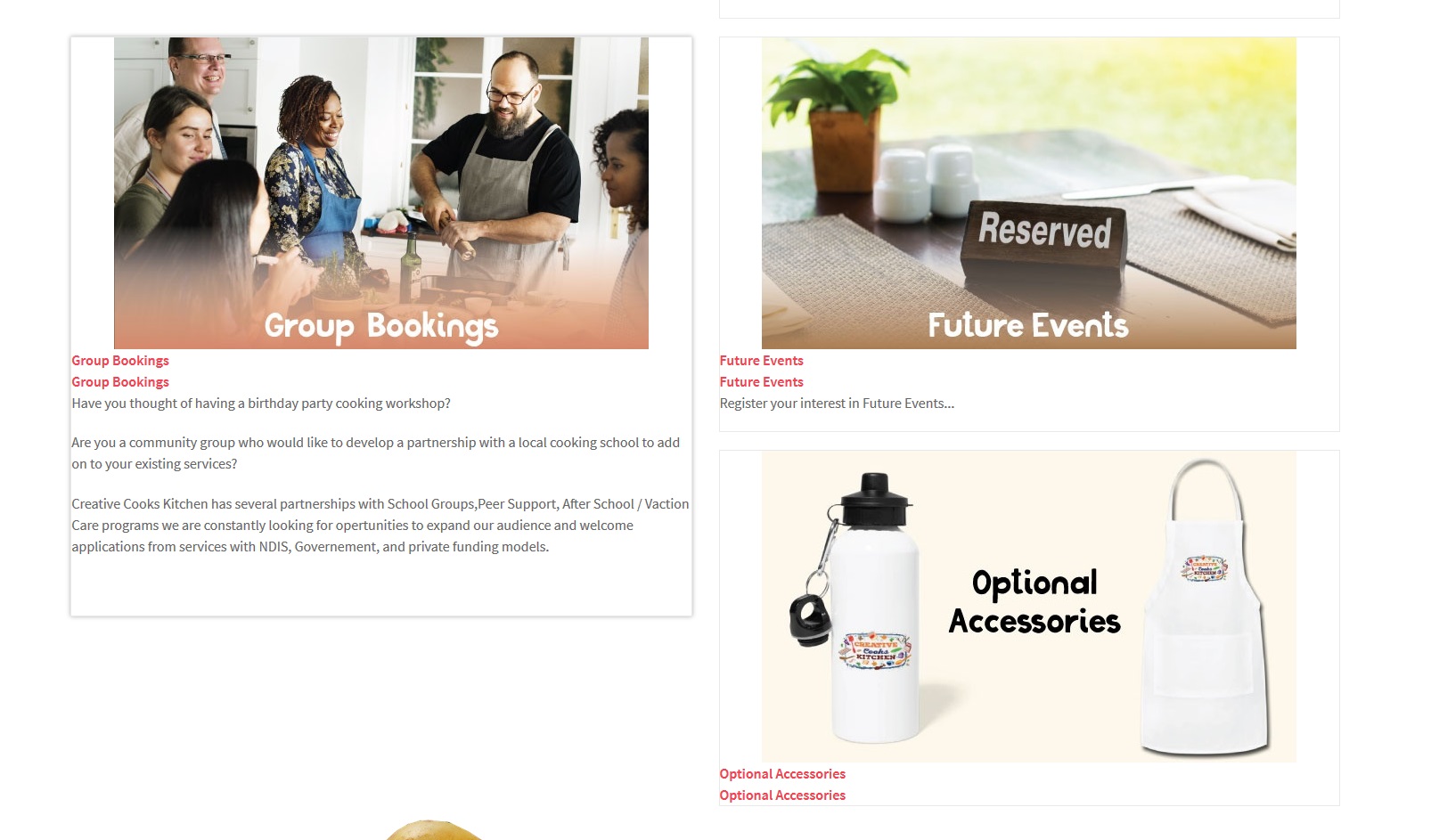
Thats with related products turned off and using protostar.
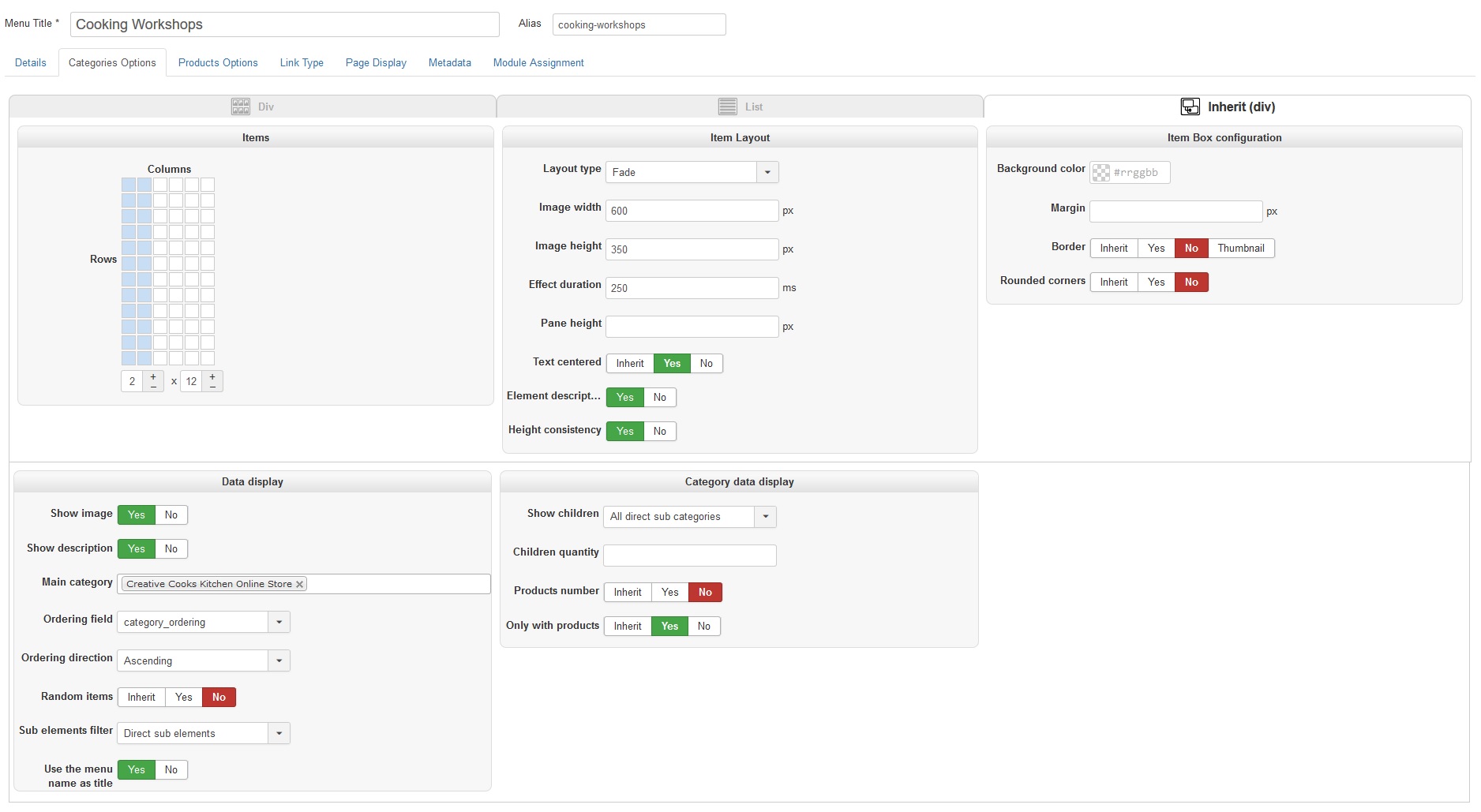
So even with the edits its not showing right, in either template.
Replied by twhcreations on topic Menu Item - Category listing - Related Products BUG
Thats with related products turned off and using protostar.
So even with the edits its not showing right, in either template.
Last edit: 8 years 3 weeks ago by twhcreations.
Please Log in or Create an account to join the conversation.
8 years 3 weeks ago #298884
by nicolas
Replied by nicolas on topic Menu Item - Category listing - Related Products BUG
Hi,
You didn't change the sub element filter to direct sub element under the "products options" tab of the menu item settings. You did it under the "categories options" tab. That's why you still have the products on the listing of the categories.
You didn't change the sub element filter to direct sub element under the "products options" tab of the menu item settings. You did it under the "categories options" tab. That's why you still have the products on the listing of the categories.
Please Log in or Create an account to join the conversation.
- twhcreations
-
Topic Author
- Offline
8 years 3 weeks ago #298901
by twhcreations
Replied by twhcreations on topic Menu Item - Category listing - Related Products BUG
Ok that fixed that issue, thanks...
Looking through the issue,
Looking through the issue,
Please Log in or Create an account to join the conversation.
Time to create page: 0.082 seconds