
- Posts: 55
- Thank you received: 0
Empty shopping cart
- gioferrario@gmail.com
-
 Topic Author
- Offline
Less
More
10 years 4 months ago #243401
by gioferrario@gmail.com
Empty shopping cart was created by gioferrario@gmail.com
-- HikaShop version -- : 2.6.3
-- Joomla version -- : 3.5.1
-- PHP version -- : 5.5.36
-- Browser(s) name and version -- : crome
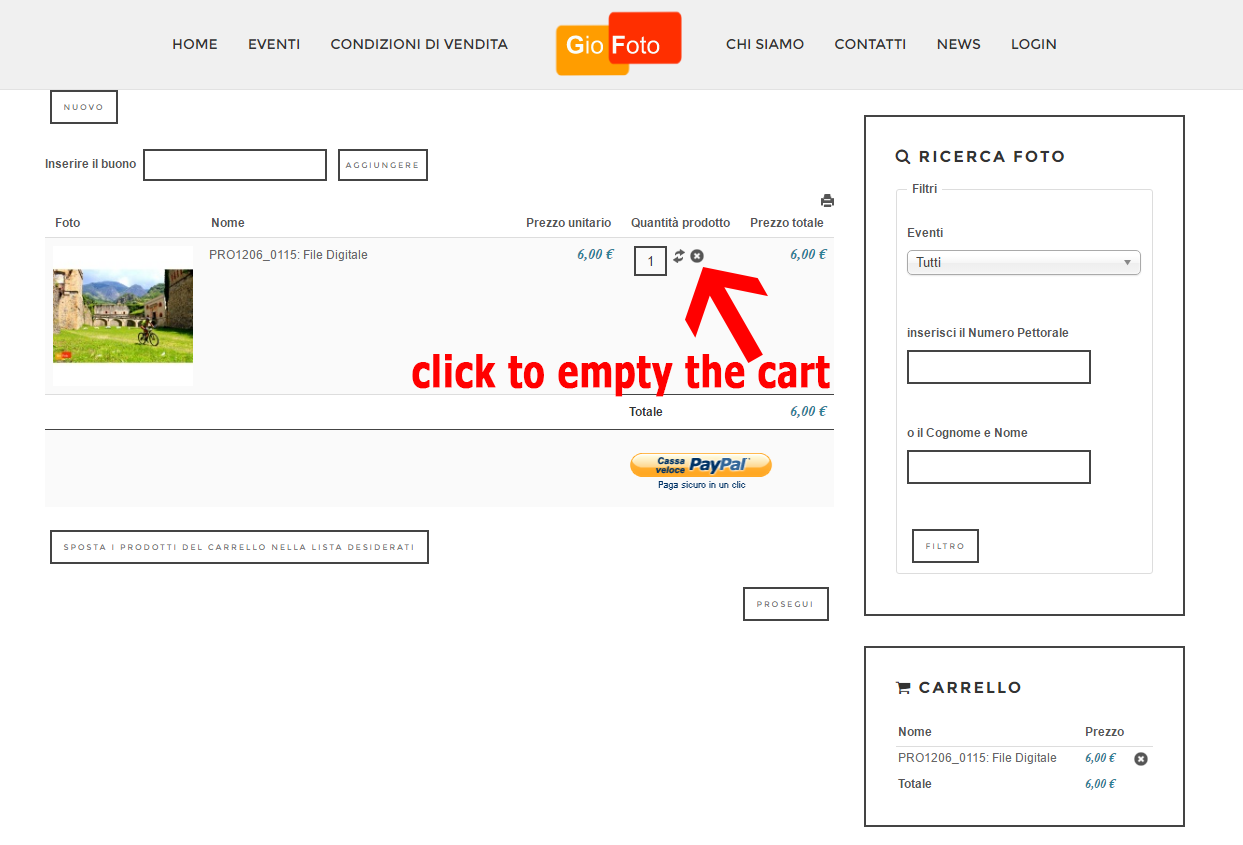
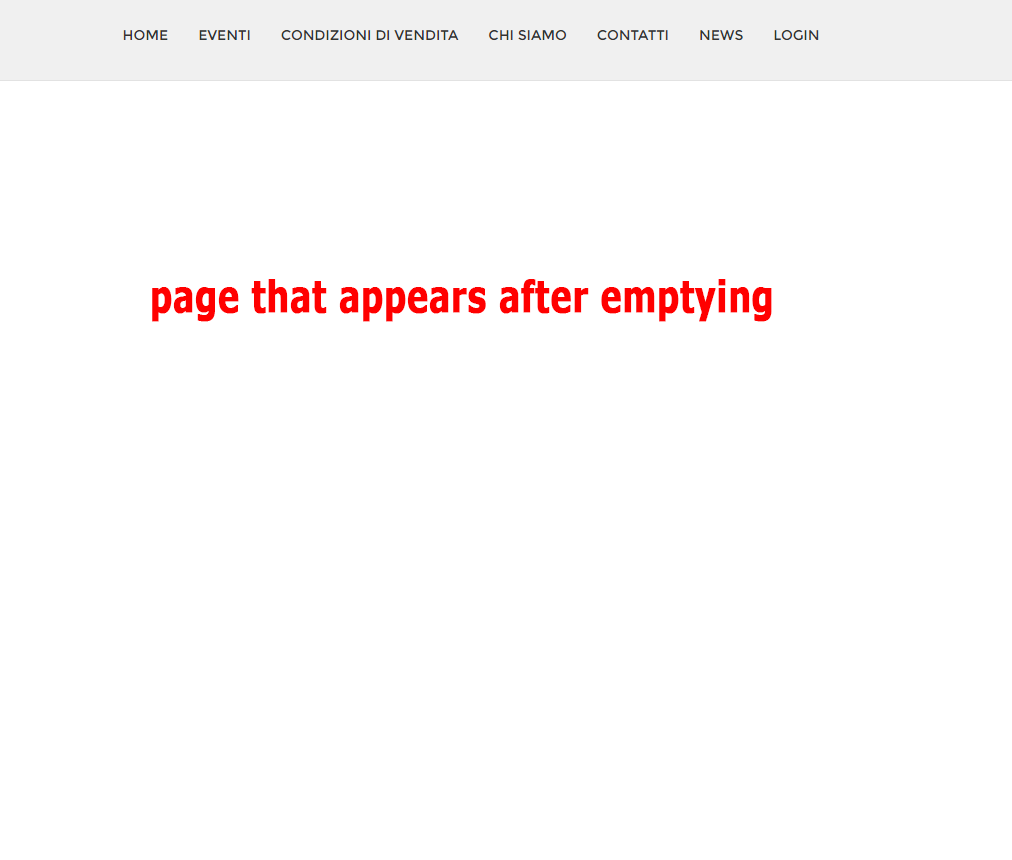
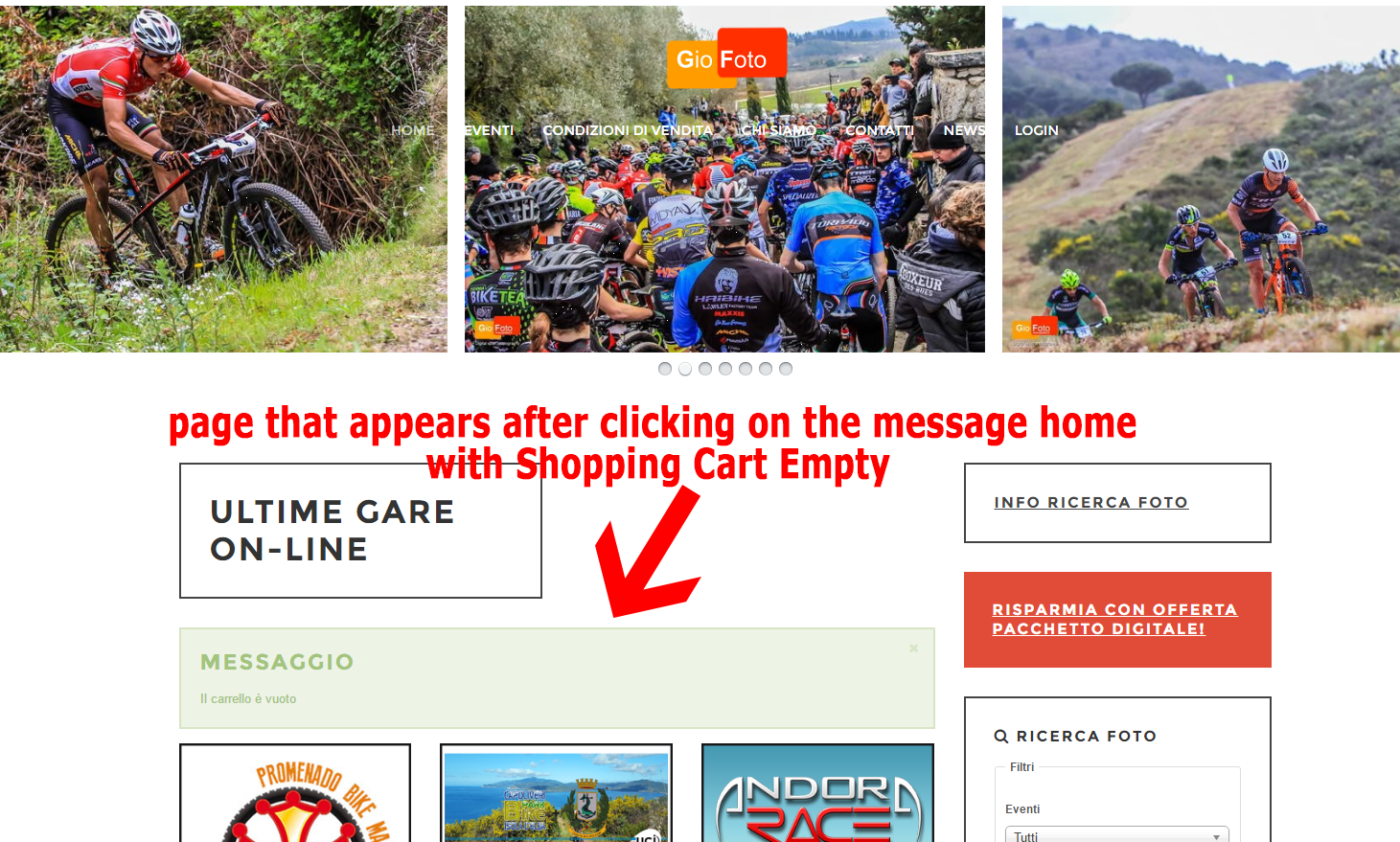
When I delete the last item from the basket, it takes a long time, and then gives me a blank page appears where only the top menu, then I click on home and my home page appears with the pop-up that tells me where the cart is empty . it is possible to know if the problem is hikashop or configuration and what is the file that handles the carriage emptied?
1 where I am attaching photos to empty your cart, photo 2 and photo 3 home white screen with popup
Thank you
-- Joomla version -- : 3.5.1
-- PHP version -- : 5.5.36
-- Browser(s) name and version -- : crome
When I delete the last item from the basket, it takes a long time, and then gives me a blank page appears where only the top menu, then I click on home and my home page appears with the pop-up that tells me where the cart is empty . it is possible to know if the problem is hikashop or configuration and what is the file that handles the carriage emptied?
1 where I am attaching photos to empty your cart, photo 2 and photo 3 home white screen with popup
Thank you
Please Log in or Create an account to join the conversation.

10 years 4 months ago #243421
by nicolas
Replied by nicolas on topic Empty shopping cart
Hi,
When you have a blank page, or a page display that stops in the middle of the page, try to turn on the "error reporting" and "debug mode" settings of the Joomla configuration and try again. It might display an error message providing valuable information on the problem.
In your case, when you empty the cart, you're redirected to the URL that you configured in the "URL where to redirect when the cart is empty" setting of the HikaShop configuration. So you must have a wrong URL in there or something like that.
When you have a blank page, or a page display that stops in the middle of the page, try to turn on the "error reporting" and "debug mode" settings of the Joomla configuration and try again. It might display an error message providing valuable information on the problem.
In your case, when you empty the cart, you're redirected to the URL that you configured in the "URL where to redirect when the cart is empty" setting of the HikaShop configuration. So you must have a wrong URL in there or something like that.
Please Log in or Create an account to join the conversation.
- gioferrario@gmail.com
-
Topic Author
- Offline
Less
More
- Posts: 55
- Thank you received: 0
10 years 4 months ago #243580
by gioferrario@gmail.com
Replied by gioferrario@gmail.com on topic Empty shopping cart
Ok Thanks
Here's what it looks that appears in the white page with the active debugging.
When I go on the delete button from the cart, the url of the "x" button is very long, for example if I have two products in the shopping cart when I delete the first string you see this:
www.giofoto.it/index.php?option=com_hika...pZD0xMDg=&Itemid=108
and it was done very fast, if I cancel the latest product is the string this:
www.giofoto.it/index.php?option=com_hika...kPTEwOA==&Itemid=108
it takes a long time and then I get this error:
Fatal error: Allowed memory size of 167772160 bytes exhausted (tried to allocate 64 bytes) in /home/uarkuuq2/domains/giofoto.it/public_html/libraries/joomla/database/driver/mysqli.php on line 886
Here's what it looks that appears in the white page with the active debugging.
When I go on the delete button from the cart, the url of the "x" button is very long, for example if I have two products in the shopping cart when I delete the first string you see this:
www.giofoto.it/index.php?option=com_hika...pZD0xMDg=&Itemid=108
and it was done very fast, if I cancel the latest product is the string this:
www.giofoto.it/index.php?option=com_hika...kPTEwOA==&Itemid=108
it takes a long time and then I get this error:
Fatal error: Allowed memory size of 167772160 bytes exhausted (tried to allocate 64 bytes) in /home/uarkuuq2/domains/giofoto.it/public_html/libraries/joomla/database/driver/mysqli.php on line 886
Please Log in or Create an account to join the conversation.
10 years 4 months ago #243591
by nicolas
Replied by nicolas on topic Empty shopping cart
Hi,
So how about the setting I talked about in my previous message ?
Did you try changing it ?
The error "Fatal error: Allowed memory size of 167772160 bytes exhausted (tried to allocate 64 bytes) in /home/uarkuuq2/domains/giofoto.it/public_html/libraries/joomla/database/driver/mysqli.php on line 886" doesn't give enough information. If you activate the "debug mode" of the Joomla configuration, it should provide that error message with more information which would help understand what's going on.
So how about the setting I talked about in my previous message ?
Did you try changing it ?
The error "Fatal error: Allowed memory size of 167772160 bytes exhausted (tried to allocate 64 bytes) in /home/uarkuuq2/domains/giofoto.it/public_html/libraries/joomla/database/driver/mysqli.php on line 886" doesn't give enough information. If you activate the "debug mode" of the Joomla configuration, it should provide that error message with more information which would help understand what's going on.
Please Log in or Create an account to join the conversation.
- gioferrario@gmail.com
-
Topic Author
- Offline
Less
More
- Posts: 55
- Thank you received: 0
10 years 4 months ago #243710
by gioferrario@gmail.com
Replied by gioferrario@gmail.com on topic Empty shopping cart
Hello, I enabled debugging joomla and the only error message that gives me is what I reported. To set the redirect link, to get the message "empty cart" which url should I enter?
Please Log in or Create an account to join the conversation.
10 years 4 months ago #243731
by nicolas
Replied by nicolas on topic Empty shopping cart
Hi,
I would recommend to enter there the URL of your main shop page from where you can access your products.
I would recommend to enter there the URL of your main shop page from where you can access your products.
Please Log in or Create an account to join the conversation.
Time to create page: 0.202 seconds