
- Posts: 5
- Thank you received: 0
Custom field ajax image
- shenkstore
-
 Topic Author
- Offline
Less
More
9 years 7 months ago #265510
by shenkstore
Custom field ajax image was created by shenkstore
-- HikaShop version -- : 2.6.4
-- Joomla version -- : 3.6.5
-- PHP version -- : 5.5
Hi.
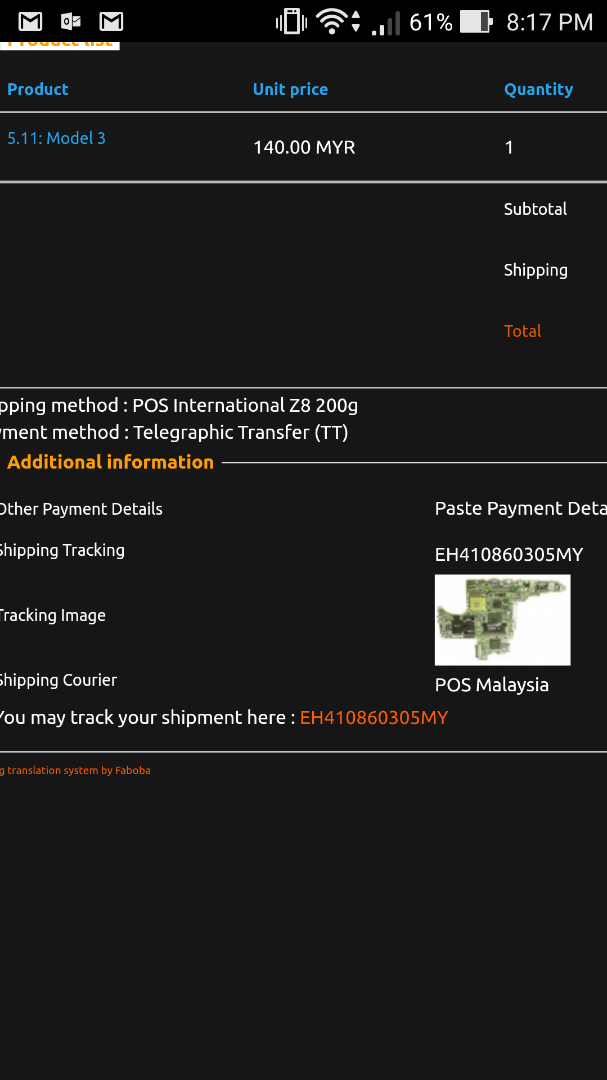
May i know, on the frontend how am i want to view the actual image size which was upload from the backend custom field of ajax image?
The image that has been displayed on the frontend is in low quality and doesnt have a link to the actual file located in media/com_hikashop/upload/safe.
-- Joomla version -- : 3.6.5
-- PHP version -- : 5.5
Hi.
May i know, on the frontend how am i want to view the actual image size which was upload from the backend custom field of ajax image?
The image that has been displayed on the frontend is in low quality and doesnt have a link to the actual file located in media/com_hikashop/upload/safe.
Please Log in or Create an account to join the conversation.

9 years 7 months ago #265511
by nicolas
Replied by nicolas on topic Custom field ajax image
Hi,
The image is not directly accessible for security reasons. Otherwise, anyone could access the images and files of anyone else.
However, you can look at the HTML of the image with your browser inspector and you'll see the link to it in the src attribute of the img tag. There, you'll see thumbnail_x and thumbnail_y parameters in the URL. So you can use that URL and increase these values to get a bigger image.
The image is not directly accessible for security reasons. Otherwise, anyone could access the images and files of anyone else.
However, you can look at the HTML of the image with your browser inspector and you'll see the link to it in the src attribute of the img tag. There, you'll see thumbnail_x and thumbnail_y parameters in the URL. So you can use that URL and increase these values to get a bigger image.
Please Log in or Create an account to join the conversation.
Time to create page: 0.053 seconds