

- Posts: 431
- Thank you received: 19
Make Komento comments as a tab ?
9 years 5 months ago #270727
by neo191987
Make Komento comments as a tab ? was created by neo191987
-- HikaShop version -- : 3.1.0
Hi I want to ask komento comments to appear as a tab on the product page (show_tabular.php). I found the code to show the comments now, the goal is to put it on the tab. How can I do it?
Hi I want to ask komento comments to appear as a tab on the product page (show_tabular.php). I found the code to show the comments now, the goal is to put it on the tab. How can I do it?
Code:
<div class="hikashop_external_comments" id="hikashop_external_comments" style="clear:both">
<?php
if($this->config->get('comments_feature') == 'jcomments') {
$comments = HIKASHOP_ROOT . 'components' . DS . 'com_jcomments' . DS . 'jcomments.php';
if(file_exists($comments)) {
require_once ($comments);
if(hikashop_getCID('product_id') != $this->product->product_id && isset($this->product->main->product_name)) {
$product_id = $this->product->main->product_id;
$product_name = $this->product->main->product_name;
} else {
$product_id = $this->product->product_id;
$product_name = $this->product->product_name;
}
echo JComments::showComments($product_id, 'com_hikashop', $product_name);
}
} elseif($this->config->get('comments_feature') == 'jomcomment') {
$comments = HIKASHOP_ROOT . 'plugins' . DS . 'content' . DS . 'jom_comment_bot.php';
if(file_exists($comments)) {
require_once ($comments);
if(hikashop_getCID('product_id') != $this->product->product_id && isset($this->product->main->product_name))
$product_id = $this->product->main->product_id;
else
$product_id = $this->product->product_id;
echo jomcomment($product_id, 'com_hikashop');
}
} elseif($this->config->get('comments_feature') == 'komento') {
$comments = HIKASHOP_ROOT . 'components' . DS . 'com_komento' . DS . 'bootstrap.php';
if(file_exists($comments)) {
require_once ($comments);
echo KT::commentify('com_hikashop', $this->product, array('params' => ''));
}
}
?>
</div>
Please Log in or Create an account to join the conversation.

9 years 5 months ago #270759
by nicolas
Replied by nicolas on topic Make Komento comments as a tab ?
Hi,
Our FAQ has documentation on how to add extra tabs to the tabular layout of the product page:
www.hikashop.com/support/documentation/106-faq.html#layo
So do that and move the code in the content of the tab and that should do it.
Our FAQ has documentation on how to add extra tabs to the tabular layout of the product page:
www.hikashop.com/support/documentation/106-faq.html#layo
So do that and move the code in the content of the tab and that should do it.
The following user(s) said Thank You: neo191987
Please Log in or Create an account to join the conversation.
9 years 5 months ago - 9 years 5 months ago #270814
by neo191987
Replied by neo191987 on topic Make Komento comments as a tab ?
Hi I made the tab it works but Komento does not show up. Note: Komento works under the submodules.
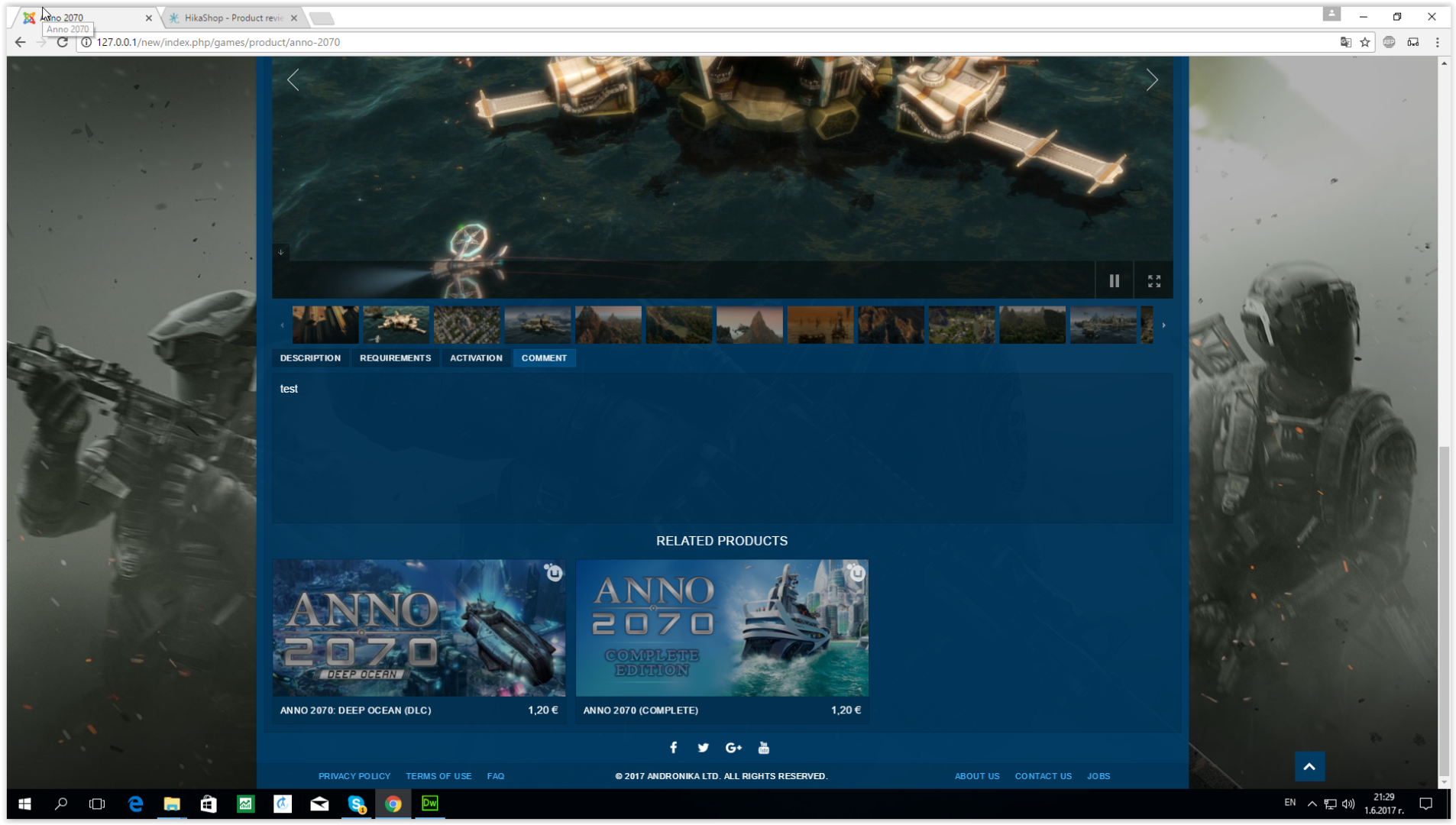
Once the code is placed, nothing appears
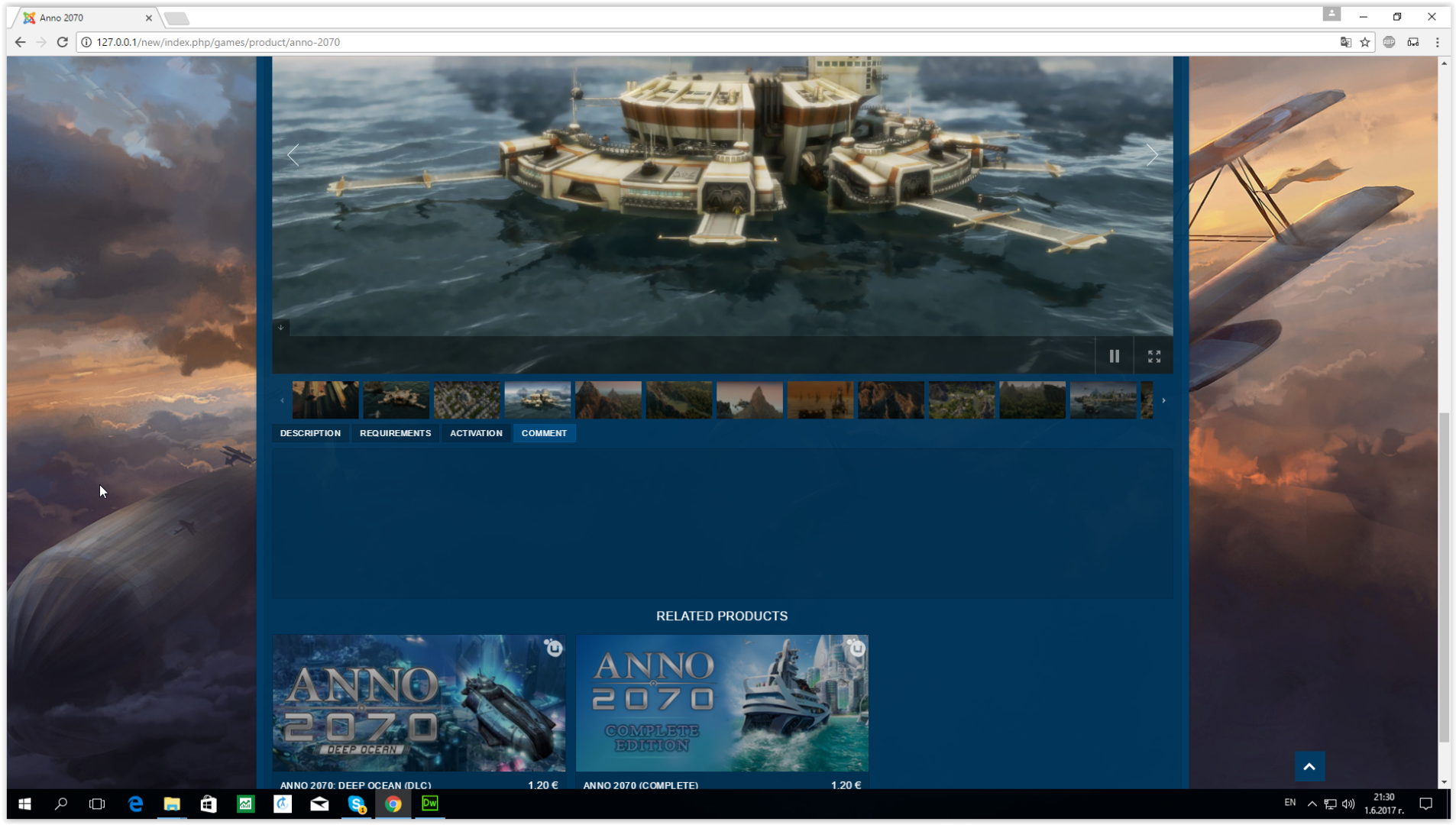
Code
Once the code is placed, nothing appears
Code
Code:
<li id="hikashop_show_tabular_external_comments_li" class="hikashop_tabs_li ui-corner-top">
<?php echo JText::_('PRODUCT_COMMENT');?>
</li>
Code:
<div class="hikashop_tabs_content" id="hikashop_show_tabular_external_comments">
<?php
if($this->config->get('comments_feature') == 'jcomments') {
$comments = HIKASHOP_ROOT . 'components' . DS . 'com_jcomments' . DS . 'jcomments.php';
if(file_exists($comments)) {
require_once ($comments);
if(hikashop_getCID('product_id') != $this->product->product_id && isset($this->product->main->product_name)) {
$product_id = $this->product->main->product_id;
$product_name = $this->product->main->product_name;
} else {
$product_id = $this->product->product_id;
$product_name = $this->product->product_name;
}
echo JComments::showComments($product_id, 'com_hikashop', $product_name);
}
} elseif($this->config->get('comments_feature') == 'jomcomment') {
$comments = HIKASHOP_ROOT . 'plugins' . DS . 'content' . DS . 'jom_comment_bot.php';
if(file_exists($comments)) {
require_once ($comments);
if(hikashop_getCID('product_id') != $this->product->product_id && isset($this->product->main->product_name))
$product_id = $this->product->main->product_id;
else
$product_id = $this->product->product_id;
echo jomcomment($product_id, 'com_hikashop');
}
} elseif($this->config->get('comments_feature') == 'komento') {
$comments = HIKASHOP_ROOT . 'components' . DS . 'com_komento' . DS . 'bootstrap.php';
if(file_exists($comments)) {
require_once ($comments);
echo KT::commentify('com_hikashop', $this->product, array('params' => ''));
}
}
?>
</div>
Last edit: 9 years 5 months ago by neo191987.
Please Log in or Create an account to join the conversation.
9 years 5 months ago #270819
by nicolas
Replied by nicolas on topic Make Komento comments as a tab ?
Try to replace $this->product by $this->element in that code.
The following user(s) said Thank You: neo191987
Please Log in or Create an account to join the conversation.
9 years 5 months ago #270849
by neo191987
Replied by neo191987 on topic Make Komento comments as a tab ?
Thanks, everything is fine now.
Please Log in or Create an account to join the conversation.
Time to create page: 0.061 seconds