
- Posts: 159
- Thank you received: 0
How to add a short Description field in Hikashop Product page and display it
- Shafan Hameed
-
 Topic Author
- Offline
Less
More
9 years 2 months ago #273018
by Shafan Hameed
How to add a short Description field in Hikashop Product page and display it was created by Shafan Hameed
-- url of the page with the problem -- : test site
-- HikaShop version -- : 2.6.3
-- Joomla version -- : 3.6.0
-- PHP version -- : 5.4
-- Browser(s) name and version -- : Chrome
hi i am making a website for my client on local server. My client wants to show a short descriptions in product page saperately. i want to know how i can add a Short description option in Add Product page and display it on front-end ?
-- HikaShop version -- : 2.6.3
-- Joomla version -- : 3.6.0
-- PHP version -- : 5.4
-- Browser(s) name and version -- : Chrome
hi i am making a website for my client on local server. My client wants to show a short descriptions in product page saperately. i want to know how i can add a Short description option in Add Product page and display it on front-end ?
Please Log in or Create an account to join the conversation.

9 years 2 months ago #273033
by nicolas
Replied by nicolas on topic How to add a short Description field in Hikashop Product page and display it
Hi,
You could create a custom field of the table "product" via the menu Display>Custom fields in order to be able to add a short description to the products.
Then, in the view file product/show_default.php you can display the content of that field with such code:
<?php echo $this->element->XXX; ?>
where XXX is the column name of your custom field.
You could create a custom field of the table "product" via the menu Display>Custom fields in order to be able to add a short description to the products.
Then, in the view file product/show_default.php you can display the content of that field with such code:
<?php echo $this->element->XXX; ?>
where XXX is the column name of your custom field.
Please Log in or Create an account to join the conversation.
- Shafan Hameed
-
Topic Author
- Offline
Less
More
- Posts: 159
- Thank you received: 0
9 years 2 months ago #273145
by Shafan Hameed
Replied by Shafan Hameed on topic How to add a short Description field in Hikashop Product page and display it
Hi i have added the custom field and also the <?php echo $this->element->short_description; ?> code in product > show_tabular file. But how to add data in custom field. i dont see any textarea in the product page to add data in it.
Please Log in or Create an account to join the conversation.

9 years 2 months ago #273148
by Jerome
Jerome - Obsidev.com
HikaMarket & HikaSerial developer / HikaShop core dev team.
Also helping the HikaShop support team when having some time or couldn't sleep.
By the way, do not send me private message, use the "contact us" form instead.
Replied by Jerome on topic How to add a short Description field in Hikashop Product page and display it
Hello,
Please provide a screenshot of your product custom field configuration.
(product custom fields are available in commercial editions of HikaShop)
Regards,
Please provide a screenshot of your product custom field configuration.
(product custom fields are available in commercial editions of HikaShop)
Regards,
Jerome - Obsidev.com
HikaMarket & HikaSerial developer / HikaShop core dev team.
Also helping the HikaShop support team when having some time or couldn't sleep.
By the way, do not send me private message, use the "contact us" form instead.
Please Log in or Create an account to join the conversation.
- Shafan Hameed
-
Topic Author
- Offline
Less
More
- Posts: 159
- Thank you received: 0
9 years 2 months ago #273234
by Shafan Hameed
Replied by Shafan Hameed on topic How to add a short Description field in Hikashop Product page and display it
Hi. These are the screenshots. but i am unable to understand where can i put the data into custom fields. second its also not showing anything on front-end. Kindly check the screenshots.
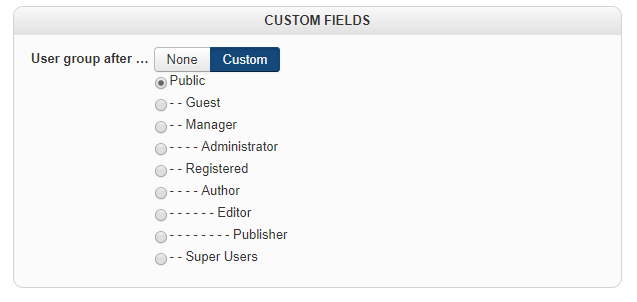
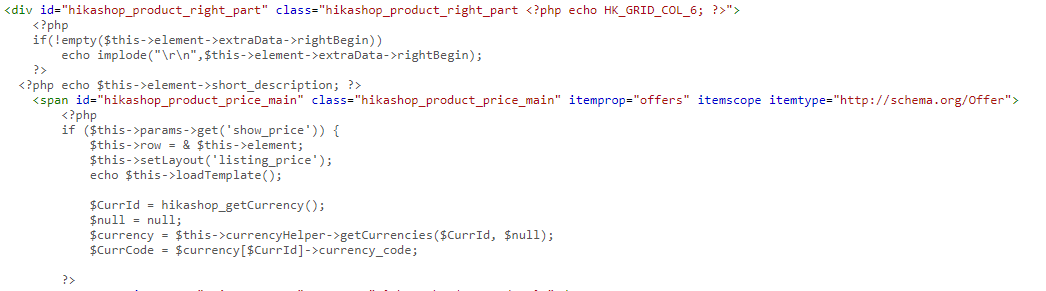
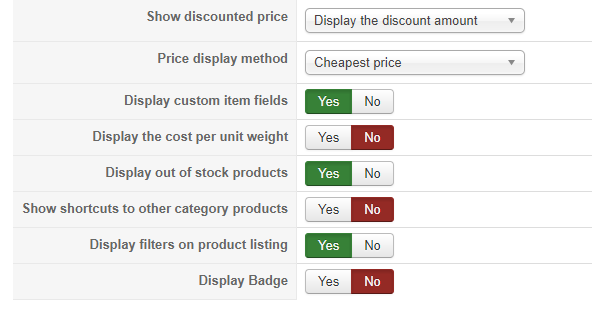
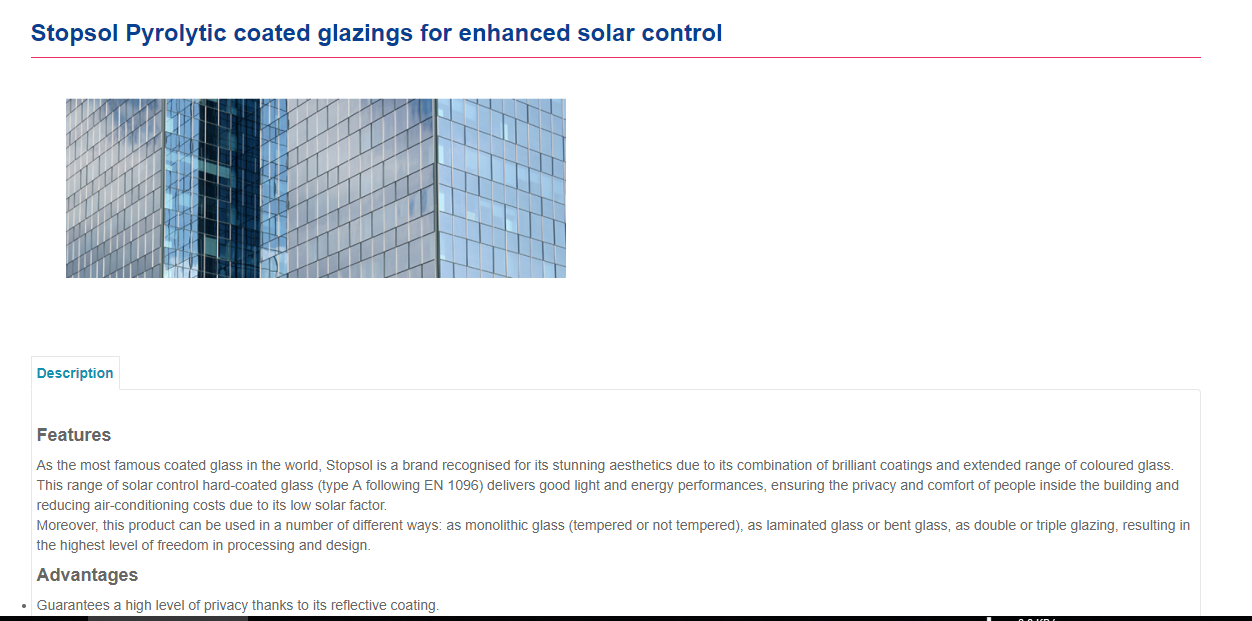
Please Log in or Create an account to join the conversation.
9 years 2 months ago #273239
by nicolas
Replied by nicolas on topic How to add a short Description field in Hikashop Product page and display it
Hi,
The custom product field will only display something on the product page if you've entered something in it in the backend when editing that product.
If you don't see the custom field in the "custom fields" area of your product edition, it means that the custom field is not configured properly.
So edit the custom field via the menu Display>Custom fields and provide a screenshot of the settings there as there must be a problem there.
The custom product field will only display something on the product page if you've entered something in it in the backend when editing that product.
If you don't see the custom field in the "custom fields" area of your product edition, it means that the custom field is not configured properly.
So edit the custom field via the menu Display>Custom fields and provide a screenshot of the settings there as there must be a problem there.
Please Log in or Create an account to join the conversation.
Less
More
- Posts: 606
- Thank you received: 13
9 years 2 months ago #273319
by mohairbears
Please Log in or Create an account to join the conversation.
Time to create page: 0.215 seconds